Hello again.
The timezone of our calendar finally looks correct but we are still having the following issues.
- I do see that some of the details that used to be displayed are missing, such as location, but am not very worried about that. But why is that so?
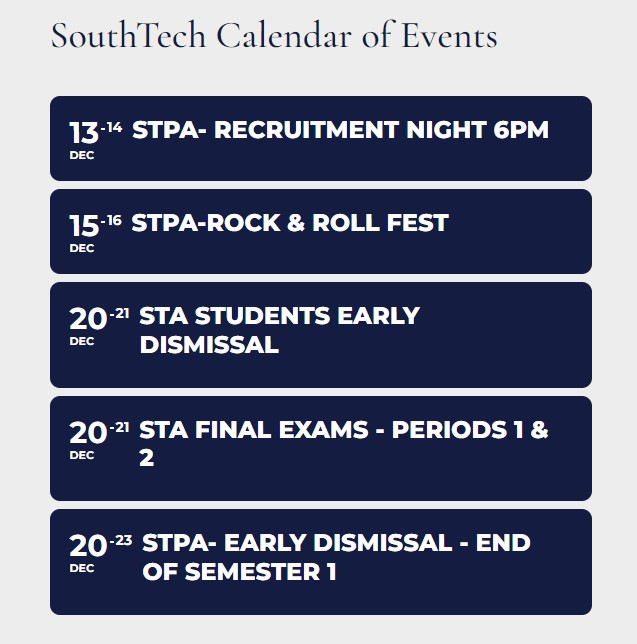
- I just realized that if you don’t click on the actual calendar but just look at upcoming events on the STS landing page, it appears that all of our events are 2-day events. Below is a screenshot of what I am talking about.
Here’s the log in info:
URL: https://www.southtechschools.org/wp-admin/
Username: EventON-support
Password: qF47P7b&^0%eO6uUjAejqFJF
I forgot to tell you which listings should be showing on the sidebar listing for happy hours for the day. This was for the 13th, but it will be the same for the 14th.
| Barracks |
| Blackbook. this one is showing X |
| Boozehounds |
| Chill |
| Dick’s |
|
| Hunters |
| Hotel Zoso |
| Impala |
|
| One 11 Bar |
|
| Playoffs Sports Bar |
| Purple Room |
| Reforma |
|
|
| Streetbar |
| Tool Shed |
| Tommy Bahamas Marlin Bar |
|
| V Wine Louge This one is showing. |
| The Village |
Hello
I have encountered some unexpected issues last time that the calendar setting (e.g. color, font) were disappeared after the EventOn plugin updates. Could you let me know how I can prevent this issue as it will be a disaster if all the calendar setting are gone again….
All the pages in my website are WPML translated. But for the EventOn WPML shortcode, I am sorry that I don’t know where I should put the shortcode under the elementor editor mode. I have slider and calendar on many pages but just don’t know the area I should add the shortcode. Do you have images for my reference? Thanks!
So why are my completed events not being greyed out? Thats what i wanted for my events to grey out.. please can you help fix this for me
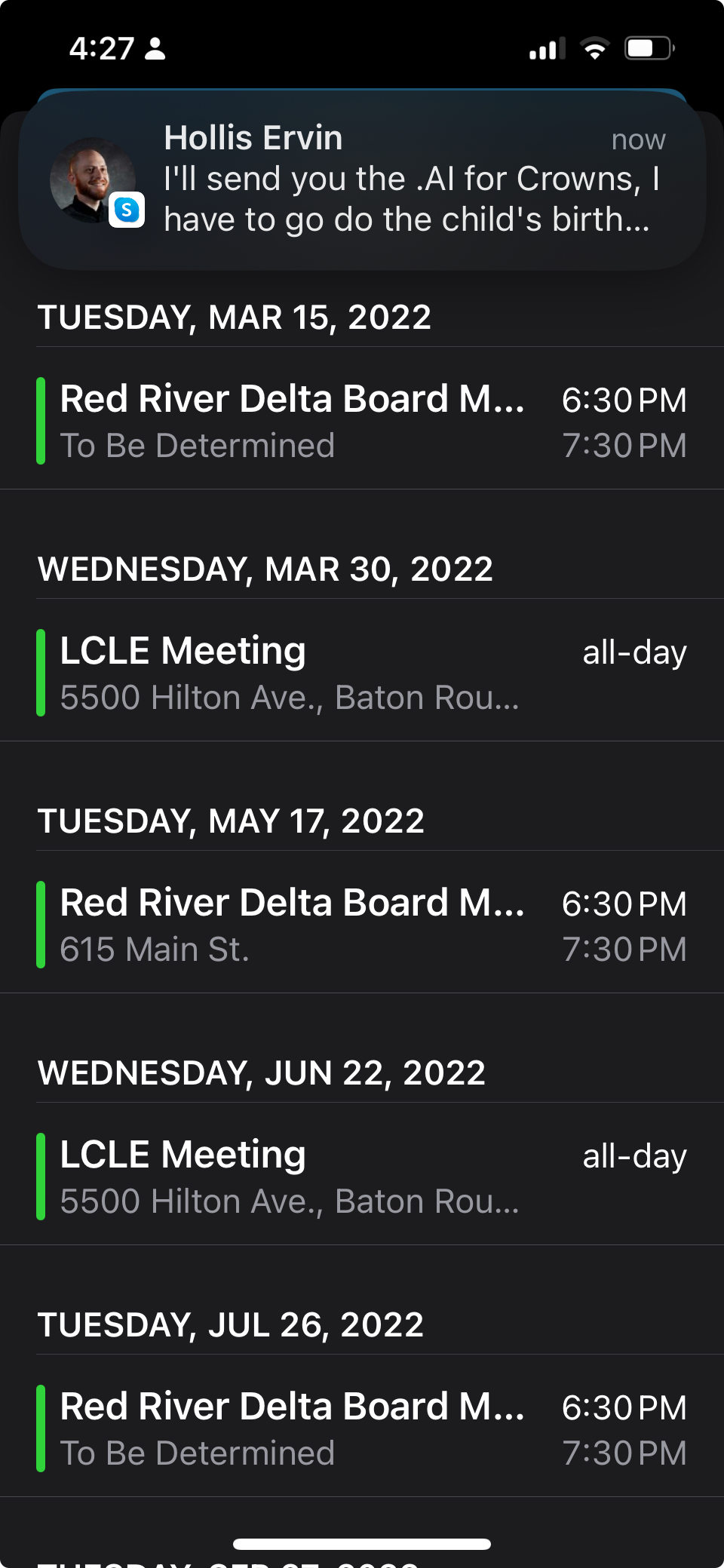
Their current site ical button does indeed seem to load up all events in the calendar. see screencap attached. But, that won’t do anything for future events.
Thank you for your responses…I’m just trying to get them to convert to EVentOn.
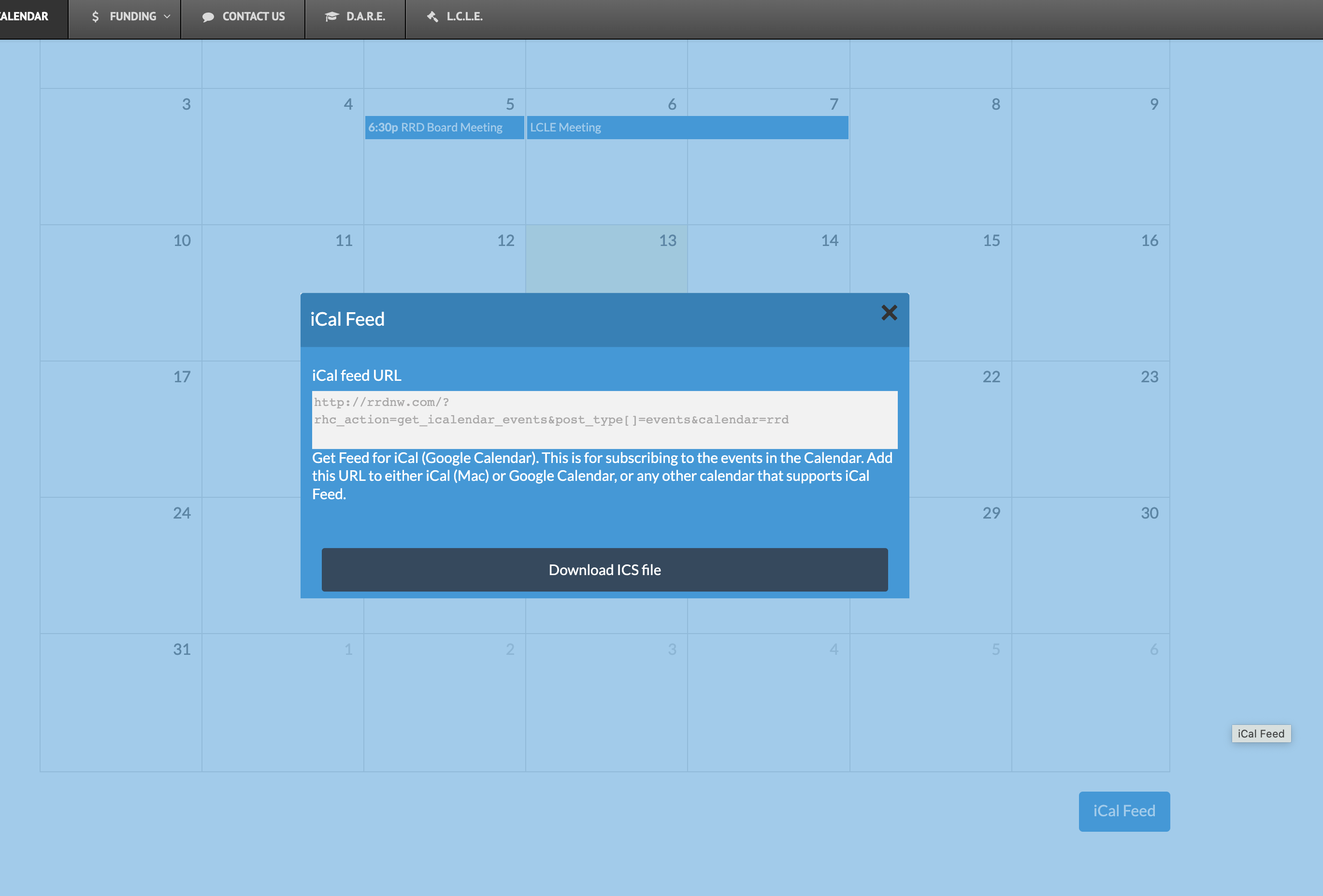
Customer wants same functionality they have on their current website.
http://rrdnw.com/rrd/rrd-calendar/
See iCal feed at bottom right.
They claim their “calendarize it” plugin allows users to subscribe to ALL events in the calendar. So once they add that code, all events are added to their calendar. But, I don’t think that is how it works. Can you verify?
I am trying to convince them to use EventOn.
Hello,
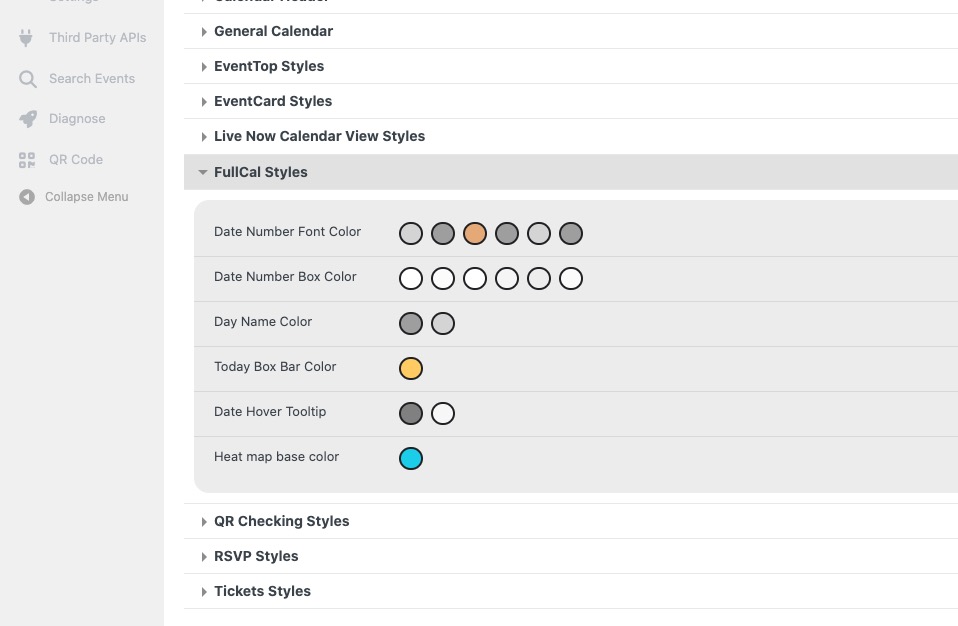
1. FullCal styles are in Appearance:
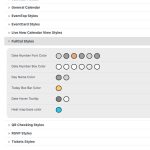
There is no a separate section in Language, because all texts can be found in other default sections.
Could you tell us which texts you cannot find?
2. Please go to EventON > Appearance > EventCard Styles > Event Card Inner Section Background Color. If you don’t see any change, EventON > Scripts & Styling > turn off Write dynamic styles to header > save settings > turn on Write dynamic styles to header.
Also note that you need to make sure that your cache plugin installed on WP is also has been cleared.
This ticket is from 3 years ago. In the current design all completed events are greyed out, I am afraid.
Hello,
Please take a look at this guide on how to add a checkbox field:
https://docs.myeventon.com/documentations/add-additional-fields-actionuser-event-submission-form/
Please try adding load_fullmonth=”yes” to the shortcode.
There is Subscriber add-on that let users to receive new events:
https://www.myeventon.com/addons/subscriber/
With RSS add-on you can output a feed as a link or a button a user can click on. If you want to show a filtered RSS feed, please take a look at:
Other specific RSS feed links You can use a custom links like http://yoursite.com/evofeed?event_type=63 to get events only for certain event type. Other supported fields by default are event_type_2, event_type_3, event_location, event_organizer. You can pass value similar to inside eventon shortcodes.
Try on
https://dev.myeventon.com/wp-admin/