Hello,
Unfortunately, I tried to find what’s going on with the file, but couldn’t find any particular issues.
Could you manually create the first event from wp-admin > Events, then go to EventON > Download all eventON events. > click on CSV FORMAT?
Now check if all fields are correct and if the file can be imported. If all good, use the file format to create a new file with the data from the client’s CRM.
For clarity, I want to add the same line of text to every event card universally
Thanks
Helen
Is there a way of adding a new field automatically to all event cards? I think the method above means I need to activate learn more on each individual event?
I’d like to add a note to all classes
Thanks
Helen
Hello,
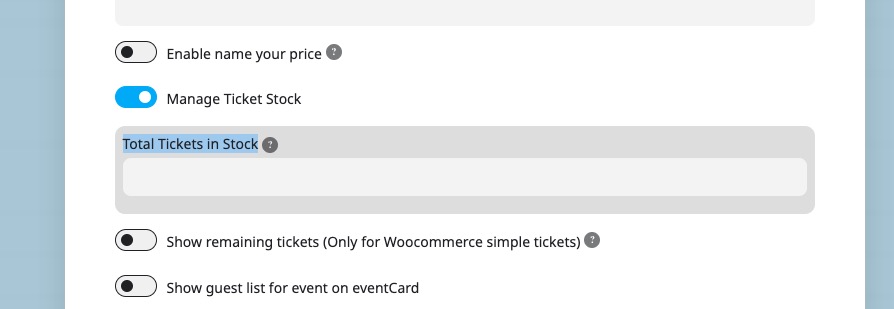
Instead of “Ticket Variation Stock Quantity (Leave blank for unlimited)”, please try using “Total Tickets in Stock”:
So every time a customer purchases a ticket, it reduces the overall number of tickets available.
Please check and let me know.
Hello,
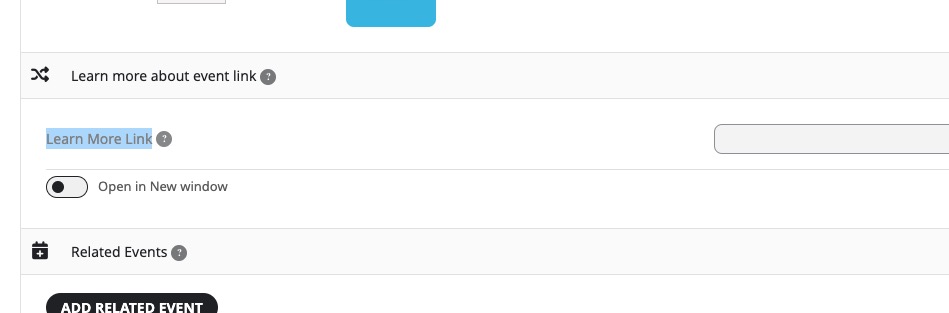
In order to show the field, you need to add Learn More Link:
Please check and let me know.
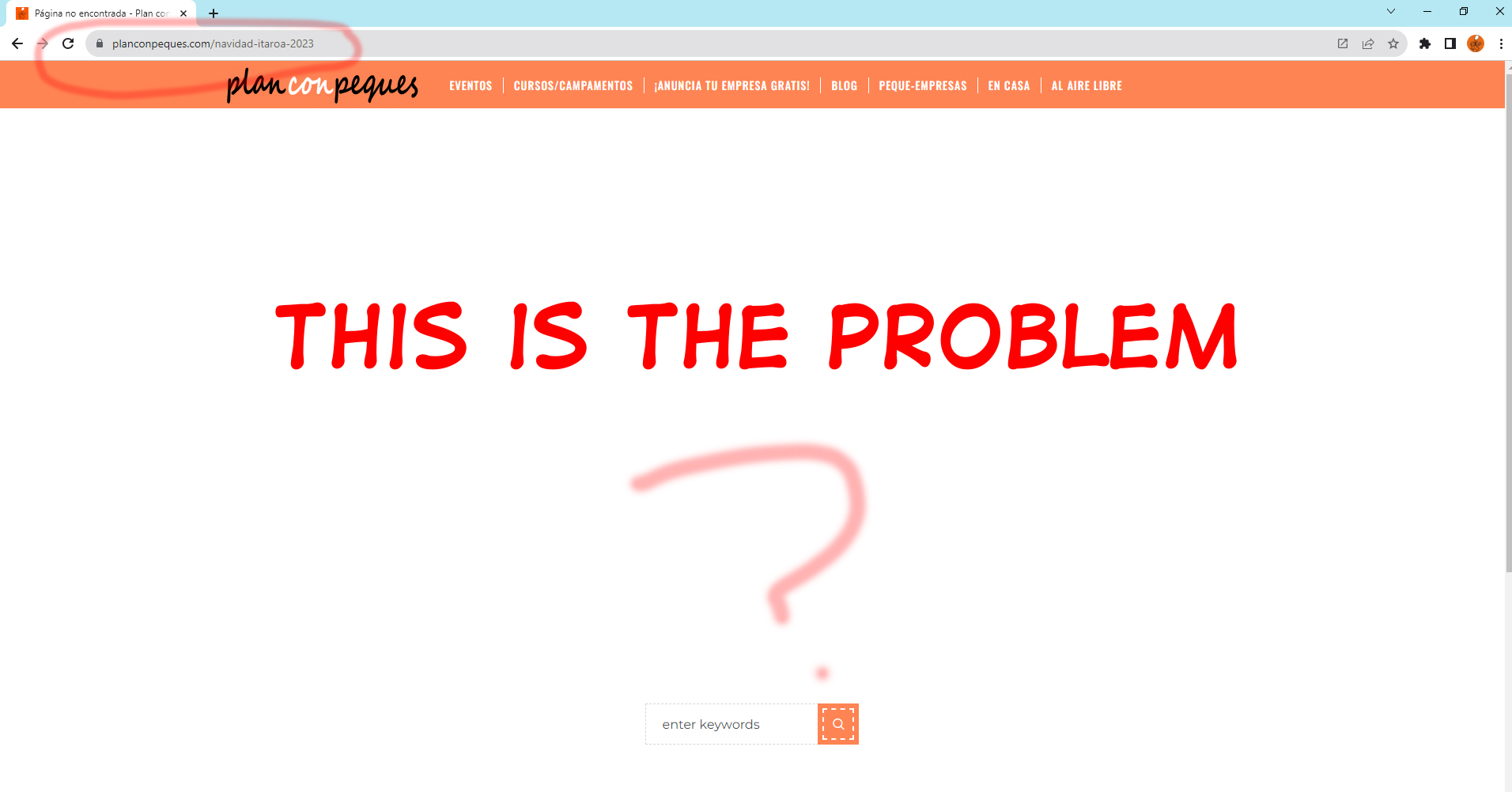
Your pages URLs aren’t correct, I am afraid.
Event Types pages also must have event-type-4 included in links, like this:
https://www.planconpeques.com/event-type-4/itaroa-navidades-2023/
https://www.planconpeques.com/event-type-4/actividades-civivox/
But if you don’t want to have URLs with event-type-4, then you need to create a new page similar to this one:
https://www.planconpeques.com/wp-admin/post.php?post=19022&action=edit
Seems to be working: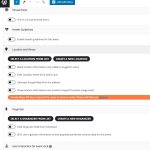
On this screenshot I can see that Main Details in the sidebar:
https://helpdeskx.s3.amazonaws.com/wp-content/uploads/2023/12/08022015/eventon-scaled.jpg
Please drag them into the main window under Event Details.
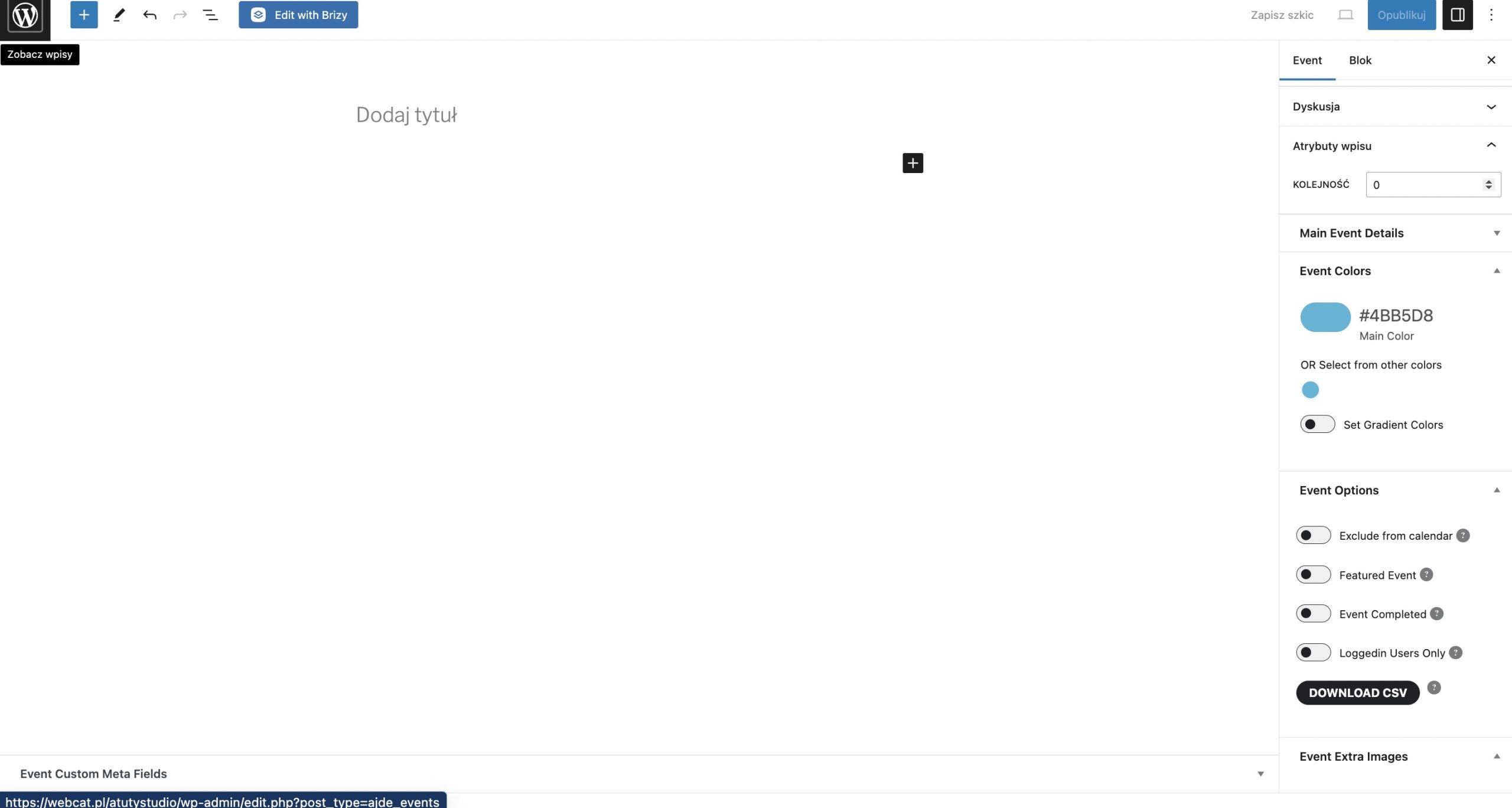
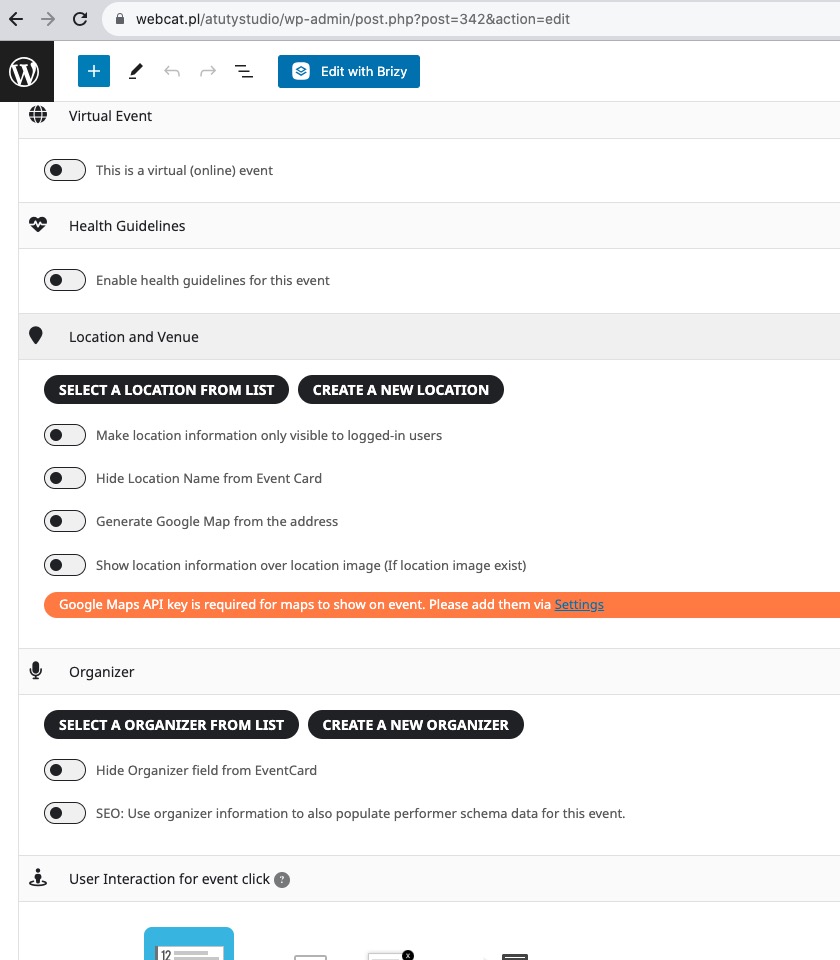
When you go to events and add a new event. It is impossible to assign an organizer to event. The field is gone. The same with the date. There is no chance to add the date. Please take a look at my image.