Password: *v*XDatZwE5GEURtoLg&Ai7M
Username: user3
Email: tamsinobermeyer@gmail.com
Replies for tickets on suppota
Password: *v*XDatZwE5GEURtoLg&Ai7M
Username: user3
Email: tamsinobermeyer@gmail.com
You need to create a separate shortcode for each language with added lang=”L1″, lang=”L2″ and so on and put it on a page that Polylang creates for each languages.
For example, create English page in Polylang and put there:
[add_eventon_list lang=”L1″]
Now create another language page and put there:
[add_eventon_list lang=”L2″]
I cannot access /wp-admin:
Sorry, you are not allowed to access this page.
Could you check?
I am sorry, the access information you have provided did not work for us. Please check them and post the correct login information as a private message, thank you!
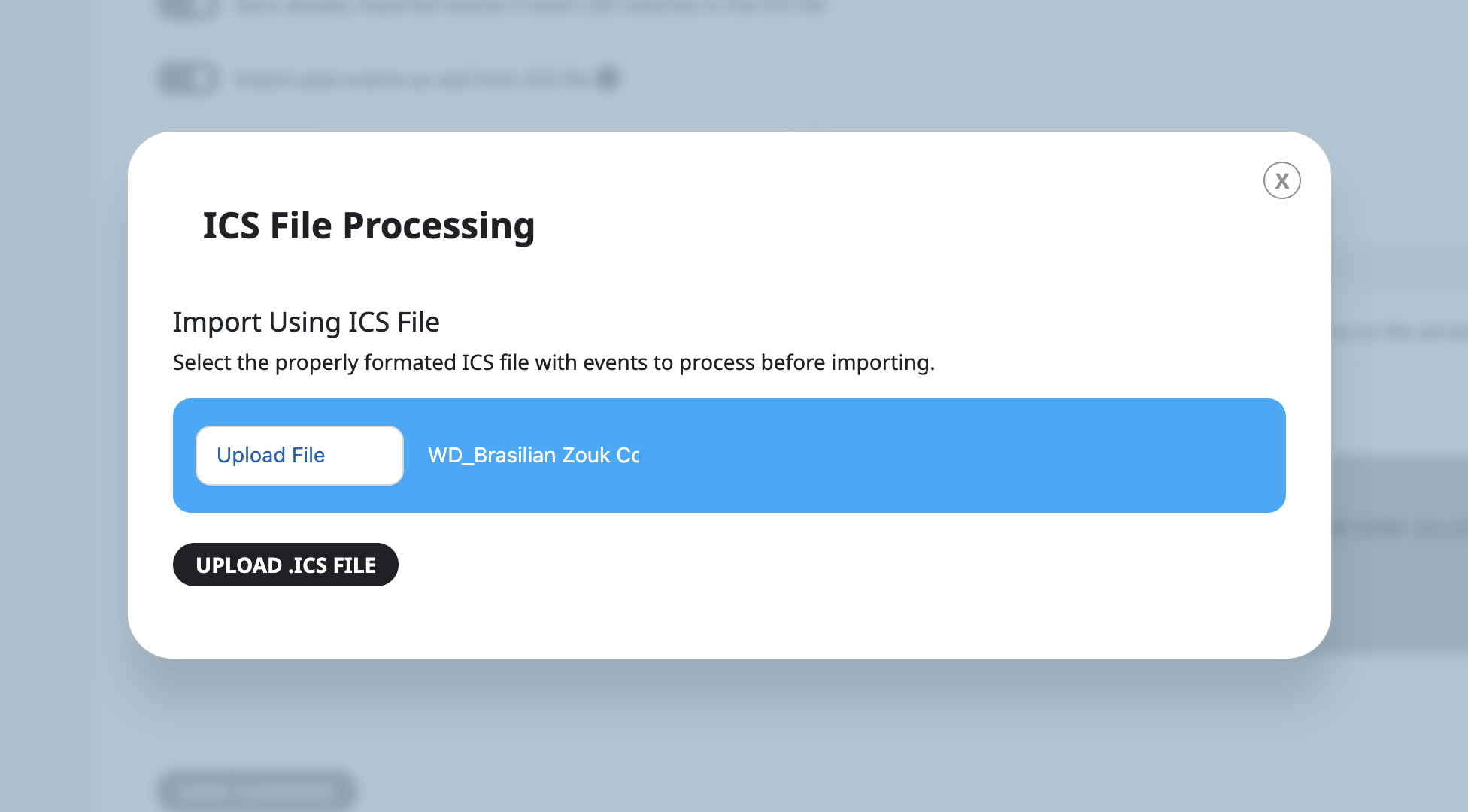
Admin login page URL:
https://calendar.wannadance.com/wp-admin
User name:
SupportCalendar
Password:
bJrqgxdOHKhG*3*xk$eFir&C
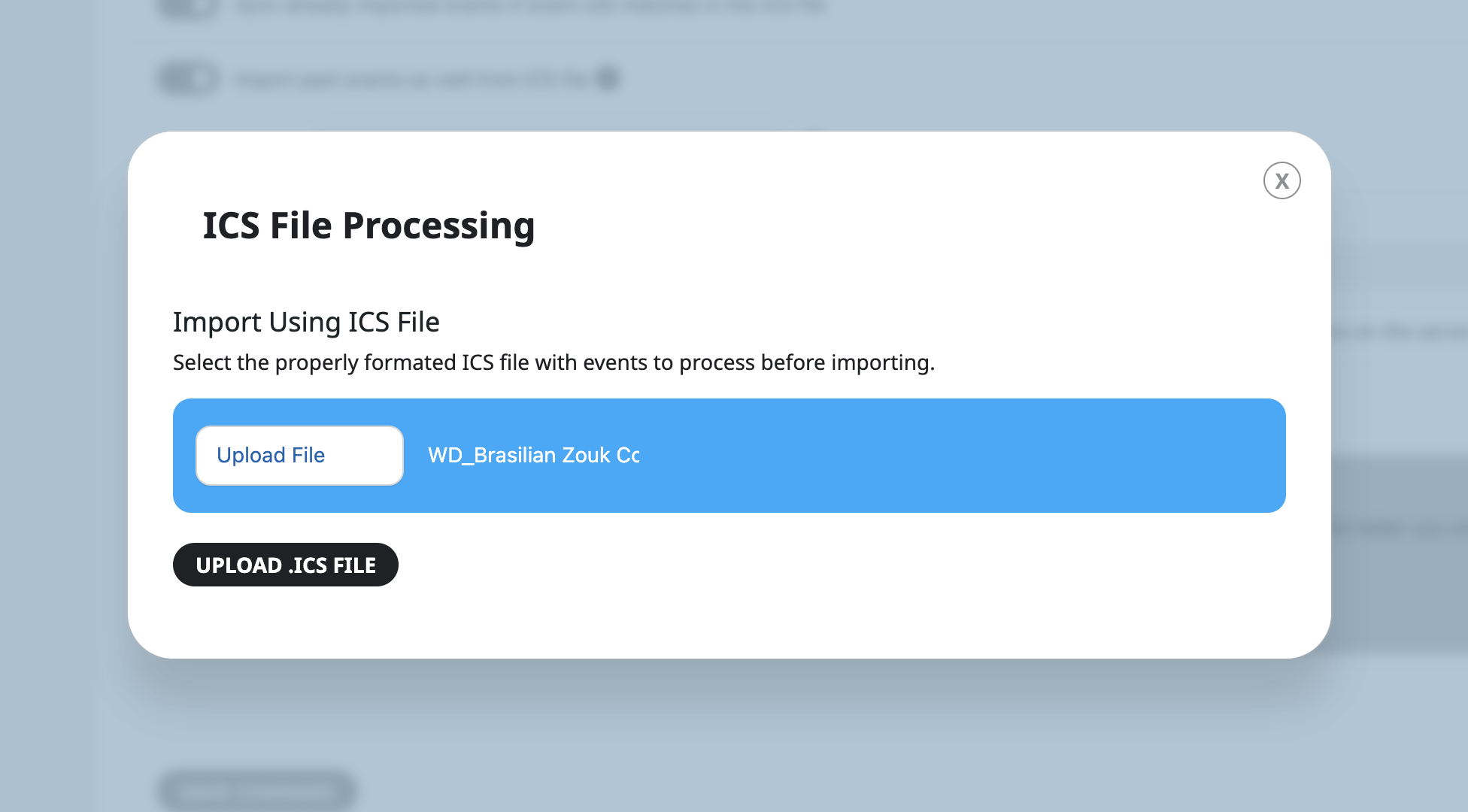
Hello,
the update to the latest version 2.0.1 doesn’t fix the problem.
The problem is still here, een with the external URL importer.
Please help us to fix this problem as soon as possible.
Thanks in advance.
Regards,
Charley
Sure here is the login information
Username: user3
Password: Ayden198120
Email: tamsinobermeyer@gmail.com
Instead of daily or weekly automatic updates for the calendar we paid for an option to have hourly updates as well. This is very handy when there are several people sharing a calendar, as most people expect the updates to be done sooner than 24 hours.
Please let us know when the time issue is fixed, as the calendar is being used for a school website and when it’s broken it affects hundreds if not thousands of students and teachers. Thank you.
Randy
Sorry to hear this! did you just update EventON or what was updated? Have you done wp debug and see if it catches any errors?
Please follow the instructions in this documentation to activate debug in your site to see any PHP errors recorded that can provide insight on to whats going on. Please reply with a link to debug.log file. If you are not able to do this please send us FTP access to your site so we can do this for you.
Would you mind sending us the updated wp-admin login info?