Done. Unfortunately the problem persists.
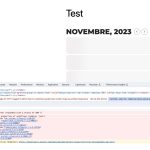
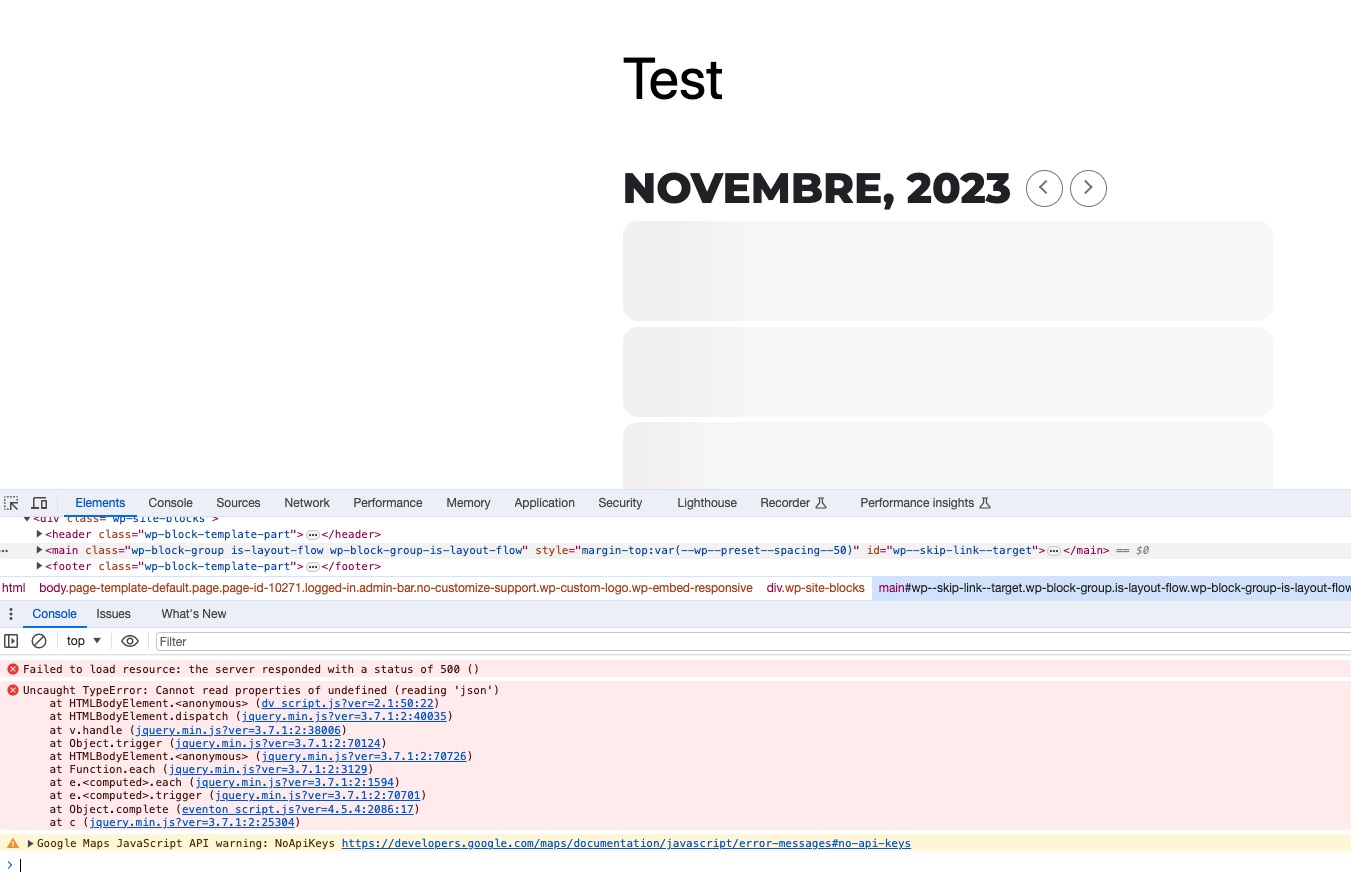
I confirm that if the user is logged the calendar is not loading. If the user is NOT logged, the calendar loads (and of course does not allow you to book because it is set to allow booking only to certain registered users).
Ok, I see now what you meant with template. Will update
Okay — I looked at it. Has Ashan had a chance to see what is going on with our page since the update? It is still taking 5-10 seconds to load.
In case I was not clear this is related to your update so I am not able to troubleshoot this. Plus I don’t have time to research why your software no longer works properly. Is this beyond what you are capable of fixing? Is Eventon no longer a good option for our site since it no longer loads at a reasonable speed? Should I consider a new calendar option? I need to resolve this one way or the other. This has been going on for around a month now.
At one time this software worked fine and loaded quickly. That is what I need again from this software. If I could have an older version I would be fine and when I did look through the support forum I noticed others offering to let people use an older version. Why can I not do this? It would solve our problem. thank you for your help so far.
Hi Artem,
I am not sure what you mean in the previous message ( ). I don’t see any outdated email template in RSVP.
Hopefully Ashan will be able to check it because right now our users cannot book anymore.
Thanks,
Cristiano
Thank you very much, it works fine. 🙂
Seems to be working now: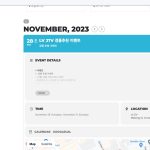
Could you check and let me know?
Please follow the instructions in this documentation to activate debug in your site to see any PHP errors recorded that can provide insight on to whats going on. Please reply with a link to debug.log file. If you are not able to do this please send us FTP access to your site so we can do this for you.
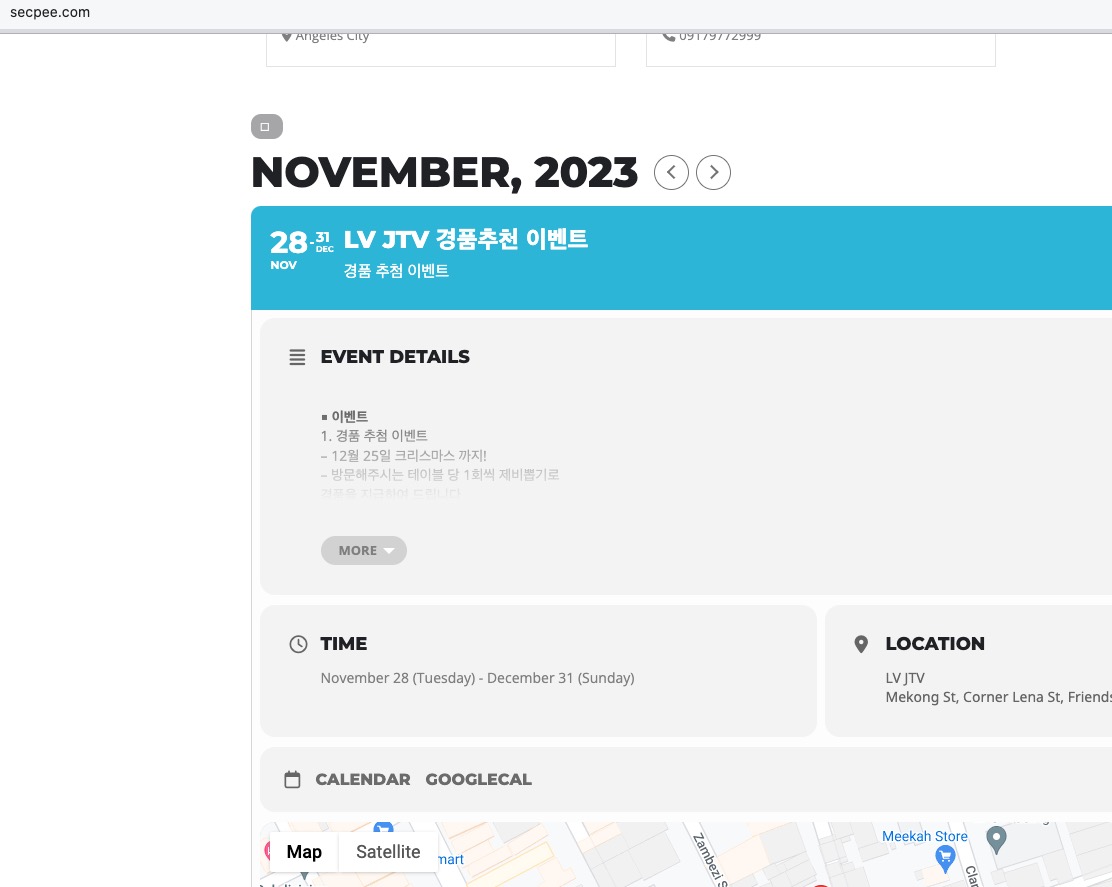
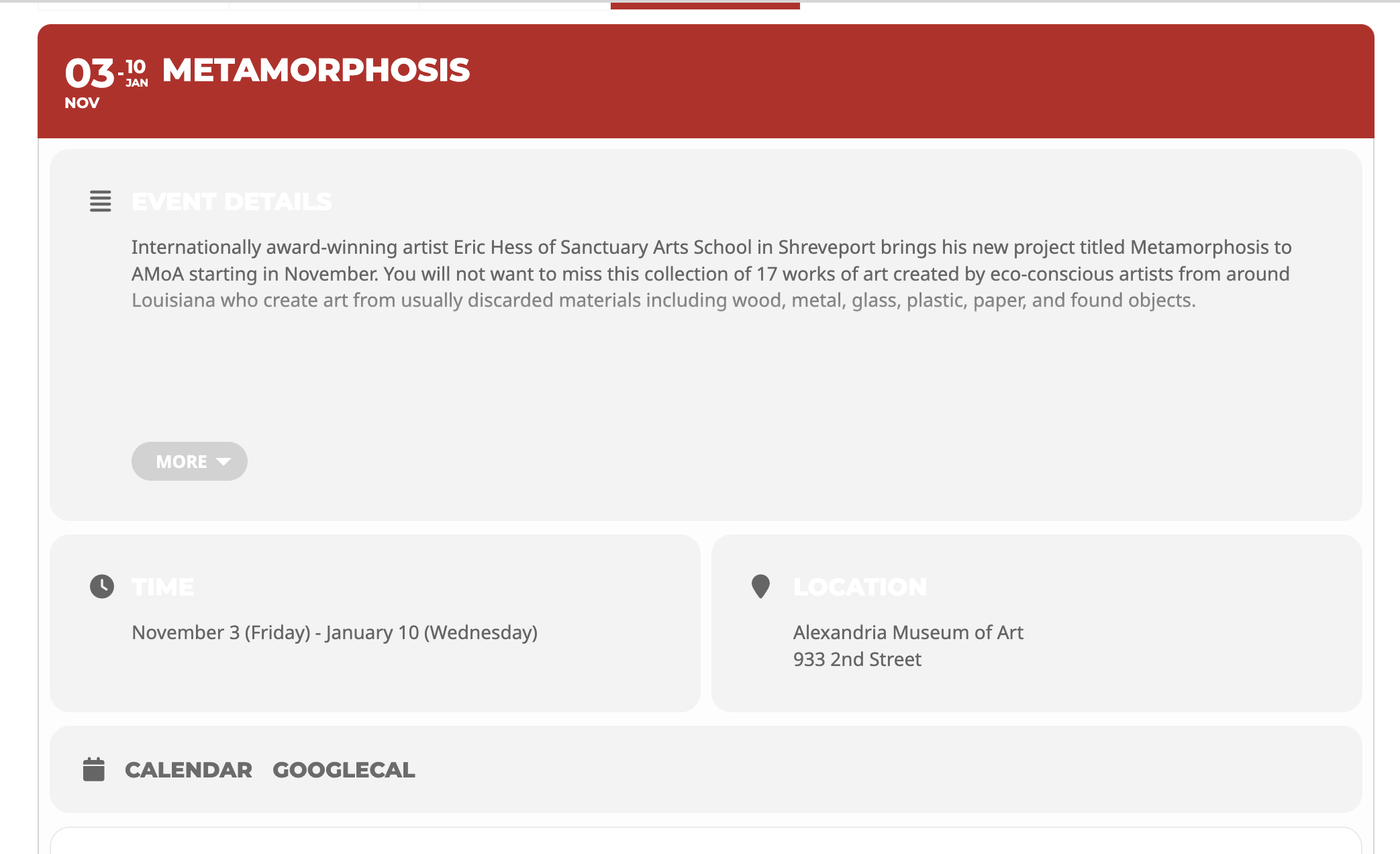
they are showing white…and just need to be grey.
Ashan,
In Troubleshooting Mode shows this error:
https://jhanaloft.com/wp-admin/site-health.php?tab=troubleshoot