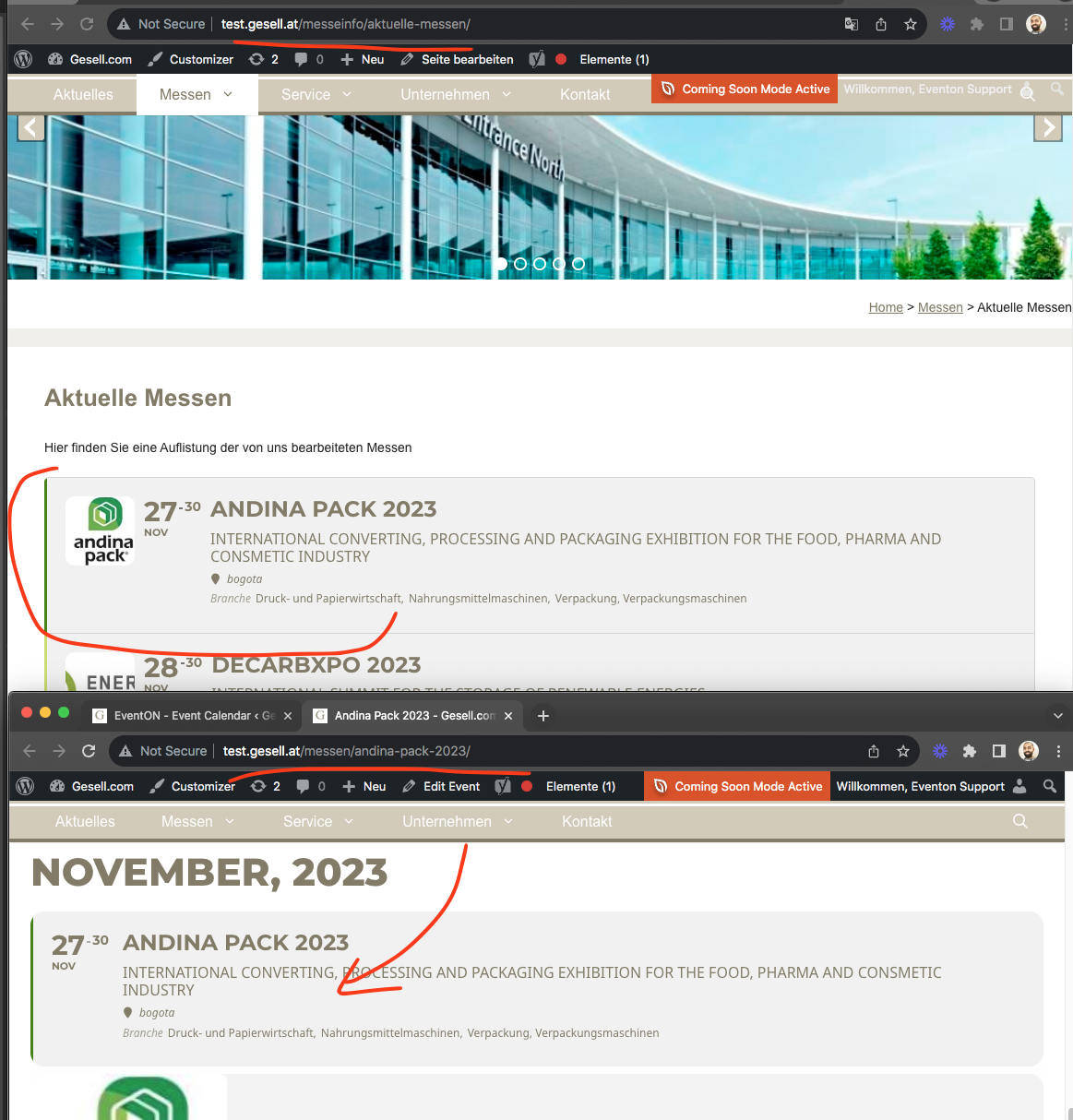
So for my understanding – you hide the featured image for event top on the single page and put it as an own extra field into the description, right?
My question was can we use the basic event top for the single page and hide the extra description featured image.
Thanks
Patrick
At first it looks okay but when a customer wants to change it to 2,50 it will use 2,00 within calculation. I’m al little bit in a hurry the customer wants to sell tickets, its for charity so hopefully the tickets will be sold for a lot more than 1,50.
Thank you very much for your help, Ashan.
I’ll let you know how it works.
Cross fingers for me, I’m not an expert but I’ll try.
Regards.
“
Checked & it was already disabled by default as you know.
Downgraded to 4.5.3, font color corrected back to white but progress bar is broken.
Upgraded to 4.5.4, progress bar works but fonts are black again.
I changed nothing else. Plugin is in error, please fix.
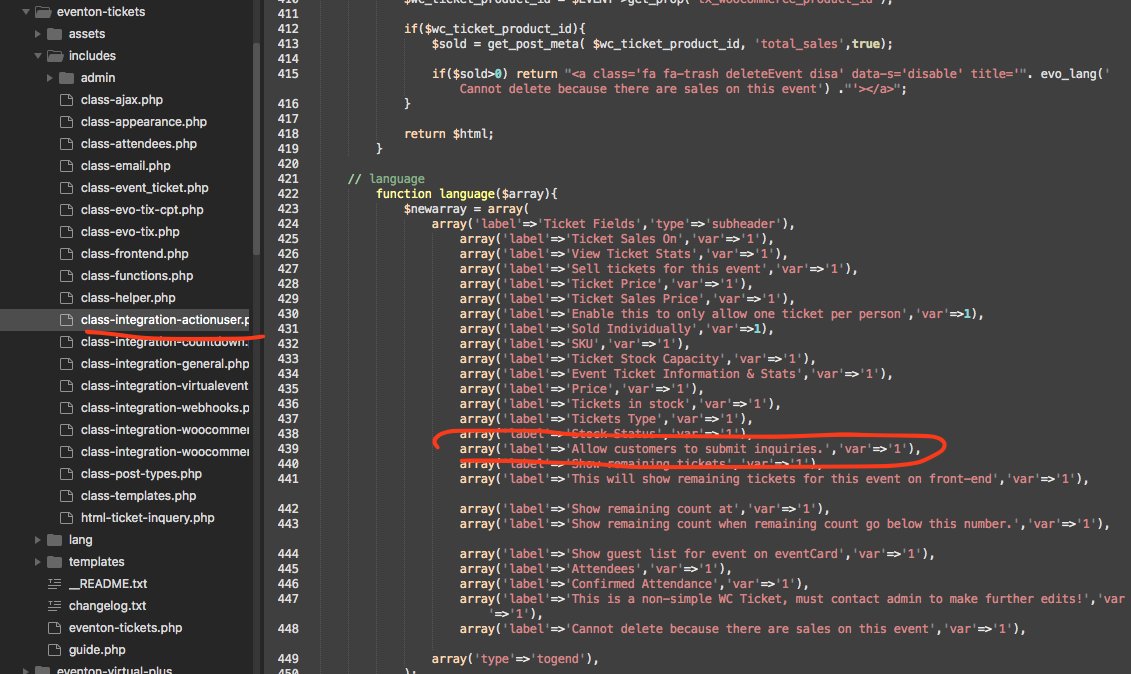
You are absolutely correct please add this code to get that working for actionUser.
I am not sure what you are asking for Patrick, RIght now the event top on single event page is same as your calendar without featured image.
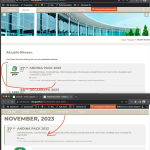
Ok Erik lets look at this. https://theclearing.org/wp/events-classes-calendar/memorable-movies-pass-the-popcorn-7/
Looks like the time is shown using a custom field.
I see what the confusion is for. So the hide_mult_occur is only for event lists where it shows more than one month in the same calendar. For calendars that switch, it does not apply.
Hello John sorry for the delay. What were you able to discover? still having the issue? I will run some more tests on our end as well.