Hello,
Seems to be working:
Please go to EventON > Scripts & Styling > make sure that “Write dynamic styles to header” is disabled.
Replies for tickets on suppota
Hello,
Seems to be working:
Please go to EventON > Scripts & Styling > make sure that “Write dynamic styles to header” is disabled.
Hello,
the custom text behind the time
Which custom text are you referring to? How did you add it? Could you elaborate?
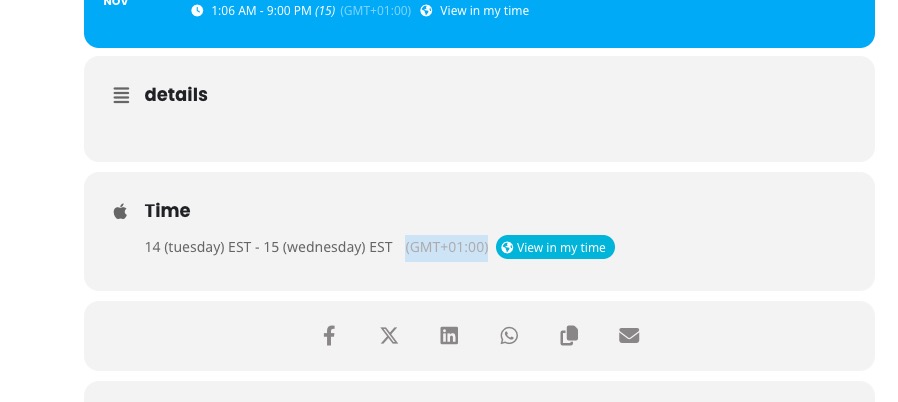
Please go to EventON > Time Settings > make sure that “Hide GMT value from frontend” is disabled. This way the time zone field is visible:
https://dev2.myeventon.com/events/virt-3/
Hello,
What was your original idea? Maybe we can somehow make this work for you. Could you tell us more?
Hello,
Single Event page doesn’t show a small featured image on EventTop, but shows Featured Image section:
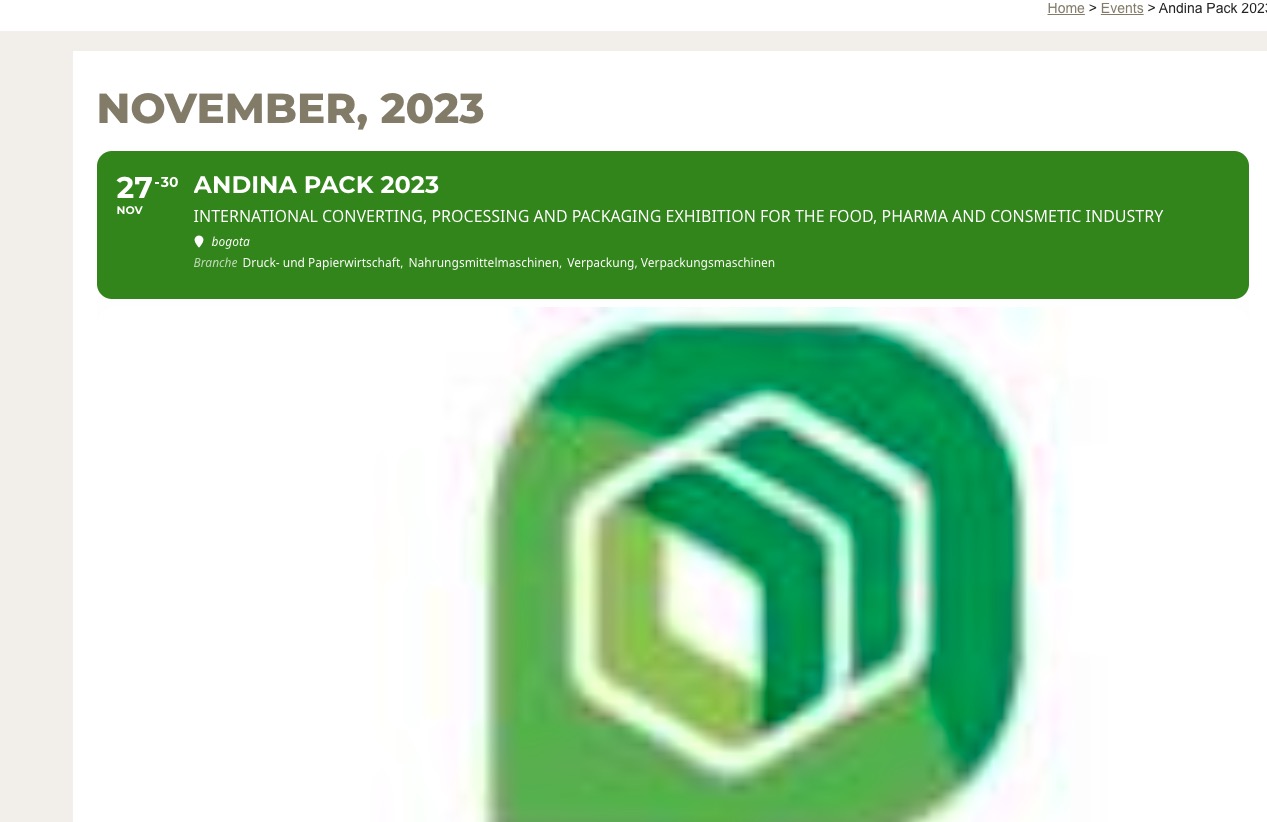
and no color tile on the left side
Not sure what you are referring to? Could you send us a screenshot:
https://demo.myeventon.com/
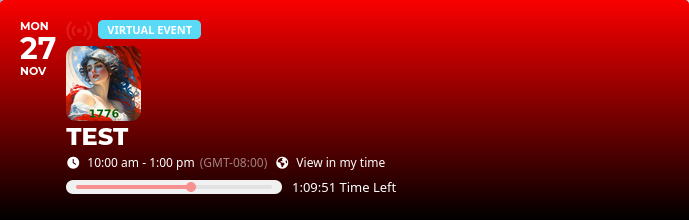
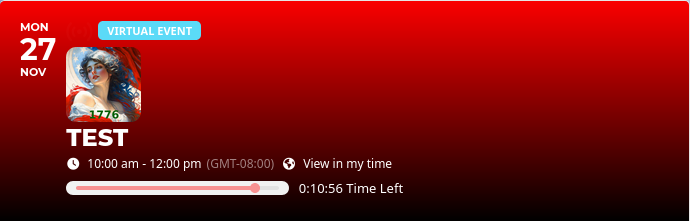
“Did you try going to EventON > Time Settings > enable Use UTC offset time globally on calendars?”
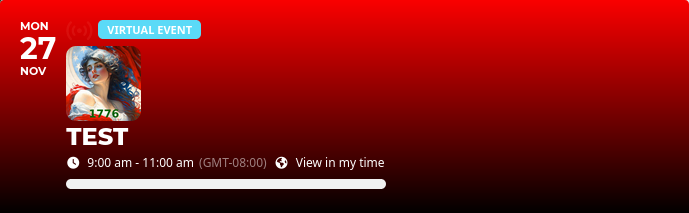
Yes, that totally wipes out my schedule. Not a solution.There is only one ‘progress bar’ in your plugin…
If the program is scheduled for 2 hours, only the first hour is displayed. For a 3 hour show, only the first two hours display. Also, for a 2 hour show, after entering the 2nd hour, the progress bar is just white only.
So the progress bar is always 1 hour short of actual program time. I agree, it’s a bug in the plugin, but a critical one because we have people all over the world tuning in.
Creating /events-directory page solved this issue. Thanks!
Hello,
Please add this CSS code to EventON > Styles (If you don’t see any change, EventON > Scripts & Styling > turn off Write dynamic styles to header > save settings > turn on Write dynamic styles to header):
.ajde_evcal_calendar.color #evcal_list .eventon_list_event .evoet_cx span.evowi, .evo_pop_body.color .evoet_cx span.evowi, .ajde_evcal_calendar.color #evcal_list .eventon_list_event .evoet_cx span.evowi_wi_area, .evo_pop_body.color .evoet_cx span.evowi_wi_area { color: black; }
see video
replace
show_et_ft_img=”yes”
with
tile_bg=”1″
to get the tiles to show the image