Thanks!!!
Archives: Replies
Replies for tickets on suppota
Reply to: tickets(331502)
I tried the temp solution and it didn’t work.
Will Ashan be able to help me out with this?
Please let me know.
Thanks.
Reply to: tickets(332029)
I give you this example:
This event: https://weloveflamenco.es/wp-admin/post.php?post=20824&action=edit
Two orders have been sold with the same seats (#42001 and #43000).
When the seats were sold, they did not appear as sold but as free and have been sold twice.
The other problem I have is that the rows do not appear and it is very difficult to detect the problem.
Reply to: tickets(332186)
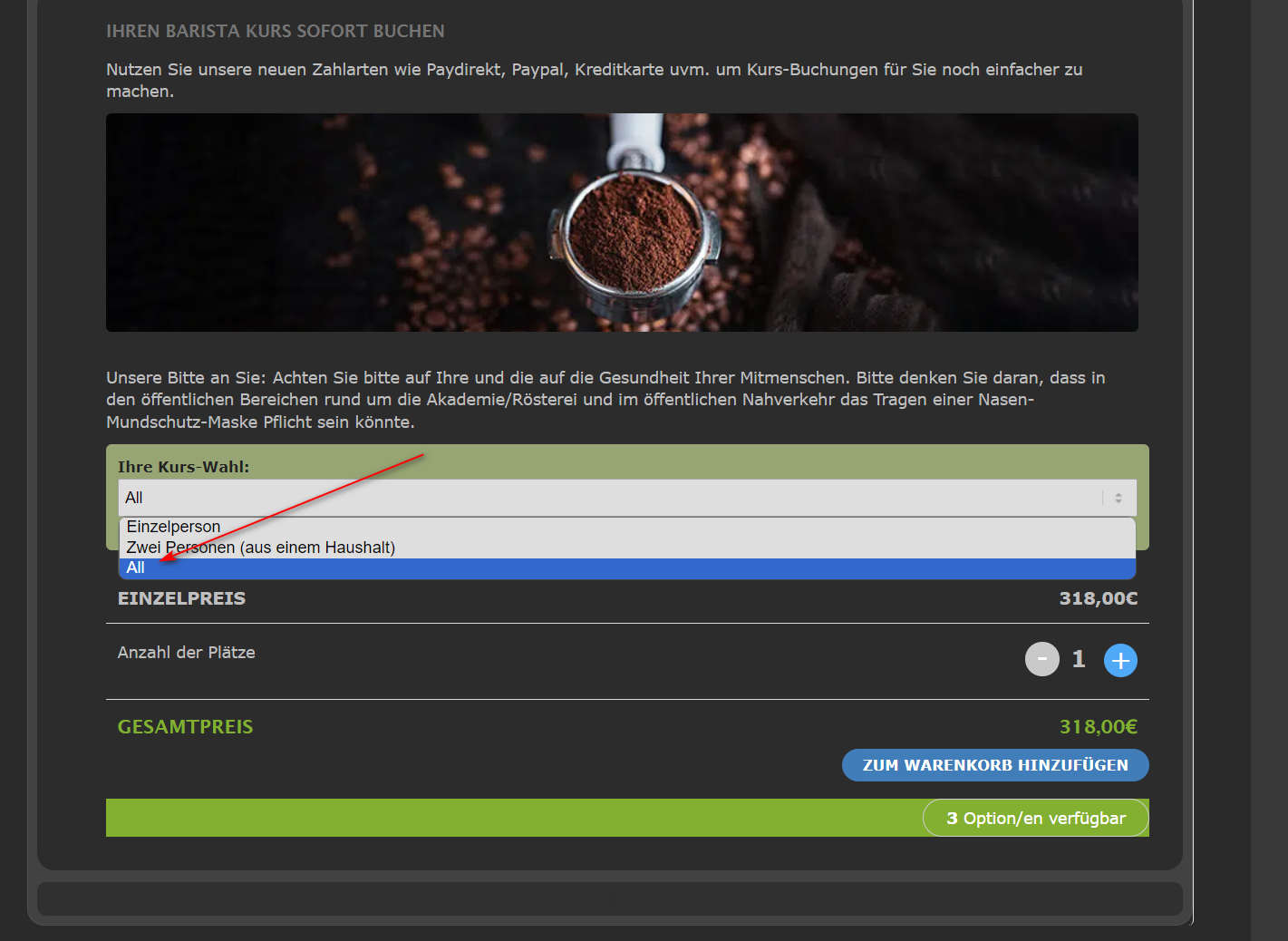
This is the new variation. appears on every event now. just after updating.
Reply to: tickets(332152)
no theres not 2 different heat maps within the one calendar
but if they click a day- the event appears on the side anyway which would say private event
Reply to: tickets(332029)
At the “Gala Noveles” event, for example, seat 36, row 5, two tickets were sold.
I found this order:
https://weloveflamenco.es/wp-admin/post.php?post=41227&action=edit&classic-editor=1
Could you send us the second one?
but we bought the update and everything is broken.
You updated Tickets add-on? From which version? Could you elaborate?
Reply to: tickets(332134)
Ashan,
Please go to https://dev2.myeventon.com/wp-admin/admin.php?page=eventon#evcal_003 > create a new webhook > now try saving EventON Settings > after the refresh webhooks are empty.
Reply to: tickets(332134)
Hello,
Thank you for your messages, I am going to assign this ticket to Ashan and he will be able to take it from here and find you a solution. Please allow some time for him to get back to you, we greatly appreciate your patience and thank you for being a eventon customer! Also please disable any IP blocking on your site if there are any.
Reply to: tickets(331221)
We are glad your issue is resolved, if you have any further questions or concerns please create a new ticket. If you have a moment, we would greatly appreciate if you could kindly leave us a review at myeventon/my-account!. Cheers!
Reply to: tickets(332065)
Please add this CSS code to EventON > Styles (If you don’t see any change, EventON > Scripts & Styling > turn off Write dynamic styles to header > save settings > turn on Write dynamic styles to header):
.evosv_grid .row .evosv_items .evosv_time { display: none !important; }