Hello,
Thank you for your great suggestion, at the moment it is not supported. However please create a new ticket and select Feature Request as category so others can vote on your idea and get it moved into development faster.
You can also add this by customizing the code by following:
https://docs.myeventon.com/documentations/hook-eventtop/
Ashan,
On dev2:
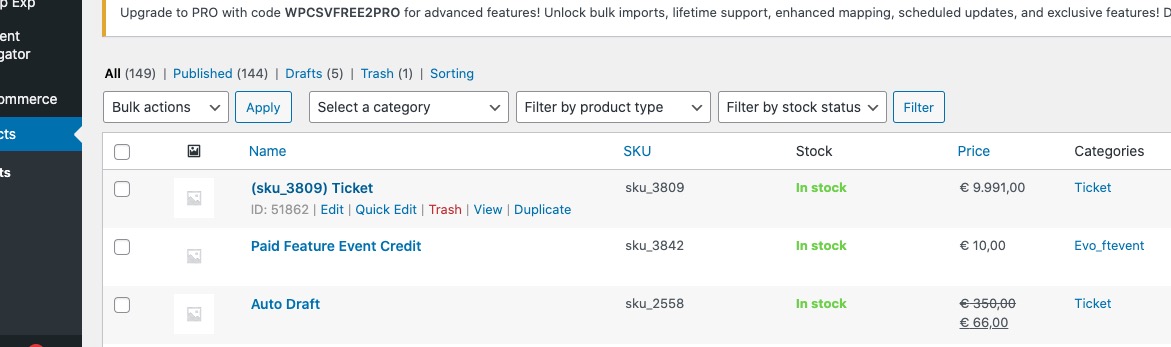
https://dev2.myeventon.com/wp-admin/edit.php?post_type=product
https://dev2.myeventon.com/wp-admin/post.php?post=51861&action=edit
https://dev2.myeventon.com/wp-admin/admin.php?page=eventon&tab=evcal_tx
Hello,
Thank you for your messages, I am going to assign this ticket to Ashan and he will be able to take it from here and find you a solution. Please allow some time for him to get back to you, we greatly appreciate your patience and thank you for being a eventon customer! Also please disable any IP blocking on your site if there are any.
Hello,
Both are working for me:
Could you please send us a screenshot?
Thanks Ashan.
Do you now if the 2 add-ons we purchased should be showing as activated? When I input key and email. It doesn’t accept it.
If you have a moment, we would greatly appreciate if you could kindly leave us a review at myeventon/my-account!. Cheers!
Haha I was wonder who “Ashton” was 🙂
Glad that fixed everything. We are hoping to get rid of that settings value as we further establish better time conversion algorithms.
Let us know if you have any other issues Andrew!
Enjoy the weekend!
Oh interesting I did not do much 🙂
I turned off event details field from eventon settings > eventcard designer and then tested to see if things work and showed you a pic how it works without event details. and then turn it back on 🙂
But I am very glad if this helped solve the issue 🙂
Sorry mac autocorrected Ashan to Ashton.
Thanks Ashton that looks much better. Appreciate the support in getting the calendar fixed.
Sorry I also forgot to mention the zoom link worked better too and people were able to join.