Hi,
Please try to log in again using the same temporary link. I’ve added a File Manager plugin and backed up the site. I’m not really sure how to debug, and when I tried to follow the tutorial I found, I broke the entire site and had to restore it. Would you please give it a try?
Thank you in advance!
There was update available for 4.5.4 and I have updated it to it. But the countdown to next event timer is still wrong. Currently its 9:32PM EST and the next event is at 7:30PM EST and the count down timer says “16:27:30”.
I also couldn’t activate the 2 plug-ins we have.
Thanks,
Andrew
https://www.hardwoodskiandbike.ca/events-duplicate/
I duplicated the page. See this. This is how it should look like. But on the events page it is different
Ah Martin you are very kind! Thank you very much for your kind words! If you do have any questions, please let us know 🙂
Wish you much success with the things that are important to you!
Ashan
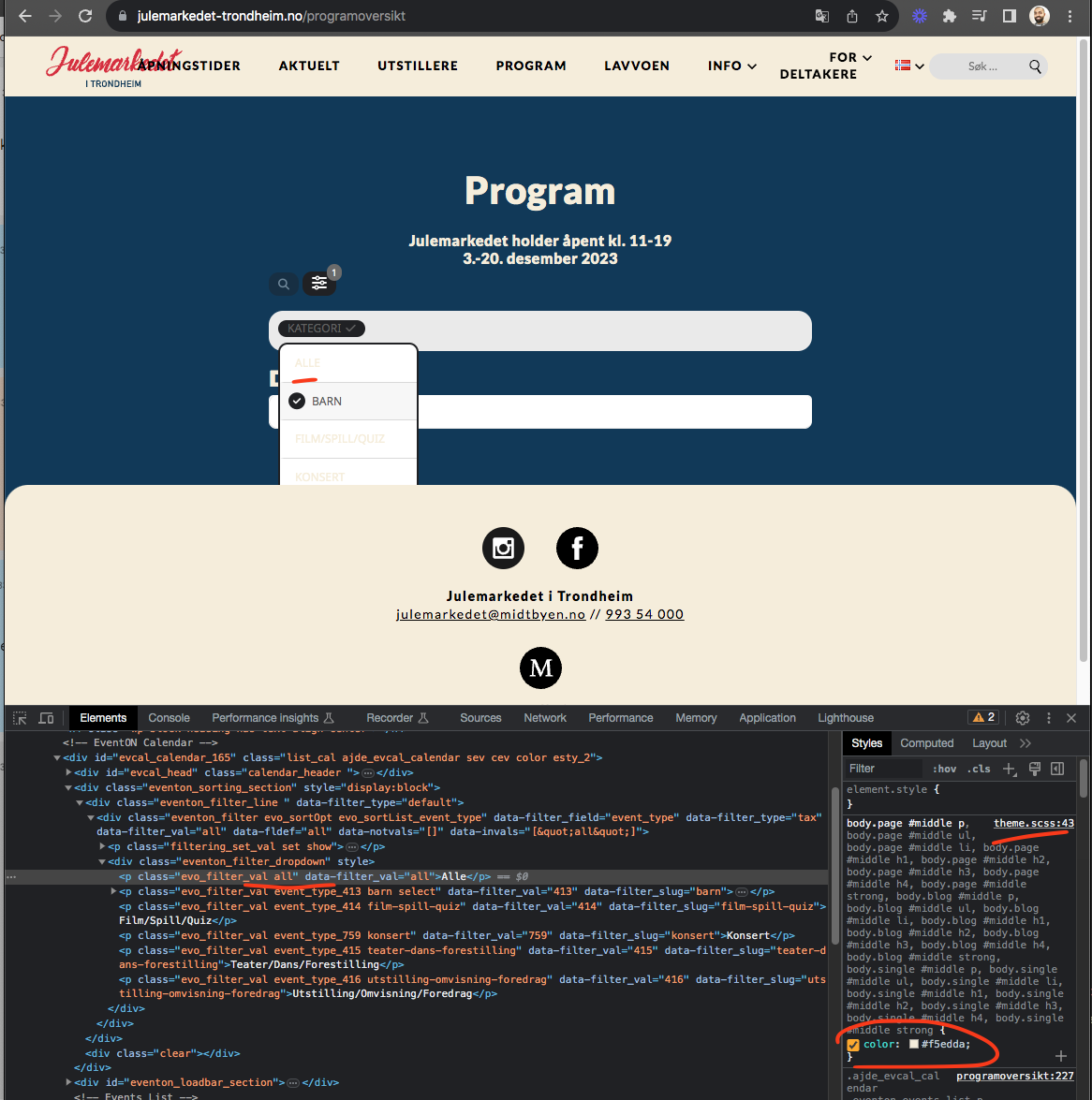
Thank you for clarification. Looks like your theme is overriding the drop down list text colors.
You can try adding this CSS code into eventon settings > styles
body.page #middle .evo_filter_val{color:var(–evo_color_2)}
You can replace var(–evo_color_2) with other hex color values as well.
Ah gotcha, yes this will send normal ticket email AS BCC.
Unfortunately will need to do some work on eventON class-evo-helper.php send_email() function to support sending Bcc as well as normal to emails.
Sorry I thought this was going to be a quick fix for you 🙂
Let me get some more info on this.
So is this Bcc are you setting as general email for all events or just for each event specifically? I can work on adding this as an option for ticket email settings, to support Bcc email field.
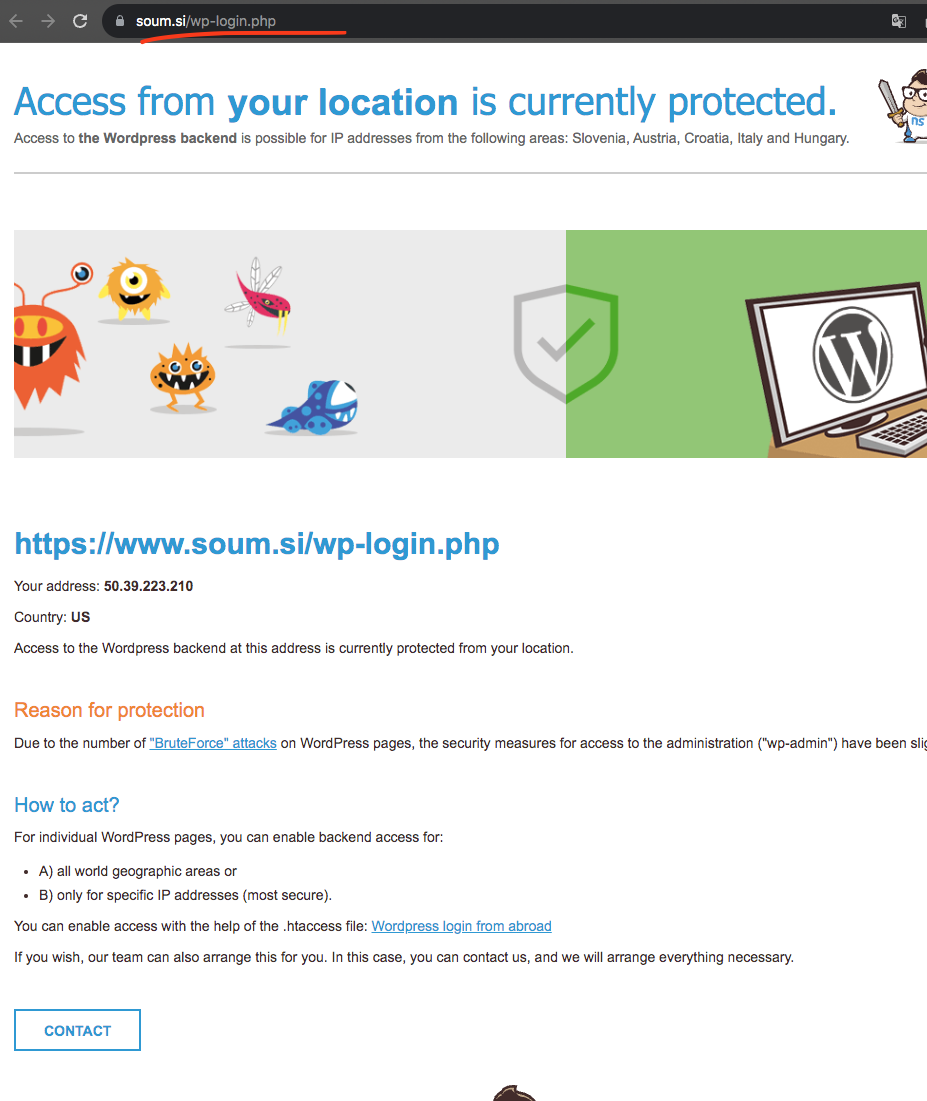
Look like your website is blocked for US PST

I will make it like this. Thank you for the information let me apply the code changes to your site and will see how this look 🙂
The WholesaleX plugin was causing the upgraded EventOn & Tickets problem. Have had to remove that plugin to enable event tickets. Problem solved.
Yes, now it’s working. Thank you.