Thank you, that is so nice 🙂 I really appreciate that!
Basically it’s just with the theme CSS for the site & calendar, my husband started heavily customising it but isn’t able to finish it, it’s nearly done… I don’t know CSS. Also, I don’t know a good plugin to use to create a web view iOS & Android app that isn’t going to cost me an arm & leg. I don’t want native app atm as I don’t want monies going through the apple app store because they take soo much money, I’ll have to up the cost of the service, again, I don’t want to do this straight from launch. Basically I just want to get the site out initially & then when its producing financially I’ll upgrade the app, website, addons & plugins, I’ll get it done professionally, as to this date it mostly been me & my husband, when he can.
Thanks heaps for your advise about the second site, I think we still have it available if the staging plugin doesn’t work. Just trying all the things, lol.
What’s your business website, if you don’t mind me checking it out. I’m happy to pay for someone to help me do a basic complete so I can launch it, and then in future a professional overhaul when it’s time for an upgrade.
Thanks for your advise 🙂
To clarify, by “working correctly”, I’m referring to working correctly with EventOn and the tickets / seating chart plugins. Thank you.
Now that the WC cart & checkout blocks are out of beta and included in the standard WC release, can you confirm if they are working correctly? I’m hesitant to switch away from the legacy cart and checkout pages until you confirm. Thank you.
Both lines in functions.php have been commented out. The defective November ticket was removed and the July ticket duplicated. As seen we’re using Divi Themes. I don’t believe any customizations have been used. Still info missing on the ticket
“Silvester retreat” should work now. I changed ux_val setting in the shortcode.
The events only show up until July 2024 instead of October 2024 at https://www.frankfiess.de/event-directory/.
Removing show_limit_ajax1=”yes” from the shortcode fixed the issue. Please check and let us know.
Ashan replied there. Please check.
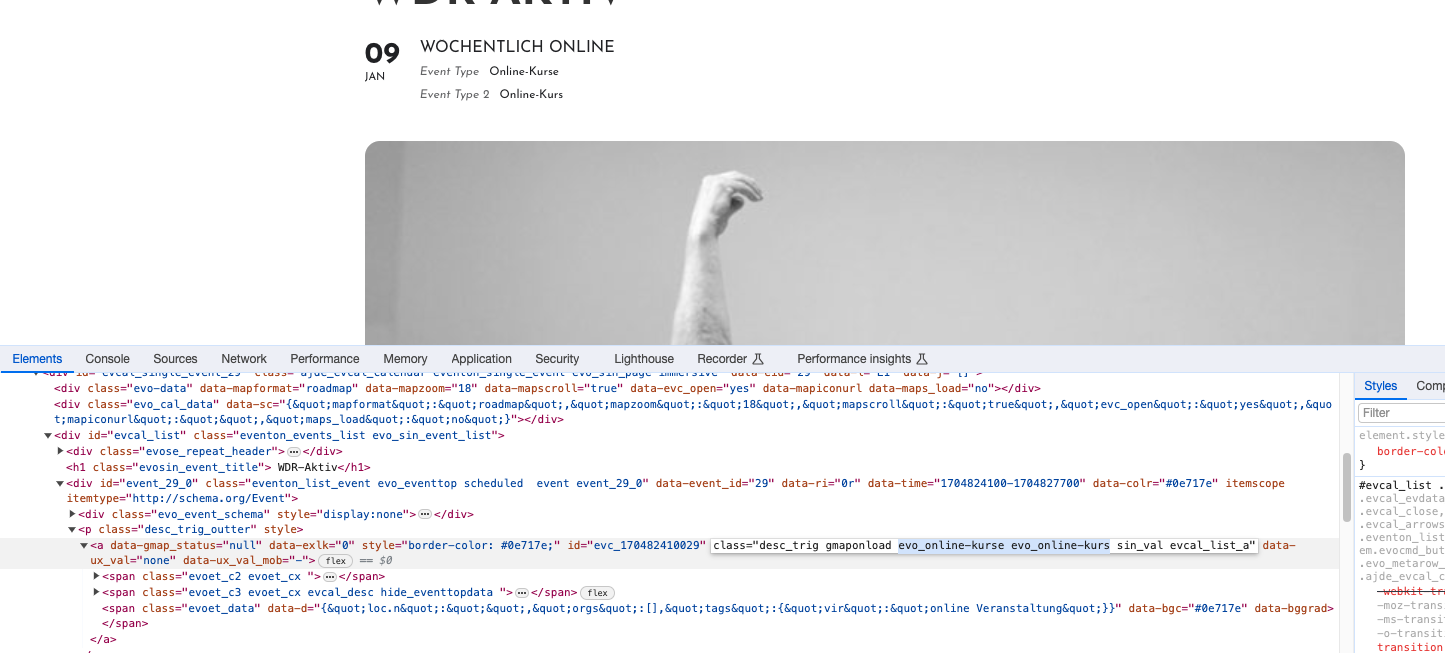
Ah sorry. You need to go to EventON > EventTop > add Event Type. You can see them after I did: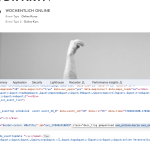
Hello,
There is this setting available on Edit Event page:
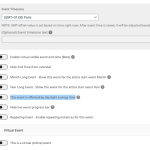
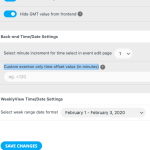
Could you also try EventON > Time Settings > Custom eventon only time offset value (in minutes):
There is an issue with the backend styling. Please send us wp-admin access to your site as a private message for us to further assist your situation.
Should look like this:
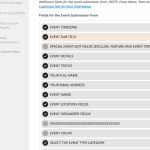
There is also line 84 that affects EventON. Do you have more customizations?