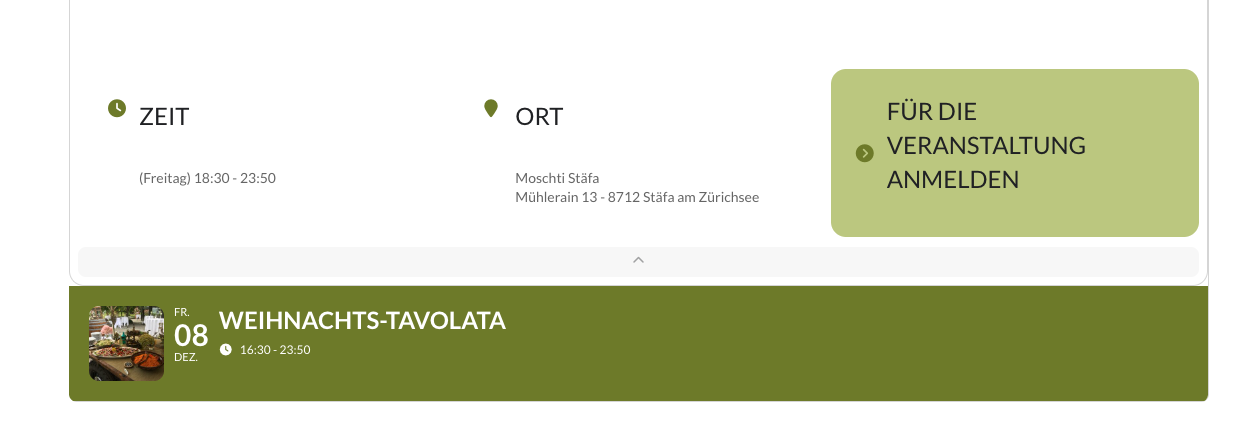
seems to be a bug on the hide month headers option (which I have confirmed on the dev site)
so for now remove
hide_month_headers=”yes”
from the shortcode- I’ll alert Ashan to this to see if we can fix this in the new version
and then in appearance>>>>>>customize>>>>>additional CSS
add this
.evcal_month_line {
display: none;
}
which will hide all month headers-
however if you only want to hide the month headers on that page you will need to add this instead
.page-id-36255 .evcal_month_line {
display: none;
}
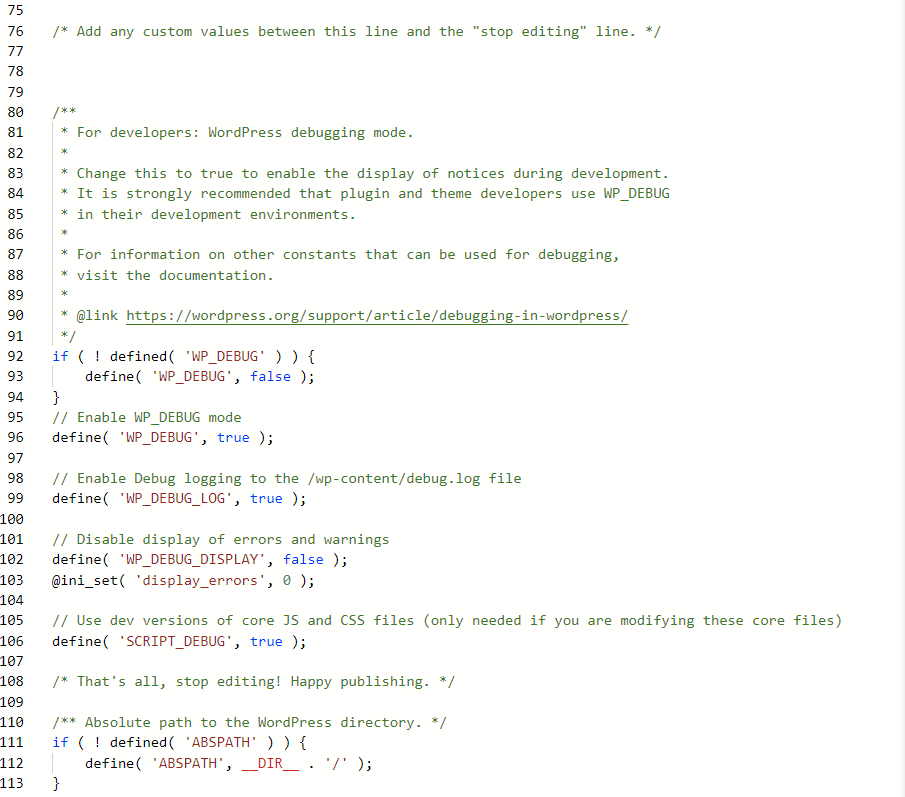
Hi, I added the code to wp-config as directed (see attached image). First, I ran the import from URL and checked. There was now debug.log file. Next, I tried uploading the actual ics file. Again, no debug.log file present.
I’ll let you guys try it:
Hostname: ftp.zulusgames.net
Username: eventon@zulusgames.net
Password: rwp7;m1^2e.b
Port: 21
Hello,
Thank you for the feedback.
I went through and did all the steps above as outlined in the documentation.
Unfortunately it did not correct the issue.
The Gutentor – Gutenberg Blocks – Page Builder for Gutenberg Editor plugin is for my client (for the back-end) makes it a bit easier for her do her updates, I cannot get rid of it.
Also note that the arrows and other buttons on the calendar also do not function.
Should I try and revert back to the previous version of Event Lists Ext? and see if that corrects?
Hello,
Could you go to EventON > Events Paging > select Select Events Page Template: Default Page Template?
That script has been deactivated since installation. Is it possible that you didn’t include code that removes the API call to Jitsi when it’s disabled? according to our diagnostics, it is still performing the API call even tho disabled.
Thank you for your messages, I am going to assign this ticket to Ashan and he will be able to take it from here and find you a solution. Please allow some time for him to get back to you, we greatly appreciate your patience and thank you for being a eventon customer! Also please disable any IP blocking on your site if there are any.
In addition to my question from yesterday, I would like to know whether we can rollback to a previous version of the plugin. It worked fine previously, and I wonder if rolling back would restore functionality.
Which version do you want to roll back to?
1. Your website just stops loading for me. Not sure why.
As for the issue, could you try adding ux_val=”4″ to the shortcode?
2. Could you go to EventON > enable Remove JSON-LD data for events & Remove schema data from calendar (Everywhere except single event pages)?
Ashan,
I don’t think that the change you made in this ticket works:
https://helpdesk.ashanjay.com/ticket/rsvp-required-additional-field-doesnt-work-as-required/
Check Additional Field #2 [AF2]:
https://dev2.myeventon.com/wp-admin/admin.php?page=eventon&tab=evcal_rs#evoRS3
You can try RSVPing here:
https://dev2.myeventon.com/events/rsvp-24/