Here the image.
Replies for tickets on suppota
Here the image.
Hello
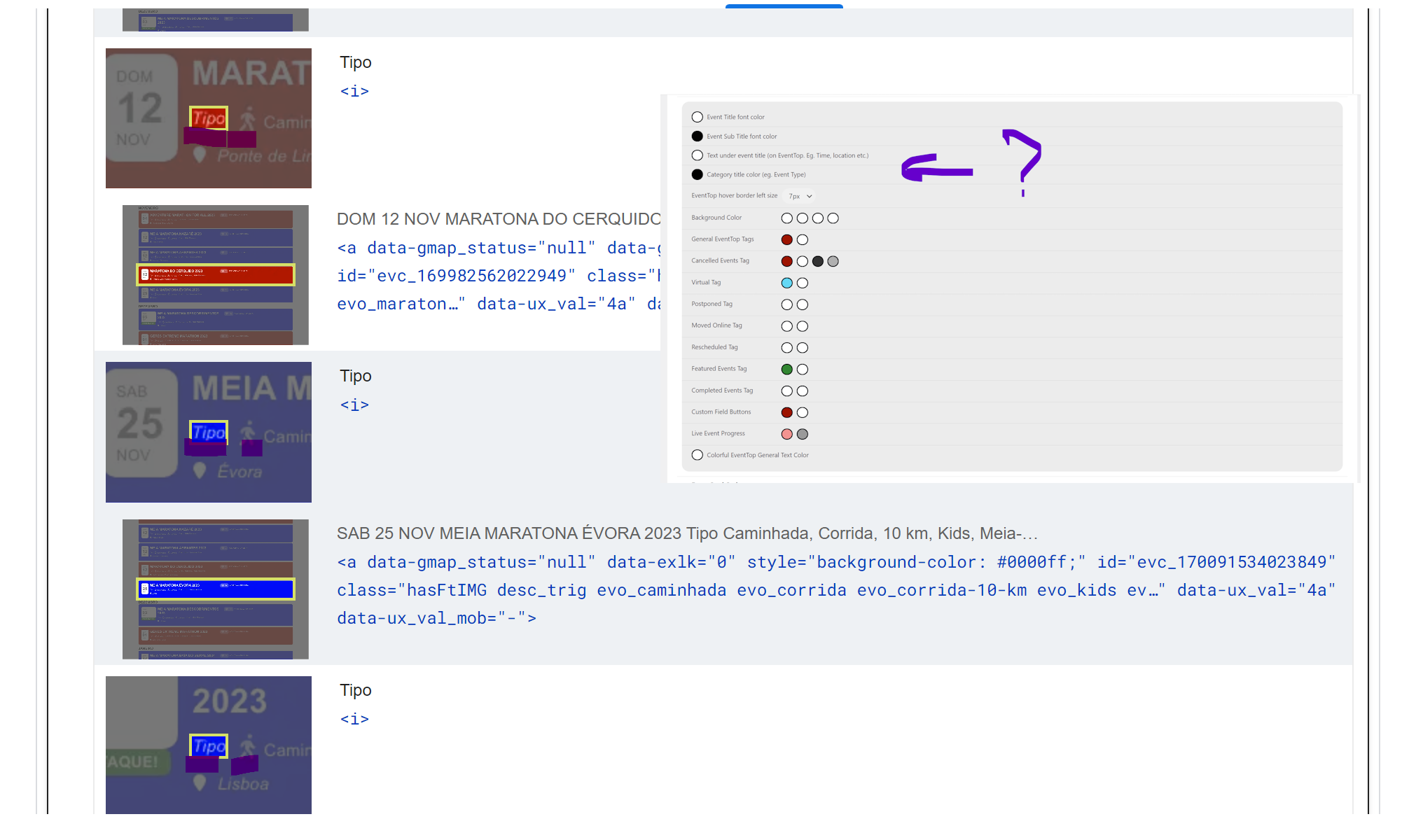
Ohhhhh sorry….. I missed to add this field on eventtop! Thanks for your help again!
Sorry, wrong login.
https://50plus-today.com/wp-login/
authorityboost
6UbUJGXnBx5KVQx!t%rDQXcx
https://50plus-today.com/wp-admin/admin.php?page=eventon
Hello,
I can only see The Events Calendar plugin installed on the server.
This support forum is for EventON
https://codecanyon.net/item/eventon-wordpress-event-calendar-plugin/1211017
Relating to https://helpdeskx.s3.amazonaws.com/wp-content/uploads/2023/10/27032729/eventon-2.jpg
The event isn’t visible because both of your added events are assigned to 126:
https://my.crestchic.com/wp-admin/edit-tags.php?taxonomy=event_type&post_type=ajde_events
And event_type is set to 124 instead of 126.
Ashan,
The same on de2:
https://dev2.myeventon.com/wp-admin/post.php?post=51738&action=edit
https://dev2.myeventon.com/test-202/
Create a new event with enabled Tickets. Save it and refresh the page. Now enable Repeating Event. Save and refresh the page. Now switch to Custom repeat and add a new repeat. Save and refresh the page. This is the step when you receive the email.
You are exactly right!
Thank you for your messages, I am going to assign this ticket to Ashan and he will be able to take it from here and find you a solution. Please allow some time for him to get back to you, we greatly appreciate your patience and thank you for being a eventon customer! Also please disable any IP blocking on your site if there are any.
RSVP and Reviewer add-ons are two different products that aren’t compatible with each other. Could you let us know where did you see an example of what you are trying to achieve?
Hello,
Please go to https://dev.myeventon.com/wp-admin/
The demo site has almost every add-on install.
Take a look at
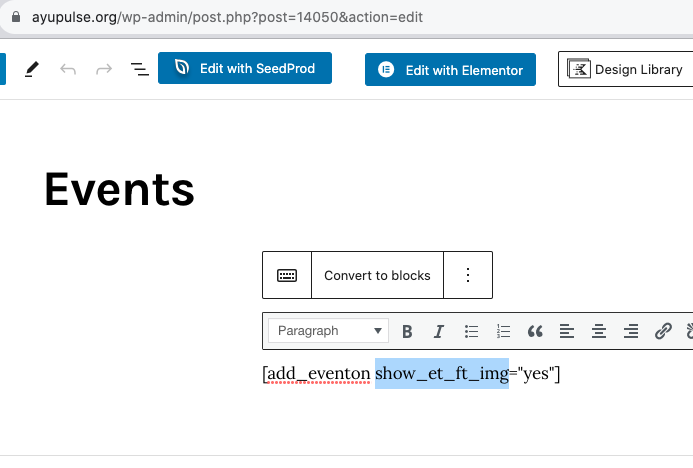
https://ayupulse.org/wp-admin/post.php?post=14050&action=edit