Hi
Yes , I am using the latest template, I just pointed out your tutorial link as reference.
May I ask why this code snippet
if( !evo_current_theme_is_fse_theme() ) get_header(‘events’);
found in `/templates/_evo-template-functions.php`
was moved into eventon_before_header action hook?
If this action hook is not called, it breaks everything, so it is vital for template override to work
I rolled back to an older version of your plugin, and that code snippet was set in a separate function call, which gave more flexibility to include it or not.
Just trying to get information so I can think of a workaround for our instance
Thanks
i’ve figured out what was the problem.
Now i have another question.
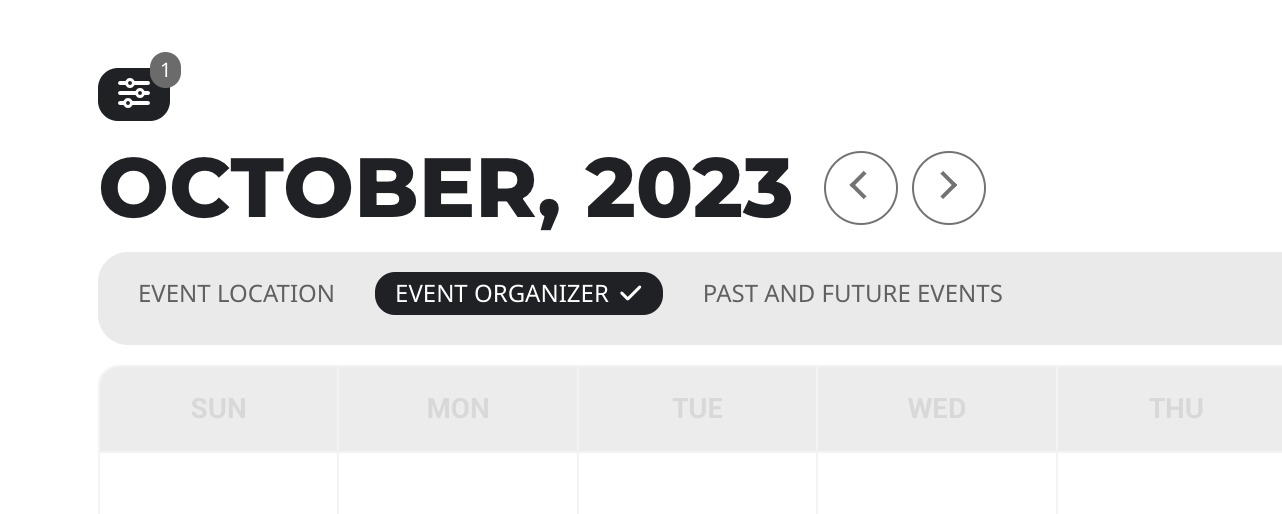
How can i make this menu visible?
do you have any idea how users can bypass the mandatory fields?
This happens because of codes like this one:
if(!isset($_th[‘name’])) return $arr;
If you have required fields, you need to make sure that the customer cannot exit the function without filling them first.
The example on this page is for not required field, so in your case you need to extend it:
https://docs.myeventon.com/documentations/how-to-add-additional-fields-at-checkout/
Hello,
If you want to sell tickets, please take a look at this add-on:
https://www.myeventon.com/addons/event-tickets/
Try on https://dev.myeventon.com/wp-admin/
RSVP add-on only allows free registrations.
Hello,
Please update EventON to 4.5.3.
To update eventon to latest version: If you are unable to do autoupdate, you can go to codecanyon your account > download and get the latest eventon version as zip file. Then you can go to your website > make sure “Delete eventon settings & data when EventON is uninstalled” is Deslected from eventon settings, delete old eventon, install new one and activate. This link will further explain the process it. Also you can follow us on twitter to get real-time announcements on updates!
I have updated the add-on to version 0.6.
It still does not work.
I have attached the HTML version of the email messages that I would like to send. Each time I enter these HTML messages into the system textarea and click SAVE.. it removes all HTML markup
Is it possible to disable the automatically fill spots function for certain events?
Not possible at the moment. However please create a new ticket and select Feature Request as category so others can vote on your idea and get it moved into development faster.
Hello,
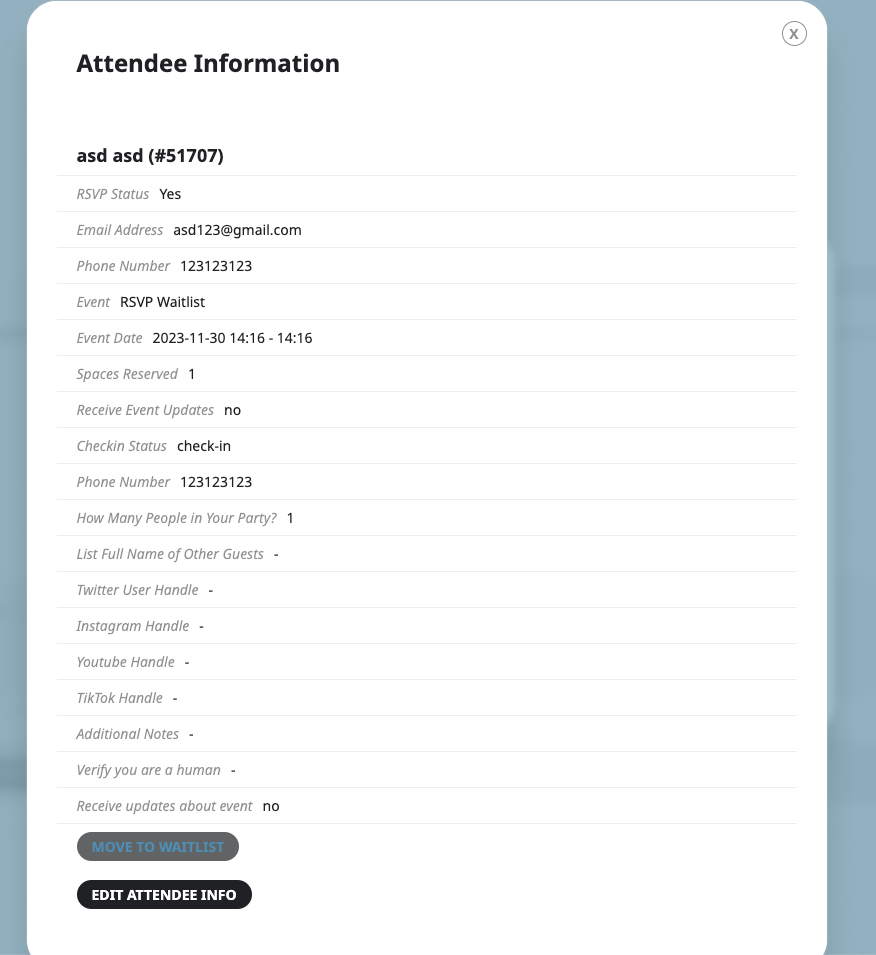
You can move RSVPed users to waitlist by pressing this button:
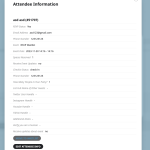
Just make sure that you are using latest versions of RSVP and Waitlist add-ons.
…even though the rsvp has exceed the limit.
I think this is because of old versions of add-ons. Please make sure to update them.
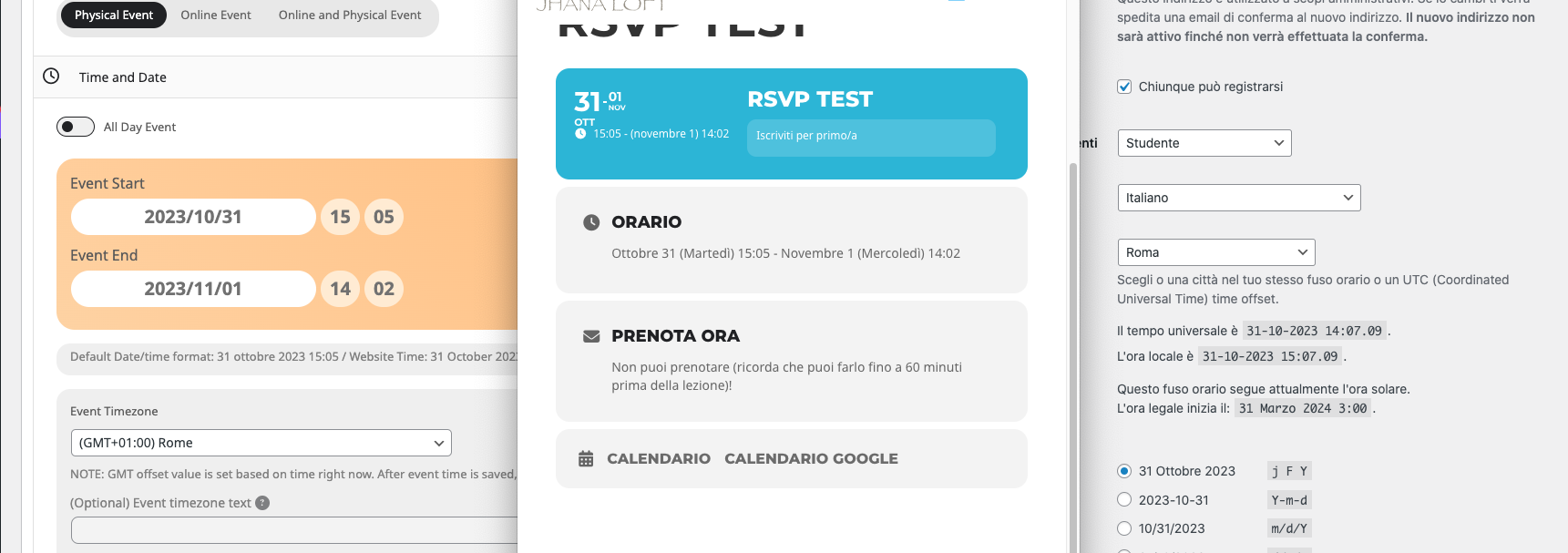
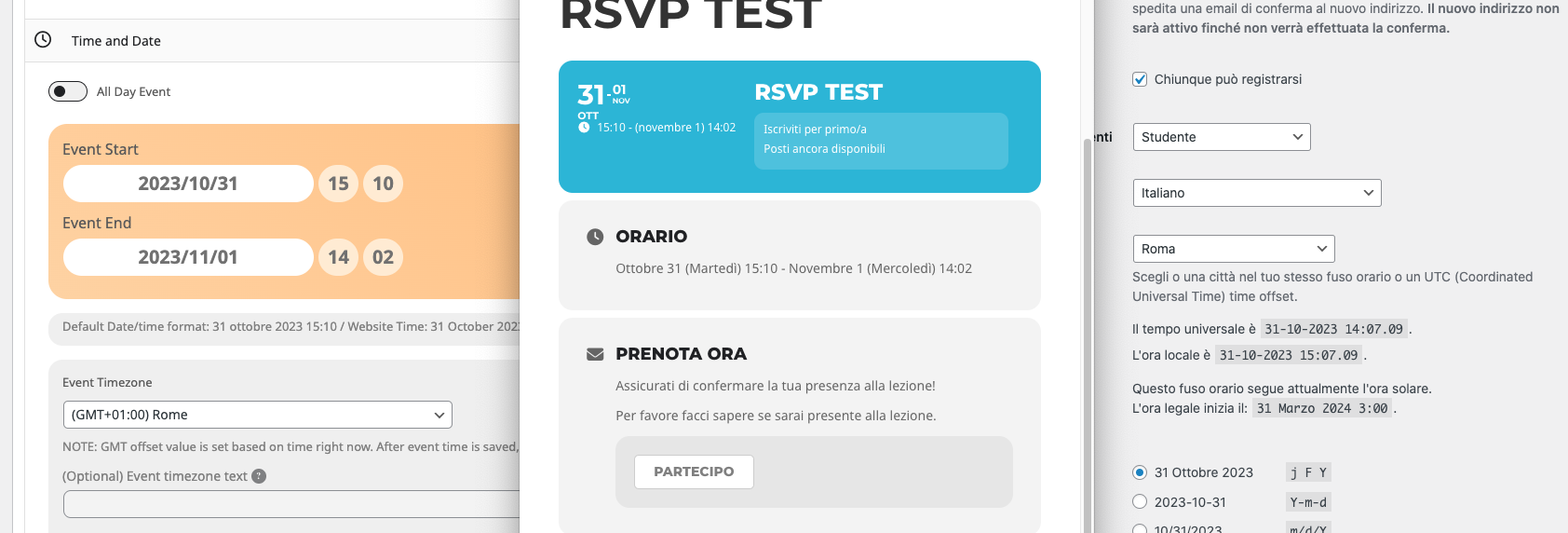
Seems to be working:
https://jhanaloft.com/wp-admin/post.php?post=9598&action=edit
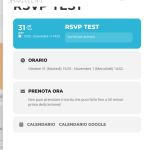
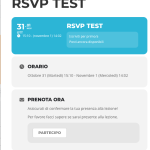
Could you check and let me know?