Hello,
Please take a look at
https://docs.myeventon.com/documentations/setting-up-repeating-events/
At first use Week Repeats and create repeats that also include “Thursday in November”, press Publish event and refresh the page.
Now switch to Custom Repeat and remove “Thursday in November”.
Please try and let me know.
And what about color options that are available: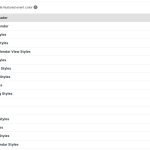
What I mean is that you can change every aspect of the plugin using options above and set your own style.
For example, Jumper from https://helpdeskx.s3.amazonaws.com/wp-content/uploads/2023/10/24071319/theme-color-issue.jpg can be changed by going to EventON > Appearance > Calendar Header > Jumper settings. If you don’t see any change, EventON > Scripts & Styling > turn off Write dynamic styles to header > save settings > turn on Write dynamic styles to header.
Do you have any issues with individual Appearance settings?
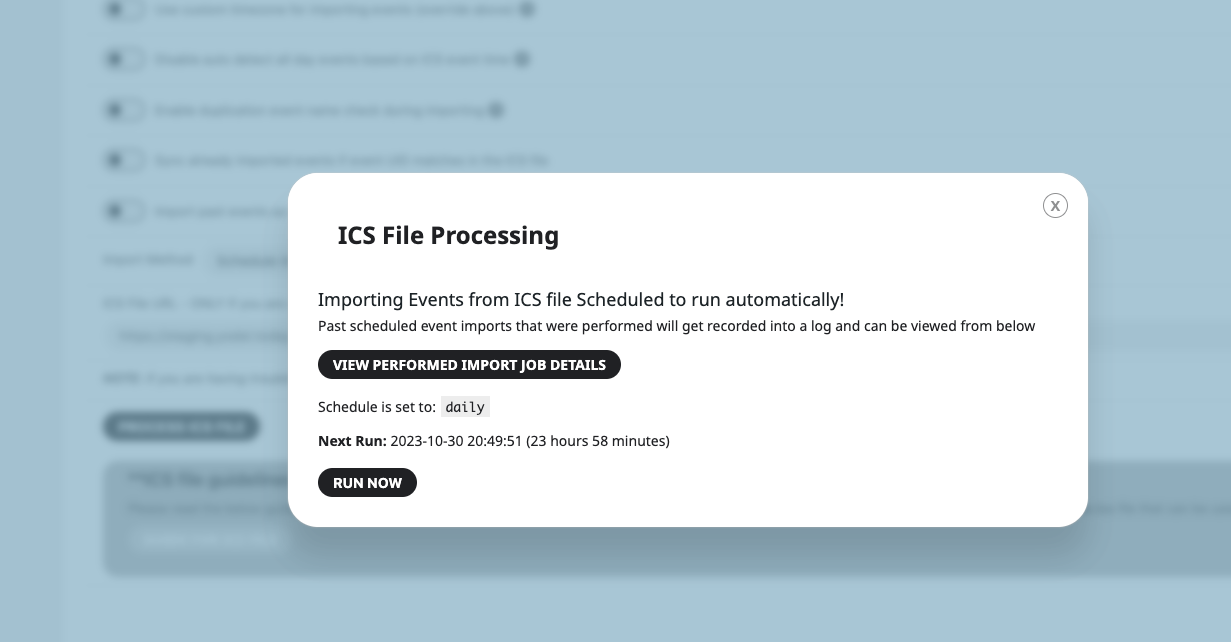
Could you send us a screenshot of when the popup is open?
The popup looks completely find on mobiles:

EventON > Time Settings > Default Event Timezone is set to +1, while wp-admin > Settings > Time Zone is set to +2. Which one is the correct?
Also please try going to EventON > Time Settings > enable Use UTC offset time globally on calendars.
Hello,
I cannot find the attached image. Could you send it again?
Please also take a look at this guide:
https://docs.myeventon.com/documentations/change-css-calendar/
About the color. Please try this:
.eventon_filter_line .filtering_set_val { color: darkgray !important; }
Hello,
Please add this CSS code to EventON > Styles (If you don’t see any change, EventON > Scripts & Styling > turn off Write dynamic styles to header > save settings > turn on Write dynamic styles to header):
.evcal_cblock .evo_start {font-size: 15px;}
.evcal_cblock .evo_start em.month, .evcal_cblock .evo_end em.month, .evcal_cblock .evo_start em.day {font-size: 15px;}
.evcal_cblock .evo_end {font-size: 15px;}
.evcal_cblock .evo_end em.year {font-size: 15px;}
Also take a look at
https://docs.myeventon.com/documentations/change-css-calendar/
Hello,
I cannot find EventON plugin installed on the server:
https://bostonpublicmarket.org/wp-admin/plugins.php
Could you install it first, so we can take a look?
Hello,
You need to save Settings first. I did, so it looks like this:
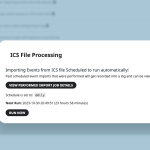
Please check and let me know.
Hello,
Please either go to https://eurogasdev.flywheelstaging.com/wp-admin/admin.php?page=eventon and enable “Hide past events for default calendar(s)“.
Or add event_past_future=”future” to your shortcodes.
Hello,
By following this guide you can show past events using Event Lists shortcode:
https://docs.myeventon.com/documentations/how-to-show-past-events/
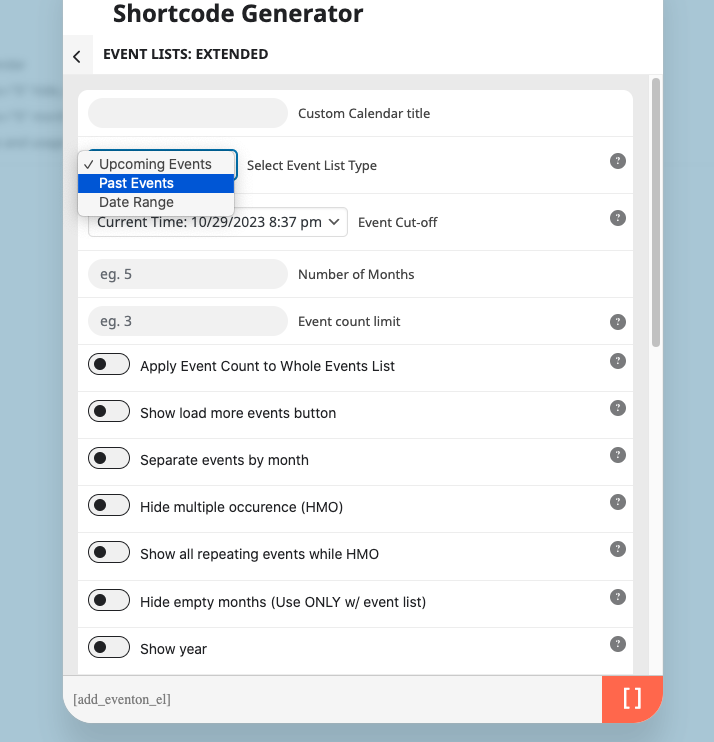
Also Event Lists: Ext add-on allow you to show either Past events or Date Range:
https://www.myeventon.com/addons/event-lists-extended/
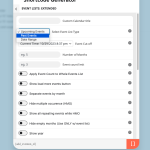
Try on
https://dev.myeventon.com/wp-admin/
Is it possible to view past events on another page using the “View past events” option?
You can add a link to a page where the shortcode is that shows past events.