The only available option is EventON > Action User > “Set default Event Type category tag for event submissions”. But you cannot make users that they must select a category.
Archives: Replies
Replies for tickets on suppota
Reply to: tickets(310319)
This ticket is private now.
It seems that your link is private:
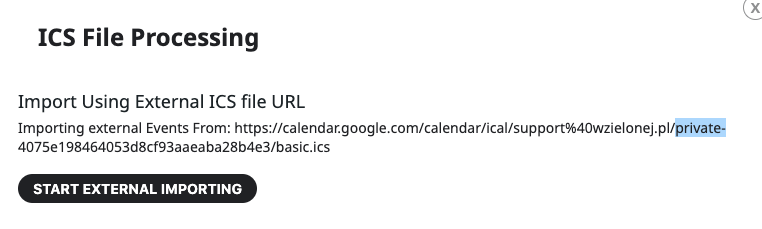
Could you make sure that you created the link by following this:
https://support.google.com/calendar/answer/37648?hl=en&ref_topic=10510645&sjid=7391598193343264637-EU#zippy=%2Cget-your-calendar-view-only
Reply to: tickets(329822)
Hello,
Please go to EventON Settings > Import/Export General EventON Settings > Import/Export. Before updating the plugin, backup the settings, so you can then restore it.
Reply to: tickets(329752)
1. Please go to https://dreamweek.org/wp-admin/admin.php?page=eventon#evcal_011 > disable Stop using eventON single event template for single event pages.
2. It seems that certain styles from the theme also affect EventON. Please take the code from this link and add this CSS code to EventON > Styles (If you don’t see any change, EventON > Scripts & Styling > turn off Write dynamic styles to header > save settings > turn on Write dynamic styles to header):
https://pastebin.com/VF6JQzJw
Custom Meta fields. On my side:
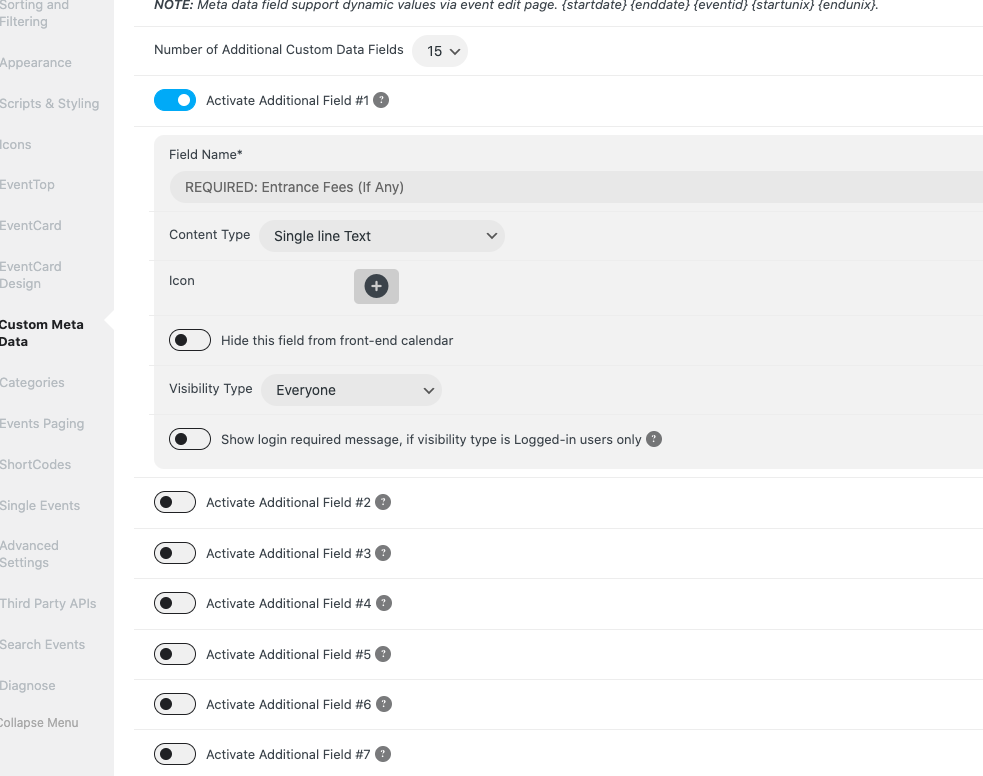
Could you try clearing the cache?
Reply to: tickets(329795)
1. The third-party plugin takes the data from somewhere, but we don’t know from where and how since it’s not our product. Please contact the plugin developer.
3. Please go to EventON > Scripts & Styling > enable “Disable font awesome fonts”.
https://helpdeskx.s3.amazonaws.com/wp-content/uploads/2023/10/23081255/h3.png
Where can I find this code? Are you referring to https://www.tourist-in-rom.com/de/draft-de/?
Reply to: tickets(329828)
Hello,
A. Please try EventON > Scripts & Styling > turn off Write dynamic styles to header > save settings > turn on Write dynamic styles to header.
B. Please add this CSS code to EventON > Styles (If you don’t see any change, EventON > Scripts & Styling > turn off Write dynamic styles to header > save settings > turn on Write dynamic styles to header):
.eventon_events_list .eventon_list_event.no_events { display: none !important; }
Reply to: tickets(329829)
Hello,
We unable to refund the main plugin from here. Please contact CodeCanyon.
Reply to: tickets(328974)
Perfect! Please let us know if you have questions.
Reply to: tickets(329837)
Hello,
Unfortunately, such option isn’t available. However, you can put seats one by one in a circle.
Please also create a new ticket and select Feature Request as category so others can vote on your idea and get it moved into development faster.
Reply to: tickets(323357)
Unfortunately, such option isn’t available for RSVP – Points. However please create a new ticket and select Feature Request as category so others can vote on your idea and get it moved into development faster.