Do you mean the code for this CSS: https://www.hardwoodskiandbike.ca/wp-content/themes/salient/css/Tygershark_custom_1_winter.css?ver=6.3.2.1697835321 right?
Archives: Replies
Replies for tickets on suppota
Reply to: tickets(329549)
I didn’t find any events with 0 ticket price, so I created this one:
https://staging.bobsgunshop.com/wp-admin/post.php?post=3027&action=edit
Seems to be working:
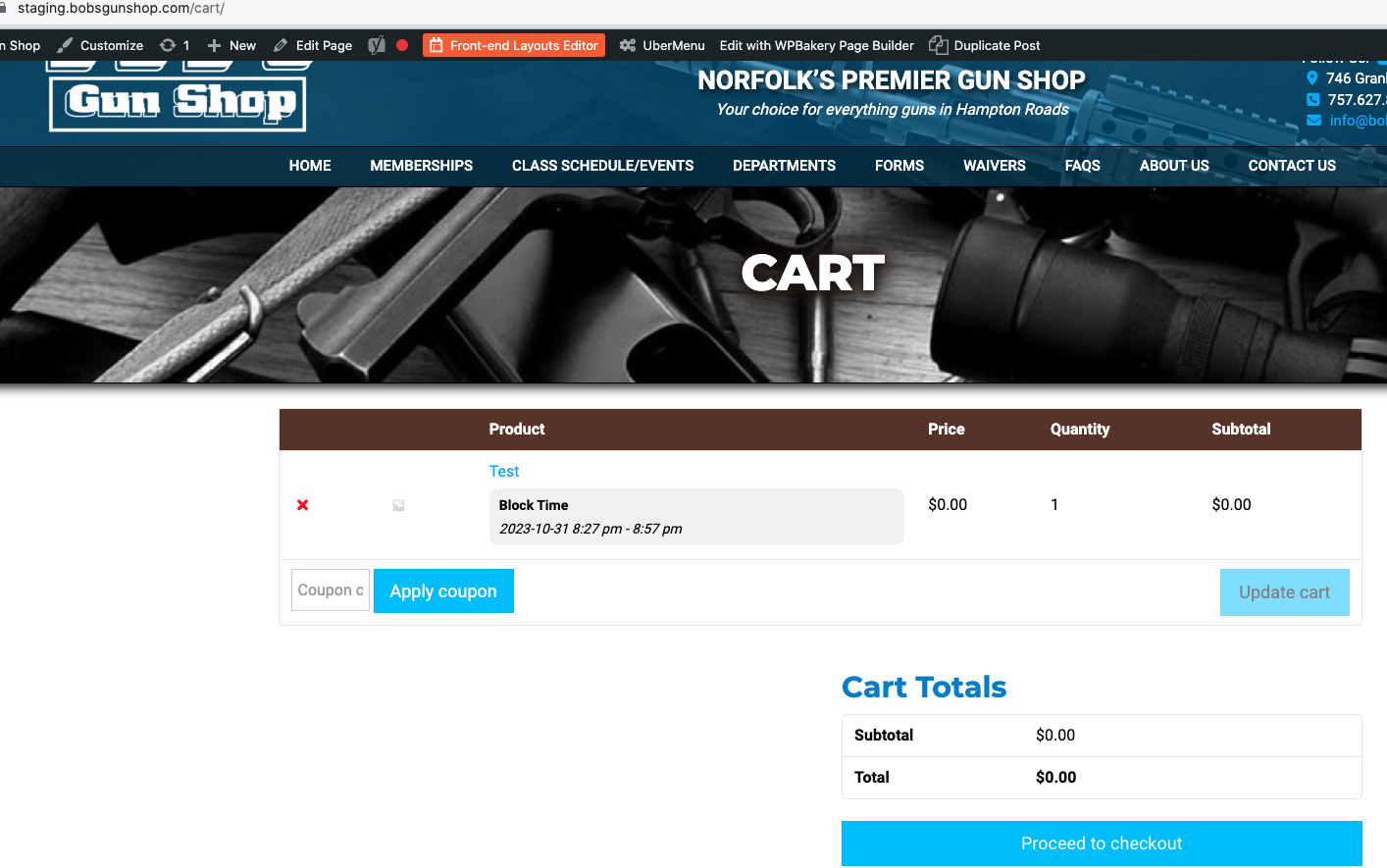
Could you check?
Reply to: tickets(329579)
The issue is gone in Troubleshooting Mode:
https://www.hardwoodskiandbike.ca/wp-admin/site-health.php?tab=troubleshoot
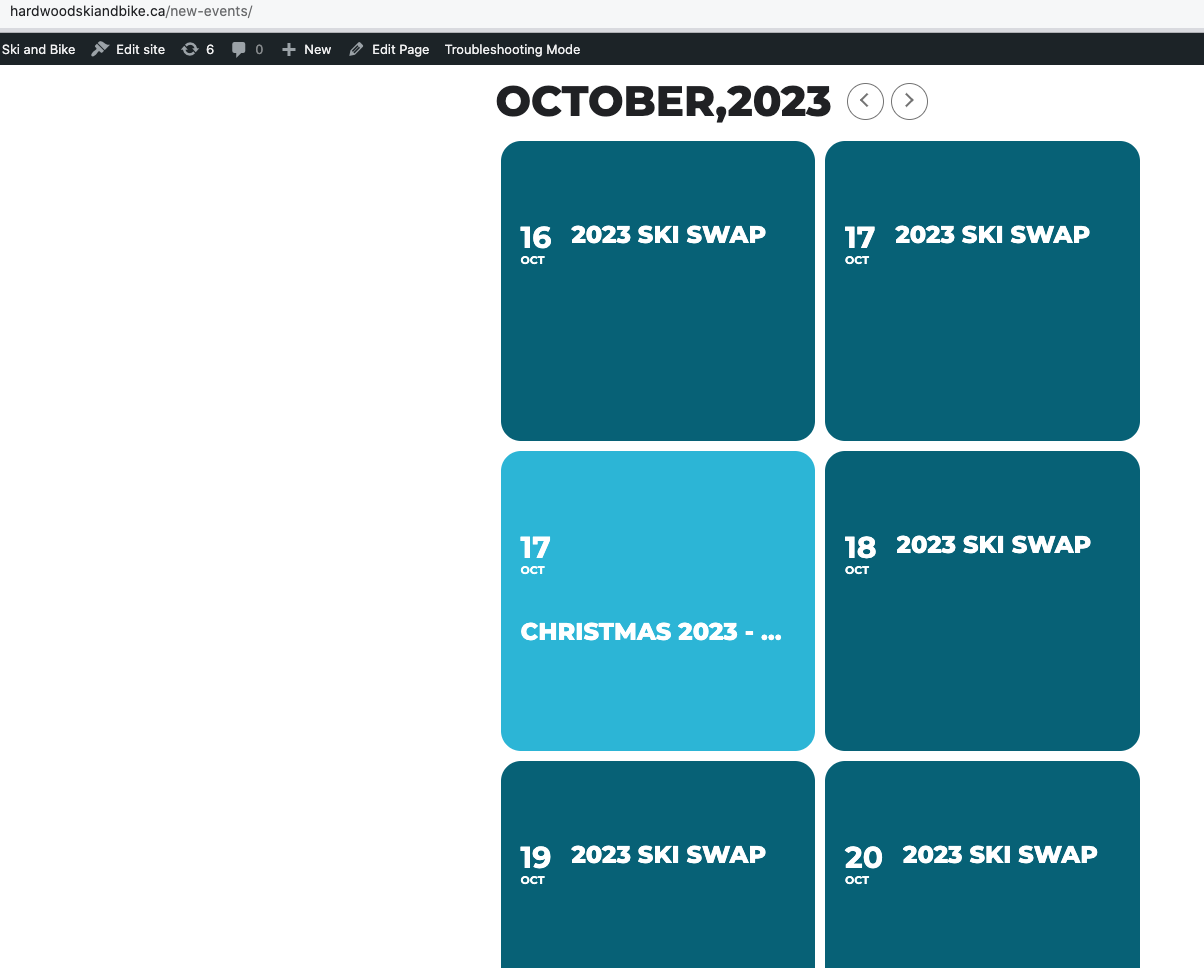
I just cannot figure out which line of code causes this. Could you try commenting one line by one?
Reply to: tickets(329579)
That is part of the theme! If we disable that, then nothing will be working
Is there no other way to correct this?
Reply to: tickets(329549)
If you would like to coordinate with me so that I can show you the issues, please call me directly at 757-647-2685 or skype me (UN: quikned) and we can screenshare.
Reply to: tickets(329551)
If you would like to coordinate with me so that I can show you the issues, please call me directly at 757-647-2685 or skype me (UN: quikned) and we can screenshare.
Reply to: tickets(329703)
2a. Look here at our upcoming events page, the event listing section. See the formatting (i.e. white background, etc.)?
https://jfsdetroit.tpphost.com/upcoming/
That is done via your plugin settings. Yet if you now go to this category archive page:
https://jfsdetroit.tpphost.com/event-type/featured-upcoming-events/
Its ignoring those settings completely and using the colored background, etc. How can I avoid that since your settings are being ignored on the category archive pages?
2b. Understood on overriding. I looked at the file you said. How can I get it to use say this shortcode like I have on the UPCOMING EVENTS page (event lists)?
[add_eventon_list number_of_months=”12″ ux_val=”4″ event_past_future=”future” exp_so=”yes” filter_clear=”yes” filter_type=”select” show_et_ft_img=”yes” hide_empty_months=”yes” show_year=”yes”]
3. Ignore this item, as I got around this by adding a 302 redirect from /events/ to /upcoming/.
Reply to: tickets(329549)
You should be able to access the staging site without changing the local ‘hosts’ file now.
Please check it.
Reply to: tickets(329551)
You should be able to access the staging site without changing the local ‘hosts’ file now.
Please check it.
Reply to: tickets(323357)
Hello,
this: ux_val=”3″ was the first thing I tried, this is not working. Unfortunatly, this causes an inconsistency on my webite. 🙁