ah yea that is a great idea!! It would have to be in the next release. we have 2.0 pretty much wrapped up now for release sorry. 🙂
Archives: Replies
Replies for tickets on suppota
Reply to: tickets(328597)
Yes we are also able to replicate this issue. And have resolved it, will release the new versino of EventON which will address this issue. It will go out today.
Reply to: tickets(328728)
Hello Rebekka,
So when you purchase a new license you will get a new license key. I am assuming your current website is registered with the license that you have trouble renewing. It will still work fine even subscription is expired or cancelled.
You just need the new and active license to get the updates. So when there is a new update, just download it from the new order using new credit card.
Sorry I hope I explained clear enough? please let me know if you have any quesitons.
Reply to: tickets(328777)
Many thanks, this was the solution!
Reply to: tickets(328819)
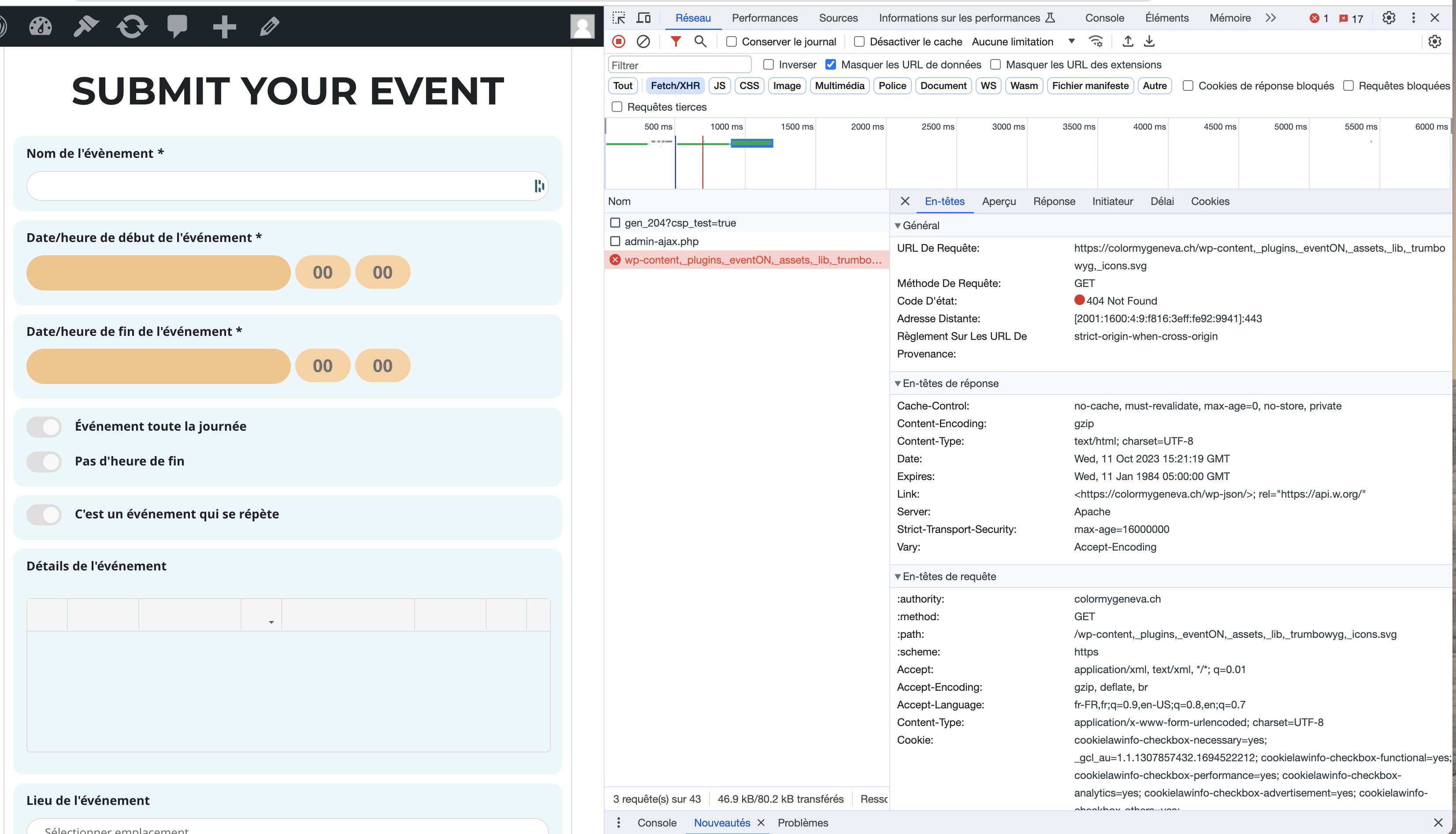
Reply to: tickets(328819)
I don’t know if it’s may help identify the problem
Reply to: tickets(328819)
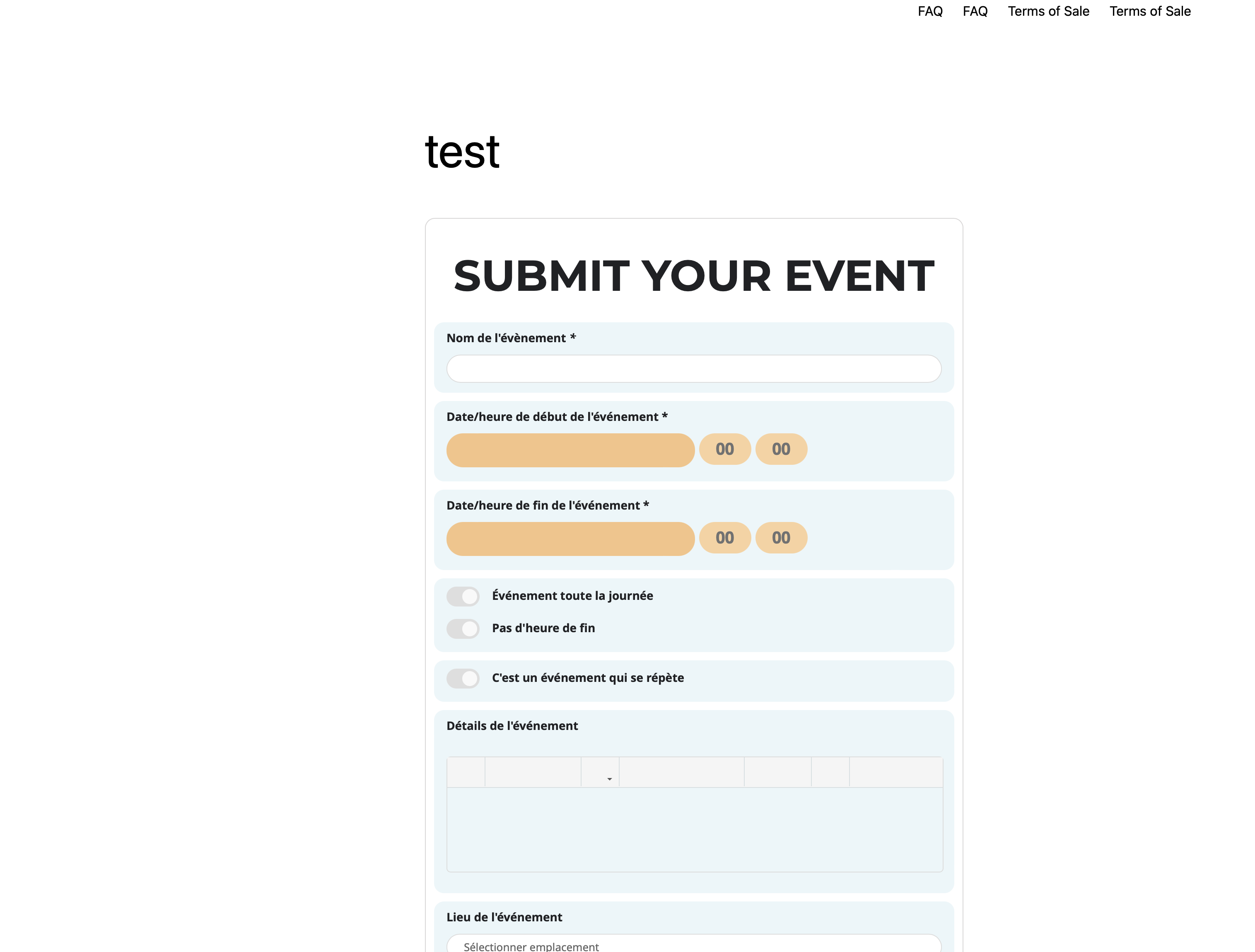
Hi, thank you for your help.
I don’t understand, when I activate troubleshooting mode with only eventOn / action user and Daily view , icons are still not there… how did you manage to display them ?
Reply to: tickets(328837)
sure here it is
[add_eventon_list number_of_months=”24″ hide_empty_months=”yes” show_et_ft_img=”yes” eventtop_style=”0″]
Reply to: tickets(328840)
Hello,
I found these two issues:
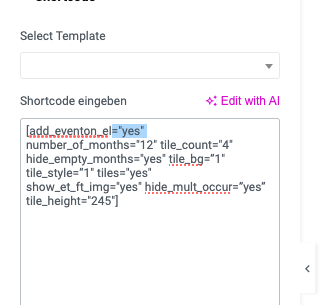
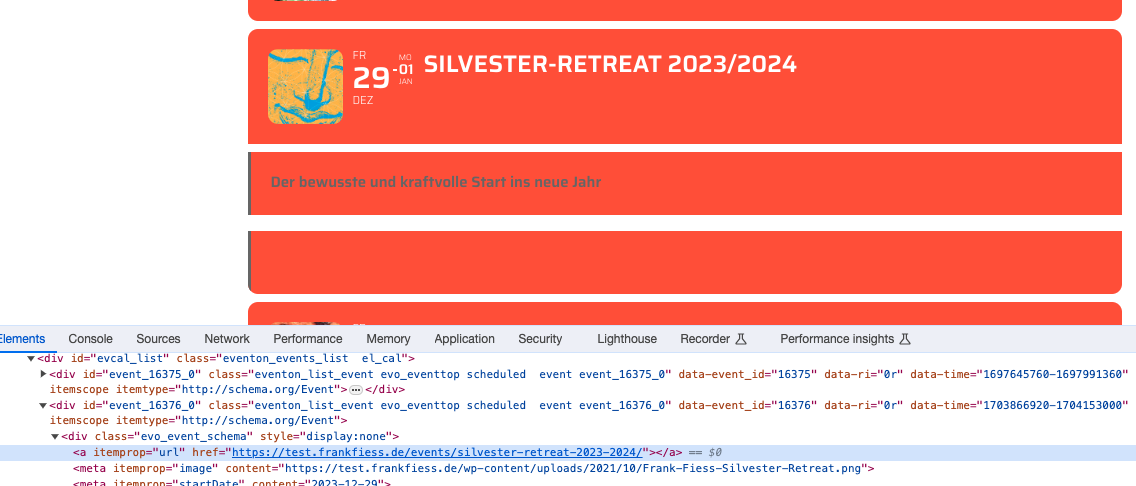
Fixed them so everything seems to be working now.
Please check and let me know.
Reply to: tickets(328848)
No cache plugin used at that time…
pot files do not offer translation
I was expecting the string to be part of “Ticket Variations & Options” , not “Event Tickets” though…