Hello,
Please remove this HTML tag from both shortcodes:

Replies for tickets on suppota
Hello,
Please remove this HTML tag from both shortcodes:
We will include this fix to the next version.
Hello,
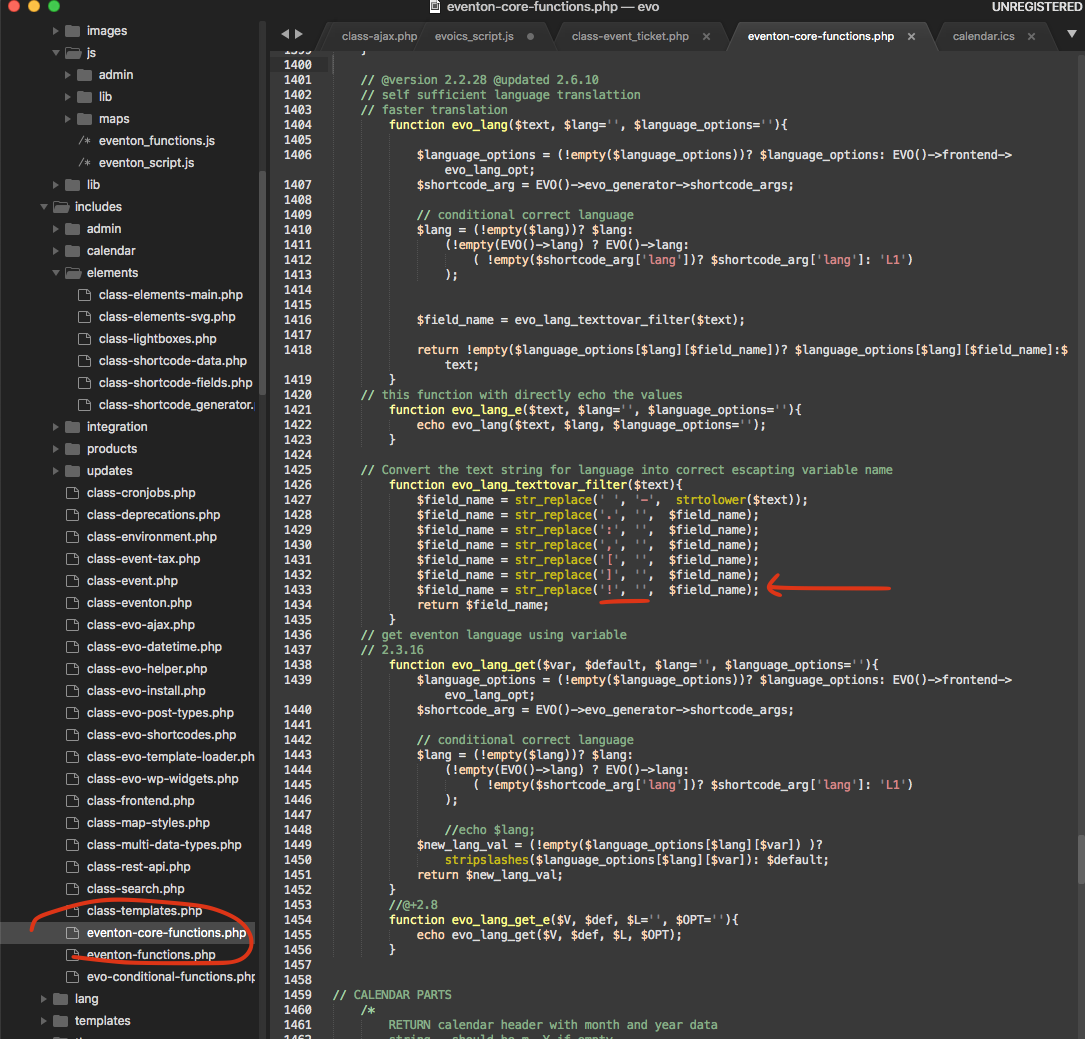
Please apply this patch fix:
Hello,
Either use
https://docs.myeventon.com/documentations/override-event-colors-event-type-colors/
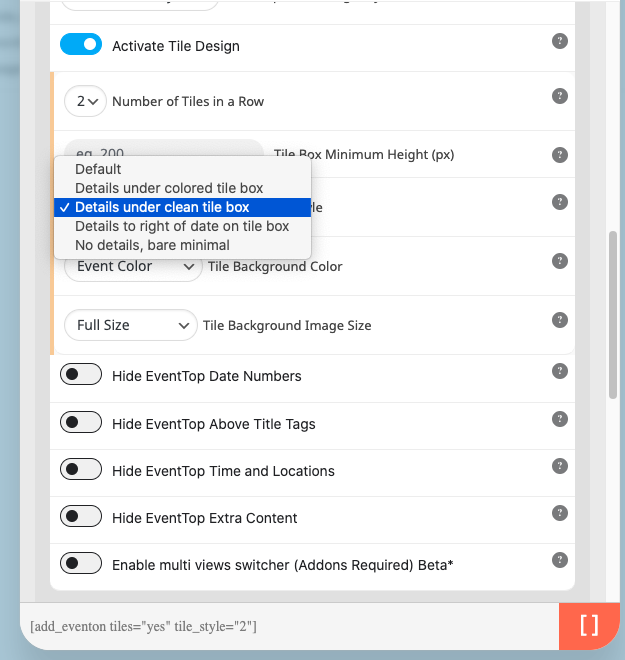
Or select “Tile Style: Details under clean tile box”. Then go to EventON > Appearance > EventTop > Background Color. If you don’t see any change, EventON > Scripts & Styling > turn off Write dynamic styles to header > save settings > turn on Write dynamic styles to header.
It seems that I misunderstood your question.
Could you take a look at this screenshot:

As you can see when I go to https://bigrep.com/events/?utm_source=Newsletter&utm_medium=email&utm_campaign=October+2023 it shows me the correct shortcode with no issues.
Could you send us a screenshot of your view?
This option “Delete EventON settings & data when EventON is uninstalled” is available in settings page or when uninstalling?
Because I don’t see anything in the settings page
Hello,
1. Not possible, unfortunately.
2. Please go to EventON > Appearance > FullCal > Date Number Box Color. If you don’t see any change, EventON > Scripts & Styling > turn off Write dynamic styles to header > save settings > turn on Write dynamic styles to header.
We are glad your issue is resolved, if you have any further questions or concerns please create a new ticket.
If you have a moment, we would greatly appreciate if you could kindly leave us a review at myeventon/my-account!. Cheers!
Found the issue we are going to release 4.5.2 soon with the fix.
foodsorcery.co.uk/login
eventon
Eventevent123!!!
Thanks
Helen