Ashan,
The issue with Fusion Builder and that customers cannot save events. It seems that this fix doesn’t work anymore:
https://helpdeskx.s3.amazonaws.com/wp-content/uploads/2023/02/08180337/Screen-Shot-2023-02-08-at-5.02.20-PM.png
[Replyto/327787]
Replies for tickets on suppota
Ashan,
The issue with Fusion Builder and that customers cannot save events. It seems that this fix doesn’t work anymore:
https://helpdeskx.s3.amazonaws.com/wp-content/uploads/2023/02/08180337/Screen-Shot-2023-02-08-at-5.02.20-PM.png
[Replyto/327787]
Thank you for your messages, I am going to assign this ticket to Ashan and he will be able to take it from here and find you a solution. Please allow some time for him to get back to you, we greatly appreciate your patience and thank you for being a eventon customer! Also please disable any IP blocking on your site if there are any.
Hello,
1. CSS code is correct:
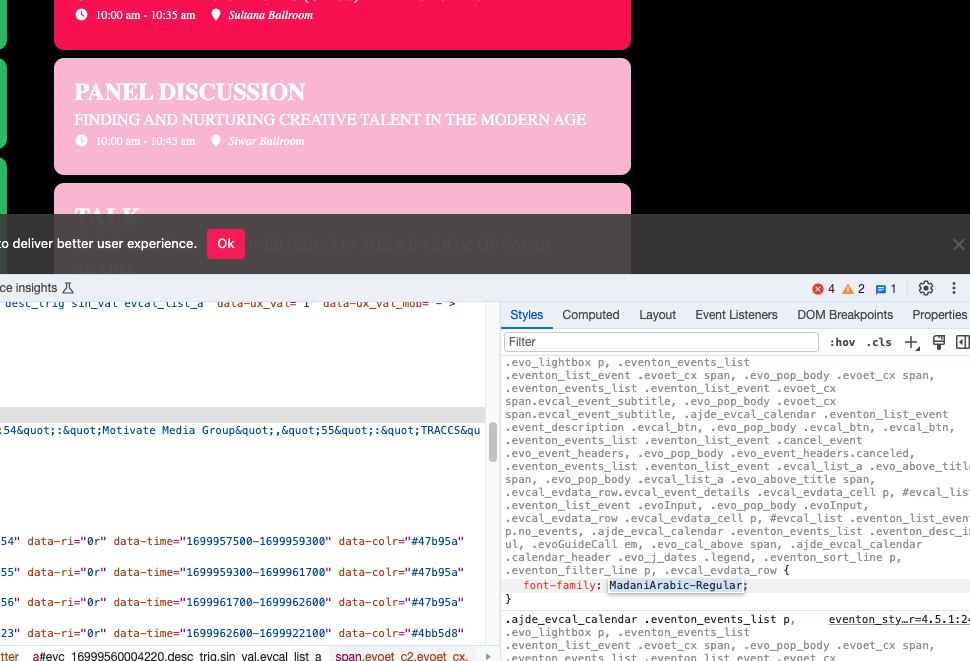
Please make sure that the font is loaded on the page. EventON only changes the CSS, but doesn’t load the font file itself.
More info
https://www.wpbeginner.com/wp-themes/how-to-add-custom-fonts-in-wordpress/
2. Please add this CSS code to EventON > Styles (If you don’t see any change, EventON > Scripts & Styling > turn off Write dynamic styles to header > save settings > turn on Write dynamic styles to header):
.eventon_events_list .eventon_list_event .evoet_cx span.evcal_desc2, .evo_pop_body .evoet_cx span.evcal_desc2, .eventon_events_list .eventon_list_event .evoet_cx span.evcal_event_subtitle, .evo_pop_body .evoet_cx span.evcal_event_subtitle { text-transform: none !important; }
3. Use this code:
.eventon_events_list .eventon_list_event .evoet_cx span.evcal_desc2, .evo_pop_body .evoet_cx span.evcal_desc2 {font-size: 13px !important}
.eventon_events_list .eventon_list_event .evoet_cx span.evcal_event_subtitle, .evo_pop_body .evoet_cx span.evcal_event_subtitle {font-size: 13px !important}
4. Please go to EventON > Appearance > EventCard Styles > make sure that Section Title Text and General Font Color are correct. After go to EventON > Scripts & Styling > turn off Write dynamic styles to header > save settings > turn on Write dynamic styles to header.
I resaved settings and I think that everything is working now: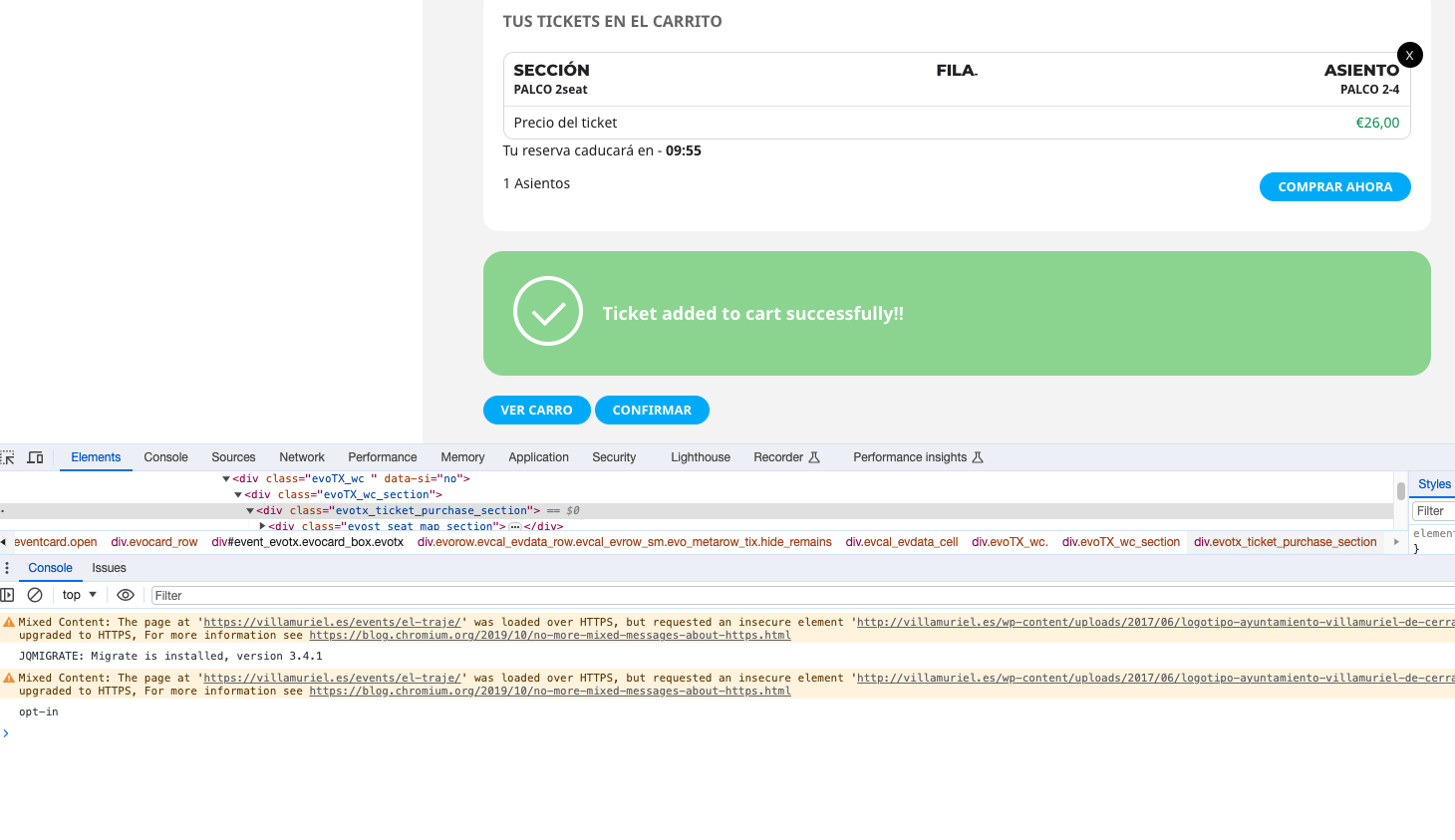
Could you check and let me know?
Hello,
Please try following
https://wordpress.stackexchange.com/questions/140351/how-to-completely-disable-a-taxonomy-archive-on-the-frontend
I have made an account which you can use:
username: eventon
password: 8Y20ul$x1
Hello, this error has not been corrected yet.
Do you have an approximate date for the update?
I need it to work again
Sure thing. Here you go:
https://villamuriel.es/wp-login.php
eventonsupport
ugwOMgu39ZZ(lffvSRhJInO*
Hi, I still haven’t received a reply, could you please advise what I need to do, or who I need to address to get a response?
Kindest regards
Dee Masuku
Hi, is there any update on this? We’re 6 weeks and counting!