Hello,
In order to change the font family, please go to and change Calendar Font family:
https://kcv.qhz.mybluehost.me/wp-admin/admin.php?page=eventon#evcal_002
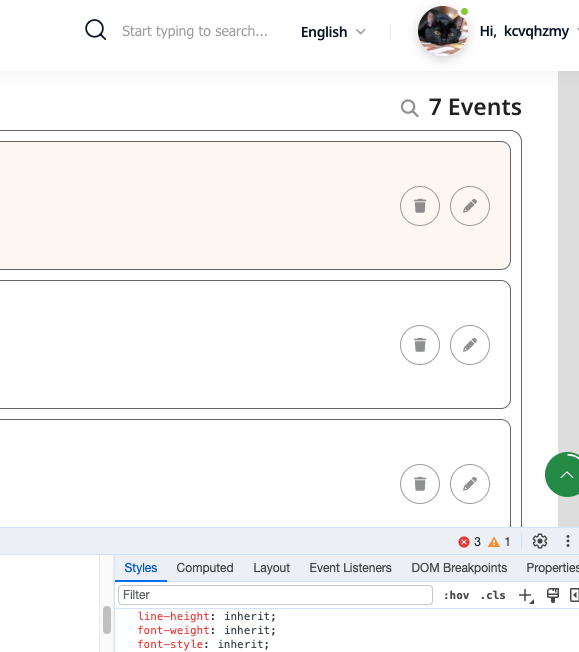
Icons are visible on my end:
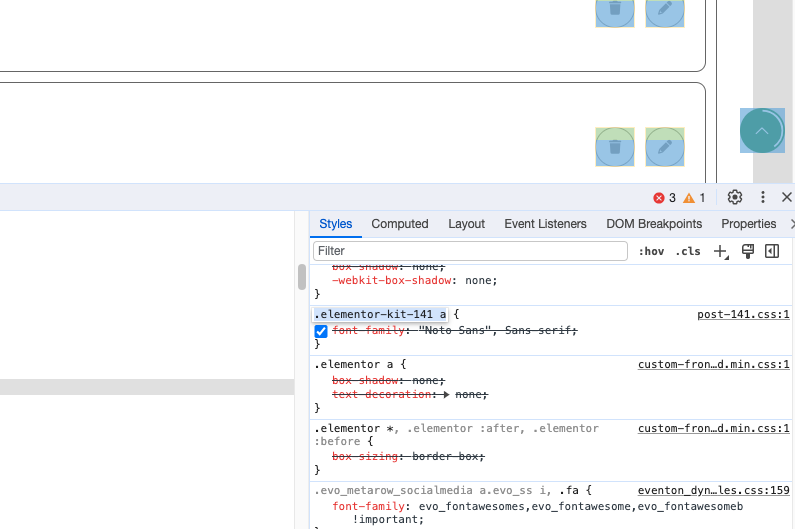
Is it possible to comment this CSS code:
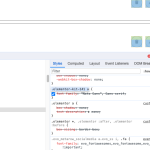
It affects every part of EventON. Comment the code, then you’ll be able to change the font-family from the first link I sent in this message.
Meanwhile, I would like to know if there is any shortcode or tool that my frontend member can attach their own event calendar (e.g. xxx yoga center) on their blog post on my website, thanks!
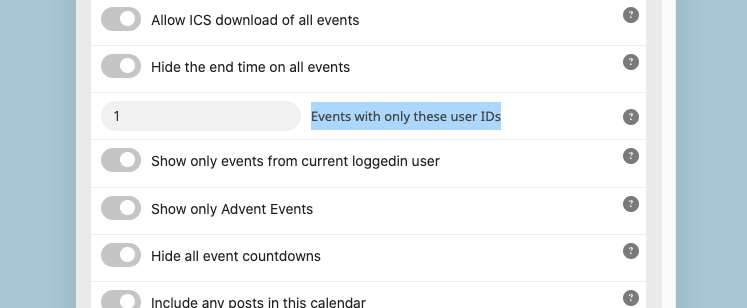
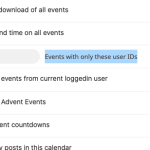
Use this option to show events created by a specific user:
We are glad your issue is resolved, if you have any further questions or concerns please create a new ticket.
If you have a moment, we would greatly appreciate if you could kindly leave us a review at myeventon/my-account!. Cheers!
Hi Artem,
It looks good, thanks for the support.
Best,
Peter
yes, you can do that. we are still developing.
As for the original issue, please follow the instructions in this documentation to activate debug in your site to see any PHP errors recorded that can provide insight on to whats going on. Please reply with a link to debug.log file. If you are not able to do this please send us FTP access to your site so we can do this for you.
I cannot connect because of Authentication Code. Could you check?
Hello,
Please add this CSS code to EventON > Styles (If you don’t see any change, EventON > Scripts & Styling > turn off Write dynamic styles to header > save settings > turn on Write dynamic styles to header):
.evo_metarow_directimg img { min-height: auto; }
Hello,
1. Each Event Type has it’s own archive page with all assigned events:
https://docs.myeventon.com/documentations/confused-event-type-categories/
Please take a look at wp-admin > Events > Event Type.
2. Please take a look at Event Lists & Items add-on:
https://www.myeventon.com/addons/event-lists-items/
You can create a list like this one:
https://dev2.myeventon.com/?page_id=51421
Try our products on https://dev.myeventon.com/wp-admin/
If your shortcode has cal_id, please also try removing it.