Hello,
Please send us admin access to your site as a private message for us to further assist your situation.
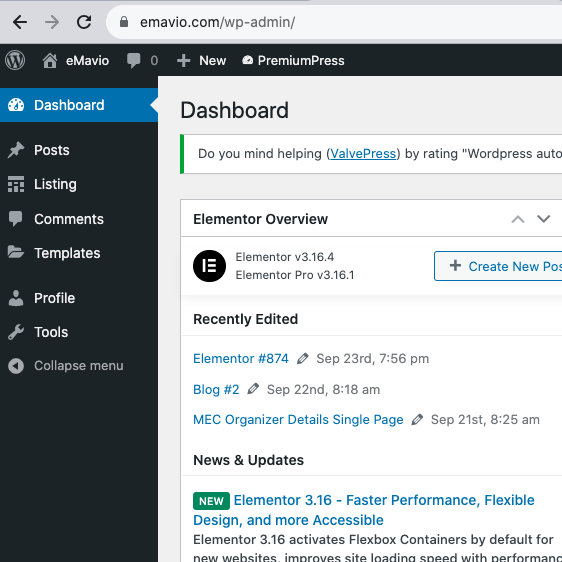
I don’t see EventON Settings:
Replies for tickets on suppota
Hello,
Please send us admin access to your site as a private message for us to further assist your situation.
I don’t see EventON Settings:
Please send us wp-admin access to your site as a private message for us to further assist your situation.
Hello,
This is not possible. However, you can just go through the RSVP process like a regular user would do and add them this way.
Hello,
Could you try removing cal_id=”” from your shortcodes?
http://update.tsg-weinheim.de.w01d8905.kasserver.com/wp-admin/ shows “403 Forbidden”.
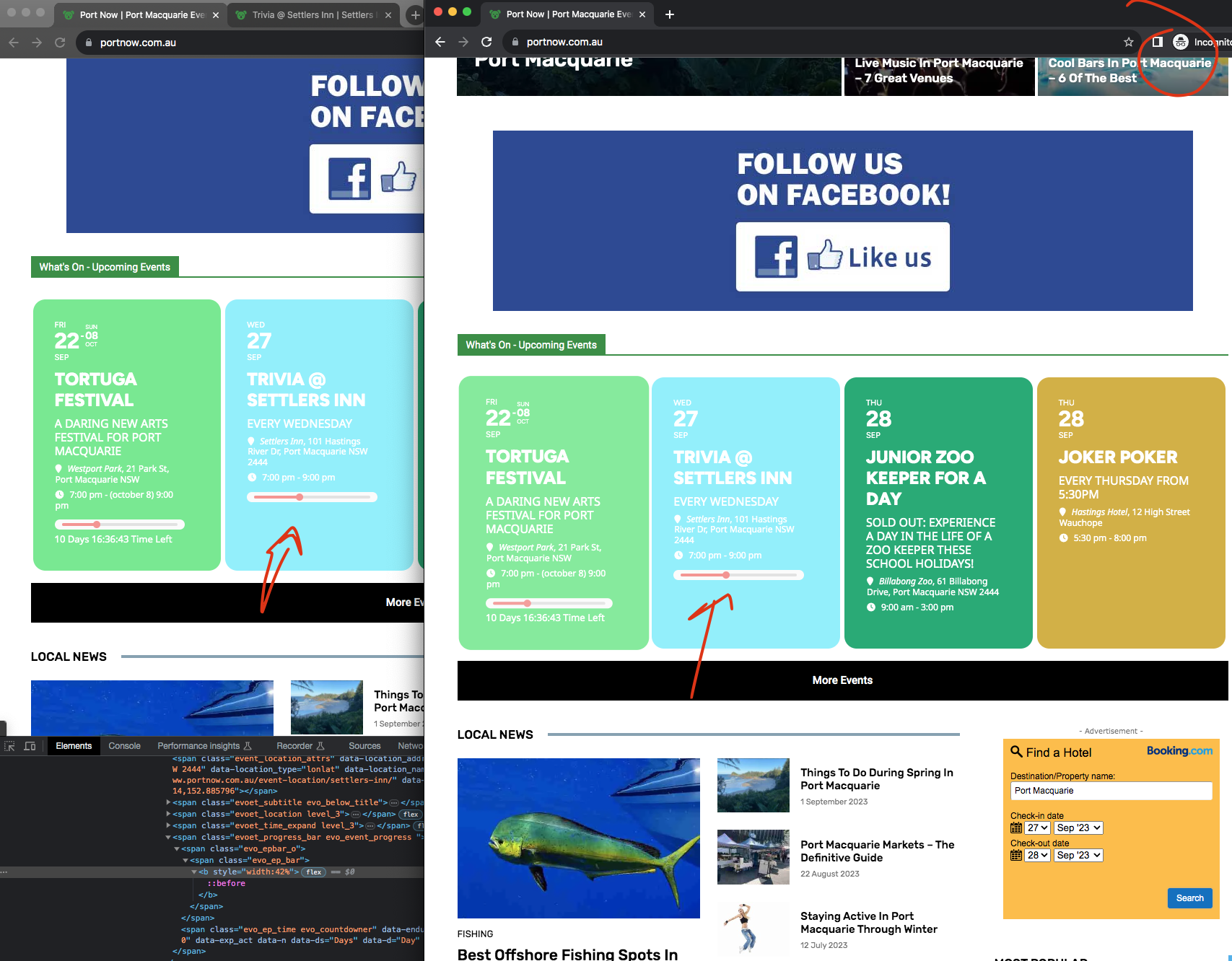
So this 27th event is showing a bar but not timer. And about the events showing event after they are PAST. Thats the big issue right? so these events are queried on server side, meaning from PHP. It could very well be effected by cache. Let me fix the already completed events still showing progress bar.
Hey Mike!!! one of my good friends name is Mike as well 🙂
Ok so I look at your site and this is what I see right now I am in PST>
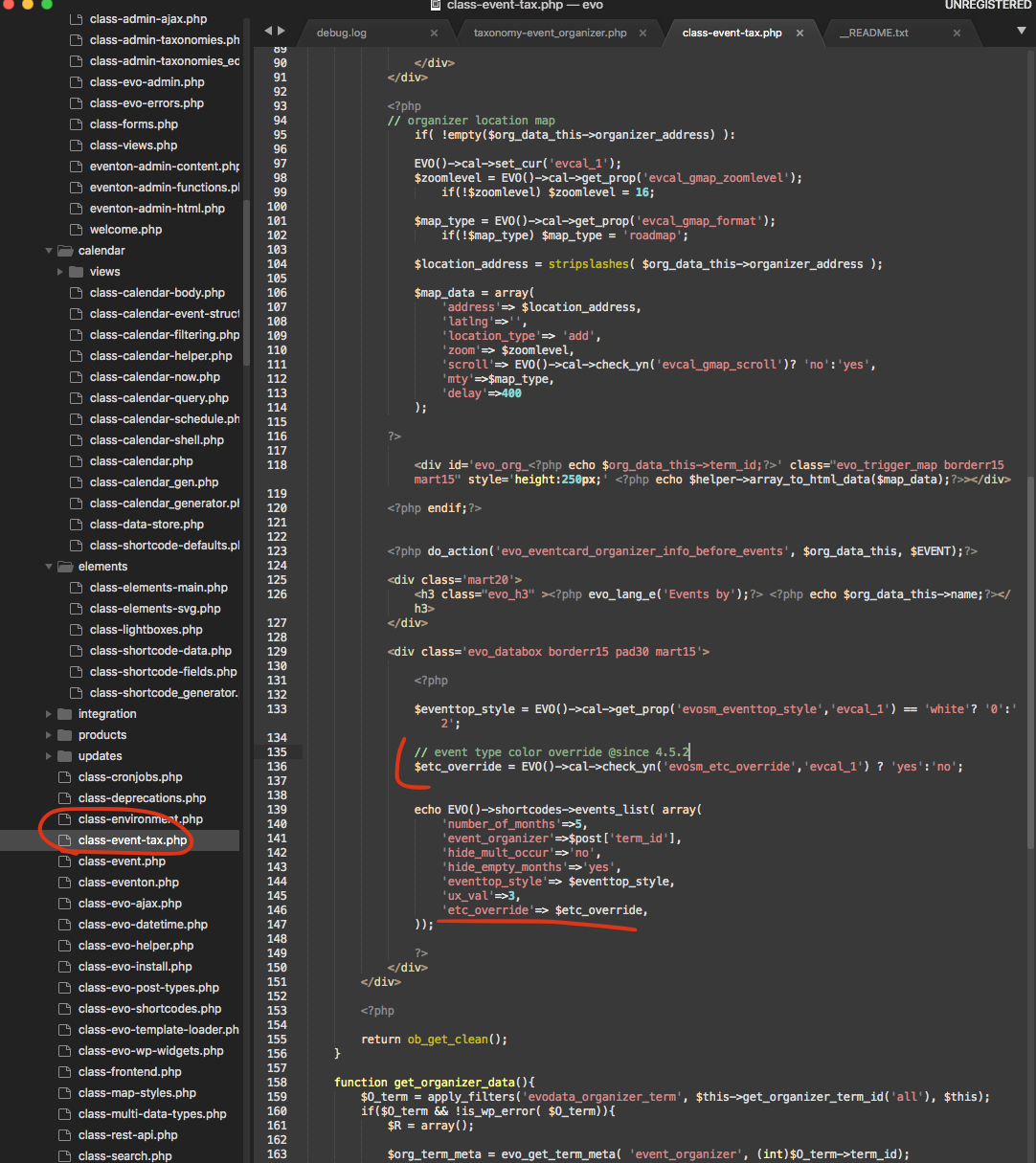
and then here is the patch fix to fix it for lightbox window.
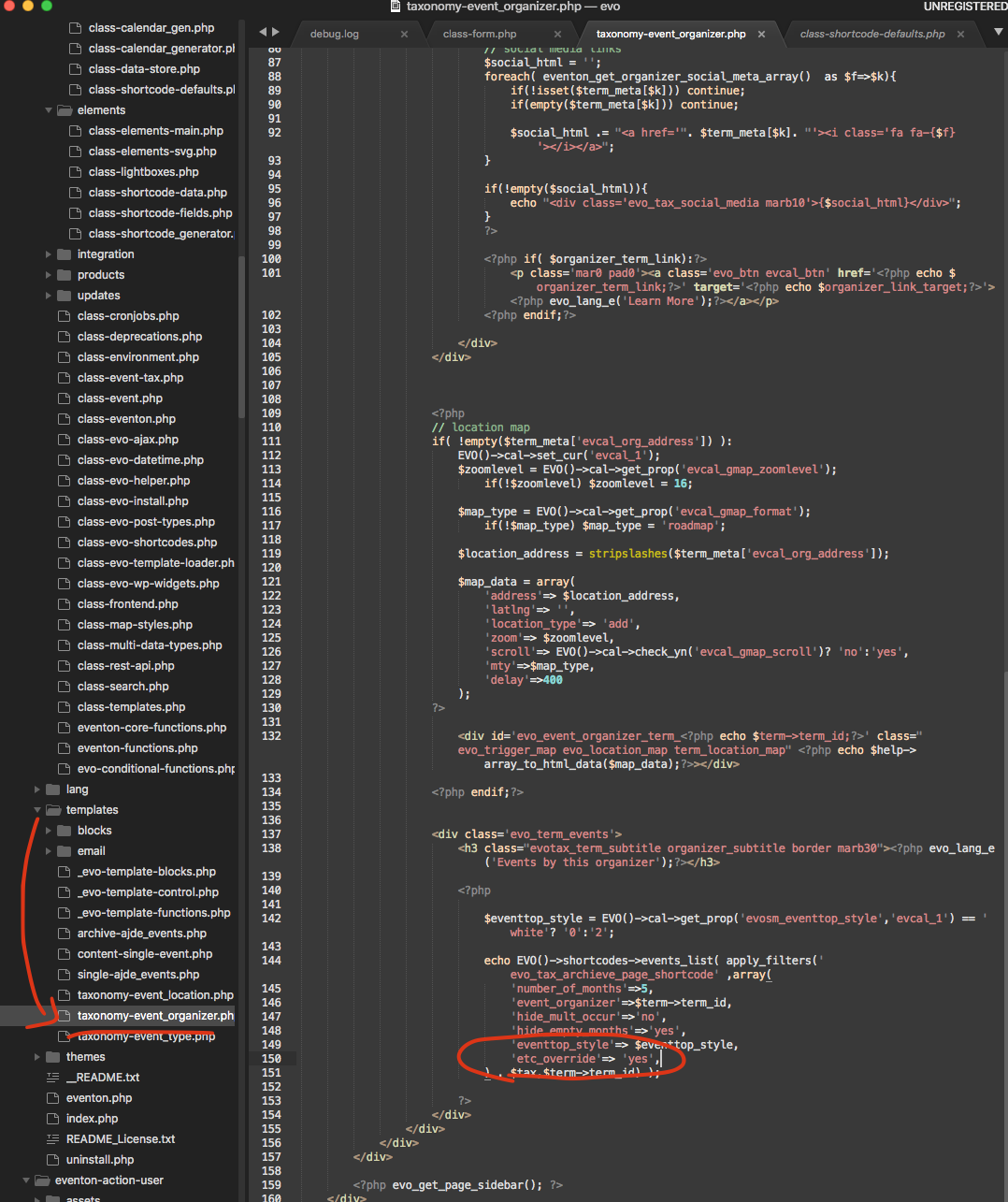
quick fix to your situation for organizer archive pages ONLY is this.
i am sorry this is a programmed codes that import the json data, and they are expecting it to be in certain way as it was created.
I am open to suggestions, please kindly let me know what you think would be a best solution here? 🙂
if you are in live sales right now, I do NOT recommend changing the json file.
Hmm so it seems when you changed the IDs, it worked fine for the event you did that, but once you export and import, the import process gets messed up because it can no longer track the correct seats using seat slug. Hmm I am not sure mate.
I think the best bet would be to edit the json file after you export, to correct the IDs and then import back.