Please follow along. I have created a staging site and removed all unnecessary plugins and also deleted ALL events and WC Product/Tickets, except for 1
1) Log into https://staging.bobsgunshop.com/wp-admin/ using the credentials in the original ticket submission
2) Open a tab and view the events. You should see an event called… ”VA Concealed Handgun Permit Class – 1/10/2026”
3) Click ”Edit” on this event and you will see that it is a fully functional event. All fields are filled out and it has a featured image, etc.. It also is attached to a WC Product ID : 15746 Everything about this event looks good. See included image filename: Original Event – Editing Page.jpg
4) Now go back to the Events listing page… https://staging.bobsgunshop.com/wp-admin/edit.php?post_type=ajde_events
5) When I click the ”Duplicate” link under the event called ”VA Concealed Handgun Permit Class – 1/10/2026”, I expect the following things to happen…
a) The COMPLETE event gets duplicated.. including all fields, featured image, etc….
b) A WC Product also gets duplicated and attached to this Event
NONE OF THIS HAPPENS!!!
I NEED TO BE ABLE TO DUPLICATE EVENTS WITHOUT HAVING TO FILL OUT ALL OF THE FIELDS ALL OVER AGAIN. IT ALSO NEED TO AUTOMATICALLY CREATE A NEW WC PRODUCT FOR THE DUPLICATED EVENT!
Can you please answer? we paid for a malfunctioning product…
I created a staging site at https://staging.bobsgunshop.com/bgs-admin
You can log in there and do whatever testing you want. You can use the same credentials that I sent in the first support ticket email (UN: support@myeventon.com)
Please help
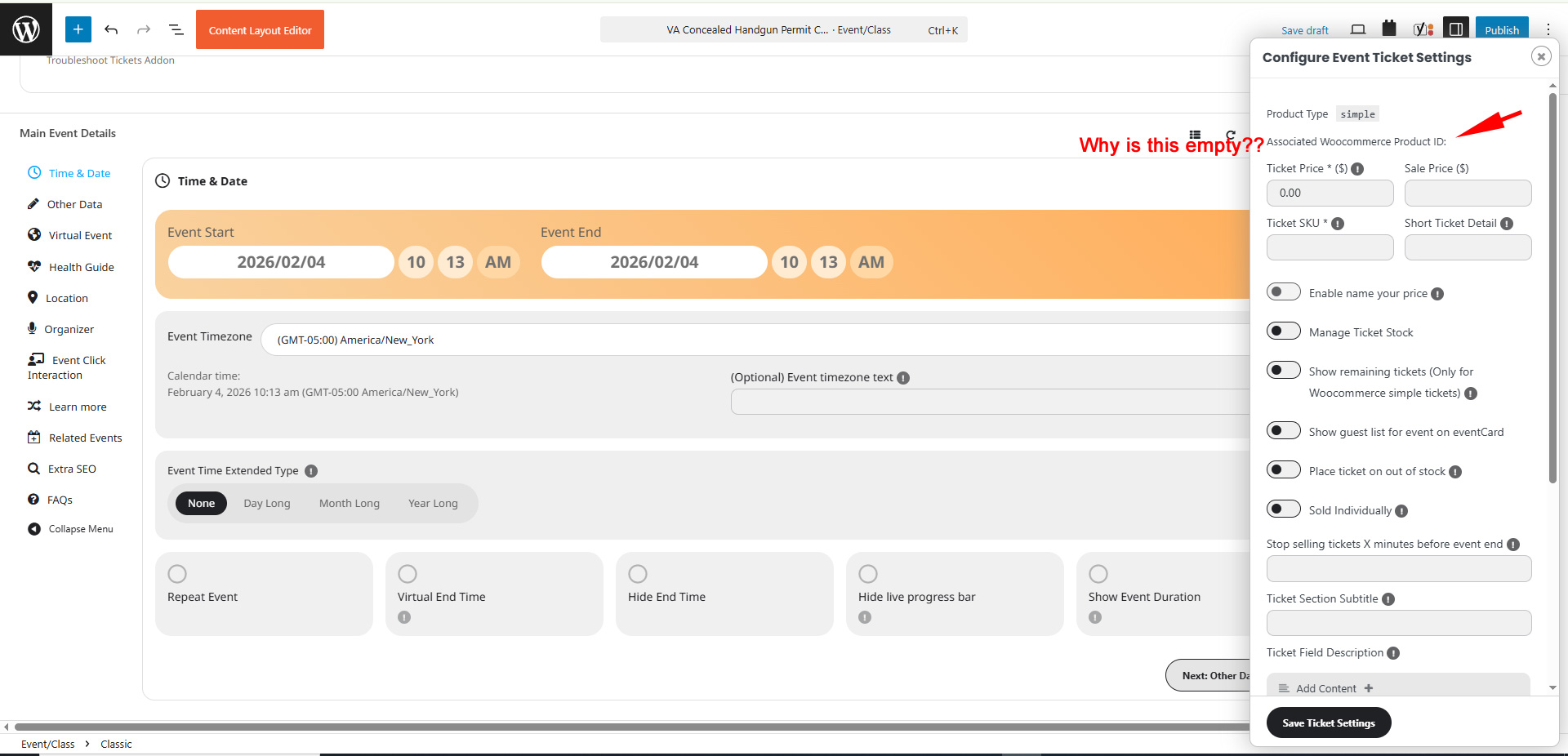
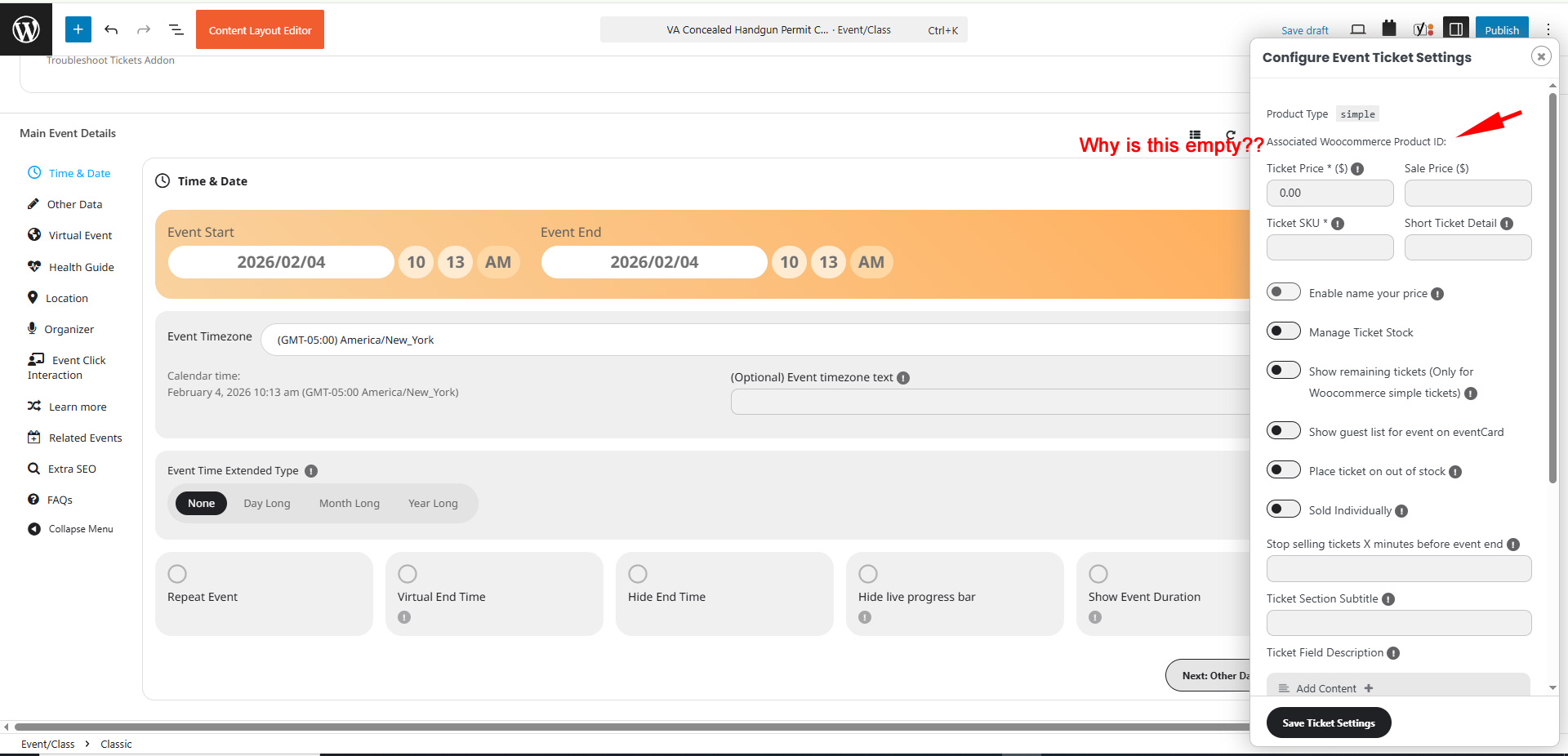
Here is a screenshot. See attached.
When i Duplicate an event, the ticket information is completely blank. It doesn’t create a WC Product/Ticket. How do I get it to attach to a WC product/ticket???
My client wants to use the ”classic” version of then editor instead of the Block editor.
Regardless, I did what you said and it still didn’t work. Normally, in the past, when an event was duplicated, it duplicated EVERYTHING….
For example…
The Event details and settings should have been duplicated into a new Event (new Post ID)…
AND
It should have also created a new Ticket/Woocommerce product and attached that new ticket/product to the event.
In our case, no new Woocommerce products (aka tickets) are being created. If we try to duplicate a Woocommerce product /ticket on our own and then attach that ticket to the event, by using the ”Assign a new WC Product” link on the event, we get the error…
Assign Different WC Product
You do not have any items saved! Please add new!
Artem – As you’re looking into this, can you confirm that the latest version of the paid EventOn (5.0.6) does NOT have any security vulnerabilities, given the 3 reports listed in Patchstack? Thank you.
Unfortunately, this does not solve the issue.
It would be very helpful if EventON added a feature to the Ticket Variations & Options add-on that allows a variation (e.g. a mandatory food component) to be set as required, while also assigning it its own tax class.
This would make it possible to correctly handle mandatory bundled services with different VAT rates within a single event ticket.
We are sorry for the delay. Our devs will check this ASAP.
You can use the add-on unactivated while we are working on the issue. Please check and let me know.