Hello,
Yes, I understand that! But the person who had been in charge of this account is no longer with the organization, they haven’t been since March. We weren’t aware of EventOn and the subscriptions until after this transaction went through. That’s why we immediately cancelled everything! The website these plugins were used for doesn’t even exist anymore, we have switched web developers as of September 1. We were hoping to get this one transaction refunded. Please let me know if this is possible. As stated before, it would be greatly appreciated as we are a non-profit organization.
Thanks – I hadn’t realised I needed the Tag ID … that now works… although the ID isn’t easy to find (I had to use Sheet Editor) … although I may have missed something obvious.
Using the second Event Type will help too.
Thanks again.
Hello,
it only disapears the link not the text (well in my case in an image), and it is on eventTop, opening the pop up on click.
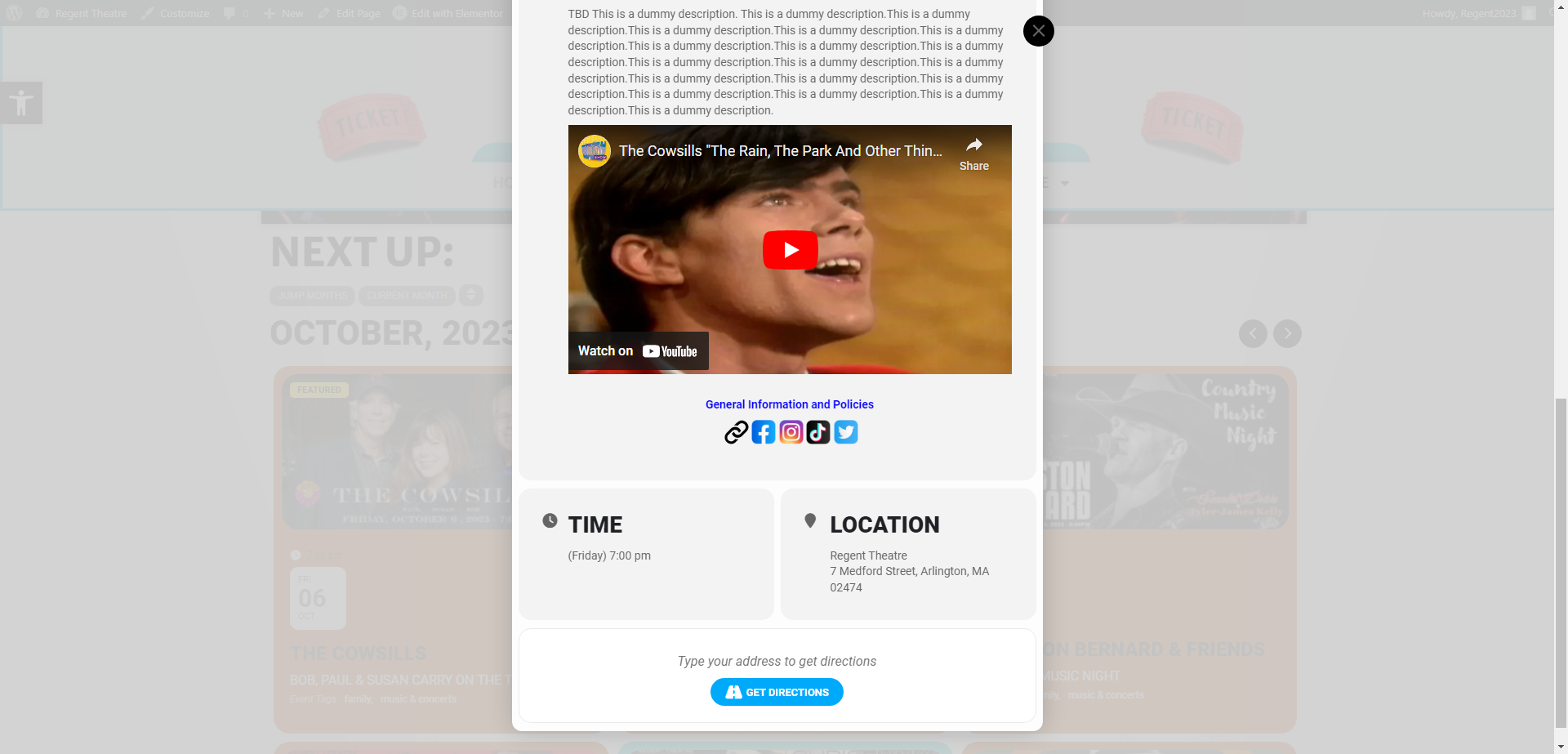
For some reason the social share icons only show up on the full page at the bottom, not on the event card. Please see the attached. Here is the link to the full event page that shows the social share icons above the time/location.
https://regenttheatre-com.okyanust.com/events/the-cowsills/
Okay, that was a little hard to see on my mobile. Back from holiday I am on my desktop again, but sadly I cannot find any solution for the issue. Tried everything around now. Since I updated the plugin 5 days ago, I suspect the issue rose since then.
Sorry Kenneth, one more question. How do I add text next to the social share icons so visitors know they are shareable. Can I add the word share next to them? and if so, how?
Thanks, Greg
Hi Artem,
Thanks for the suggestion, I tried the pastebin code, but September is loading (with no events) by default, and it should technically skip this month, or ideally just show the next 3 events regardless of the month.
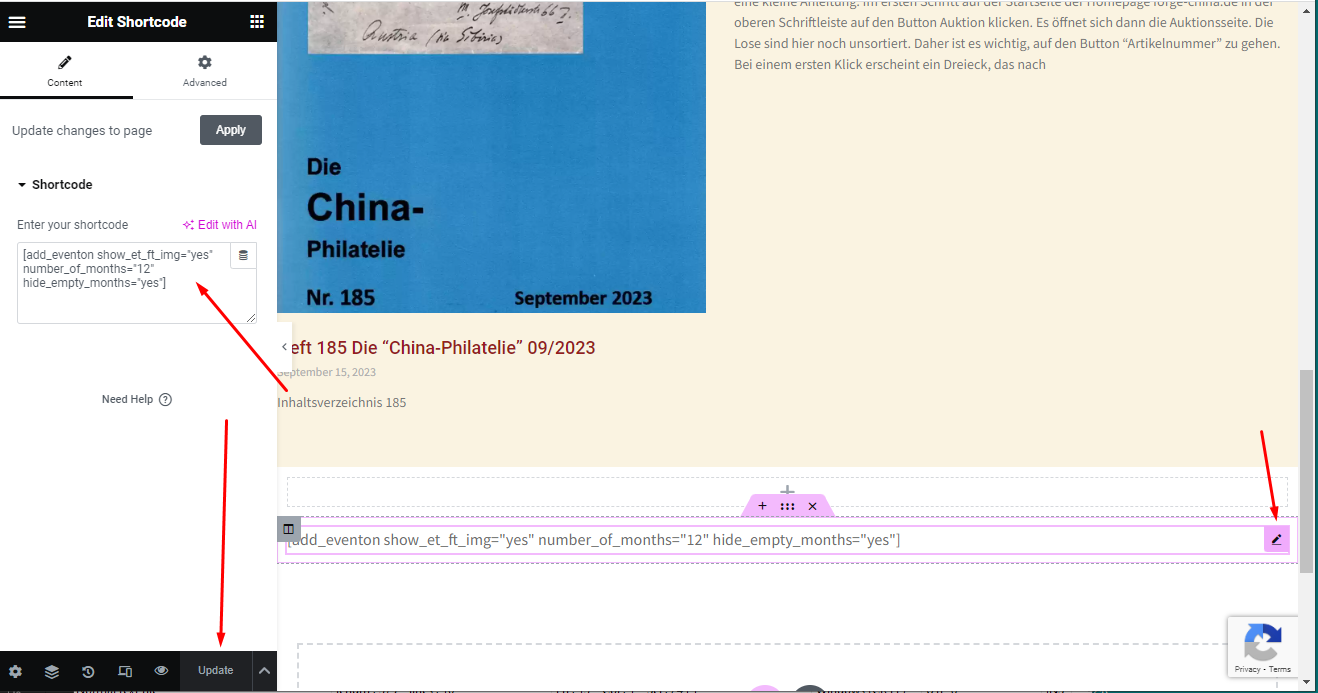
You can edit the last box (check screenshot) on the following page:
https://www.forge-china.de/wp-admin/post.php?post=14788&action=elementor
user: elementoradmin
pw: kOhBE)3TsYKDET3GoIgpFoG#
Many many thanks!
Hi again Kenneth. I added the social share but is there any way to colorize the FB or Twitter icon?
Thanks, Greg
Thank you Kenneth! Any way to share via Instagram?
-Grefg
Hi Kenneth,
It looks good, however, would it be possible to keep the events list collapsed by default, and then when a user clicks on them, it expands to show its contents (like an accordion)?
Looking forward to your reply.
Thanks,
Peter