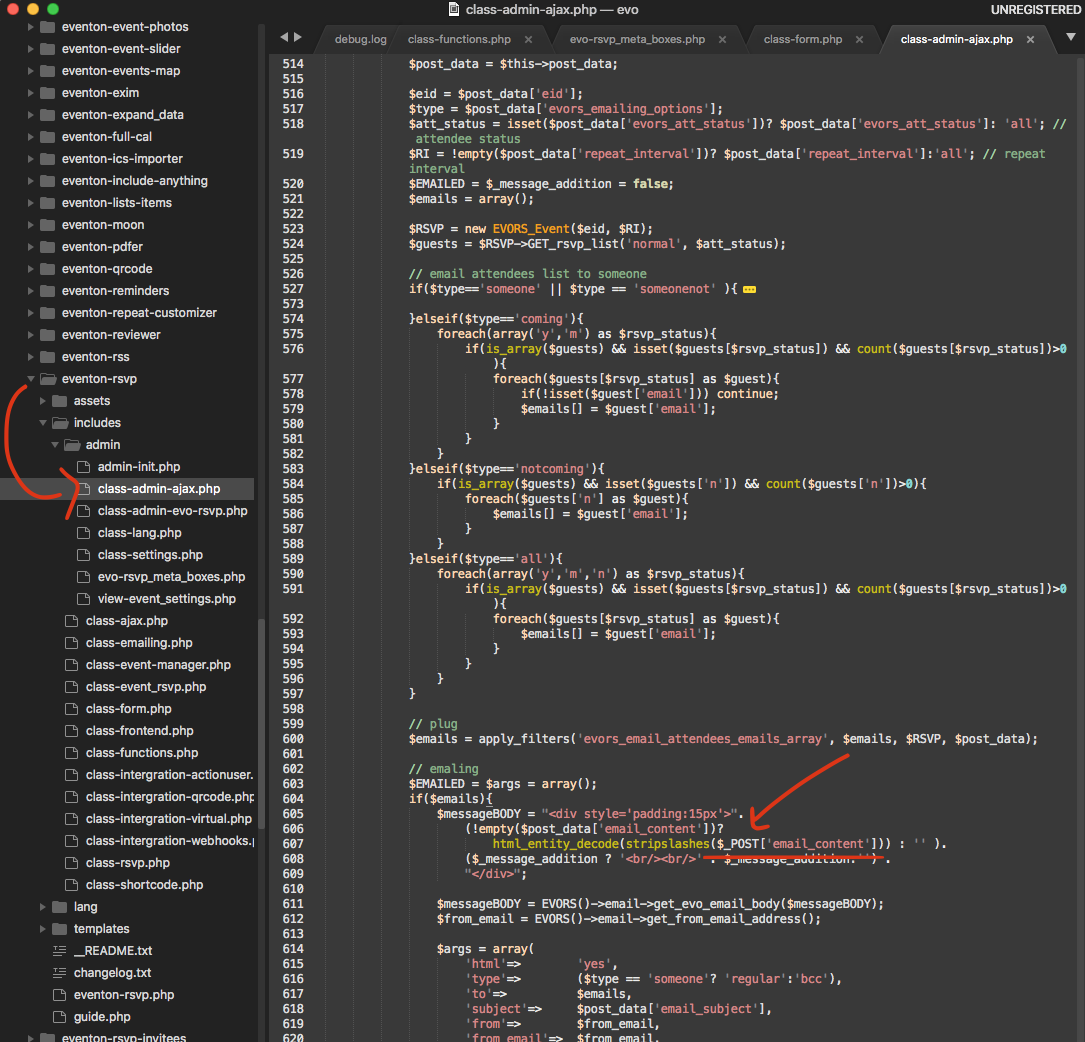
please apply this patch fix and let me know if this solve the issue for you.
Archives: Replies
Replies for tickets on suppota
Reply to: tickets(326718)
Reply to: tickets(327173)
I kept trying different things and think I found a solution. I changed to Event List Ext and it works as intended. New shortcode:
[add_eventon_el number_of_months=”2″ hide_mult_occur=”yes” el_type=”ue” hide_so=”yes” only_ft=”yes” ux_val=”1″ event_count_list=”yes” event_count=”30″ tiles=”yes” tile_height=”400″ tile_style=”2″ only_ft=”yes” tile_bg=”1″ tile_bg_size=”med” hide_month_headers=”yes” cal_id=”featuredtest”]
Reply to: tickets(324567)
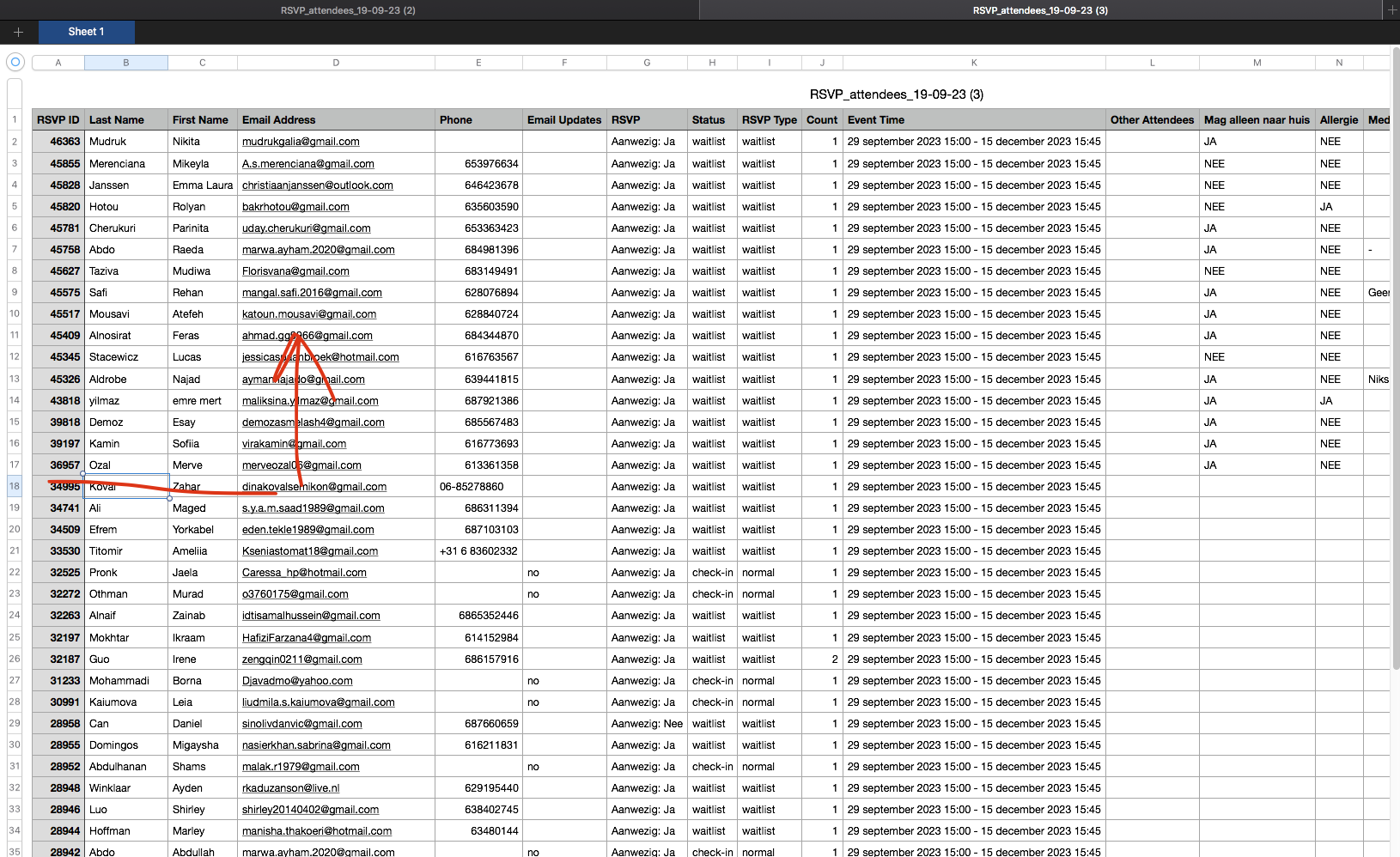
I think I may know what happened, Did you add these custom fields after certain time? because the RSVP #34995 and down they do not have any values saved for those. In Edit page it is showing because it defaults to first value.
Reply to: tickets(327162)
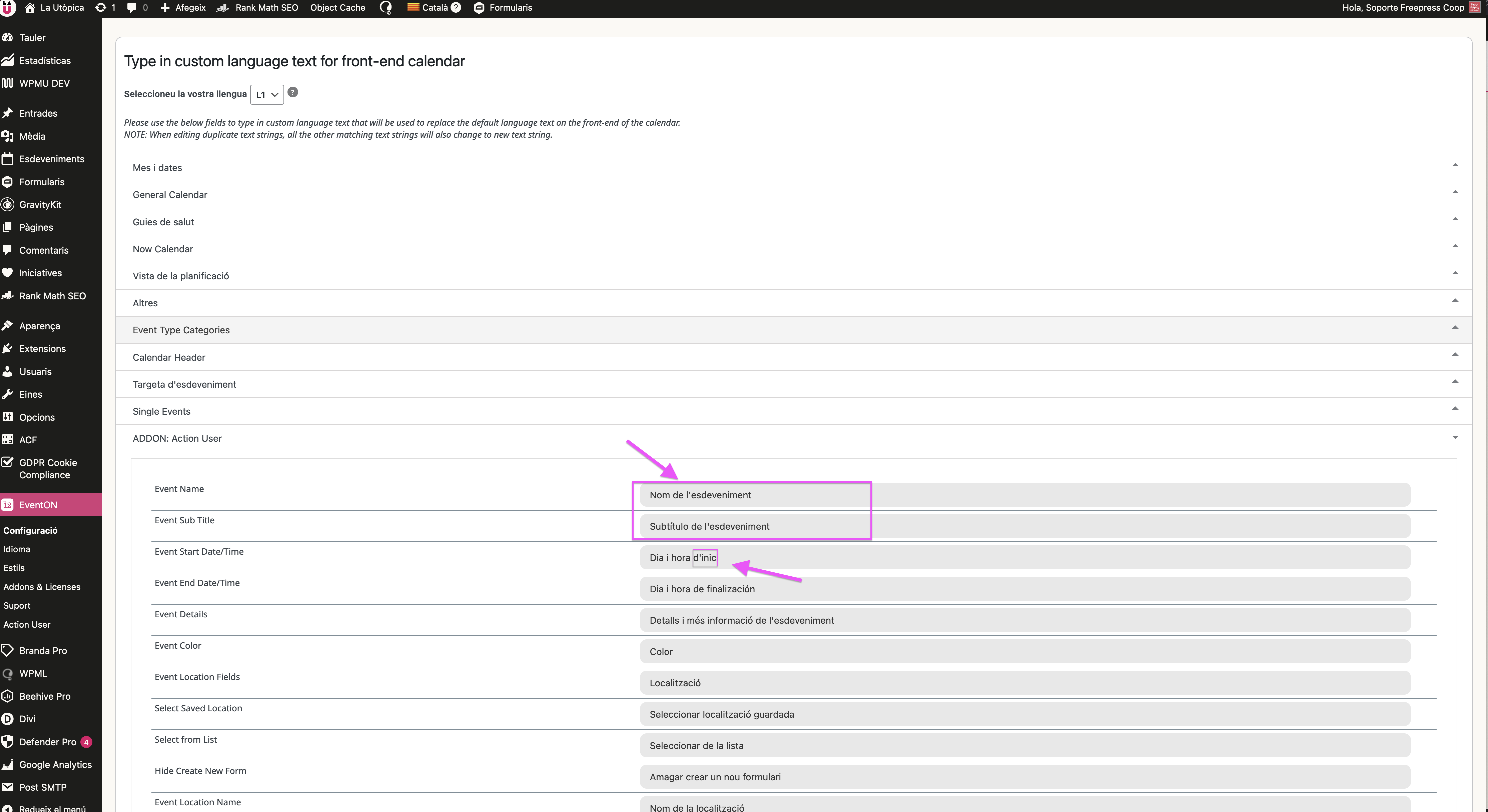
attached image from language configuration
you can see the title is: Nom de l’esdeveniment
In the form show: Nom de l’esdeveniment
thanks
Reply to: tickets(327162)
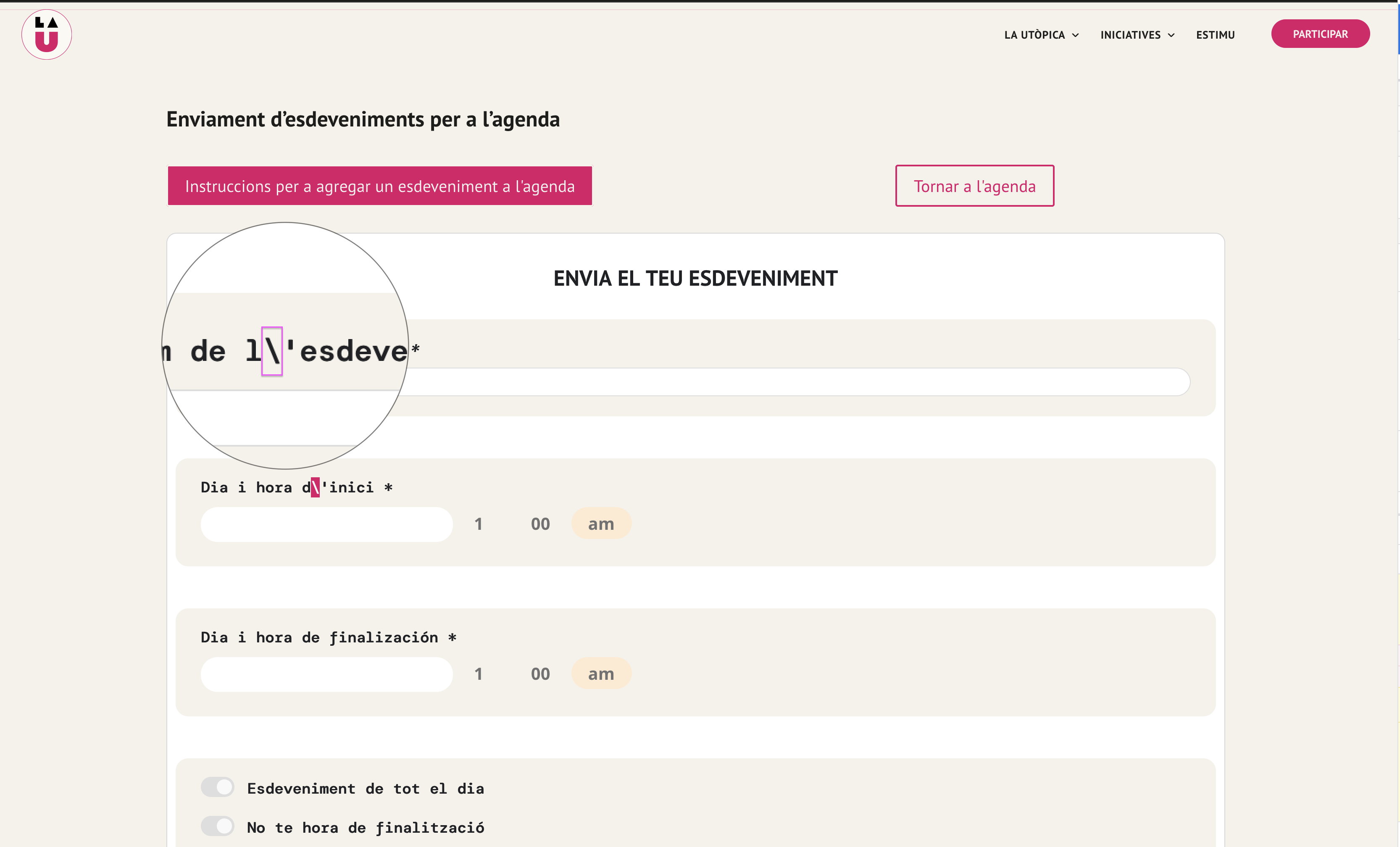
attached image form
Reply to: tickets(326956)

Hi – I’m not sure this answers my question.
In the attached example I’ve set a tag for this show with the name of one of the bands ‘Bad Pedestrian’
I’d like to be able to click this link to find any other shows they are playing at – also the same goes for the category of ‘kive music’.
I have also tried using the shortcode for Event Lists and setting a filter on tags, but this function never returns any results.
Is there a url format I can use to call tagged content?
Thanks
Reply to: tickets(327123)
P.S Current code on live website (forge-china.de), as from last example/last post:
[add_eventon show_et_ft_img=”yes” number_of_months=”12″ hide_empty_months=”yes”]
Reply to: tickets(327123)
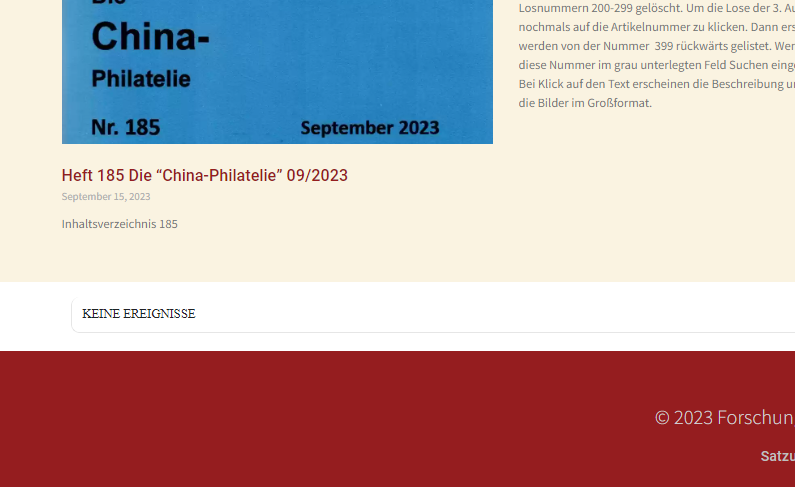
When I use your suggested code, I only get this message (with no arrows/options to navigate to next month):
“KEINE EREIGNISSE” (meaning “No Events”. Check screenshot ssw.png).
I also tried this:events regardless of the month.
[add_eventon show_et_ft_img=”yes” number_of_months=”12″ hide_empty_months=”yes”]
but it just loads the current month & no events are shown. I just want to show the next 3-5
Reply to: tickets(327050)
when I visit october the small images on the event top appear for the events you have added them to- but you have not added them to every event
you have set it to show under the event title which is where its showing (in myeventon>>>settings>>>>.event top)

this event doesn’t have an image so wont have an image appear https://discovertulare.wpengine.com/events/tulare-county-3/
if thats not what you are after- what is the layout you are after?