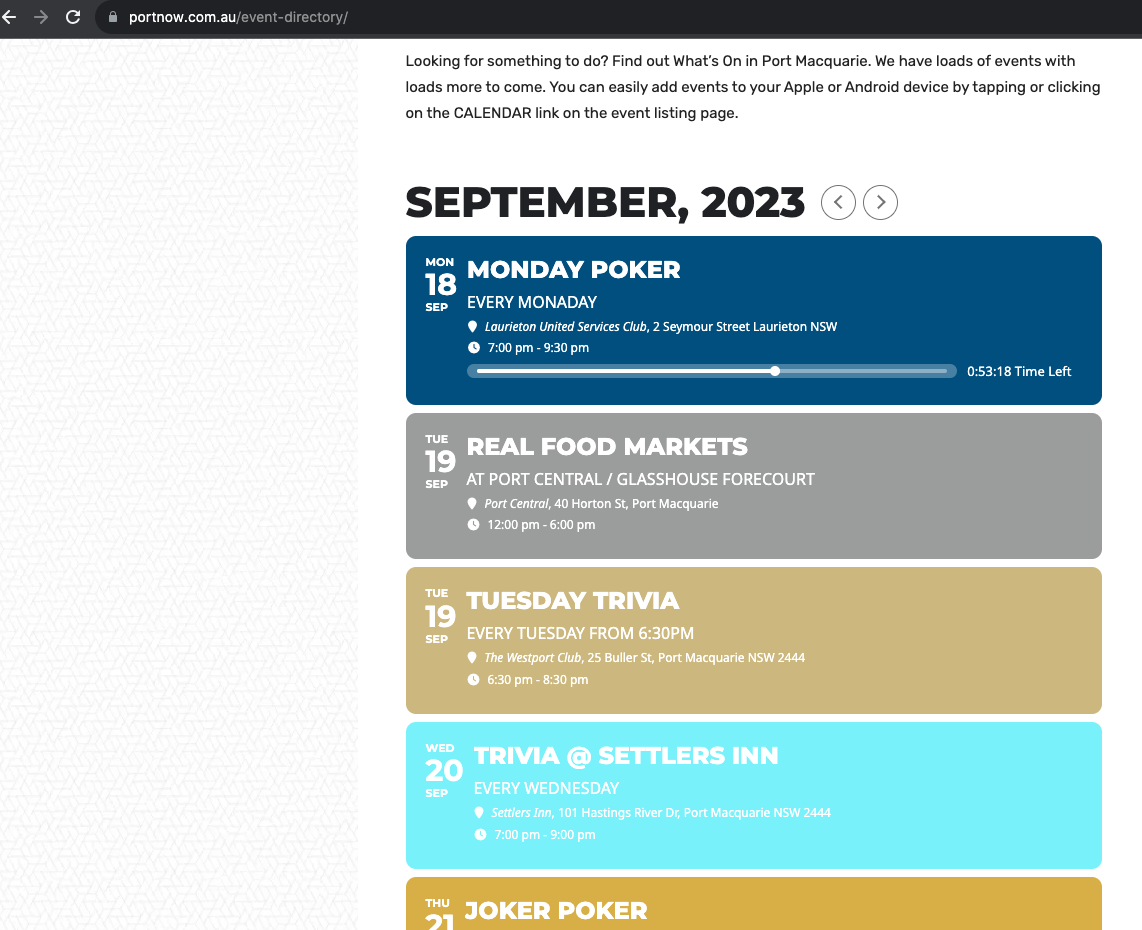
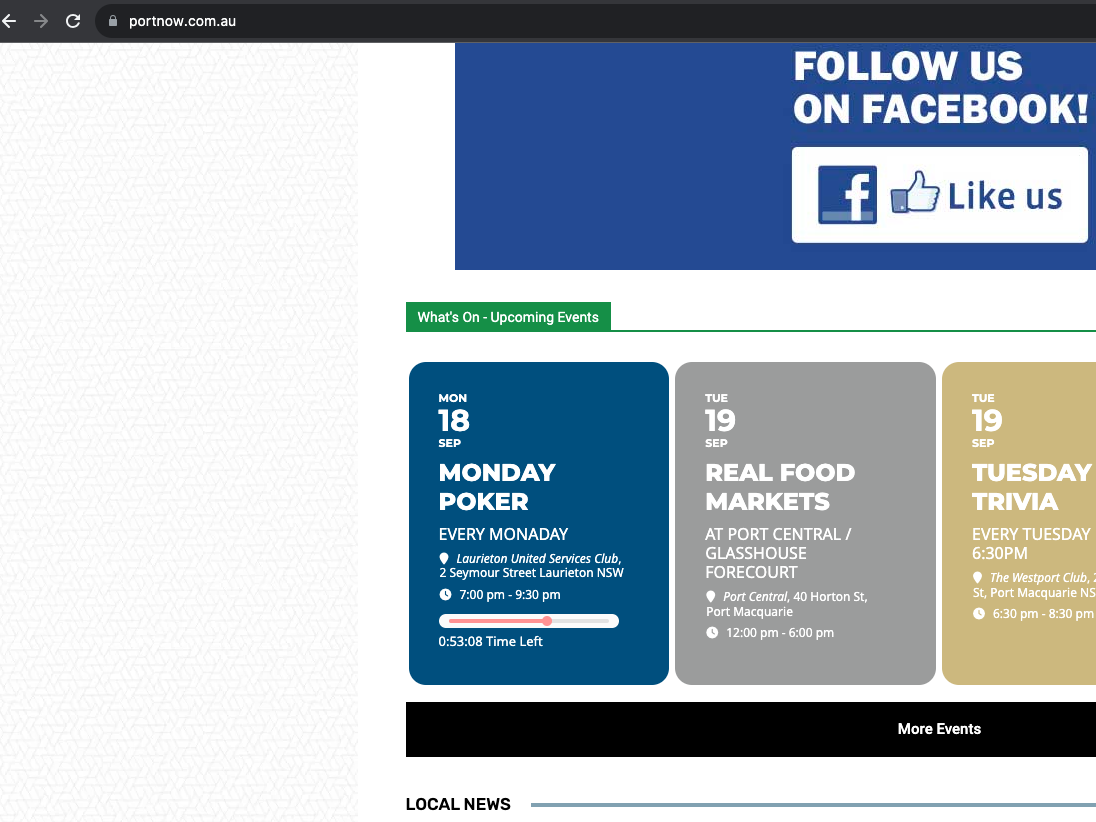
Hello Ronan,
Please use the CSS code below
#evcal_list .eventon_list_event .evcal_eventcard p, .ajde_evcal_calendar .eventon_events_list .eventon_desc_in ul, .evo_lightboxes .evo_pop_body .evcal_evdata_row .evcal_evdata_cell p, .evo_lightboxes .evcal_evdata_cell p a{
color:black;
}
Please add the custom CSS code to “EventON Settings > Styles” and save changes. If you do not see the new style changes, Go to “EventON Settings > Styles & Scripting > Turn off write styles to header” Click save changes – to write the styles css code direct into page header. You can turn this off once the cache is cleared.
Hello,
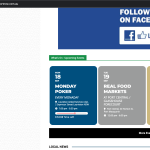
After I cleared your caching plugin, I can see bars:
Your version of EventON is 4.5. Could you update it to 4.5.1?
To update eventon to latest version: If you are unable to do autoupdate, you can go to codecanyon your account > download and get the latest eventon version as zip file. Then you can go to your website > make sure “Delete eventon settings & data when EventON is uninstalled” is Deslected from eventon settings, delete old eventon, install new one and activate. This link will further explain the process it. Also you can follow us on twitter to get real-time announcements on updates!
Hello,
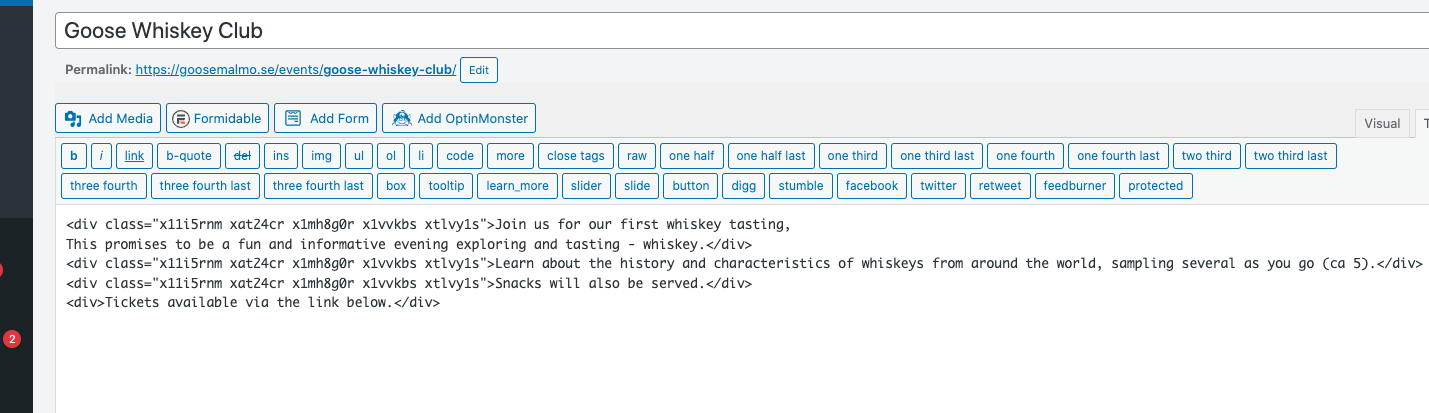
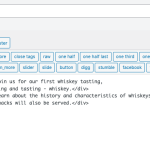
When you add your text, please make sure to clear it from any HTML tags that don’t belong there:
More info: https://www.howtogeek.com/679956/how-to-paste-text-without-formatting-almost-anywhere/#:~:text=To%20paste%20without%20formatting%2C%20press,%2C%20Chrome%20OS%2C%20and%20Linux.
After you remove it, you can go to EventON > Appearance > EventCard Styles > change General Font Color to grey or black color. If you don’t see any change, EventON > Scripts & Styling > turn off Write dynamic styles to header > save settings > turn on Write dynamic styles to header.
Hello,
Please go to EventON > Tickets > enable Update WC ticket product name upon event update from now on.
Now go to duplicated event, change it’s title, open CONFIGURE TICKET SETTINGS, click SAVE TICKET SETTINGS.
Hello,
Please send us wp-admin access to your site as a private message for us to further assist your situation.
Could you try going to EventON > Advanced > enable Enable sanitizing HTML content for event data?
Hello,
Please update EventON to 4.5.1.
To update eventon to latest version: If you are unable to do autoupdate, you can go to codecanyon your account > download and get the latest eventon version as zip file. Then you can go to your website > make sure “Delete eventon settings & data when EventON is uninstalled” is Deslected from eventon settings, delete old eventon, install new one and activate. This link will further explain the process it. Also you can follow us on twitter to get real-time announcements on updates!
Hello,
You need to use DailyView for this:
https://www.myeventon.com/addons/daily-view/
Try on https://dev.myeventon.com/wp-admin/ with this shortcode:
[add_eventon_dv]
I disabled “Activate tickets for this Event”.
In my previous message I shown you that you can edit events by enabling Troubleshooting Mode.
Did you try to disable plugins one by one to figure out which causing the issue?
I had to take over the event to edit it.
Hello,
Thank you for your messages, I am going to assign this ticket to Ashan and he will be able to take it from here and find you a solution. Please allow some time for him to get back to you, we greatly appreciate your patience and thank you for being a eventon customer! Also please disable any IP blocking on your site if there are any.