Hello,
Please go to EventON and re-save them. Next, go to EventON > EventTop > arrange fields.
Replies for tickets on suppota
Hello,
Please go to EventON and re-save them. Next, go to EventON > EventTop > arrange fields.
It seems that this is what’s causing this:
https://amklassiek.nl/wp-admin/term.php?taxonomy=post_tag&tag_ID=105&post_type=post&wp_http_referer=%2Fwp-admin%2Fedit-tags.php%3Ftaxonomy%3Dpost_tag%26post_type%3Dpost%26s%3Doldtimerevenement
Could you try renaming it?
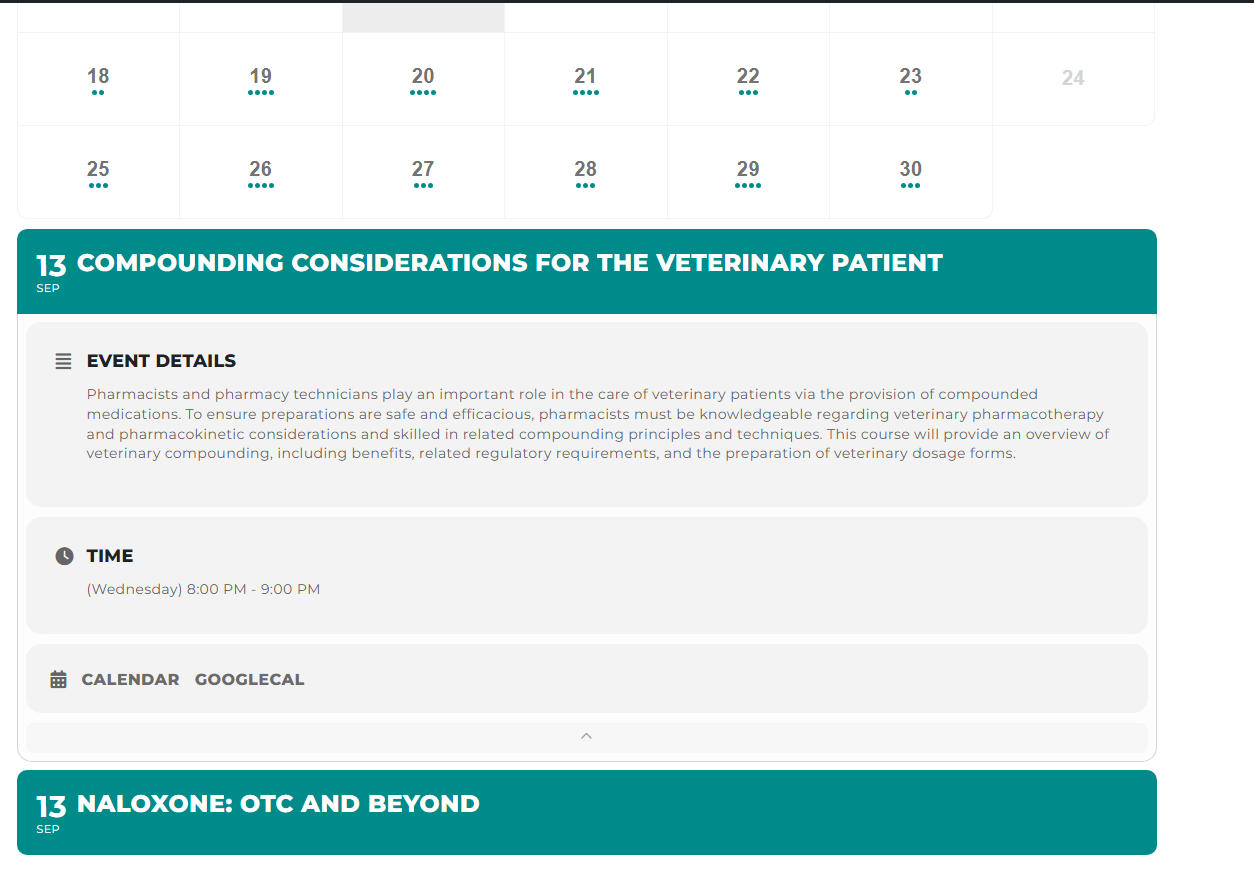
This event “Compounding Considerations for the Veterinary Patient” comes from the database in UTC Date and Time,
We are glad your issue is resolved, if you have any further questions or concerns please create a new ticket.
If you have a moment, we would greatly appreciate if you could kindly leave us a review at codecanyon! from your account > downloads. Cheers!
Seems to be working now: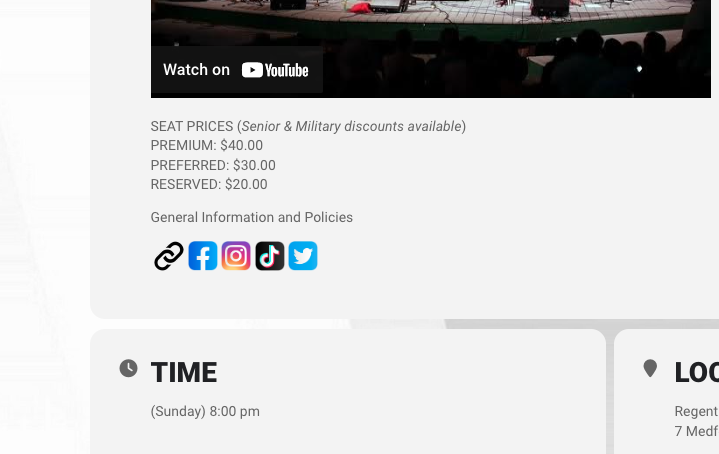
Please check and let me know.
Hello,
Are you referring to Event Card isn’t visible? If so, I went to EventON Settings and re-saved them, so it should work now. Please check and let me know.
Curious as to what the issue was, and if there’s a way we can fix it if it happens again in the future?
Thanks!
Hello,
Could you elaborate more?
Your solution creates events, but their time is incorrect?
Also, could you send us a screenshot of where the provided code is from?
Hello,
Sorry about this. Saving EventON Settings is exactly correct way of fixing this.
Please also go to EventON > EventTop > make sure that fields are arranged correctly.
We are glad your issue is resolved, if you have any further questions or concerns please create a new ticket.
If you have a moment, we would greatly appreciate if you could kindly leave us a review at codecanyon! from your account > downloads. Cheers!