Hello,
1. If you have Reviewer add-on:
https://www.myeventon.com/addons/event-reviewer/
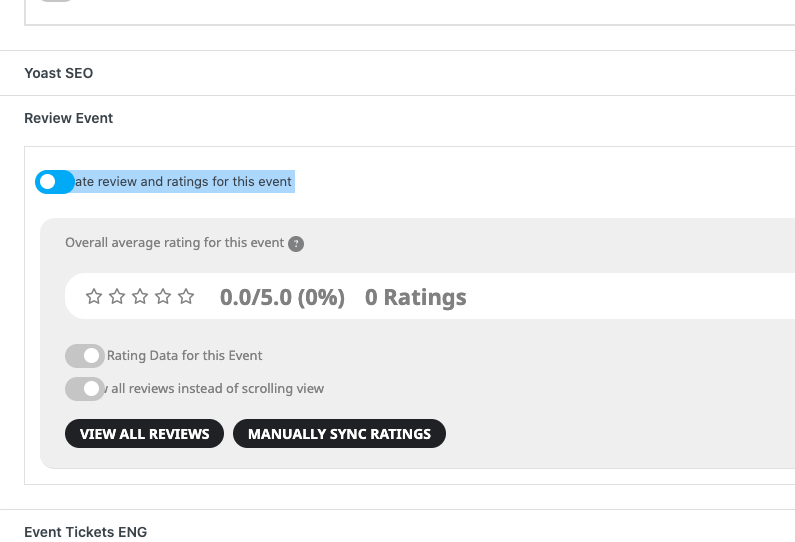
You can go to Edit Event > enable Activate review and ratings for this event:
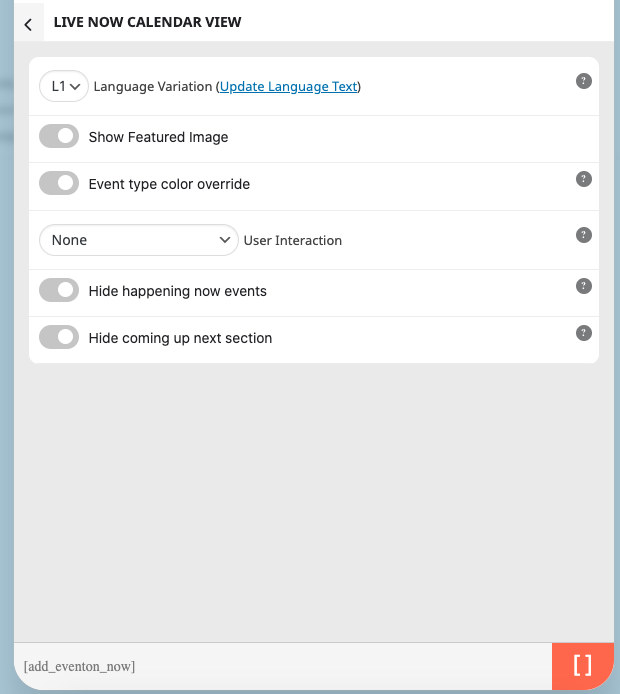
2. Please use Live Now Calendar View shortcode:
Replies for tickets on suppota
Hello,
1. If you have Reviewer add-on:
https://www.myeventon.com/addons/event-reviewer/
You can go to Edit Event > enable Activate review and ratings for this event:
2. Please use Live Now Calendar View shortcode:
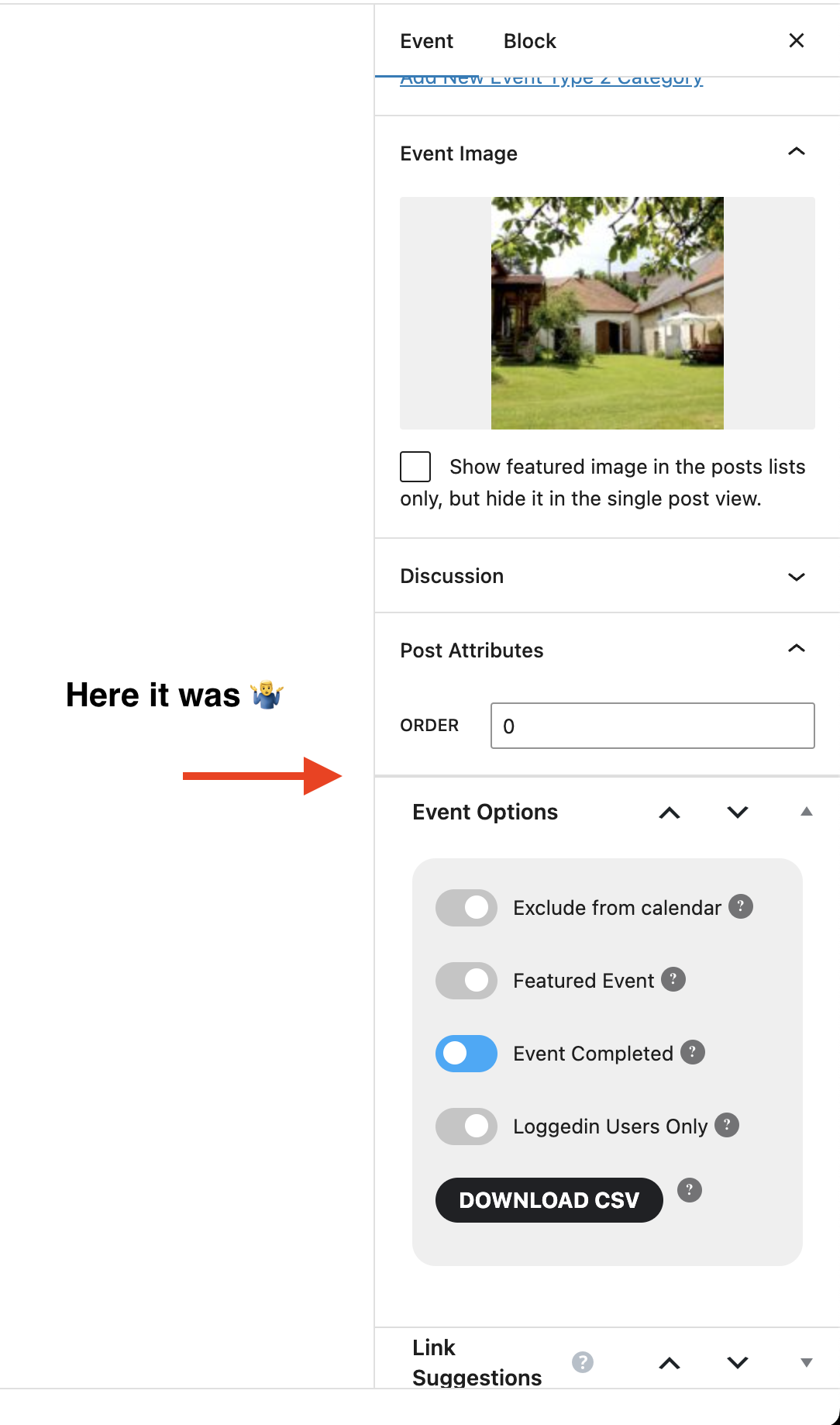
Could you tell us how did you create them?
I am referring to Areas of Interest in your event.
Hello,
Seems to be working here:
https://kdklub.cz/wp-admin/post.php?post=3521&action=edit
Could you tell us how did you create them? Maybe there is an issue with that?

I don’t know if you went in again, but it seems to be fixed now – hoping it stays !! Thanks!
Hello,
I went to EventON Settings and re-saved them, so Event Card is visible now.
Please check and let me know.
Seems to be working in Troubleshooting Mode:
https://www.thevoiceovernetwork.org/wp-admin/site-health.php?tab=troubleshoot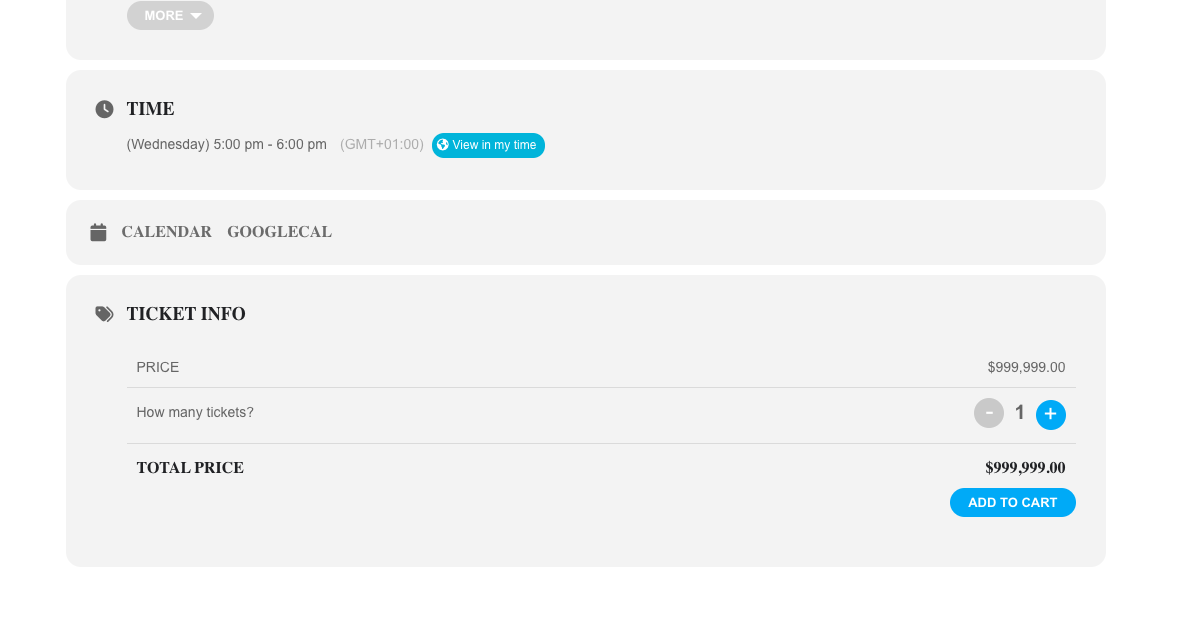
Could you please try the instructions mentioned in this documentation?
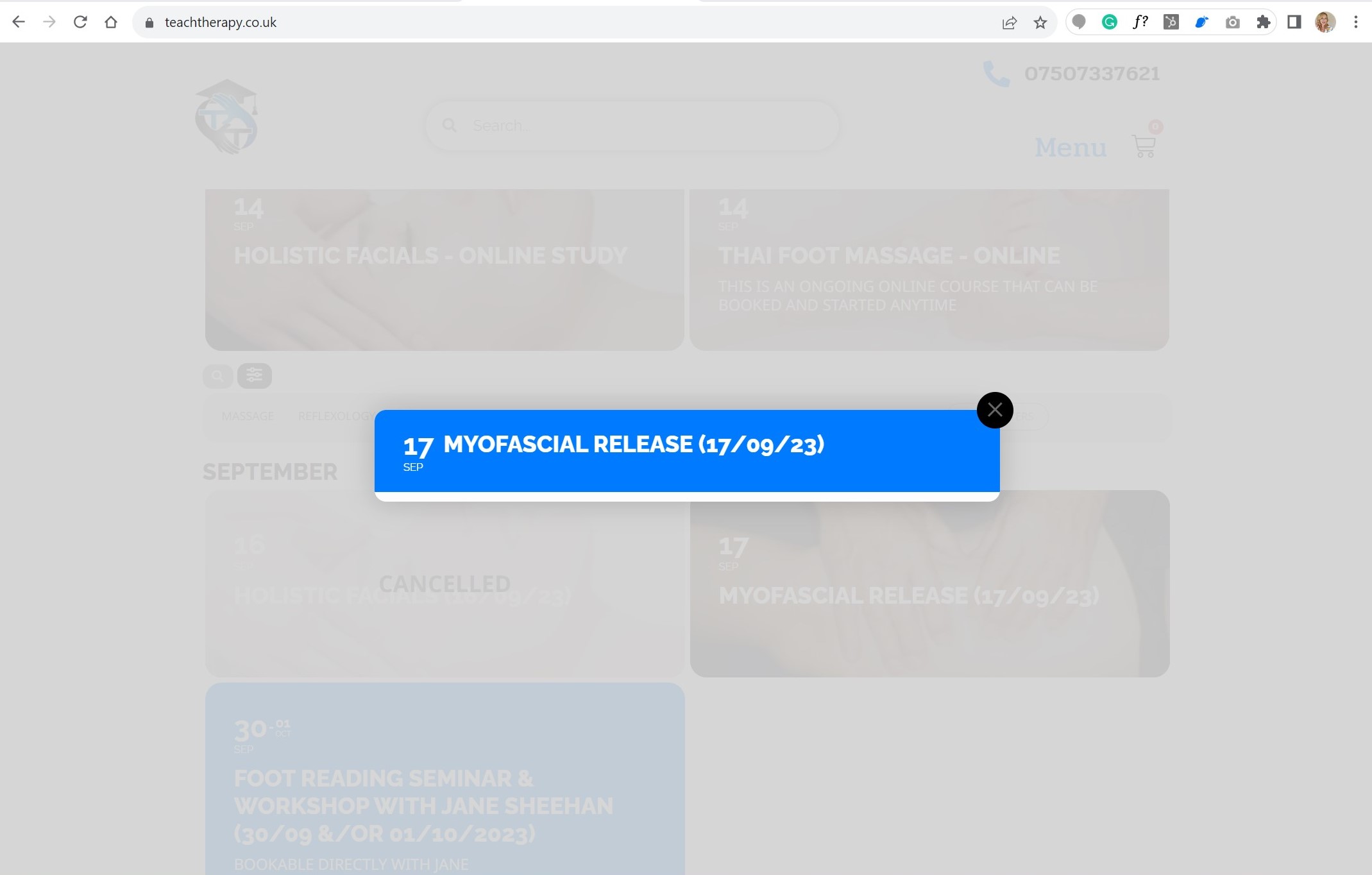
Hi, sorry we still have the problem. If you scroll down on the site and press the calendar, you will see that the event card does not open like it is supposed to and has always done. Instead, it is just opening with the date, and not the full card, as in the image attached.
Unfortunately, we unable to help with this since it’s related to a third-party plugin. The code from EventON is working on your end. Please contact the plugin developer and ask how you can get their price by using WooCommerce’s Product ID.
I apologize. I’m not sure if you’ve seen my comments on Ticket #321548, but we had to revert our site to a previous version because of 4.5 update issues. You may want to refer to those issues first. Here’s the user login now updated again to the system:
user: jtbidder@gmail.com
pw: R0jctJdm7libbm&Rj1&6LAO7
https://asset360.wpengine.com/wp-admin/