Hello,
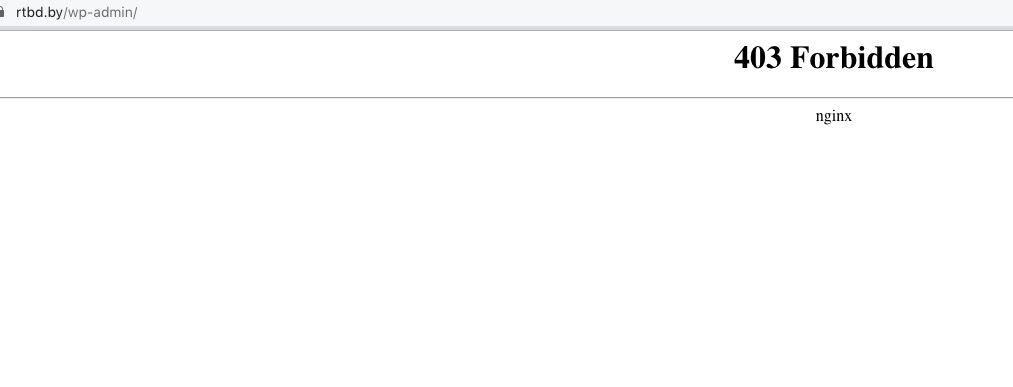
Sorry about this. I cannot access wp-admin:
Could you go to EventON Settings > EventTop > arrange fields the way they were before the update?
Replies for tickets on suppota
Hello,
Sorry about this. I cannot access wp-admin:
Could you go to EventON Settings > EventTop > arrange fields the way they were before the update?
We are glad your issue is resolved, if you have any further questions or concerns please create a new ticket.
If you have a moment, we would greatly appreciate if you could kindly leave us a review at codecanyon! from your account > downloads. Cheers!
Answered in your other ticket. Please take a look.
Dear Artem,
resaving the tickets did the job. Thanks for the hint!
Kind regards, Philip
Ashan,
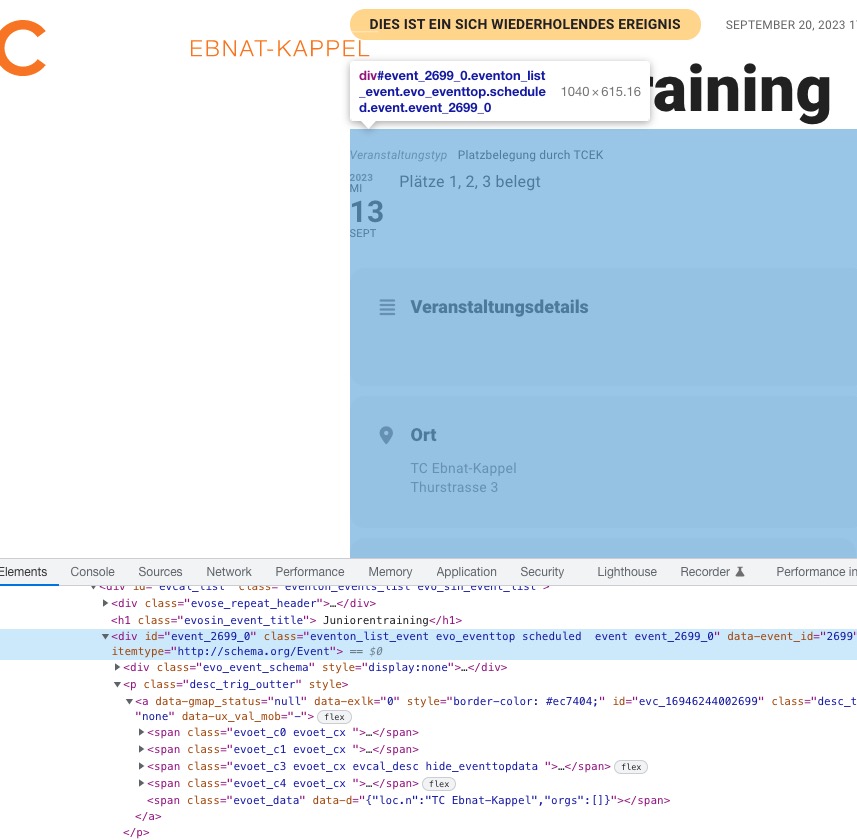
Hi, I have two more questions: why are two identical links (link to single page) added to a calendar appointment (see image)?
Is this correct?
https://helpdeskx.s3.amazonaws.com/wp-content/uploads/2023/09/12233021/Bildschirmfoto-2023-09-12-um-09.37.17-1.jpg
The same on dev2:
https://dev2.myeventon.com/?ajde_events=test-77
Hello,
why are two identical links (link to single page) added to a calendar appointment (see image)?
I think this is intentional. However, I am going to assign this ticket to Ashan and he will be able to take it from here and take a look at this as well. Please allow some time for him to get back to you, we greatly appreciate your patience and thank you for being a eventon customer! Also please disable any IP blocking on your site if there are any.
https://helpdeskx.s3.amazonaws.com/wp-content/uploads/2023/09/12233108/Bildschirmfoto-2023-09-12-um-11.07.06-1-scaled.jpg
You are using https://tcek.ch/wp-admin/admin.php?page=eventon#eventon_social > Select eventTop style: Immersive Flow. Please try a different style. EventON sets a different design for EventTop so it was easier to differentiate with sections.
https://helpdeskx.s3.amazonaws.com/wp-content/uploads/2023/09/12233048/Bildschirmfoto-2023-09-12-um-10.53.06-1-scaled.jpg
Have you managed to fix this? Or maybe you have a different browser?
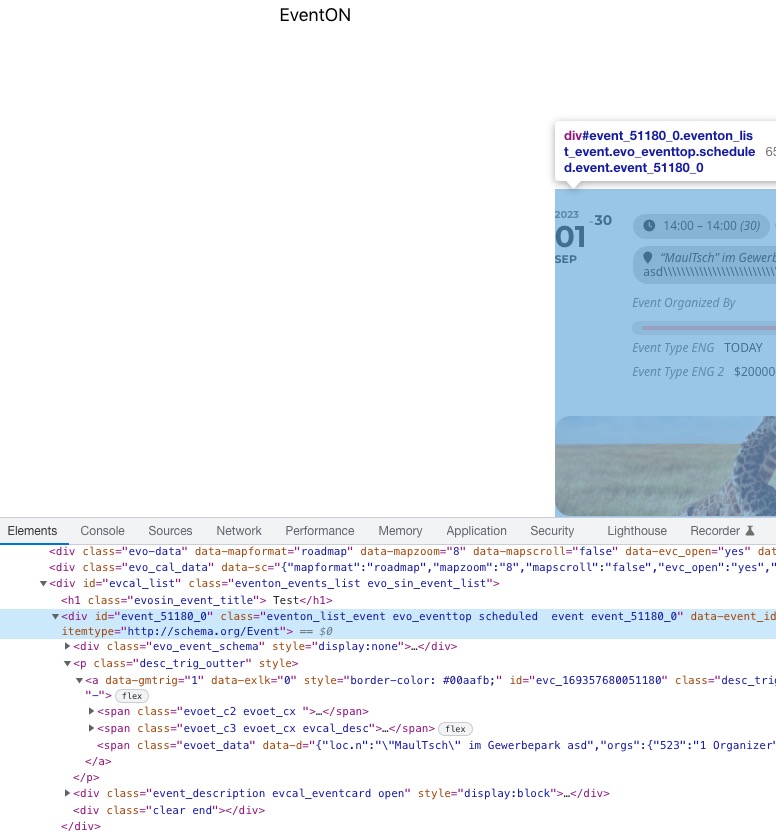
Could you take a look at our test server https://dev2.myeventon.com/?ajde_events=test-77 and check if it’s the same?
I rearranged fields:
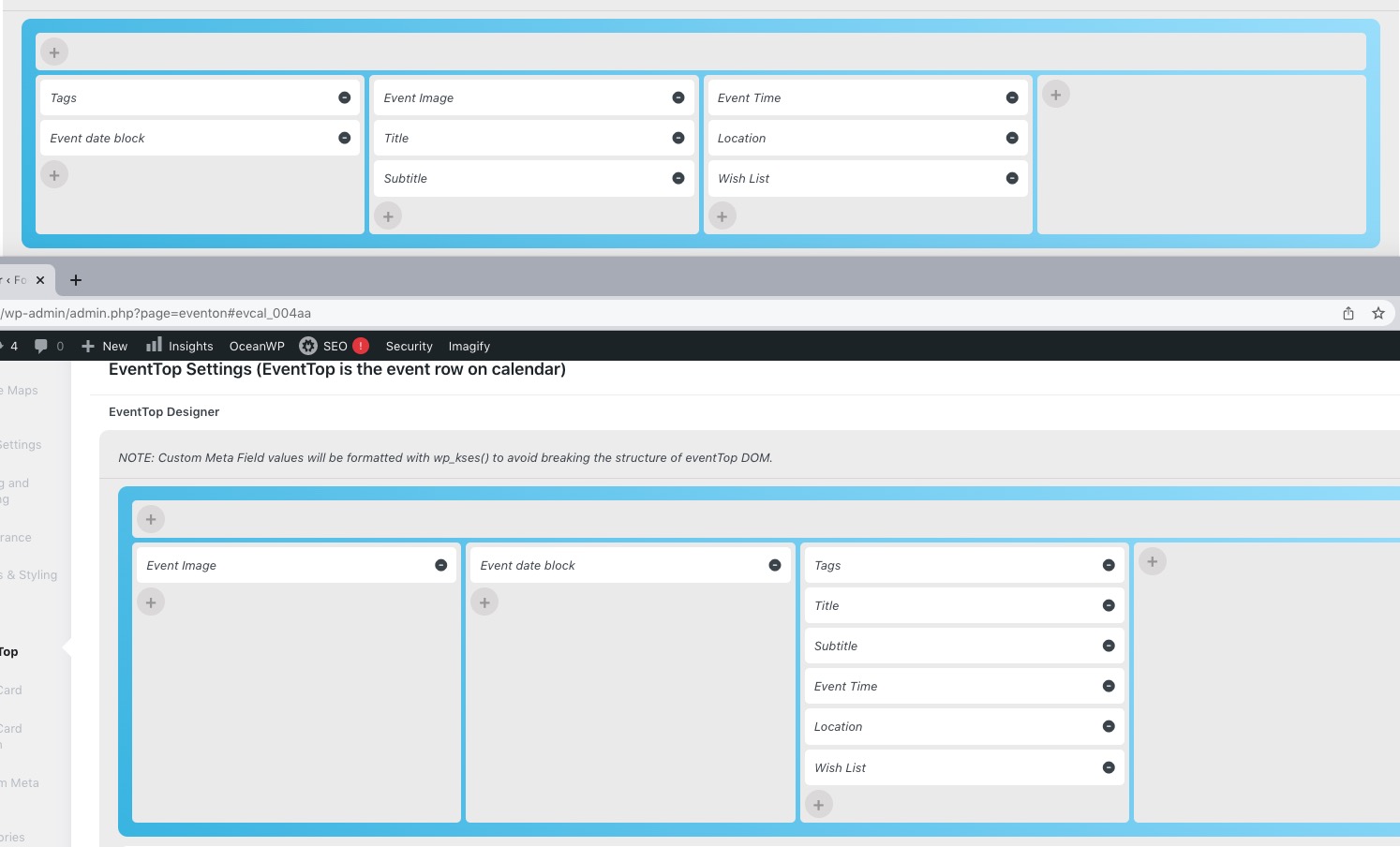
and also removed show_et_ft_img=”yes” from the shortcode since you are using Tile Design.
Now it looks like this:
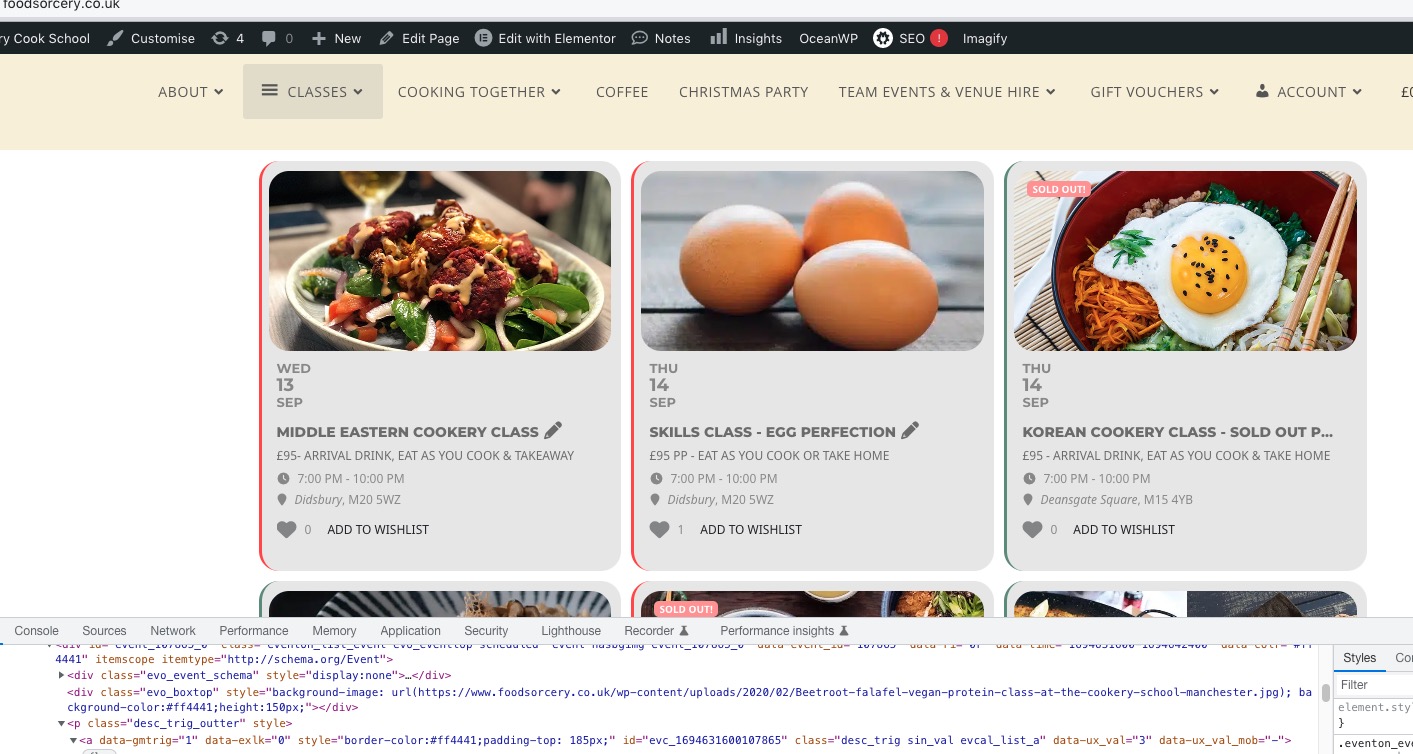
https://helpdeskx.s3.amazonaws.com/wp-content/uploads/2023/09/12072416/Screenshot-2023-09-12-at-15.23.25.png
I am not sure where to find this shortcode, but after the arrangement, it should be fixed as well. Please send us a link.
The calendar is shown now but without 50% of the information and with another styles…
I moved the calendar to another page because we can’t wait for you to solve the issue. It’s the question of our reputation
https://rtbd.by/afisha-test/ – here is the link for you to return all settings to their original appearance. We have no possibility to loose hours for restyling and fixing calendars every time you update the plugin. You can check the earlier tickets – this problem appears every time and you do not change anything on this point(( It’s a pity that paid plugin have such problems and such a bad support
We will change the instrument for our events and I will never recommend your plugin to my colleagues as I did before.
Ashan,
It seems that https://www.myeventon.com/addons/actionuser-paid-feature-events/ add-on outputs:
Deprecated: Required parameter $item follows optional parameter $link in /home/kd45g0lffv3n/public_html/metaphysicalevents.com/wp-content/plugins/eventon-action-user-paidftev/includes/class-frontend.php on line 309
Deprecated: Required parameter $order follows optional parameter $link in /home/kd45g0lffv3n/public_html/metaphysicalevents.com/wp-content/plugins/eventon-action-user-paidftev/includes/class-frontend.php on line 309
When I try to login: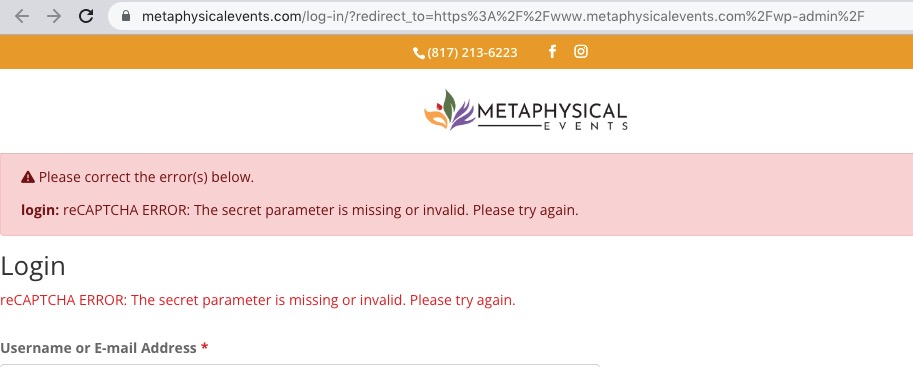 Thank you for your messages, I am going to assign this ticket to Ashan and he will be able to take it from here and find you a solution. Please allow some time for him to get back to you, we greatly appreciate your patience and thank you for being a eventon customer! Also please disable any IP blocking on your site if there are any.