We are glad your issue is resolved, if you have any further questions or concerns please create a new ticket.
If you have a moment, we would greatly appreciate if you could kindly leave us a review at codecanyon! from your account > downloads. Cheers!
We manage a large number of client websites, so we have our own private repository from where plugins and WordPress core are installed via composer, however composer requires packages to have an all lowercase name/directory so it is not possible for us to install EventON core to the “eventON” directory, it has to be “eventon”.
A WordPress plugin should not care about what it’s directory name is (this is standard with most plugins out there), and as I said before, your other plugins handle this nicely by using the plugins_loaded hook to check for the existence of the eventon global variable after all plugins have been loaded. The weekly-view add-on is the only plugin that has this problem and doesn’t do things like your other add-ons. The patch I came up with was copied directly from your RSVP add-on and works nicely in the weekly-view add-on.
I could just continue patching your plugin every time we install it but that would be silly. Ideally you guys would just release a 2.0.2 version of the weekly-view add-on with my patch updates applied (only 5 lines of code added and 1 line removed).
https://www.thevoiceovernetwork.org/login/
User name: admin
Password: x%64U9f5$qiSqXBzbElNMydH
it is not the user roles – they haven’t been changed and it is across the board – every member is having the same problem
Hallo,
We tried both, creating from the scratch and duplicating. Anyway, it should bring the same result – shouldn’t it? Anyway, this was nowhere documented which makes working quite difficult 🙁
Also we had to edit this file outside, because the seating-maps are quite complex and it was easier to sort this out in the text-file
Attached I send you the .json file we used to edit and in the end import the data. Anyway, what can we do to get this back to work properly? Als, we are in the middler of sales, so I suppose any alteration would beg tricky if not dangerous.
For fixing and findig possible problems we really need to be able to export all Client data including their seats into an excel file. How can we do this?
How is the best way to send you the complete bug report? We ran all kinds of smaller (and not so small) problems
Lookingforward to hear from you soon
Best greetings
Matthias
Hello,
everything works now, thank you for your help
https://go52.events/registration-page
eventon
sL2qc%XuaWydjhdEQkM!Rdh7
This is the shortcode you need to show all events + Load More button:
[add_eventon_list number_of_months=”12″ hide_empty_months=”yes” event_count=”4″ ]
Sorry but I also didn’t tell you that you need to add show_limit=”yes” to the shortcode to enable Load More.
Because there are a lot of Appearance styles, EventON applies them after some time because of performance. Could you try saving EventON Settings twice to apply settings immediately?
I just did it and it fixed the button hover:
Unfortunately, we cannot help with any code customizations, since it’s against CodeCanyon’s Support Policy.
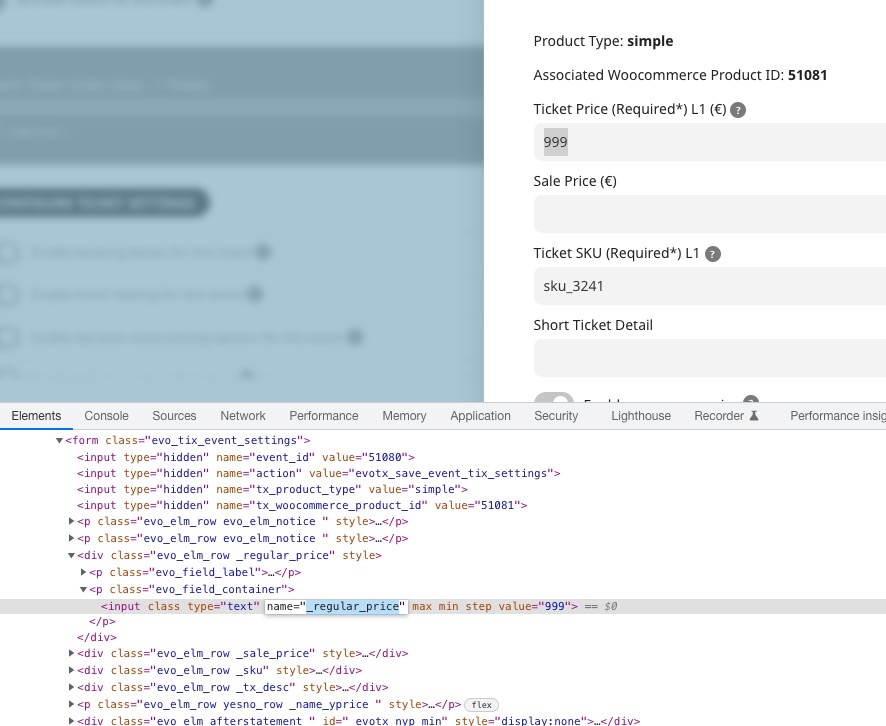
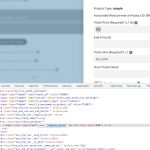
However, this is the variable that contains the ticket price:
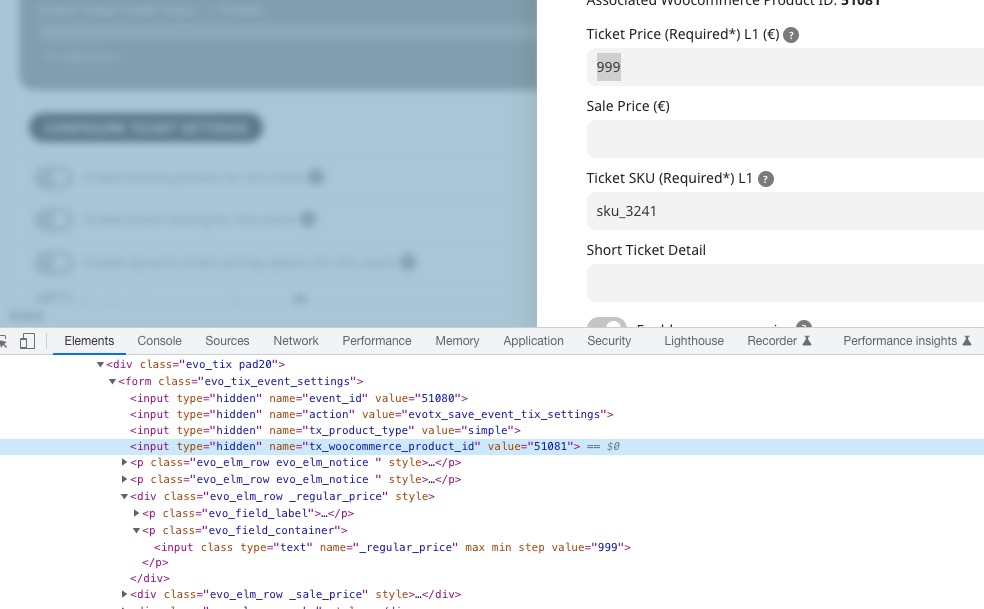
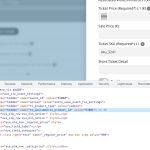
Product ID is in this variable:
This guide shows you how to get WooCommerce Product associated with Events:
https://www.websitebuilderinsider.com/how-do-i-get-woocommerce-product-price-in-loop/#:~:text=You%20can%20use%20the%20get_price,with%20an%20ID%20of%20%24product_id.