Great, that has worked 👍
Thanks Artem,
Chris
Replies for tickets on suppota
Great, that has worked 👍
Thanks Artem,
Chris
We are glad your issue is resolved, if you have any further questions or concerns please create a new ticket.
If you have a moment, we would greatly appreciate if you could kindly leave us a review at codecanyon! from your account > downloads. Cheers!
Thank you for your suggestions. To add any new functionality (“participant list’s email and phone” and “customer’s phone number in checkout”) please create featured requests.
Unfortunately, for now the functionalities aren’t available.
Thanks, that’s fixed it
I cannot access the website: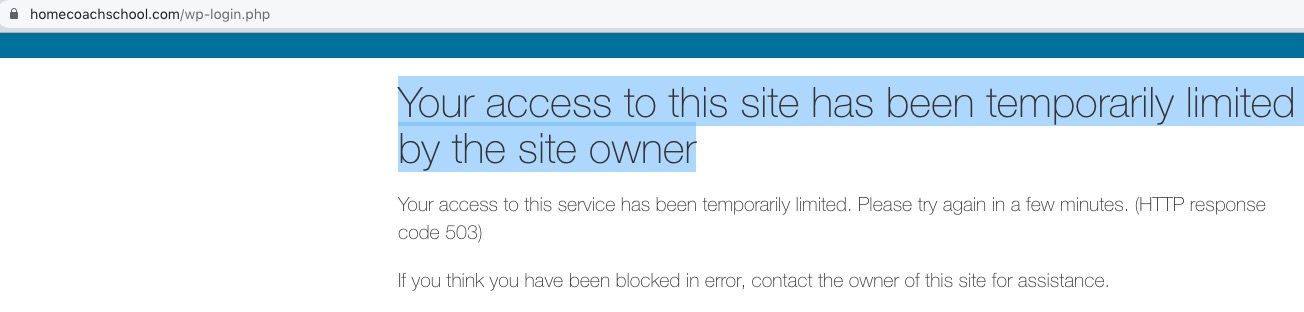
Could you check?
Hello,
Please go to EventON Settings and save them. Next clear caching plugin. Please try and let us know.
Ashan,
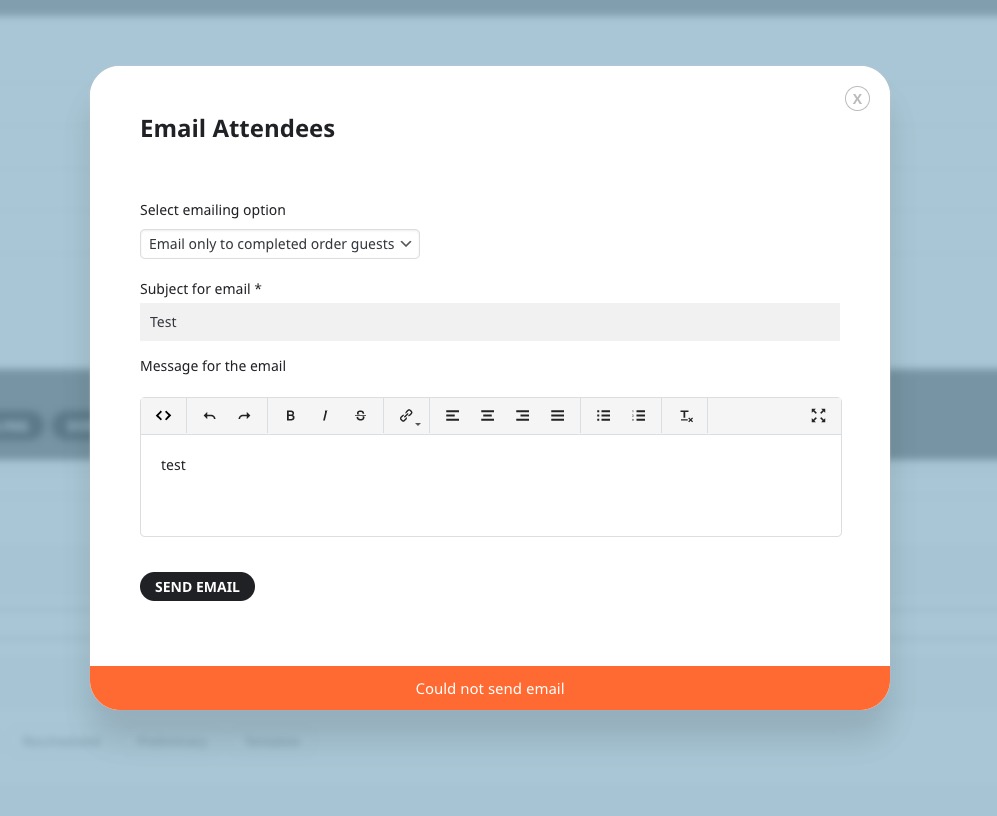
I tried to test this, but cannot send out emails using the form:
https://dev2.myeventon.com/wp-admin/post.php?post=51127&action=edit
Hello,
Thank you for your messages, I am going to assign this ticket to Ashan and he will be able to take it from here and find you a solution. Please allow some time for him to get back to you, we greatly appreciate your patience and thank you for being a eventon customer! Also please disable any IP blocking on your site if there are any.
There is this js error that can affect EventON: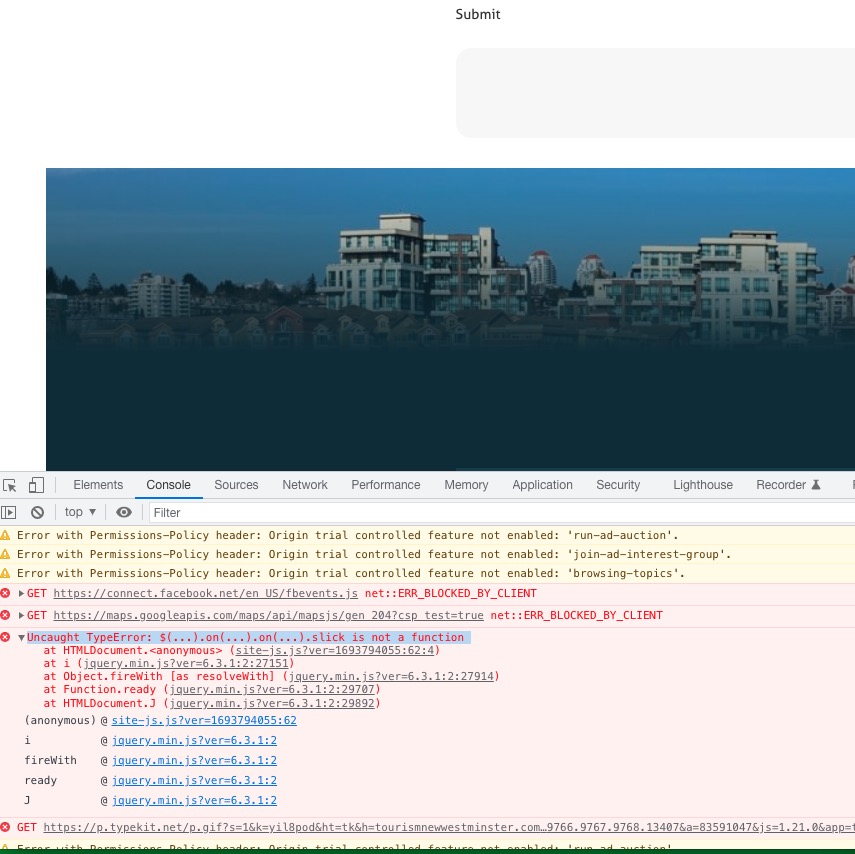
It’s coming from the theme.
Could you contact the theme developer and ask about this?
Also maybe it doesn’t affect the form and there is an issue with the server. So please also follow the instructions in this documentation to activate debug in your site to see any PHP errors recorded that can provide insight on to whats going on. Please reply with a link to debug.log file. If you are not able to do this please send us FTP access to your site so we can do this for you.
The field cannot be added without customizing the source code. The only option is to add City to Location Address separate by a comma.
Please take a look at Event Map:
https://www.myeventon.com/addons/events-map/
You can filter events by location using Event Location:

Sorting isn’t available for locations.
You can also filter by city or country with this guide:
https://docs.myeventon.com/documentations/how-to-use-event-types-to-do-more/