The field cannot be added without customizing the source code. The only option is to add City to Location Address separate by a comma.
Please take a look at Event Map:
https://www.myeventon.com/addons/events-map/
You can filter events by location using Event Location:

Sorting isn’t available for locations.
You can also filter by city or country with this guide:
https://docs.myeventon.com/documentations/how-to-use-event-types-to-do-more/
In this case follow the second part of my previous suggestion and add the link to 
Hello,
Please go to EventON > Form Settings > Event Organizer/Location Fields: enable Allow creating new.
Hello,
Please go to EventON > Search > enable Enable additional search queries (may not work for all sites).
Please add this CSS code to EventON > Styles (If you don’t see any change, EventON > Scripts & Styling > turn off Write dynamic styles to header > save settings > turn on Write dynamic styles to header):
.ajde_evcal_calendar.boxy .evcal_list_a span.evcal_event_types.ett2, .ajde_evcal_calendar.boxy .evcal_list_a span.evcal_event_types.ett3, .ajde_evcal_calendar.boxy .evcal_list_a span.evcal_event_types.ett4, .ajde_evcal_calendar.boxy .evcal_list_a span.evcal_event_types.ett5 { display: block !important; }
Hello,
Please use Custom Meta field for this:
https://docs.myeventon.com/documentations/setup-use-custom-meta-fields-events/
You can enable one and then add it to Event Card or EventTop from EventON Settings to show the value.
Hello,
Please go to EventON > Action User > Event Manager > enable both Allow frontend editing and Allow frontend deleting events.
Also – is there a way to limit the details an organiser provides? Maybe just their name and/or email/phone number – rather than their website etc.?
The only way is to hide them with CSS, I am afraid. However please create a new ticket and select Feature Request as category so others can vote on your idea and get it moved into development faster.
Hello,
Please go to EventON Settings and save them. Next clear your caching plugin. Please try and let us know.
Ashan,
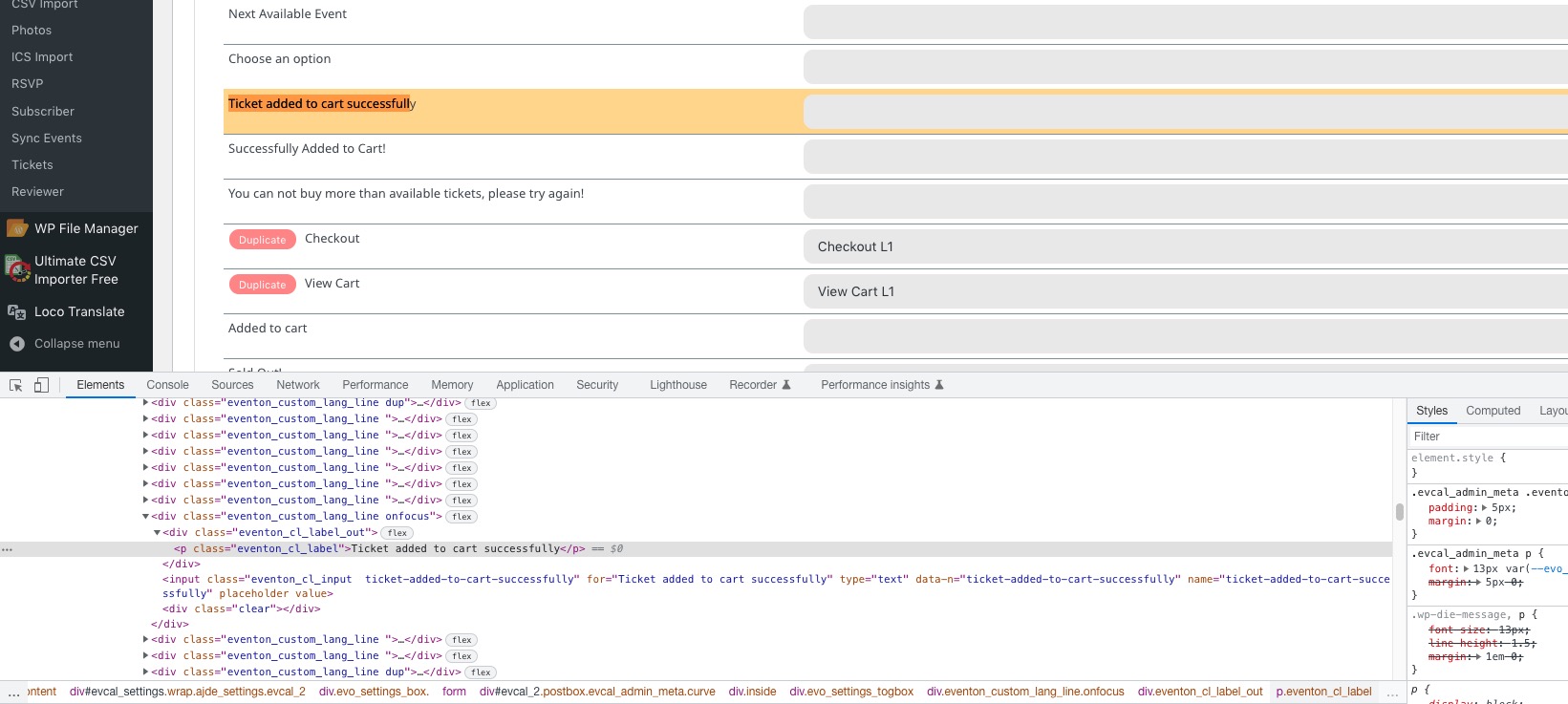
On dev2 I cannot edit “Ticket added to cart successfully”. After saving settings the value is gone:
https://dev2.myeventon.com/wp-admin/admin.php?page=eventon&tab=evcal_2
Hello,
Thank you for your messages, I am going to assign this ticket to Ashan and he will be able to take it from here and find you a solution. Please allow some time for him to get back to you, we greatly appreciate your patience and thank you for being a eventon customer! Also please disable any IP blocking on your site if there are any.