With the disabled theme the issue is gone:
https://www.black-hornet-racing.de/test/
The only solution is to remove jquery.countdown.js file from loading from the theme.
Replies for tickets on suppota
With the disabled theme the issue is gone:
https://www.black-hornet-racing.de/test/
The only solution is to remove jquery.countdown.js file from loading from the theme.
Login info didn’t work, so I cannot do this myself. Please follow my suggestion above.
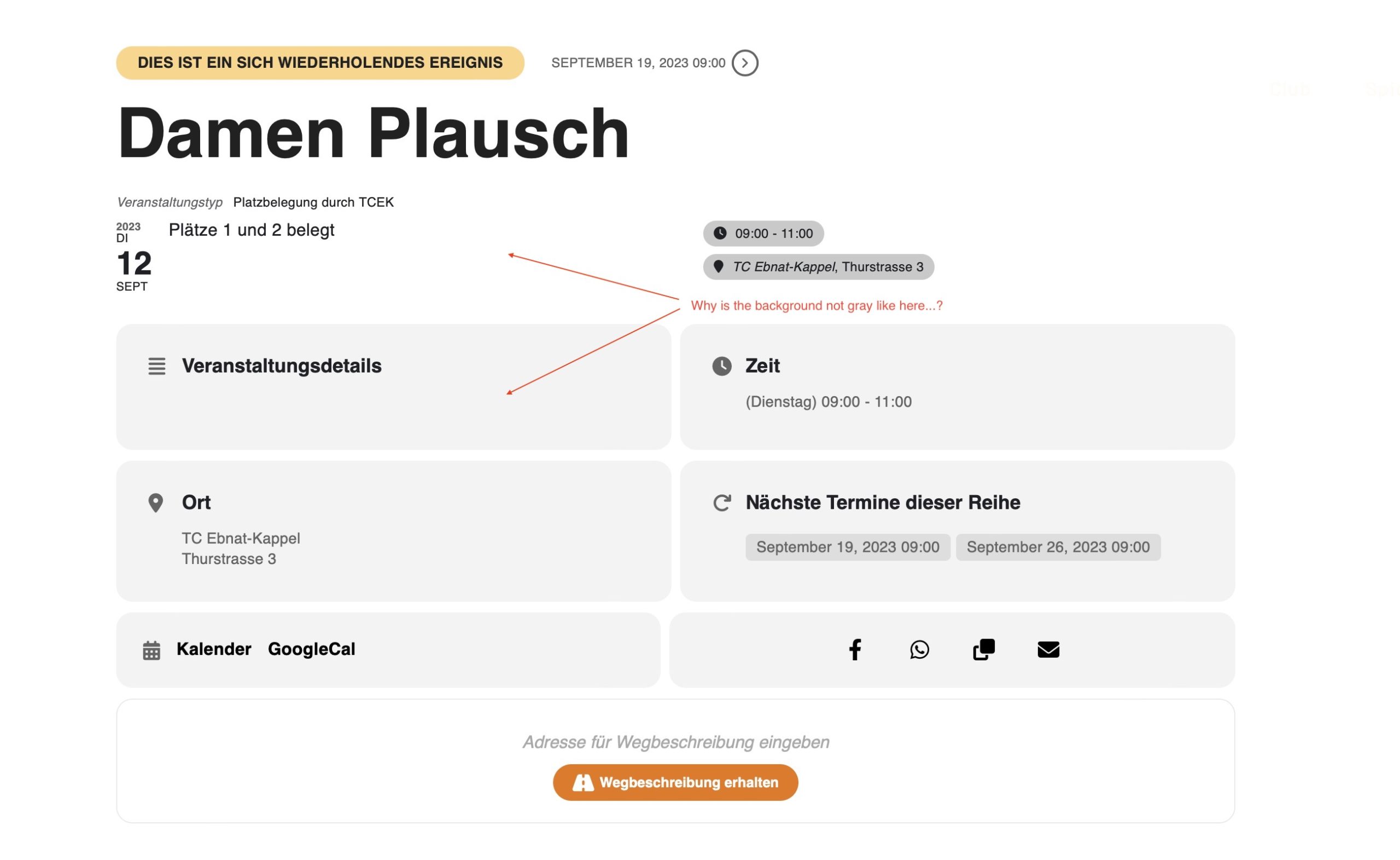
Hello,
Please go to EventON Settings and save them. Next clear your caching plugin if you have any.
Hello,
Please go to https://oasisforimpact.org/wp-admin/edit-tags.php?taxonomy=event_location&post_type=ajde_events
It seems that most of yours locations don’t or have incorrect lat/long values added. For example,
https://oasisforimpact.org/wp-admin/term.php?taxonomy=event_location&tag_ID=73&post_type=ajde_events&wp_http_referer=%2Fwp-admin%2Fedit-tags.php%3Ftaxonomy%3Devent_location%26post_type%3Dajde_events
Please make sure that these values exist
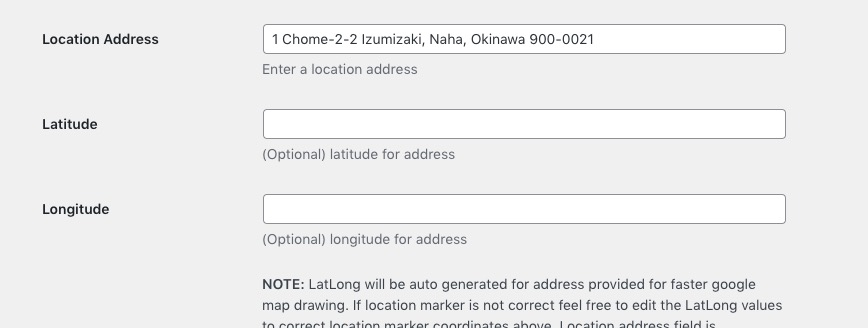
Hello,
I went to EventON Settings and saved them. Next I cleared your cache plugins and now it works. Please check and let us know.
Hello Artem,
the orde number is #173407. Asian already refunded the Action User Plus purchase made by error. The order was for the Action User add-on.
Thank you
Cristiano
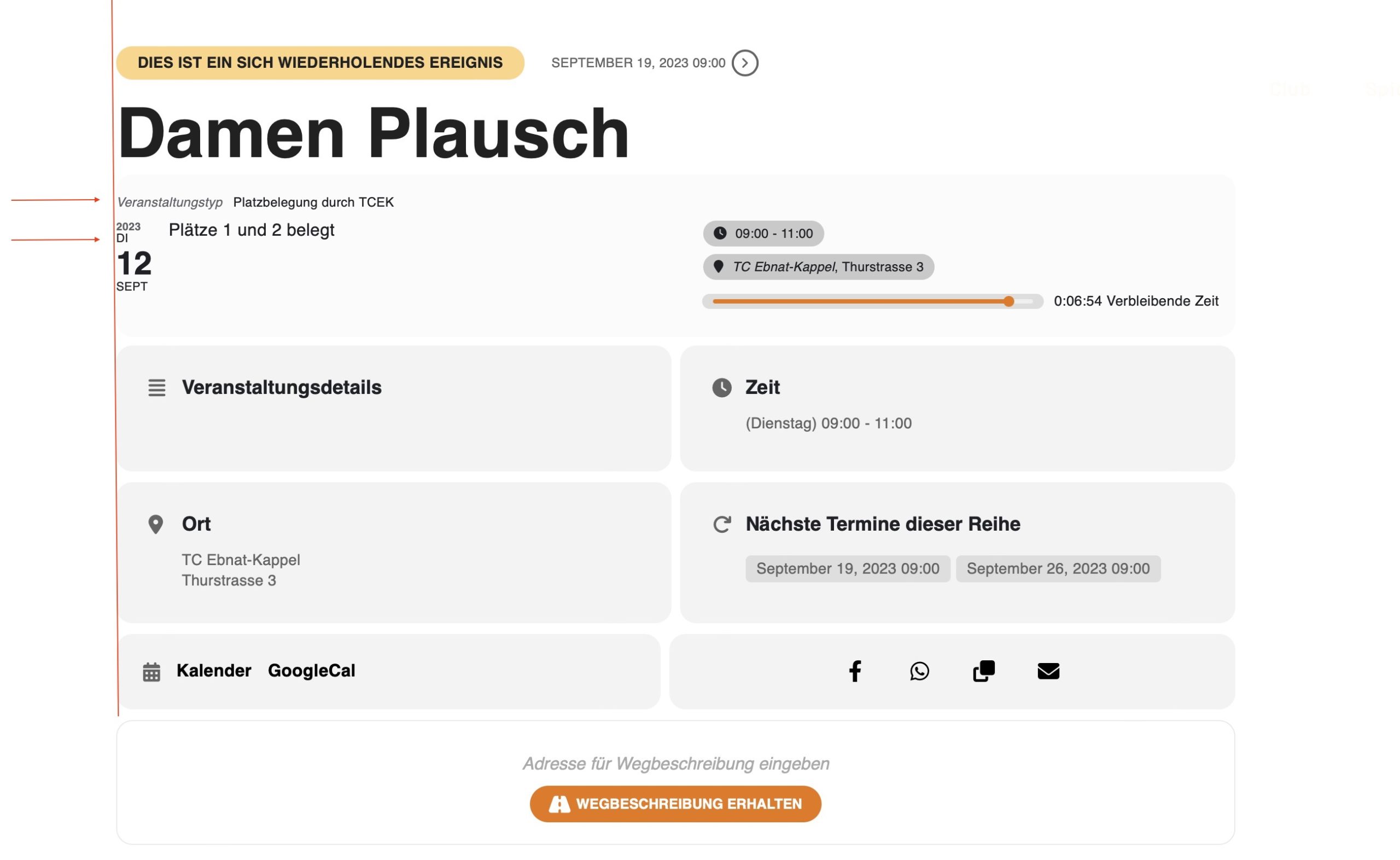
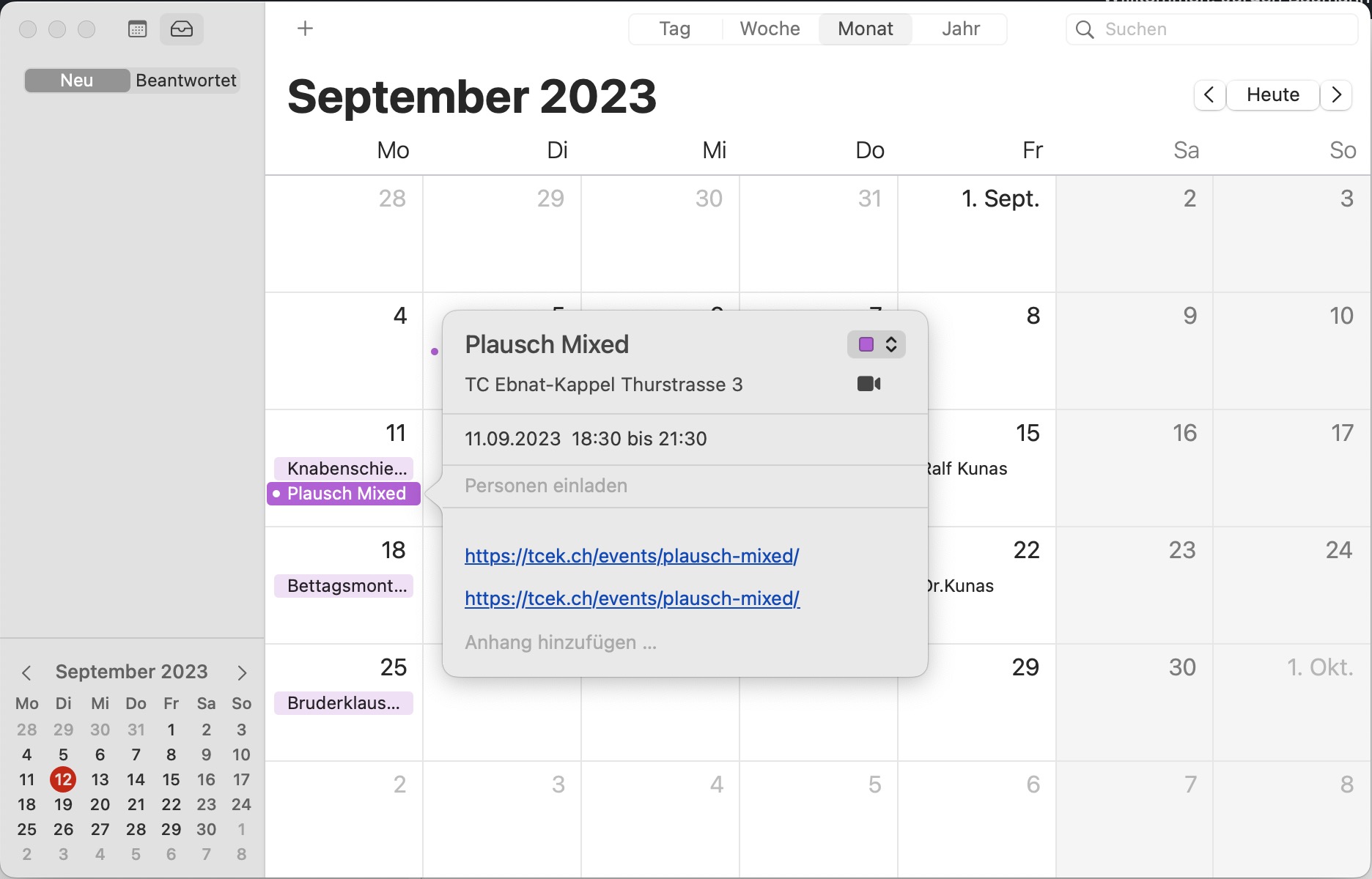
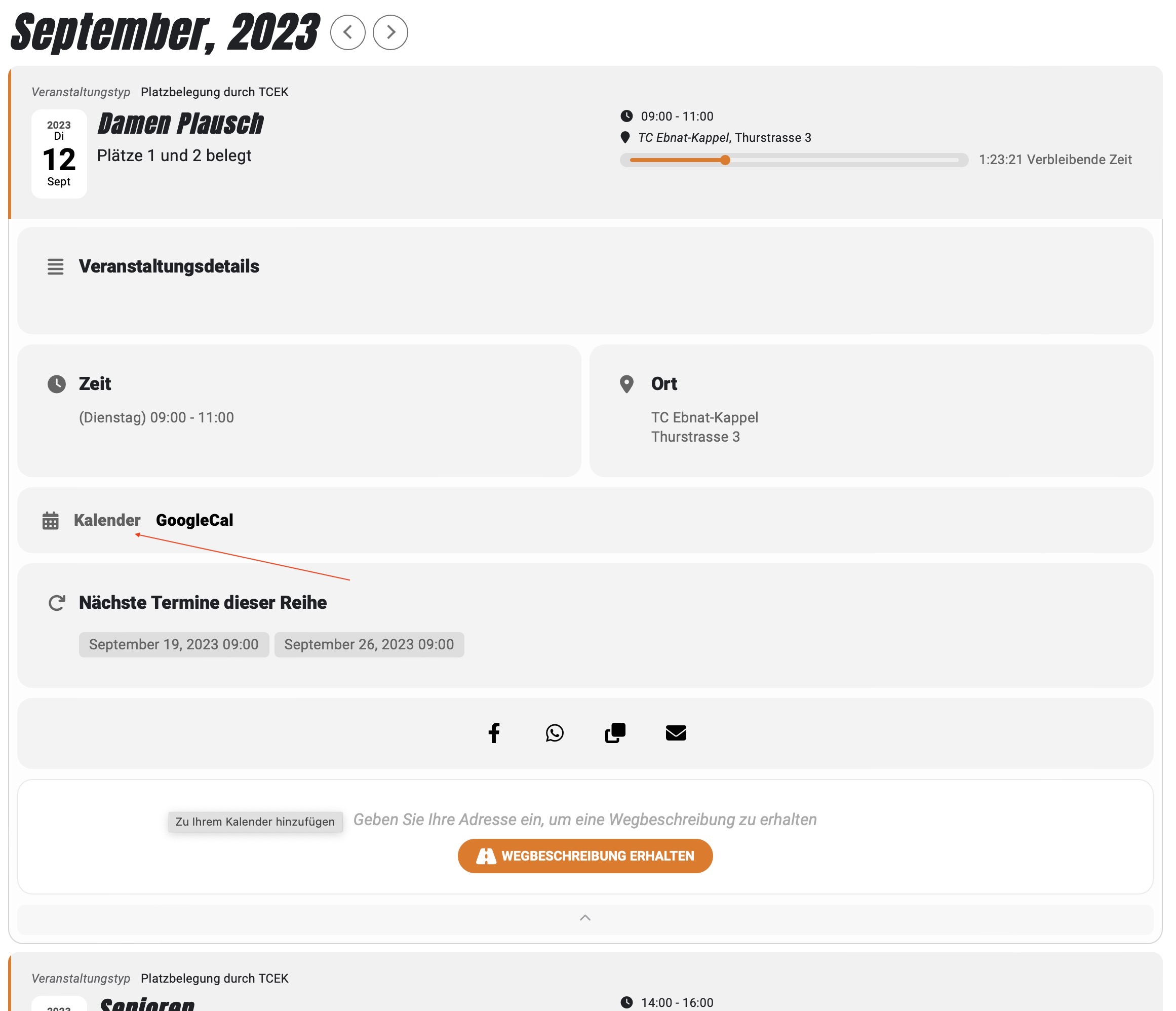
Hello, I have two more questions: Why are two identical links (link to Single Page) added to a calendar event (See image)?
In Single Page view, the Event Date block is not exactly aligned. Is too close to the edge (See image).
best regards, Jürgen