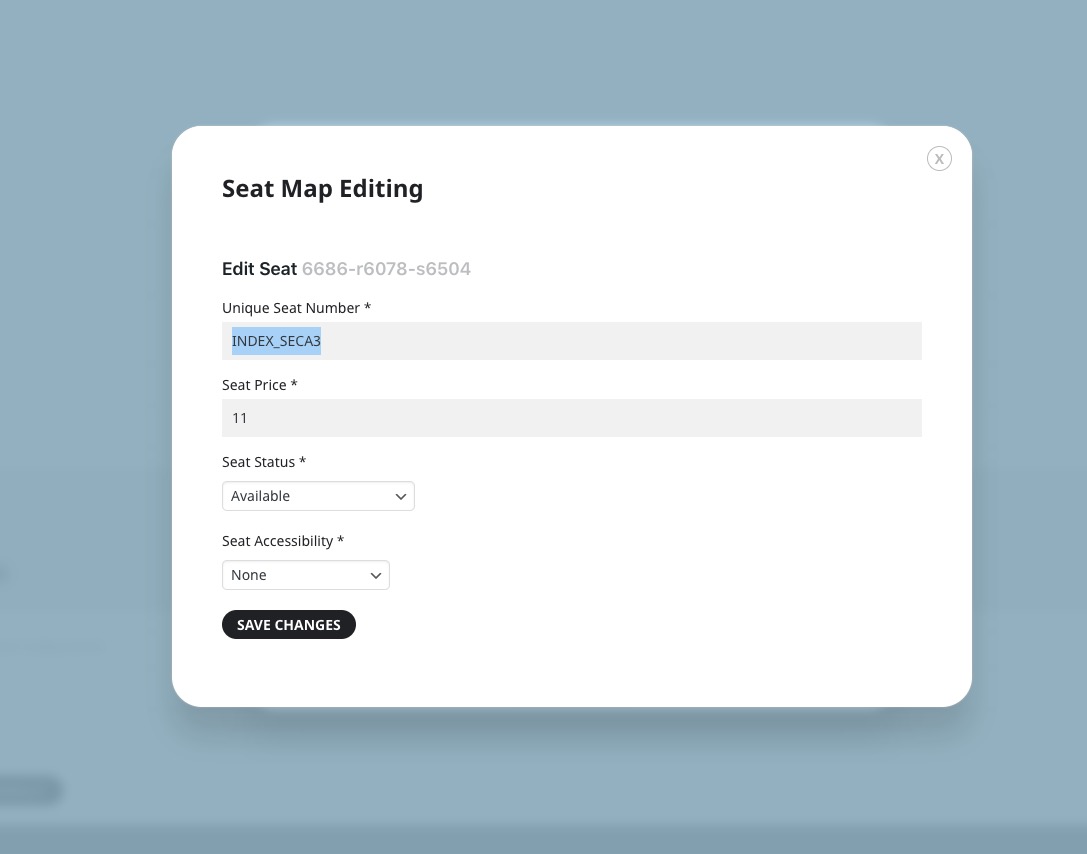
About 3. I found a new info about this.
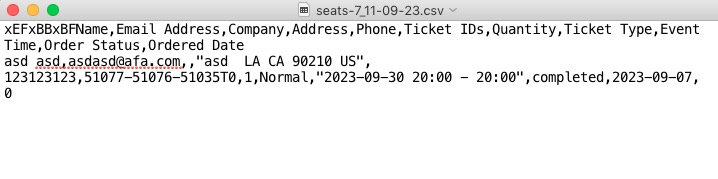
xEFxBBxBFName is added in the code to support for UTF-8 special characters where we had issues in the past with customers special characters not converting correctly.
Do you have any issues with it? This must me included in the file, I am afraid.
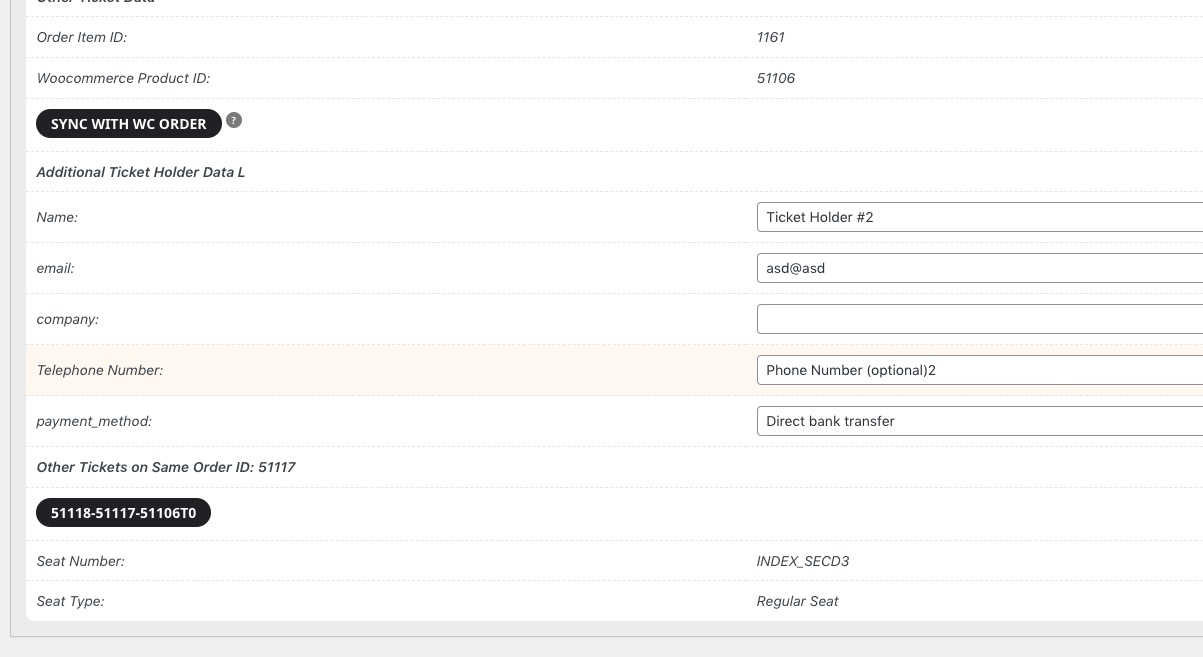
The checkout filed “phone number” does not show up anywhere in WC Orders or Ticket extras search of the eventon Menue
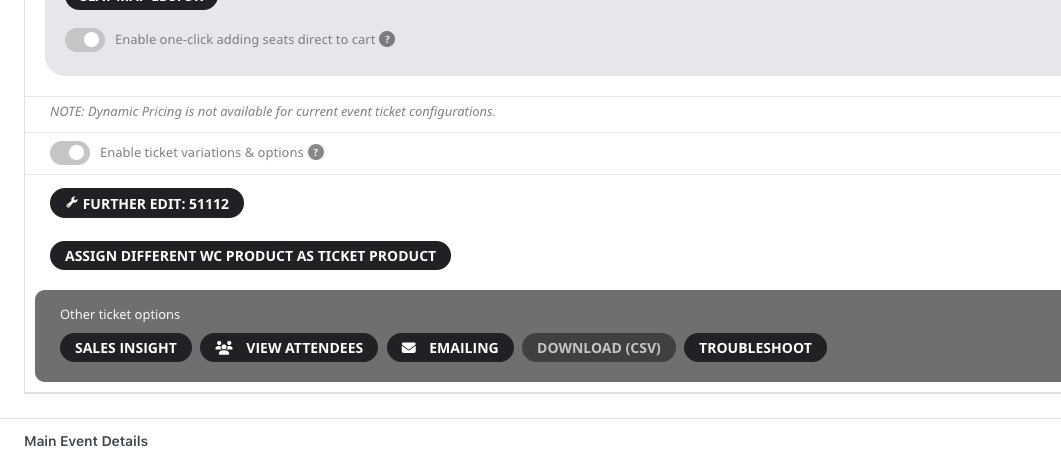
The info can be found by going to wp-admin > Events > All Event Tickets > Edit:
Please check and let me know.
Ashan,
Please take a look at 3.
The same on dev2:
https://dev2.myeventon.com/wp-admin/post.php?post=51034&action=edit
Hello,
We are sorry for the delay.
1. Unfortunately, this is not yet supported. However please create a new ticket and select Feature Request as category so others can vote on your idea and get it moved into development faster.
2. We haven’t added this functionality yet. Please create a feature request.
3. Thank you for your messages, I am going to assign this ticket to Ashan and he will be able to take it from here and find you a solution. Please allow some time for him to get back to you, we greatly appreciate your patience and thank you for being a eventon customer! Also please disable any IP blocking on your site if there are any.
I only want to show ticket price on my event https://prnt.sc/UuoUk5xYXNZ7 here .
Hello,
There is a new version of EventON available – 4.4.4. It should fix the issue. Could you update?
To update eventon to latest version: If you are unable to do autoupdate, you can go to codecanyon your account > download and get the latest eventon version as zip file. Then you can go to your website > make sure “Delete eventon settings & data when EventON is uninstalled” is Deslected from eventon settings, delete old eventon, install new one and activate. This link will further explain the process it. Also you can follow us on twitter to get real-time announcements on updates!
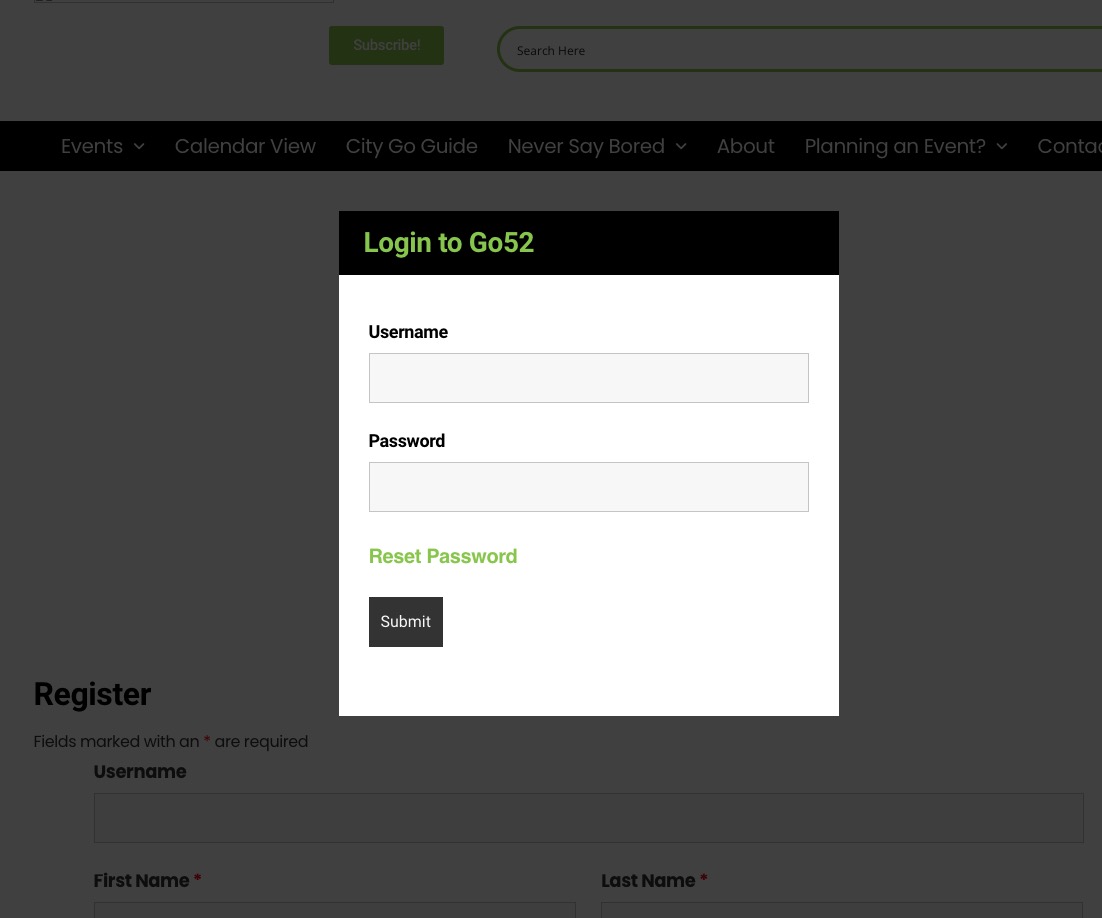
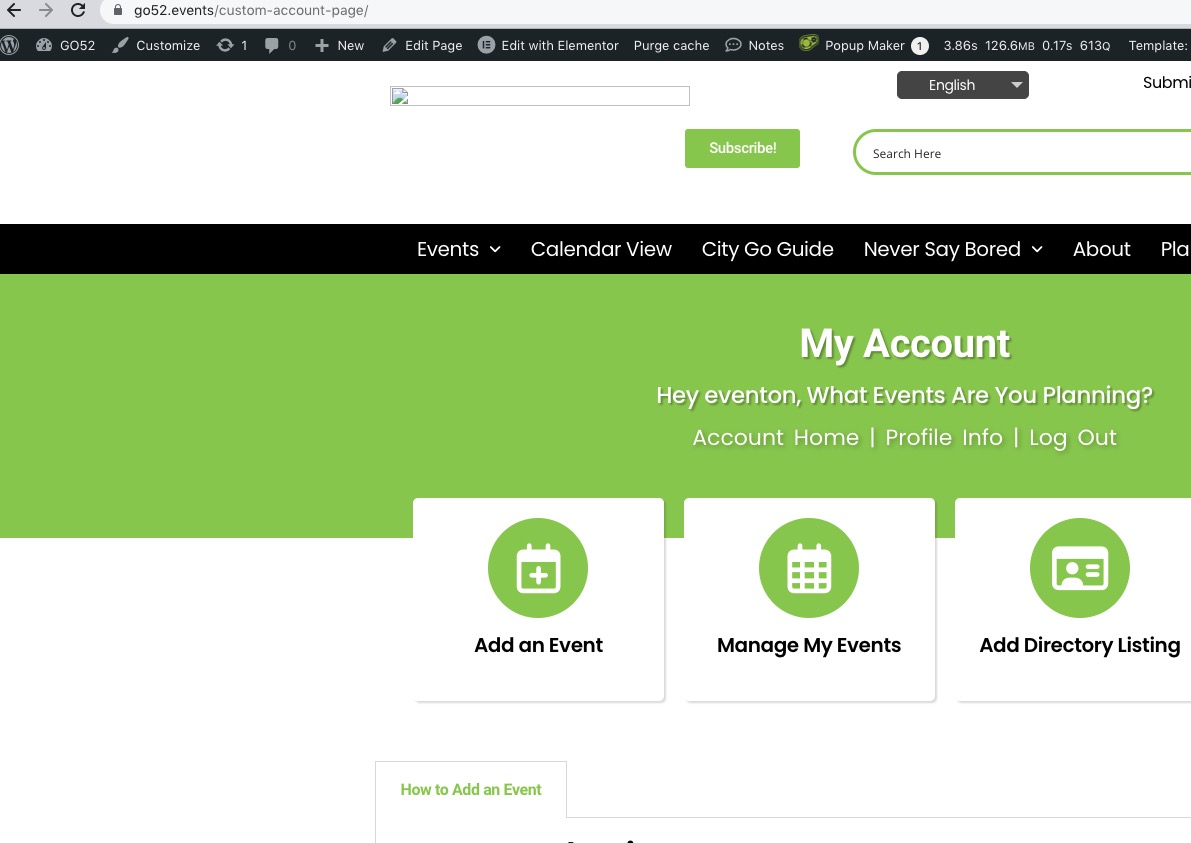
I cannot login to your website.
I go from this screen:
to this screen with the provided login info:
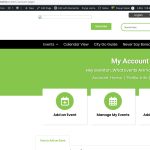
And when I try to access wp-admin, it redirects me to wp-login.php page, which redirects me to the original page.
Now it redirects me to https://go52.events/custom-account-page/ after I log in.
i have also use this hook as per your instruction
// throw html content for the switch statement for this index
add_filter(‘eventon_eventtop_custom’, ‘eventon_top_content’, 10, 3);
function eventon_top_content($object, $helpers, $EVENT){
//$event_id = $object->eventid;
$event_id = $EVENT->//ID — event ID can also be get from this
// $event_pmv = $object->evvals; // event post meta values
// your HTML code goes in here.
$output = ‘Click to see more‘;
return $output;
}
but its also not reflection from /wp-content/plugins/eventON/includes/eventon-eventTop.php here eventon-eventTop.php file is created by me as per your instruction in documentation but its not working.
I have use your provided hook from https://docs.myeventon.com/documentations/hook-eventtop/
but its not working even its code is not reflecting from files that you told me hook code is not working from function.php please guild where i can use these hook code .
Anyway, it should bring the same result – shouldn’t it?
You are exactly right!
It’s just I tried to create a new event, exported a .json file, then created a new event, imported the file. No issues.
Original:
https://dev2.myeventon.com/?ajde_events=seats-7
Copy:
https://dev2.myeventon.com/?ajde_events=test-76
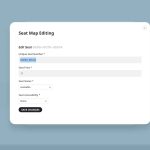
Attached I send you the .json file we used to edit and in the end import the data.
I cannot find it among attachments. Could you upload it and send us a link? I want to check if there is anything wrong with the structure so we can continue with the issue.
For fixing and findig possible problems we really need to be able to export all Client data including their seats into an excel file. How can we do this?
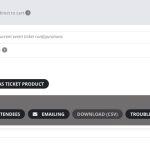
Attendees list can be downloaded from Edit Event > Tickets > Download (CSV):