Hello,
Is this your website: https://csac.biz/?
I found the login info in your old ticket and checked for any custom EventON files. It seems that you customized Single Event Page template, correct?
New version of EventON (4+) has a new template, so “Updating the plugin causes the event card layout to break, and saving the plugin’s settings causes it to break even further the first time we do it.” happens because you need to go to your theme and update .php files in eventon folder. New templates can be found in /plugins/eventON/templates.
Available old versions:
https://helpdeskx.s3.amazonaws.com/wp-content/uploads/2021/10/09115157/eventON-28.zip
https://helpdeskx.s3.amazonaws.com/wp-content/uploads/2022/09/13030304/eventON-3.1.7.zip
https://helpdeskx.s3.amazonaws.com/wp-content/uploads/2023/06/01042208/eventON-4.0.1.zip
Please also send us FTP access to your site as a private message, so we can perform several tests from our end and resolve your issue fast!
Ashan,
When you go to https://bredeschool.unicoz.nl/wp-admin/post.php?post=41479&action=edit and click Download (CSV) it adds this error to debug.log:
[11-Sep-2023 15:57:56 UTC] PHP Fatal error: Uncaught TypeError: implode(): Argument #2 ($array) must be of type ?array, string given in /var/web/site/public_html/wp-content/plugins/eventon-rsvp/includes/class-functions.php:122
Stack trace:
#0 /var/web/site/public_html/wp-content/plugins/eventon-rsvp/includes/class-functions.php(122): implode(‘, ‘, ‘-‘)
#1 /var/web/site/public_html/wp-content/plugins/eventon-rsvp/includes/class-ajax.php(96): evorsvp_functions->generate_csv_attendees_list(‘41479’)
#2 /var/web/site/public_html/wp-includes/class-wp-hook.php(310): evorsvp_ajax->generate_attendee_csv(”)
#3 /var/web/site/public_html/wp-includes/class-wp-hook.php(334): WP_Hook->apply_filters(”, Array)
#4 /var/web/site/public_html/wp-includes/plugin.php(517): WP_Hook->do_action(Array)
#5 /var/web/site/public_html/wp-admin/admin-ajax.php(188): do_action(‘wp_ajax_the_aja…’)
#6 {main}
thrown in /var/web/site/public_html/wp-content/plugins/eventon-rsvp/includes/class-functions.php on line 122
https://helpdeskx.s3.amazonaws.com/wp-content/uploads/2023/09/08032934/Scherm%C2%ADafbeelding-2023-09-08-om-12.26.06-scaled.jpg
This is confirmed even in Troubleshooting Mode on customer’s website. Unfortunately, I am not sure how to recreate this on our dev2 site.
My test event:
https://dev2.myeventon.com/wp-admin/post.php?post=51120&action=edit
We are sorry for the delay and thank you for your messages, I am going to assign this ticket to Ashan and he will be able to take it from here and find you a solution. Please allow some time for him to get back to you, we greatly appreciate your patience and thank you for being a eventon customer! Also please disable any IP blocking on your site if there are any.
staging.impactems.com/wp-admin
helpdesk@eventon.com
UQYIgHOj8cPky^v
please check this https://prnt.sc/DdV7AFt3SnGT i have use your provided code but its also not getting event id or any meta values.
Also could you send us Order IDs you want to refund? Do you want to refund Action User + Action User Plus add-ons?
Ashan,
Their other ticket:
https://helpdesk.ashanjay.com/ticket/everton-events-manager-showing-events-randomly-not-useful-for-us/
Hello,
Thank you for your messages, I am going to assign this ticket to Ashan and he will be able to take it from here and find you a solution. Please allow some time for him to get back to you, we greatly appreciate your patience and thank you for being a eventon customer!
When you created this ticket, you didn’t include any info about your website, so I had to start from somewhere. Usually, when any new issues come up, it’s because of outdated versions of plugins.
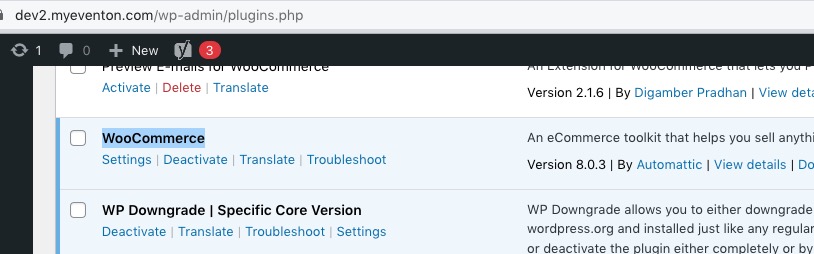
Could you tell us which version of WooCommerce are you using?
No issues on our test site:
https://dev2.myeventon.com/?ajde_events=test-76
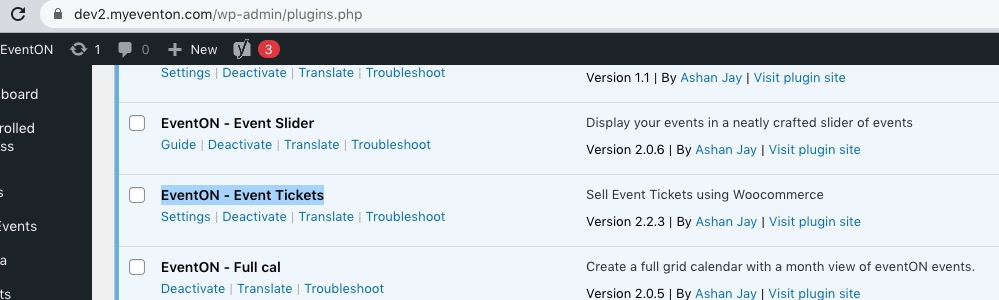
Please take a look at attached screenshot: