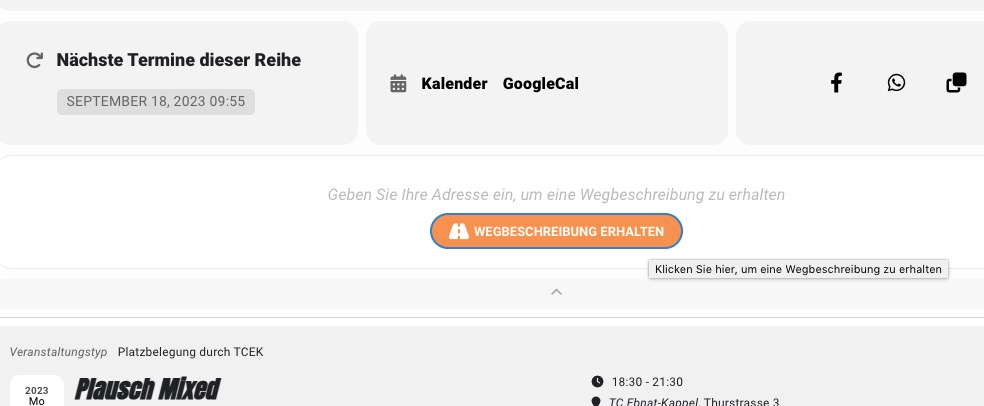
Because there are a lot of Appearance styles, EventON applies them after some time because of performance. Could you try saving EventON Settings twice to apply settings immediately?
I just did it and it fixed the button hover:
Replies for tickets on suppota
Because there are a lot of Appearance styles, EventON applies them after some time because of performance. Could you try saving EventON Settings twice to apply settings immediately?
I just did it and it fixed the button hover:
Unfortunately, we cannot help with any code customizations, since it’s against CodeCanyon’s Support Policy.
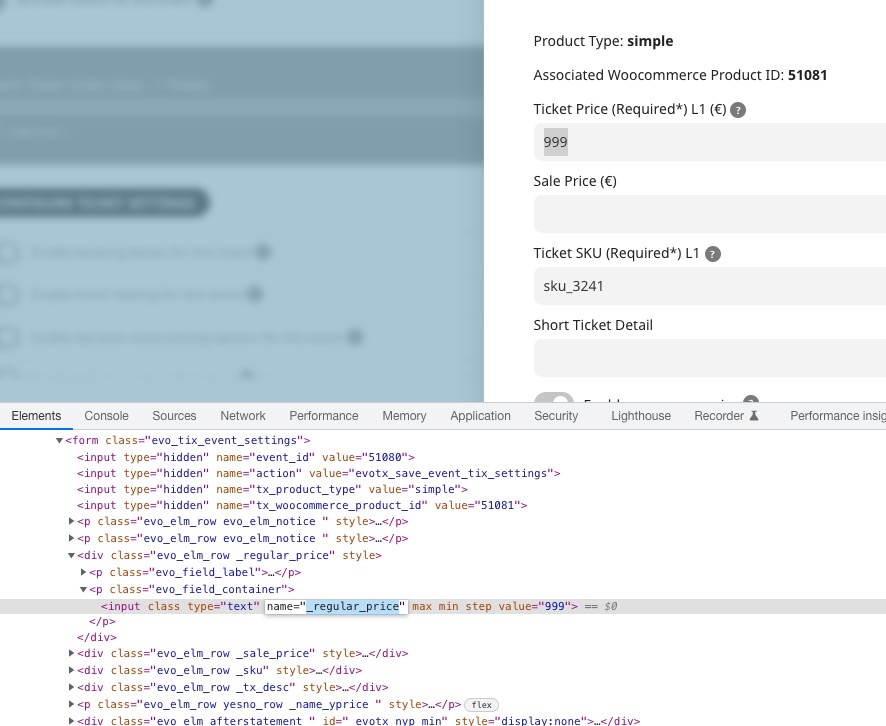
However, this is the variable that contains the ticket price:
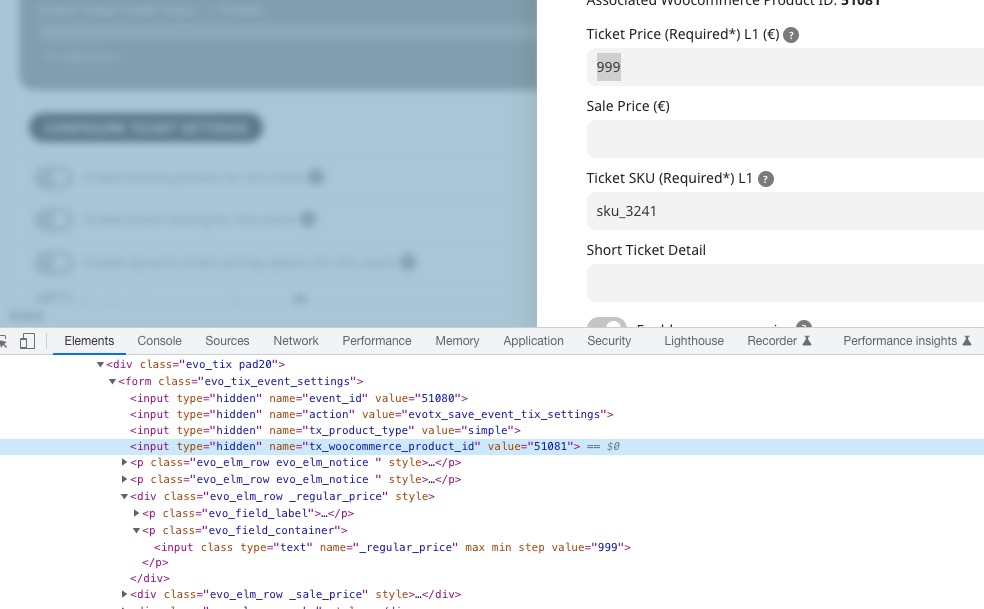
Product ID is in this variable:
This guide shows you how to get WooCommerce Product associated with Events:
https://www.websitebuilderinsider.com/how-do-i-get-woocommerce-product-price-in-loop/#:~:text=You%20can%20use%20the%20get_price,with%20an%20ID%20of%20%24product_id.
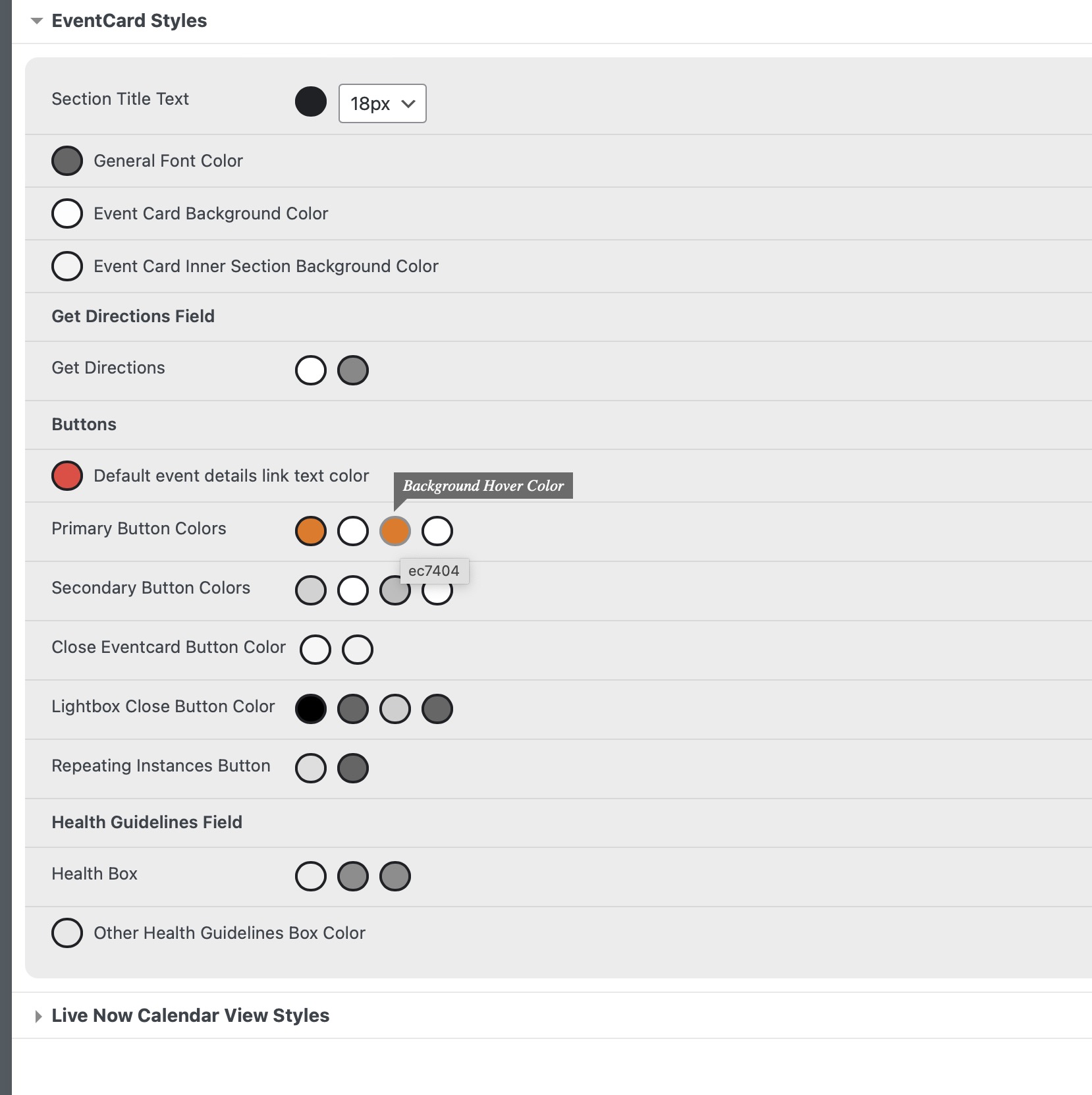
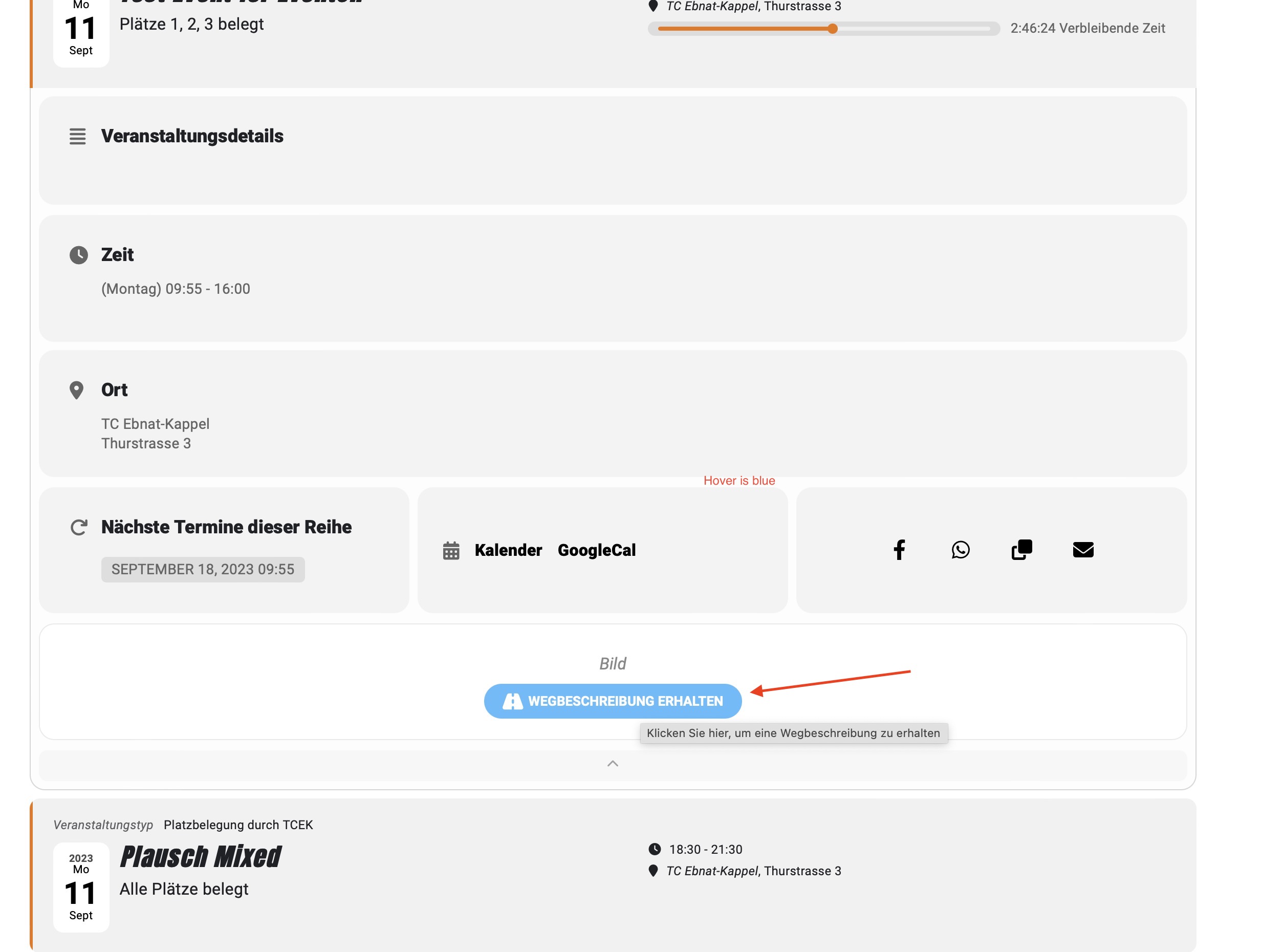
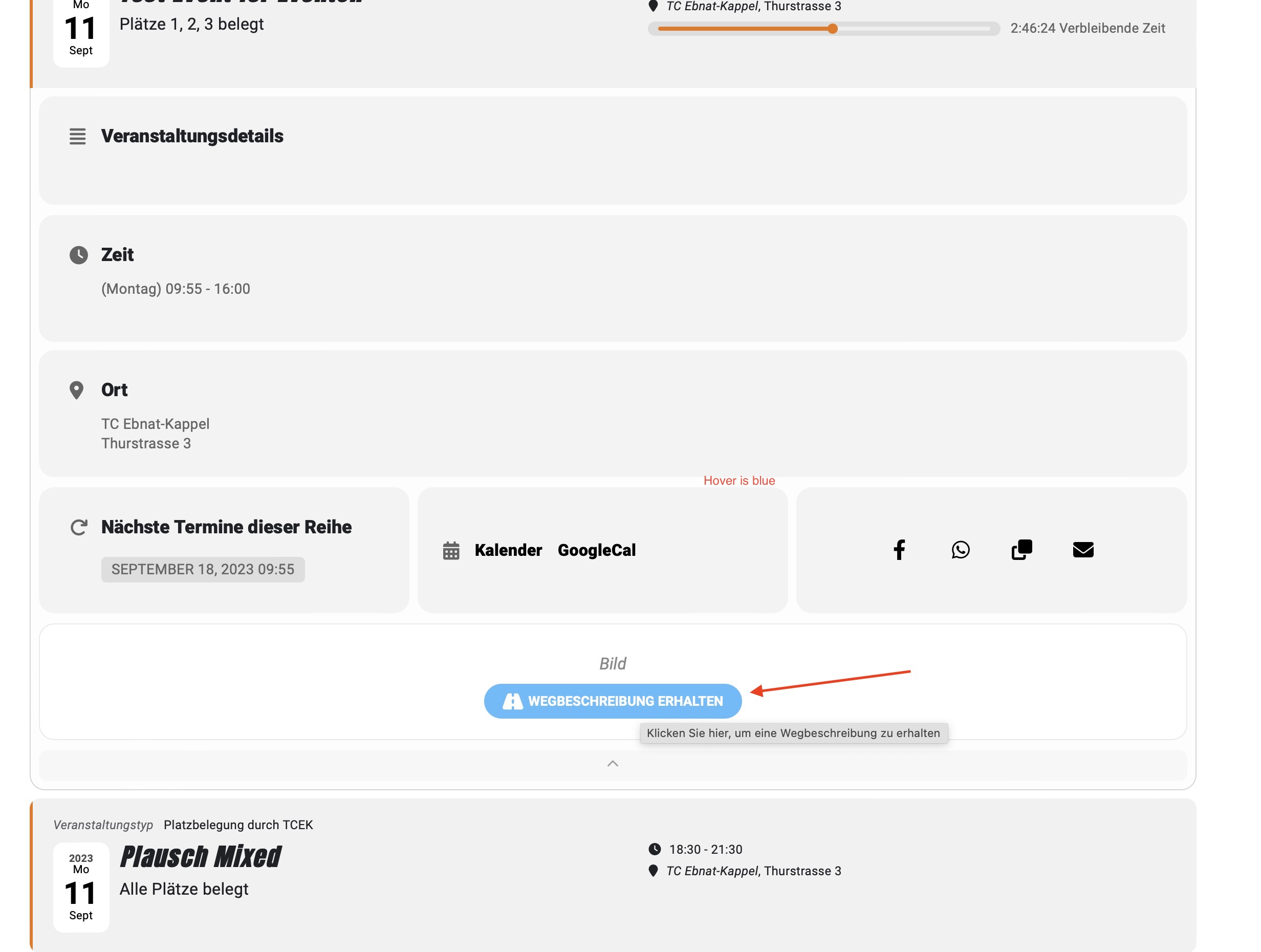
I don’t know why, for me it shows everything minutes later, even when I use the Clear Cache tool in Elementor.
Just one more thing, then we’re done.
– The hover is still displayed in blue.
Hello Travis Dees,
Thank you for your messages, I am going to assign this ticket to Ashan and he will be able to take it from here and find you a solution. Please allow some time for him to get back to you, we greatly appreciate your patience and thank you for being a eventon customer!
Perfect! If you have any further questions or concerns please create a new ticket.
It seems that this one as well as https://helpdesk.ashanjay.com/ticket/locations-display-twice-in-filters-on-weekly-view-addon/ are both fixed now.
Do you need our help with anything else or can I close the ticket?
Hello,
Can you please send us a direct link to where the actual issue is happening?
It seems that there is an issue with the theme or a third-party plugin. We need to check HTML structure and CSS styles.