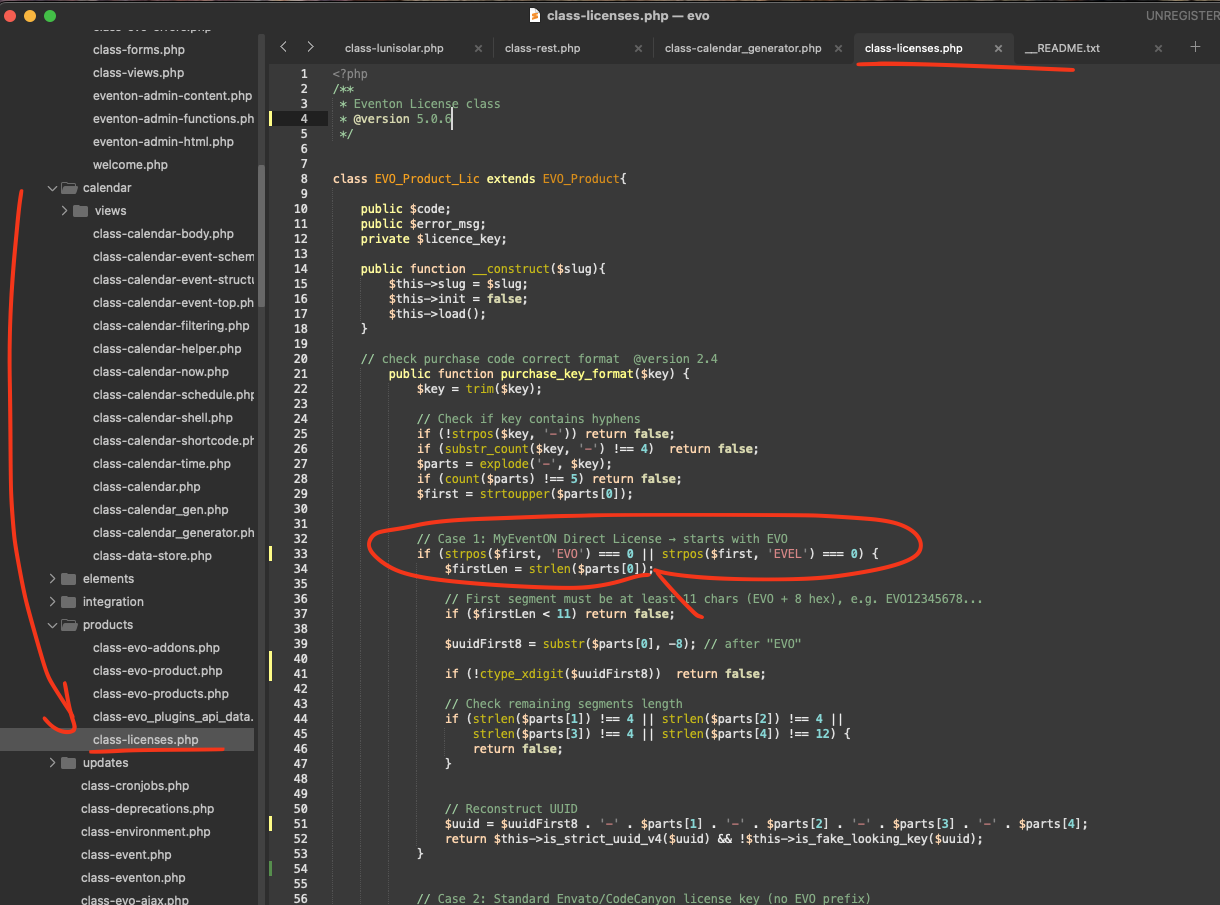
You need to add it, not replace the whole line completely. The same as on this screenshot:
I can apply it for you.
Please send us wp-admin access to your site from ”Access Info” box on right side menu, to further assist your situation.
Replies for tickets on suppota
You need to add it, not replace the whole line completely. The same as on this screenshot:
I can apply it for you.
Please send us wp-admin access to your site from ”Access Info” box on right side menu, to further assist your situation.
Can we fix it on your website, so you can use the add-on instead of WooCommerce’s variations?
I never received a notification that you responded, I think I have mentioned this before in previous chats.
Could you elaborate? I am not sure which chat you are referring to.
Could you try disabling EventON > ICS Import > ”Enable duplication event name check during importing”?
Since you have quite a lot of events, maybe there is an issue with the memory limit on the server:
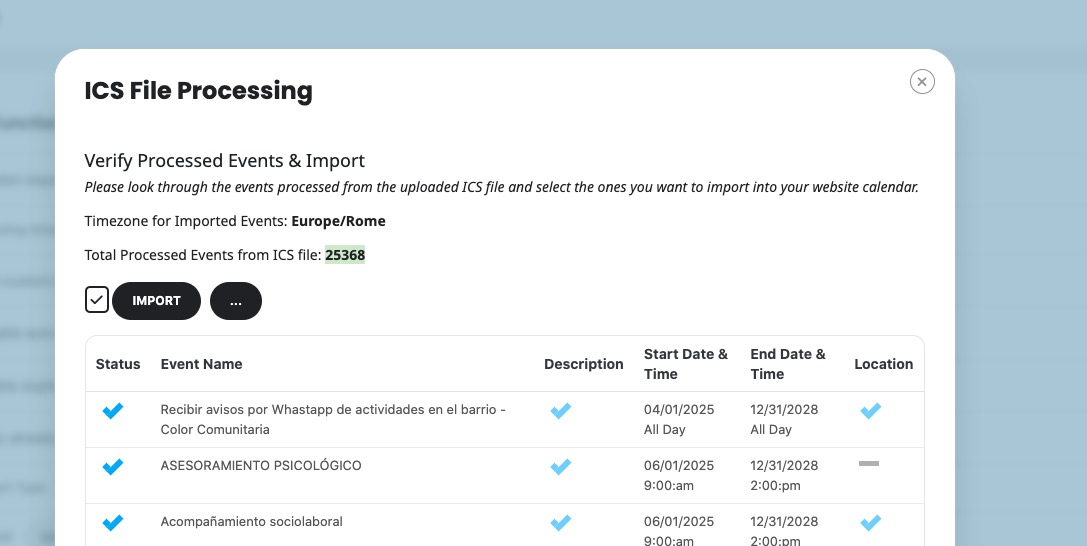
Please follow the instructions in this documentation to activate debug in your site to see any PHP errors recorded that can provide insight on to whats going on. Please reply with a link to debug.log file. If you are not able to do this please send us FTP access to your site so we can do this for you.
Could you update Event Tickets add-on to 2.5.1, so I can apply the patch?
To update eventon addons: You can download latest eventon addons from myeventon > my account. Then you can go to your website, deactivate old addon and install new one and activate then delete the old addon. This link will further explain the process. Also you can follow us on twitter to get real-time announcements on updates!
Hello,
Thank you for your messages!
I am going to escalate this ticket to development to help in here. Please allow us some time to address this, and we truly appreciate your patience. Thank you for being a valued EventON customer!
Closed as a duplicate.
Thanks for your help. I appreciate it. This is now resolved.
Thanks, when is the update going to be released?
Also, can someone help add the patch fix?
Hello, any news on this issue? Thanks
Thank you for clarifying this I can see the issue and there is a bit of slowness as well, allow us sometime and we willget this resolved and get a new version out soon 🙂