Hello,
Sorry about this.
In the new version 4+ in order to delete settings and events you need to go to EventON > enable Delete eventon settings & data when EventON is uninstalled.
So since you are updating from 4.2.2, please make sure to NOT to enable the setting. EventON > Delete eventon settings & data when EventON is uninstalled should be disabled.
This whole ticket is private for everyone except you and us.
Thanks how do I send you a private message other than here?
kindly apply this patch fix.
thank you for letting us know. Here is a patch fix for this I will issue an official update later next week 🙂
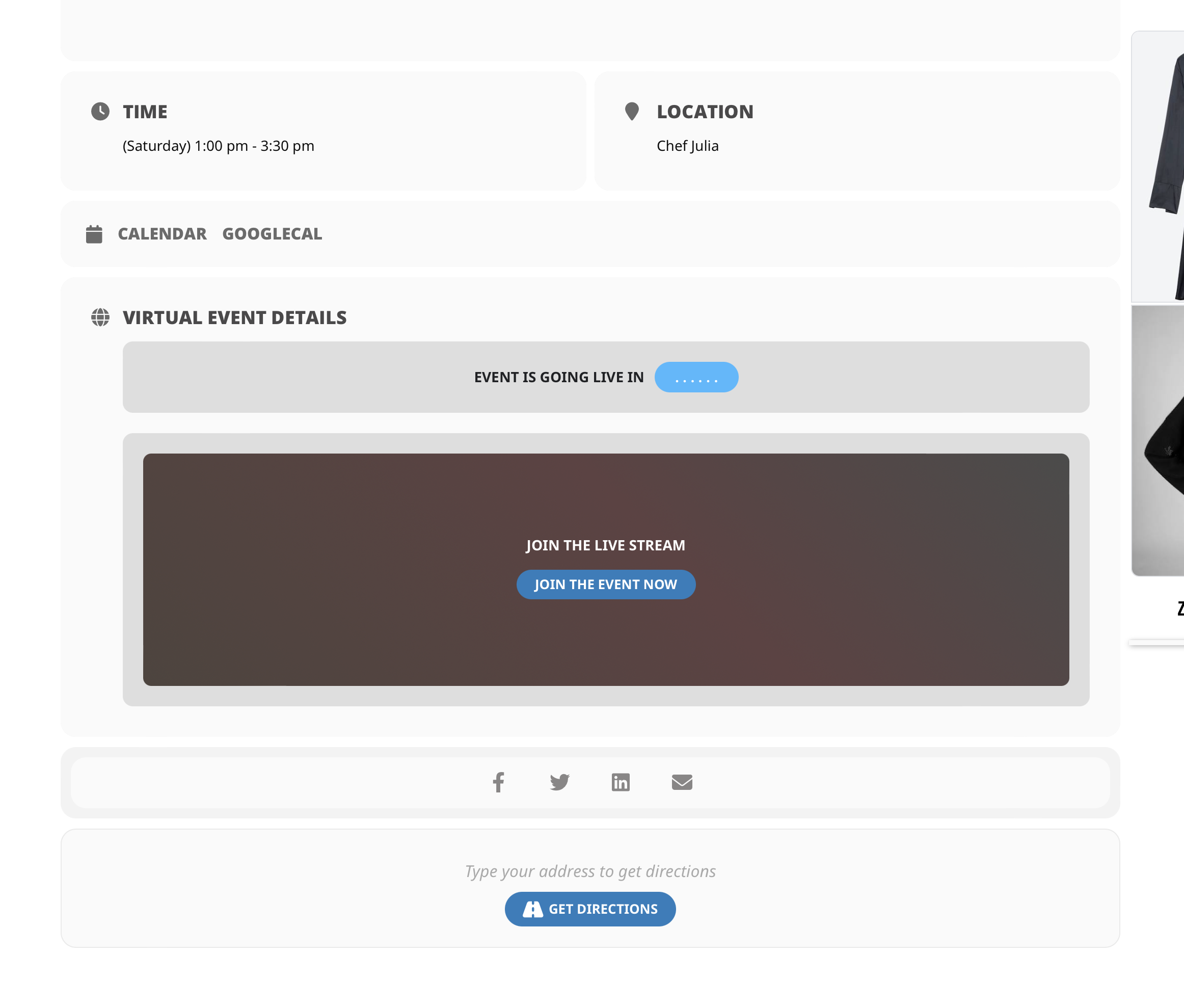
actually, everting is all wrong.
- we have virtual events so directions should NOT show
- Join the live stream. the stream is saturday
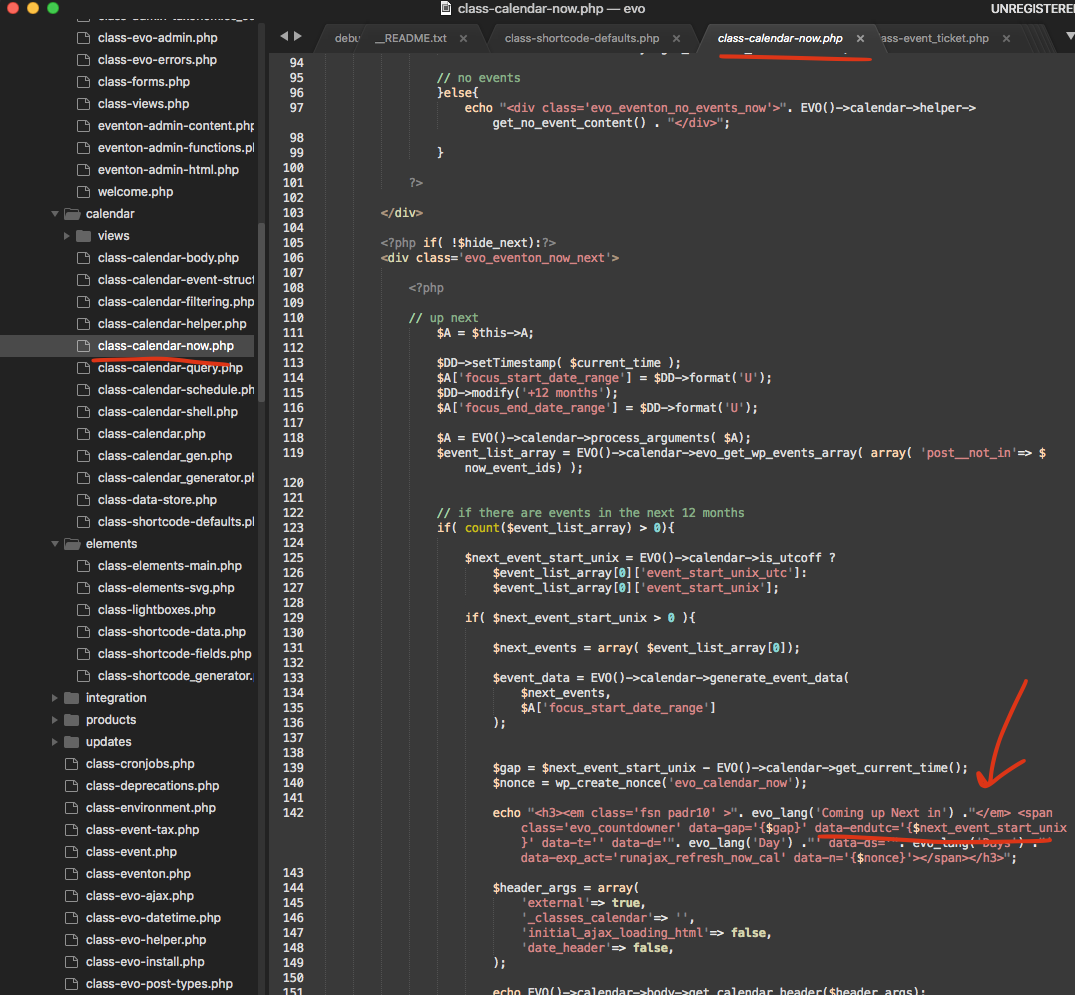
- event is going live in… just dots show.
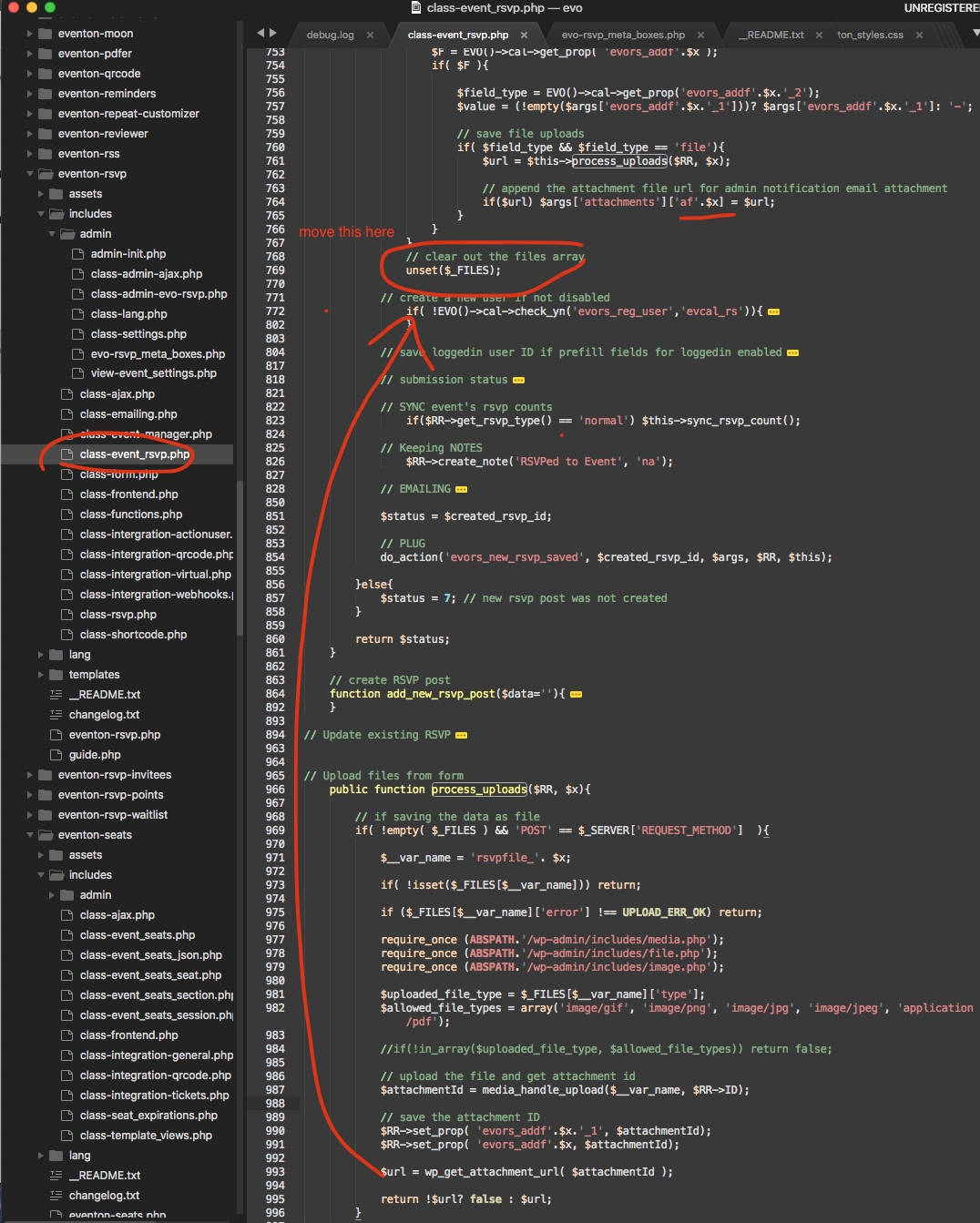
- not html code is showing at all so clients can not download any PDFs
- the PDF that initiated is useless, no html code even shows in it.
- all customers have no way of downloading any documents or even seeing the zoom link!
- something has happened to your software?
please help.
Hi Kenneth thanks for replying but Im not sure you actually read carefully what we are asking or your not understanding the question.
yes we realize the instructions are for two different versions , but that’s not the point of our question.
your instructions state….If you are on EventON v2.6.8 or up this setting must be set to YES in order to keep already created events.
which implies to turn ON or Enable this option if we are on v. 4.2.2 for eg.
but in General settings, it clearly states that enabling this option will DELETE our settings. if the plugin is removed…
This is very confusing….

Thank you very much Omar! If you have more questions, kindly send us a new ticket and we would be more than happy to help you resolve your issues!
please use this patch fix for the countdown error.