This works. Thank you
Archives: Replies
Replies for tickets on suppota
Reply to: tickets(278104)
We are glad your issue is resolved, if you have any further questions or concerns please create a new ticket.
Reply to: tickets(279243)
We are glad your issue is resolved, if you have any further questions or concerns please create a new ticket.
Reply to: tickets(288247)
We are glad your issue is resolved, if you have any further questions or concerns please create a new ticket.
Reply to: tickets(289174)
We are glad your issue is resolved, if you have any further questions or concerns please create a new ticket.
Reply to: tickets(324624)
At first create an event with Weekly Repeats enabled. Publish it, then change it’s Repeat Type to Custom. Now you can delete the repeat you don’t need.
Even if your event exists, you can change it’s type to Custom and then remove the repeat.
Reply to: tickets(324632)
Hello,
since this was purchase with https://codecanyon.net
You cannot purchase add-ons on CodeCanyon, only https://www.myeventon.com/addons/.
Please use
https://www.myeventon.com/my-account/lost-password/
Reply to: tickets(319793)
I went to https://nisekotourism.com/wp-admin/admin.php?page=eventon#evcal_011 and changed Slug to “events_”. Then I change it back, but your server still redirects events to /events_
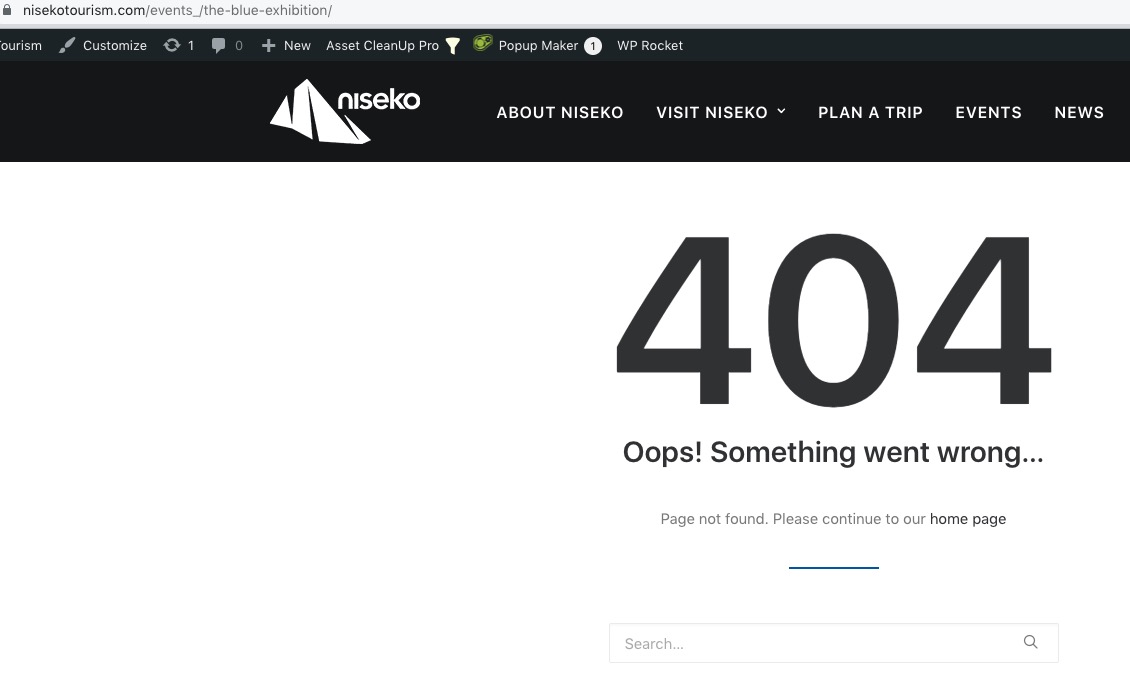
Also, when I activate Troubleshooting Mode, it shows that all plugins are disabled, but the menu still shows them:
https://nisekotourism.com/wp-admin/site-health.php?tab=troubleshoot
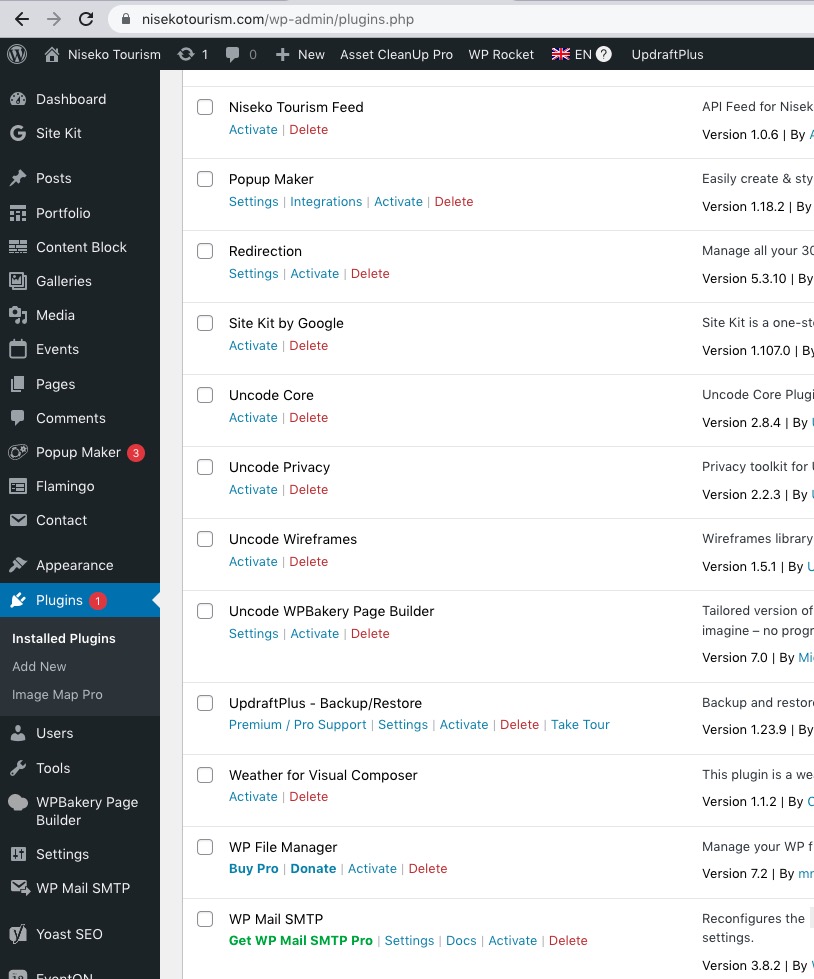
Is there some kind of cache system on the server that caches even wp-admin?
Reply to: tickets(324313)
Ashan,
The same on dev2:
https://dev2.myeventon.com/test-127/
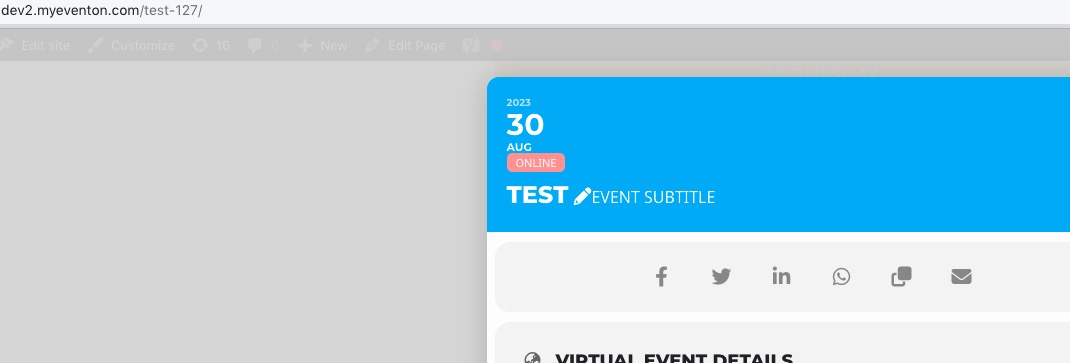
Reply to: tickets(324313)
Thank you for the info! Ashan will check this ASAP.