Hello,
I am sorry, the access information you have provided did not work for us. Please check them and post the correct login information as a private message, thank you!
Replies for tickets on suppota
Hello,
I am sorry, the access information you have provided did not work for us. Please check them and post the correct login information as a private message, thank you!
Please add this CSS code to EventON > Styles (If you don’t see any change, EventON > Scripts & Styling > turn off Write dynamic styles to header > save settings > turn on Write dynamic styles to header):
@media (max-width: 960px){.evosv_grid .row .evosv_items .evosv_time {width:10%}}
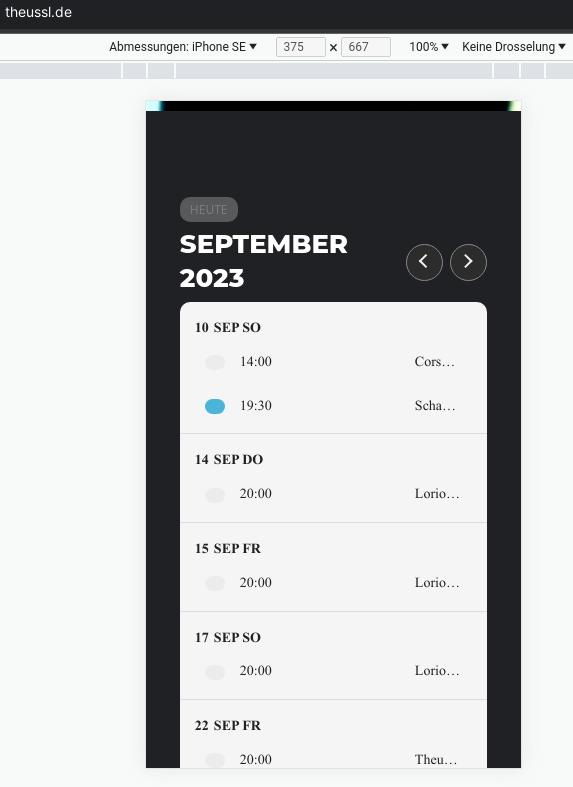
still too much space after beginning time – i need to have it smaller for phone view – i cannot read the event title
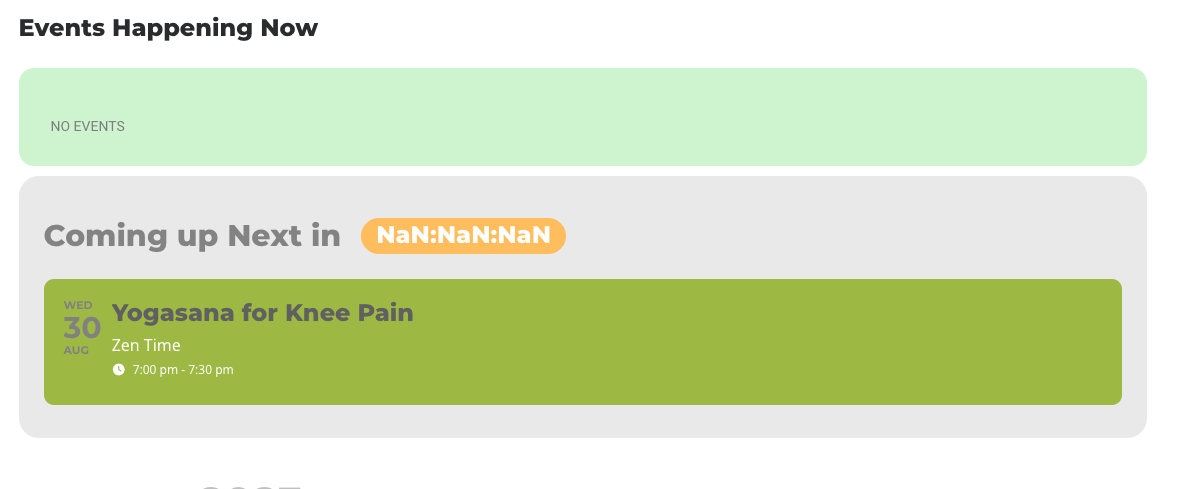
There is a new version of EventON available – 4.4.4. It should have the fix for the issue. Could you try to update?
To update eventon to latest version: If you are unable to do autoupdate, you can go to codecanyon your account > download and get the latest eventon version as zip file. Then you can go to your website > make sure “Delete eventon settings & data when EventON is uninstalled” is Deslected from eventon settings, delete old eventon, install new one and activate. This link will further explain the process it. Also you can follow us on twitter to get real-time announcements on updates!
Maybe there is an issue with this category:
https://nisekotourism.com/wp-admin/term.php?taxonomy=category&tag_ID=24&post_type=post
Could you try changing it’s slug?
Hi
It is the Eventon Tickets(sorry I made a mistake and said bookings) its futher down the page. It activates for say 20 seconds (and turns blue) then when you move away from that page and then go back to licenses it is no longer activated. So it activates, turns blue, then goes back to deactivated on its own.
I have deactivated the caching plugin and tried it in Chrome, Firefox and Edge browser (after clearing the cache) all of them do the same things and it just goes back to deactivated.
Any ideas? I can send screen prints if needed
When I enable Troubleshooting Mode:
https://pwrfacultystg.wpengine.com/wp-admin/site-health.php?tab=troubleshoot
It works correctly plus the month on first load is August:
https://pwrfacultystg.wpengine.com/test-2/
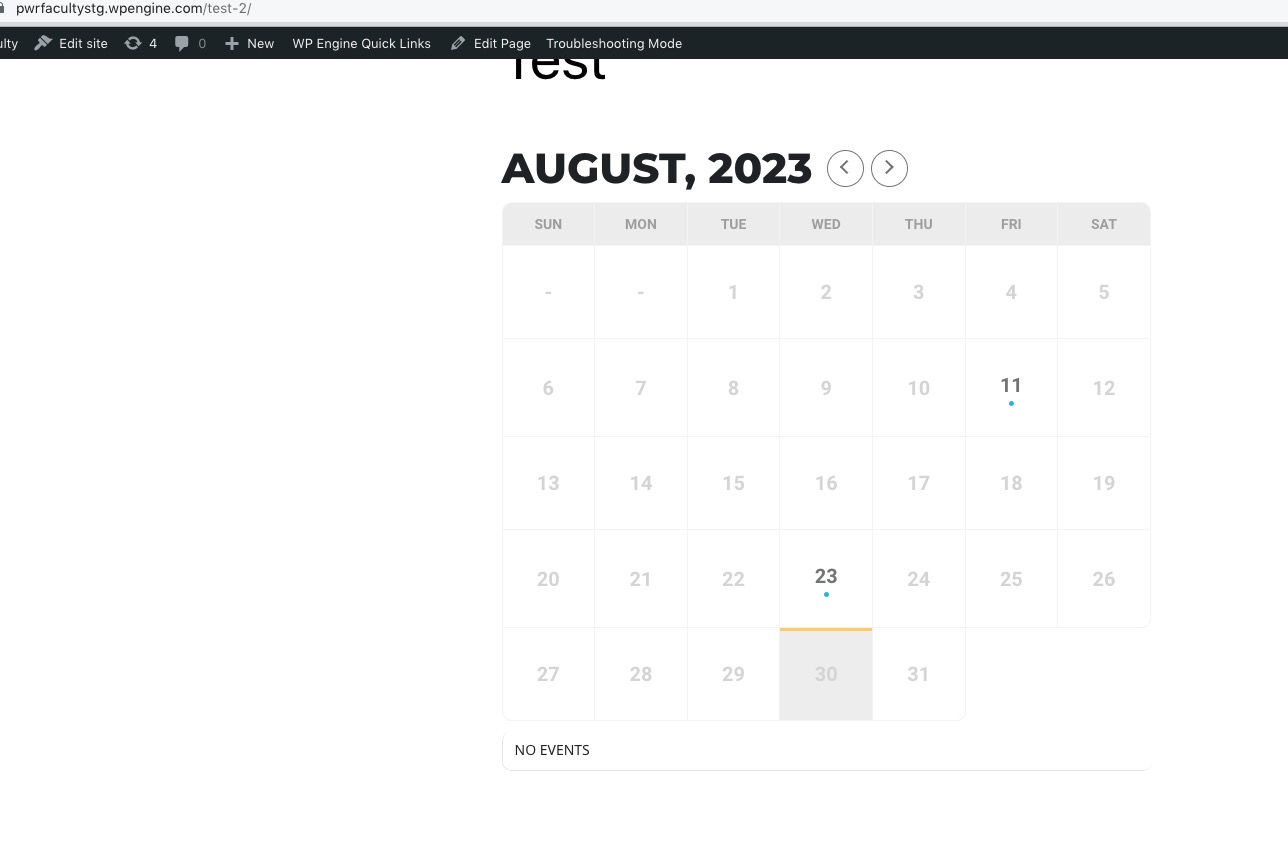
Is there some kind of cache system on the server?