I have narrowed down the error to the file: eventon_script.js
(located: plugins > eventON > assets > js)
And the error line is 968. This code is in the following area. I have put line 968 in bold.
// open in single events page
}else if(ux_val==’4′){
var url = obj.attr(‘href’);
if( url ==” || url === undefined){
url = obj.parent().siblings(‘.evo_event_schema’).find(‘a’).attr(‘href’);
window.open(url, ‘_self’);
}
if(obj.attr(‘target’) != ‘_blank’)window.open(url, ‘_self’);
return;
Hello,
This code centers the content:
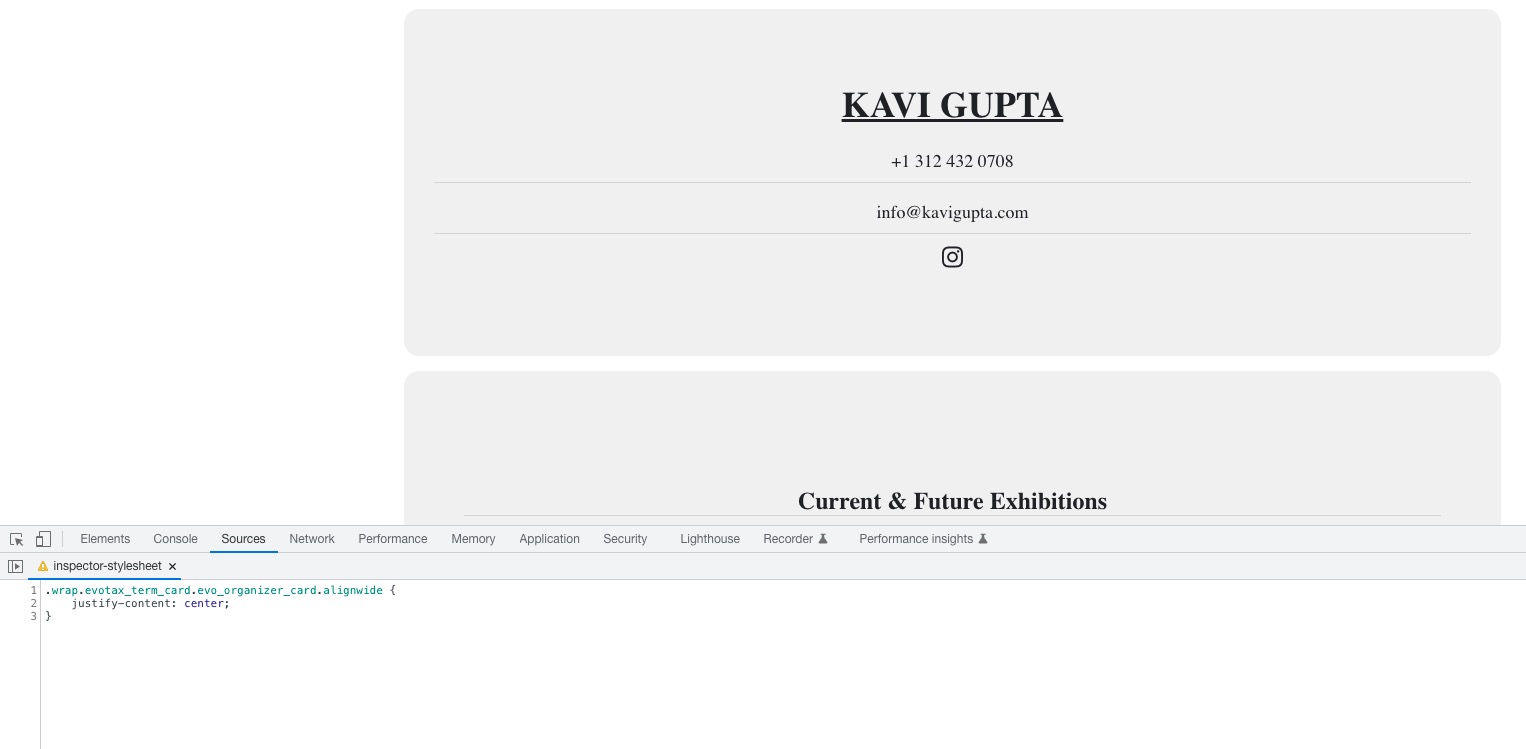
.wrap.evotax_term_card.evo_organizer_card.alignwide { justify-content: center; }
How can I get the box to display full width always, across all devices?
Do you want the content centered or full width? Could you elaborate?
Could you try disabling Image optimization service by Optimole and also WP-Optimize – Clean, Compress, Cache plugins for a test?
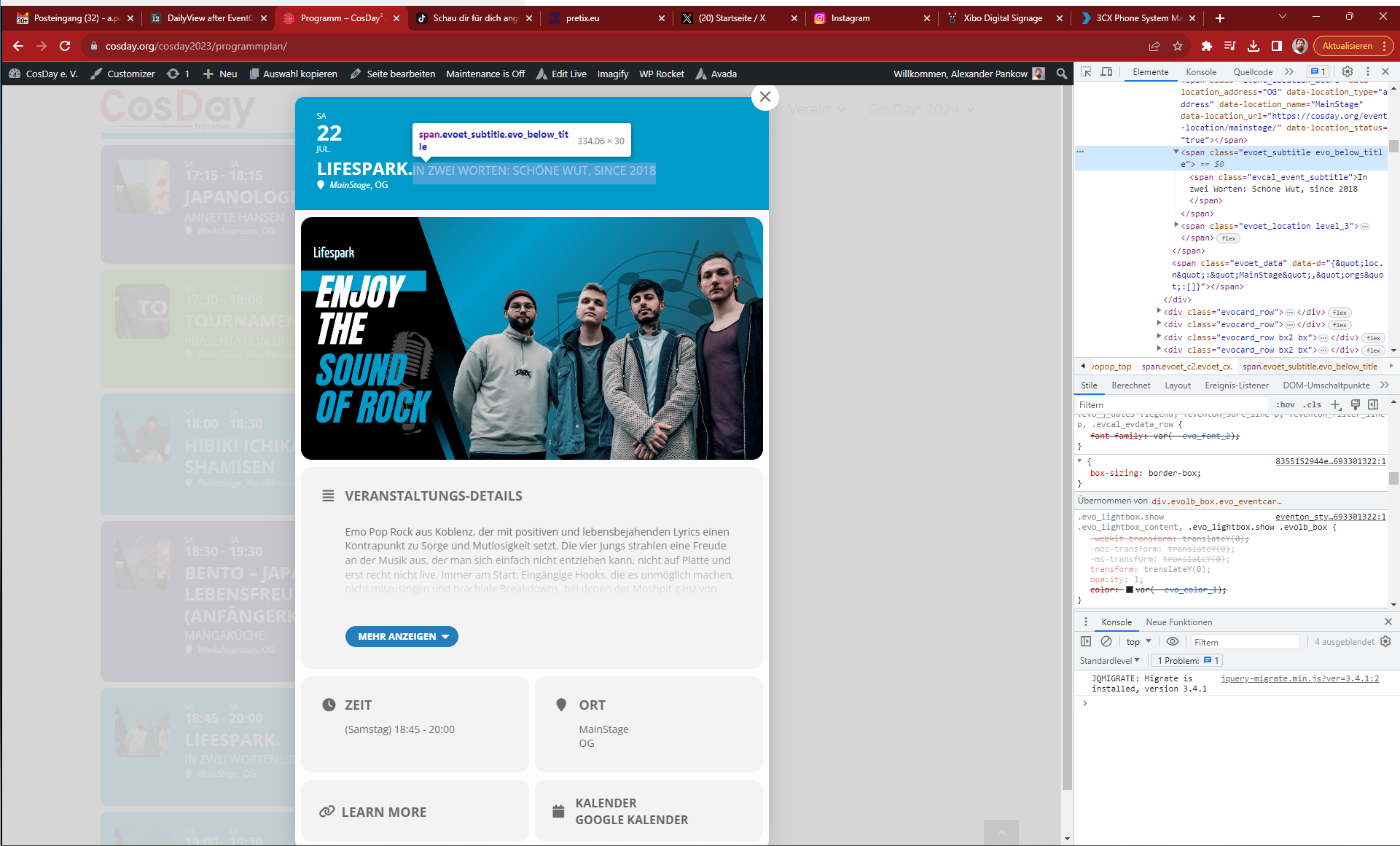
Hello, thanks for quick fix.
I can confirm that the problem is solved now.
But after update I saw a small style issue regarding the event subtitle in the modal. Subtitle should be below the title, but it is displayed inline (see screenshot attached).
Hello,
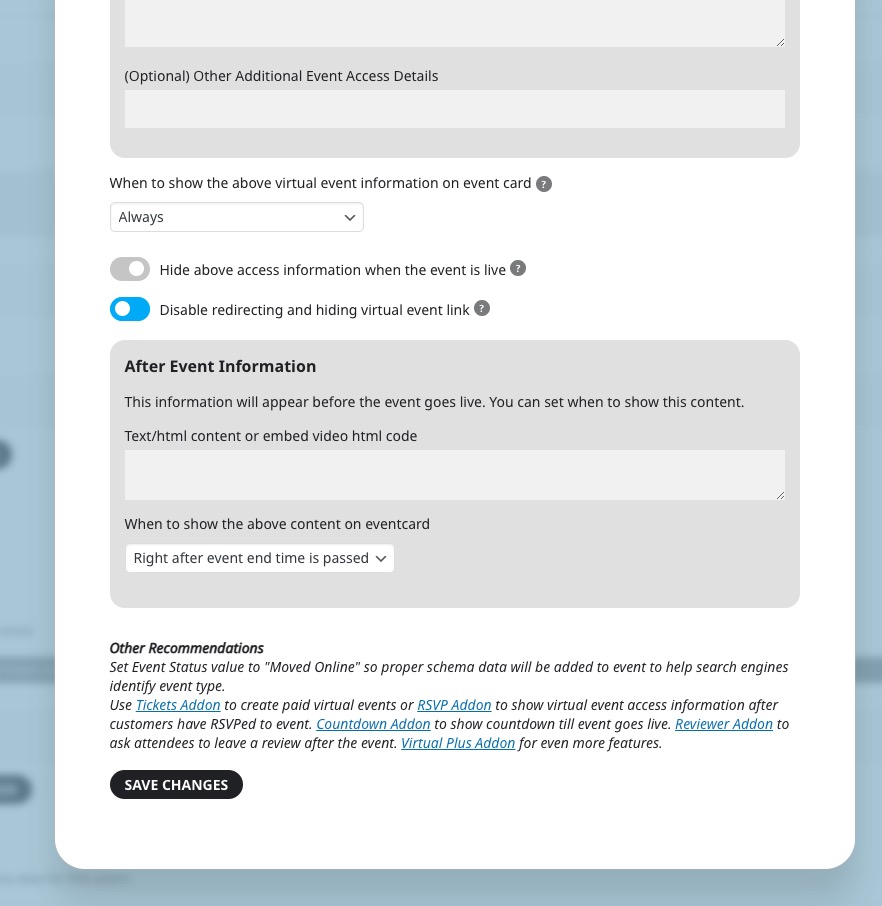
Could you go to Edit Event > CONFIGURE VIRTUAL EVENT DETAILS > enable this option and check if it works:
Hello,
Thank you for your great suggestion, at the moment it is not supported. However please create a new ticket and select Feature Request as category so others can vote on your idea and get it moved into development faster.
Hello,
EventON doesn’t have this functionality. However please create a new ticket and select Feature Request as category so others can vote on your idea and get it moved into development faster.
Hello,
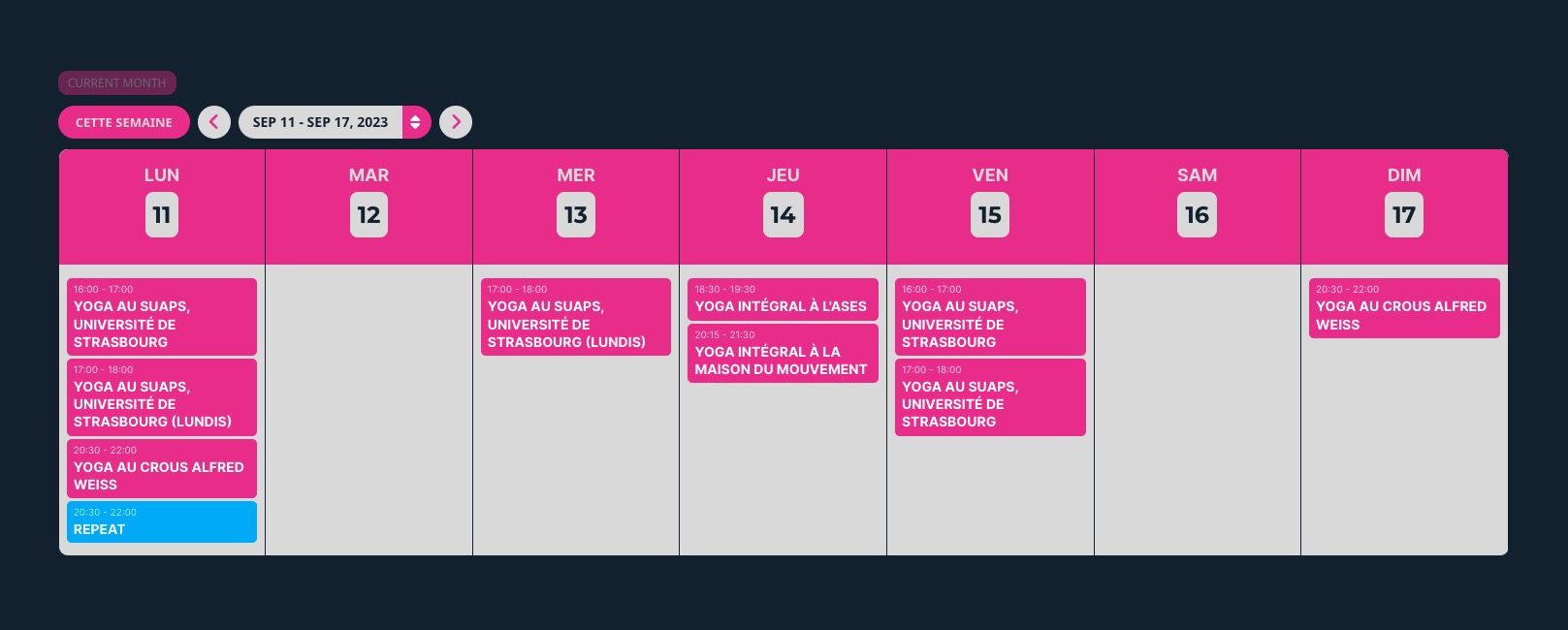
Repeat Customizer changes Event Status or makes events Completed. If you want to remove a repeat, then you need to use Custom Repeats and remove it completely:
https://docs.myeventon.com/documentations/setting-up-repeating-events/
I created a new event:

It’s working correctly.
Could you try recreating the event with the issue? Also did you create it from scratch or duplicated another event?
Furthermore the events says 0:00 – 0:00 when we click on it although I put in the right times
Please go to EventON > Time Settings > remove 0:00 from Allow universal event time format on eventCard.
Hi Artem,
We have the error 404 issue again.
Disabling redirection plugin and refreshing permalinks does not fix the issue.
We are now stuck with 404 errors without being able to fix ourselves.
I updated to the latest version of EventOn, and now we have this 404 error as a permanent error.
Please help us as quickly as possible.
Best Regards, Alister