Meri, the easiest option would be to re-purchase eventON and tickets addon. Without any information of the previous purchase its not possible to track back the orders.
You can reach out to codecanyon.net about eventON main plugn it is sold exclusively from there. Only eventON addons are sold from our own website. For eventON addons you can use coupon code EVO20T to get a discounted price on them.
You can close the ticket for now.
Will open fresh ticket if I need to add any other events.
Regards,
Vijay
I cannot access wp-admin because of
Forbidden
You don’t have permission to access this resource.
Could you check?
Hello,
The only way is to use Reminders add-on:
https://www.myeventon.com/addons/reminders/
The thing is that users must RSVP first to events:
https://www.myeventon.com/addons/rsvp-events/
Try on
https://dev.myeventon.com/wp-admin/
Hello,
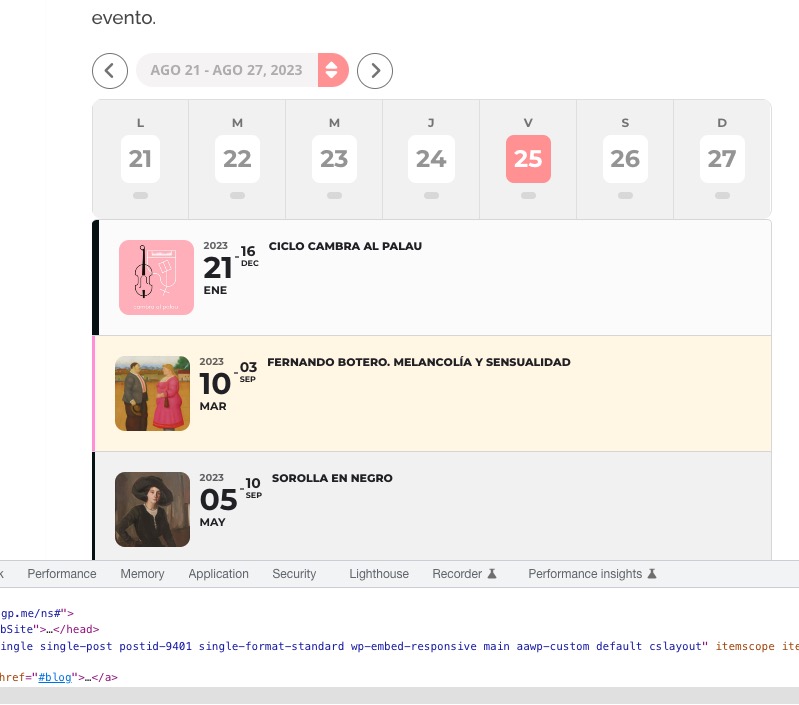
This calendar looks fine:
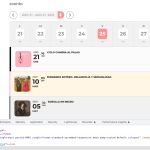 Could you please send us a screenshot?
Hello,
Please follow this guide and create variations:
https://docs.myeventon.com/documentations/how-to-setup-and-get-started/
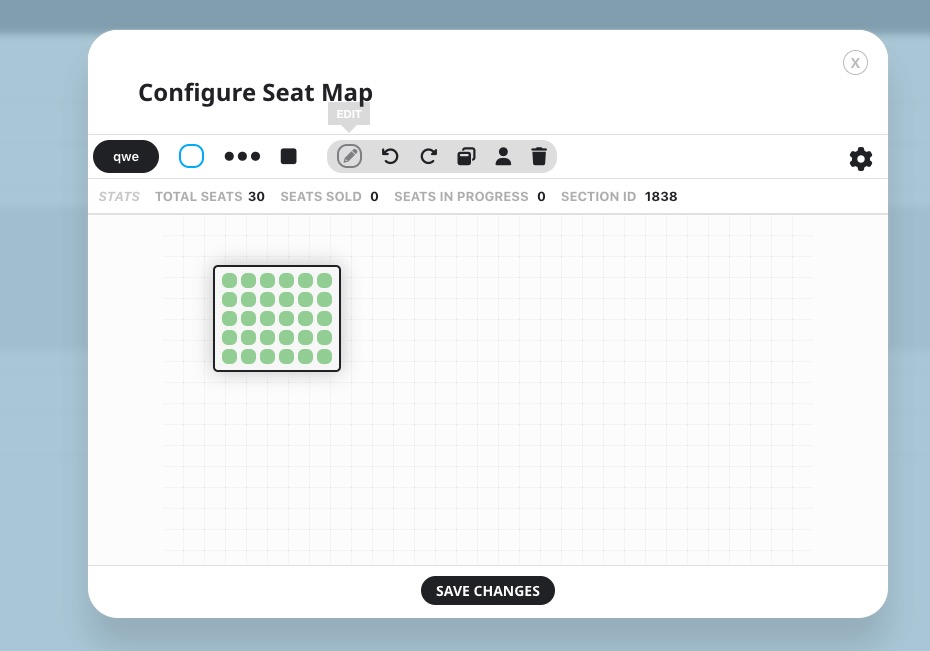
Now click on a seats section and then press Edit:
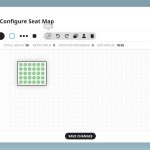
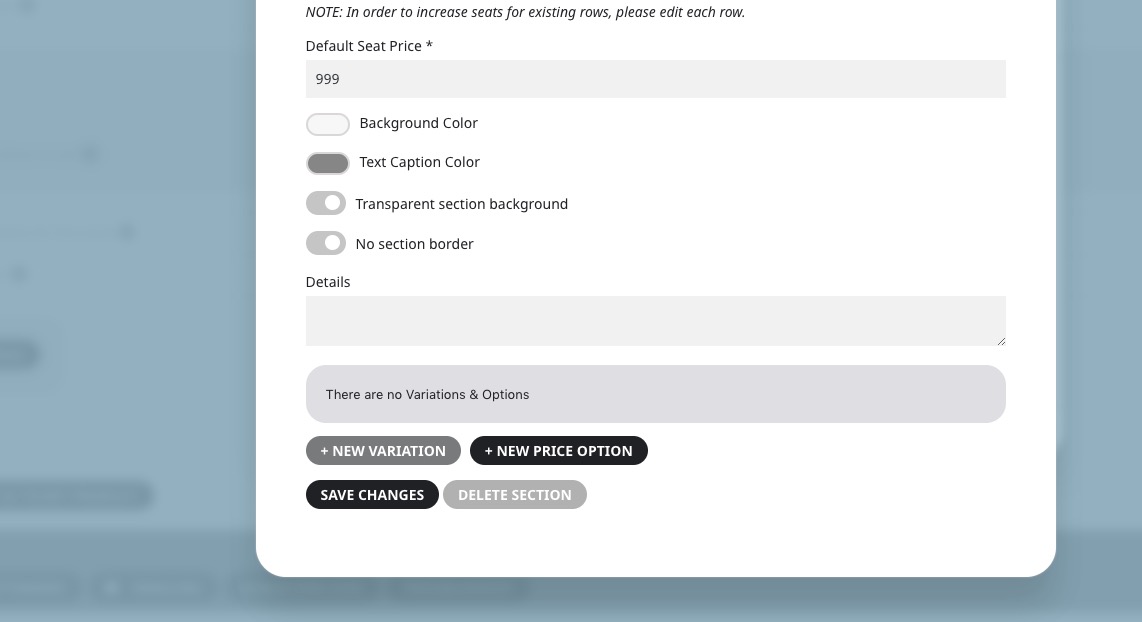
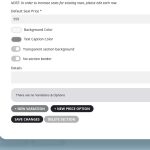
Add variations:
Hello,
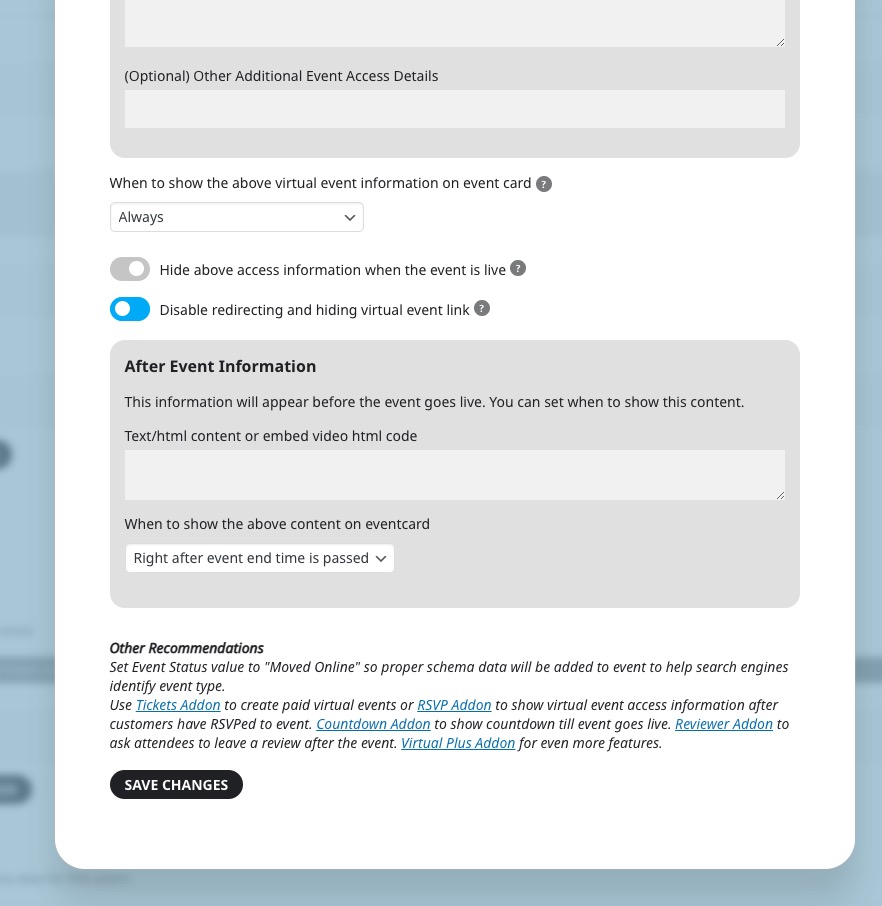
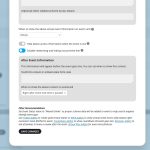
Could you go to Edit Event > CONFIGURE VIRTUAL EVENT DETAILS > enable this:
Still the same. Unfortunately, I cannot login.
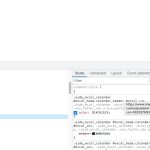
I checked the HTML structure and it seems that you also need to clear your cache plugin:
Thank you very much for the suggestion!
We are glad your issue is resolved, if you have any further questions or concerns please create a new ticket.
If you have a moment, we would greatly appreciate if you could kindly leave us a review at codecanyon! from your account > downloads. Cheers!
Hi – I tried the write dynamic header and that did not work.
Here are the credentials:
https://www.marcoislandart.org/wp-admin/
kellyjparsons
aq(@ouDR7R14B6AiFEgSjgj6