Thank you for this. Much appreciated!
In a future update – I might actually specify the EXACT elements those colors change, or at least a downloadable/digital graphic that corresponds the color picker to each exact attribute or section on a live sample event.
Hi Artem,
I added the code (see below).
It doesn’t work…
I
I
But any changes…

Sorry, some of the text got clipped or I fat fingered something in my last post
I see Location page and it looks good on desktop in both logged in and incognito – thank you.
But as per my last still an issue with mobile view.
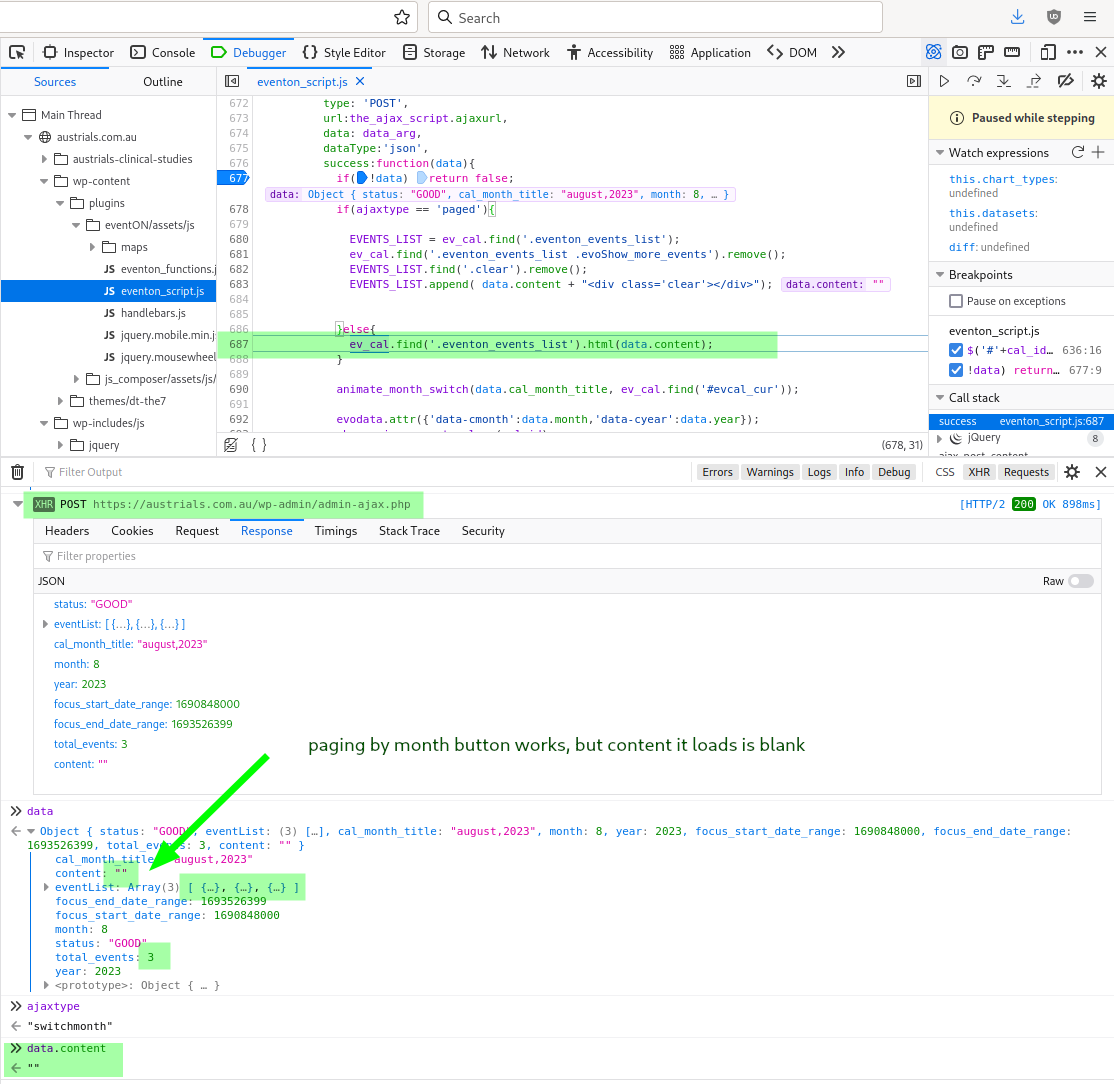
(that’s in class-calendar_generator.php)
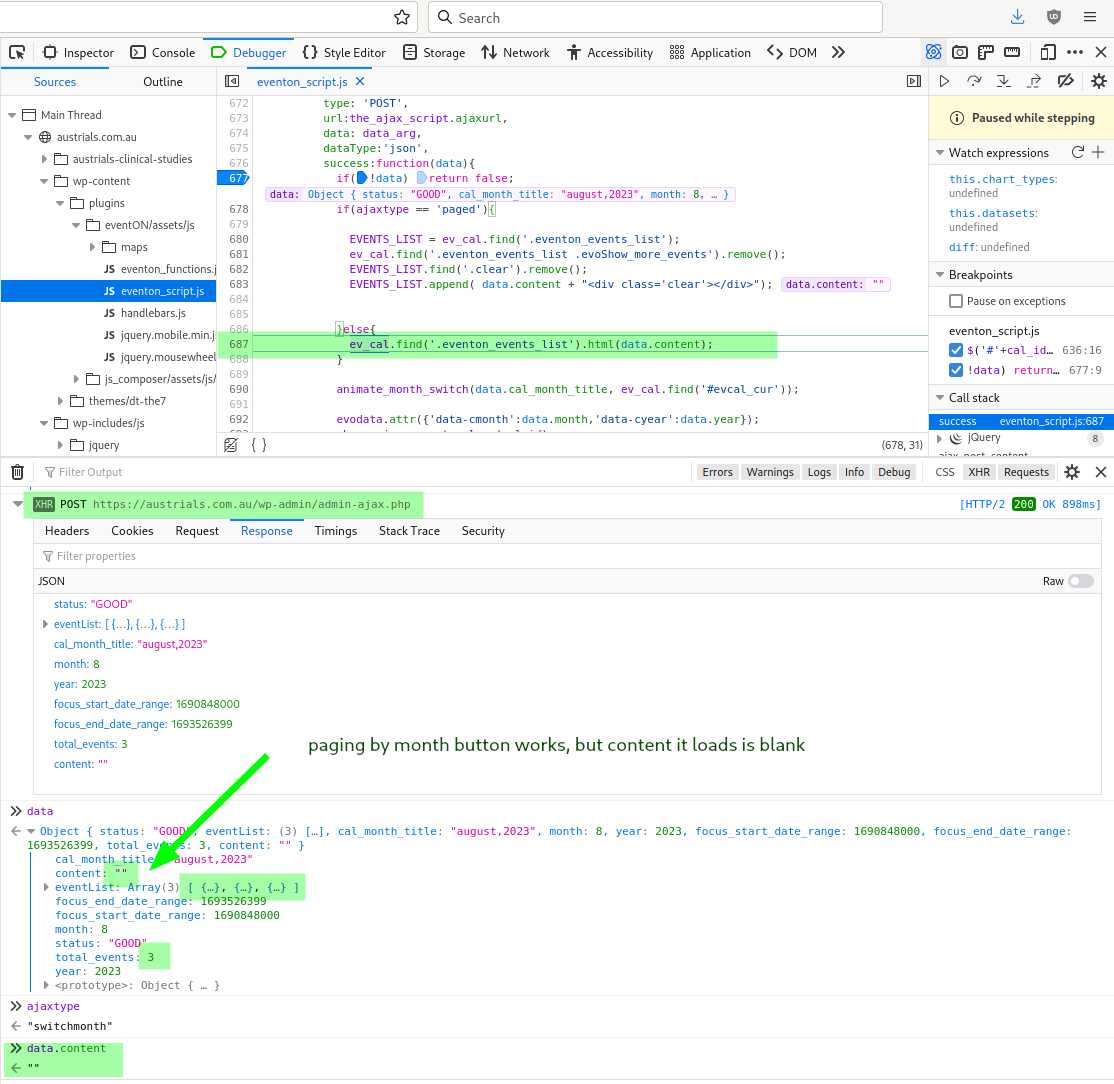
I looked into the PHP code to see if I could figure it out. Seems that “event_count” is defaulting to empty string (or something that displays as empty string when using print_r) when not specified in the short code, so doesn’t match either the “if($ecv[‘event_count’]==0 )” or “else if($ecv[‘event_count’]>0)” and content_li is never set.
I worked around this by adding event_count=”100″ to my shortcode:
[add_eventon number_of_months=”36″ show_et_ft_img=”yes” event_order=”DESC” event_count=”100″]
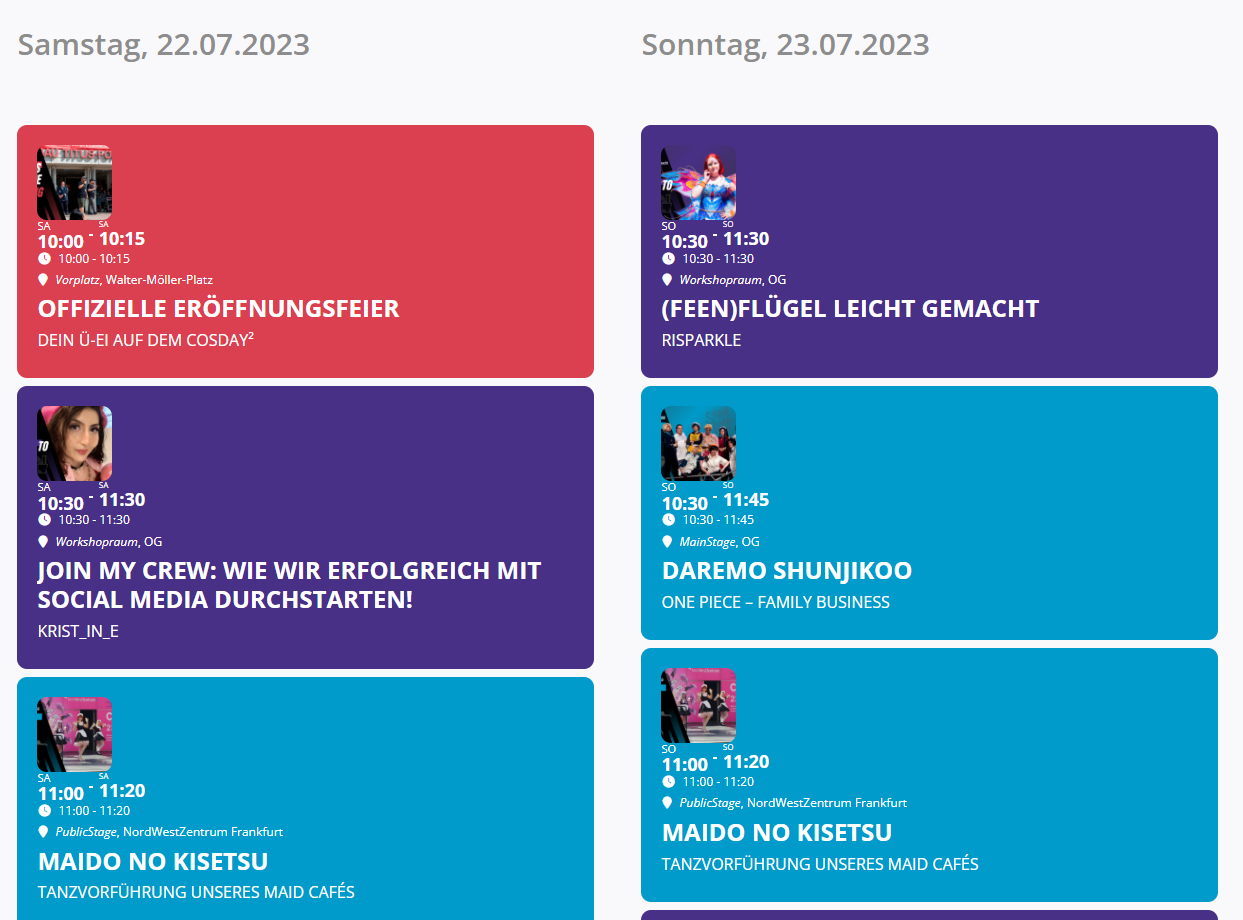
Here you can see what it looked like before: https://cosday.org/2022/07/19/programmplan-fuer-den-cosday2-2022/#
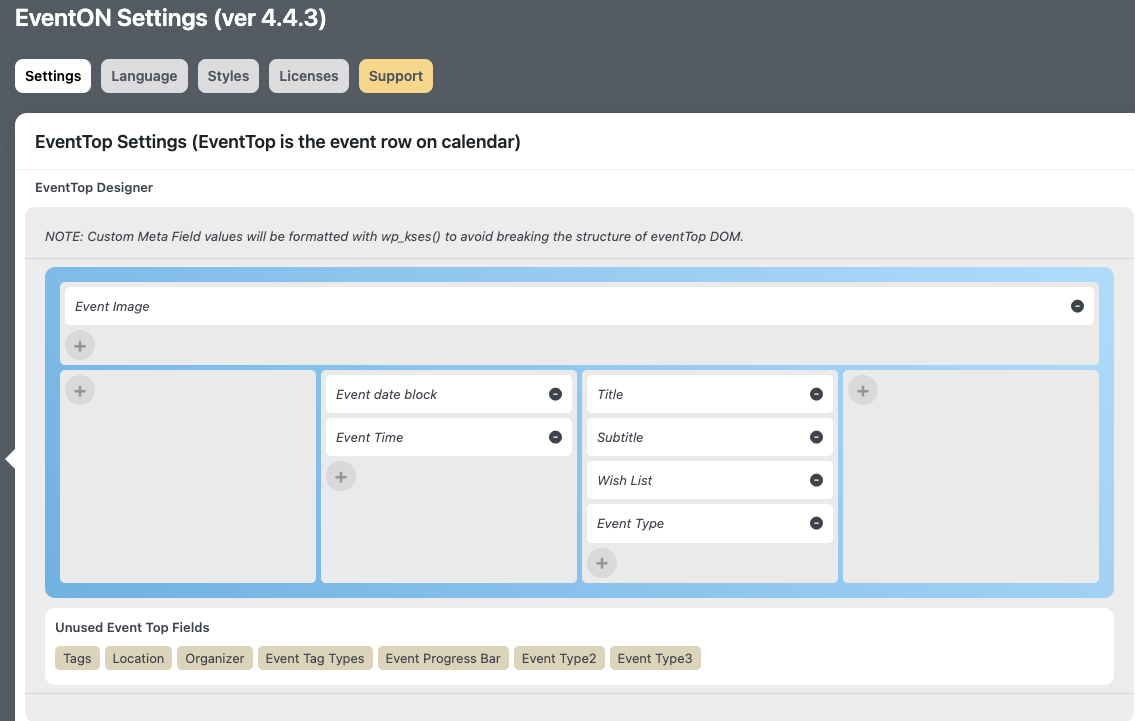
No. I have added this now, but still no change on the front end.
https://kulturnatt-trondheim.no/programoversikt
The problem solved by me, the solution is: on the page where you are want lightbox you should apply overflow: hidden on every section that has elements outside the window (in my situation the hidden animated elements caused the problem), this applies to elementor pages. Also you should apply the code provided globally: body.evo_overflow { overflow: initial !important; }. Thx for help.
Hi, I’ve already removed it but it’s still not working.