Hello,
You can create a new event, purchase tickets 500 times, complete the order (make sure to put the correct email). Now you can go to the email and print it out.
However, please try doing this in batches by 50 tickets. Just to make sure to avoid any performance/server issues.
Unfortunately, no. Events are separate from each other, so purchasing a ticket on one will not affect others.
Hello,
You need to use Tickets and Dynamic Pricing add-on:
https://www.myeventon.com/addons/dynamic-pricing/
You can set a time frame for a different price to appear.
Try on https://dev.myeventon.com/wp-admin/
Please also add this code:
.tax-event_type_2 .wrap.evotax_term_card.evotax_term_card { background: white; padding-left: 24px; padding-right: 24px; }
And could you also check what’s happening with both disabled cache plugins?
Logged-in (no cache) versus Incognito Mode:
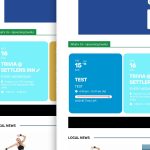
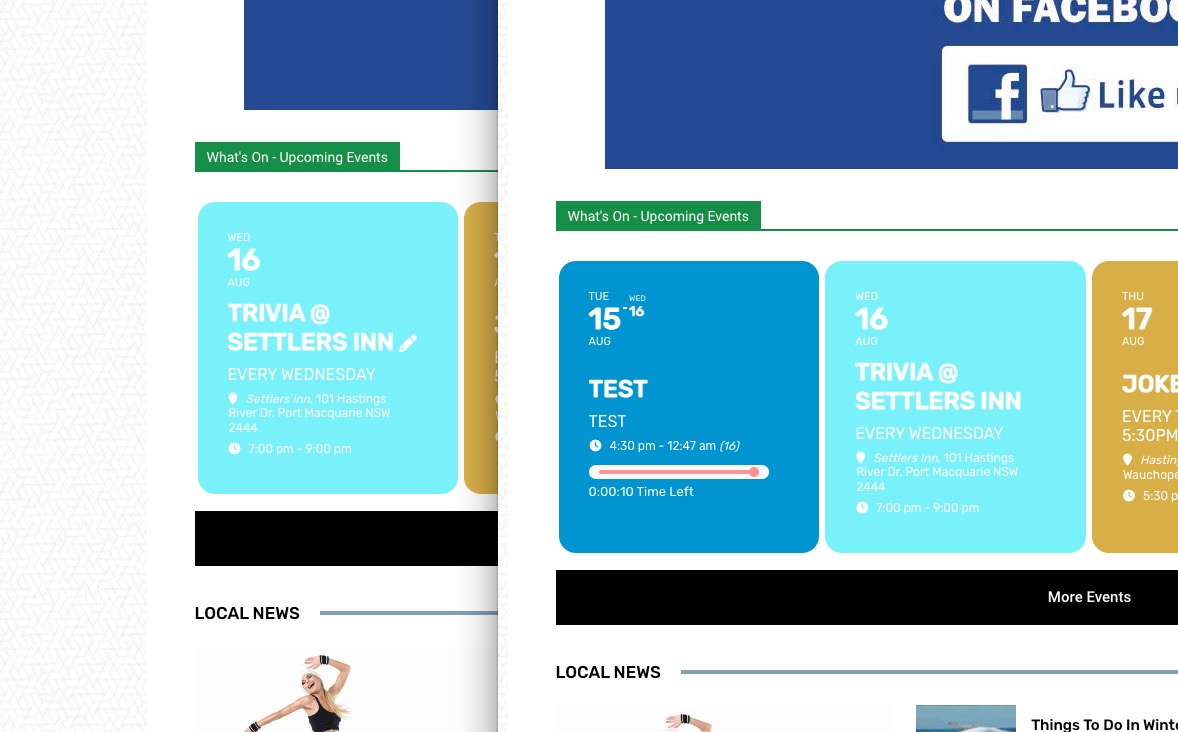
In the mode it just keeps showing 12 seconds left every time I refresh the page.
Ashan,
Dev2:
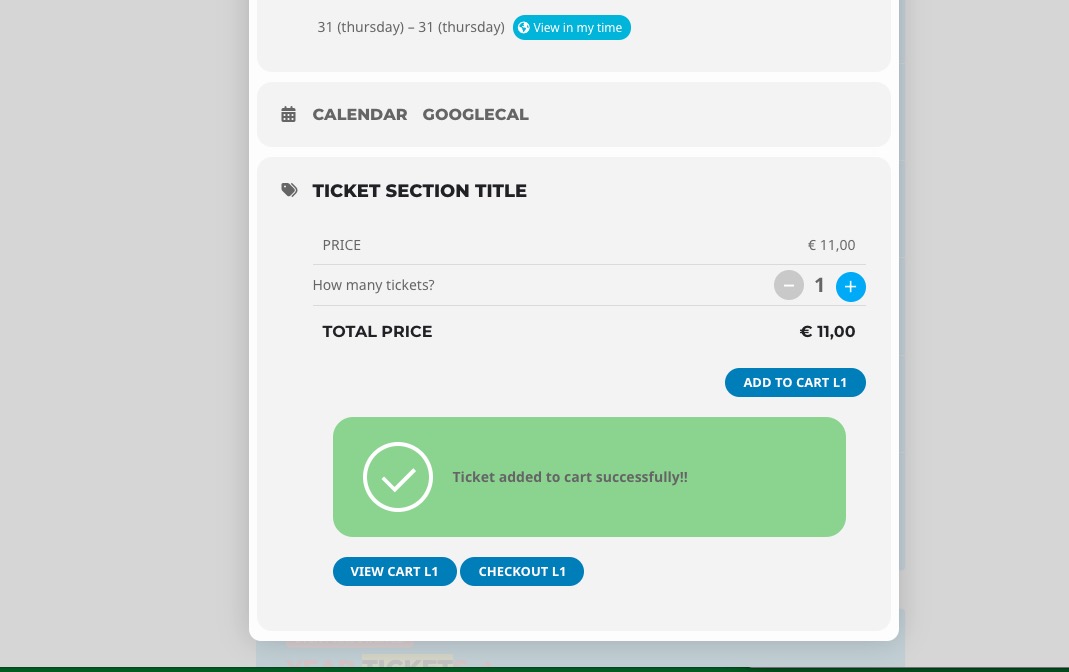
https://dev2.myeventon.com/50887-2/ (event “Tickets” on Aug 31st):
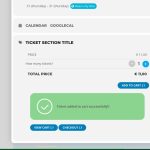
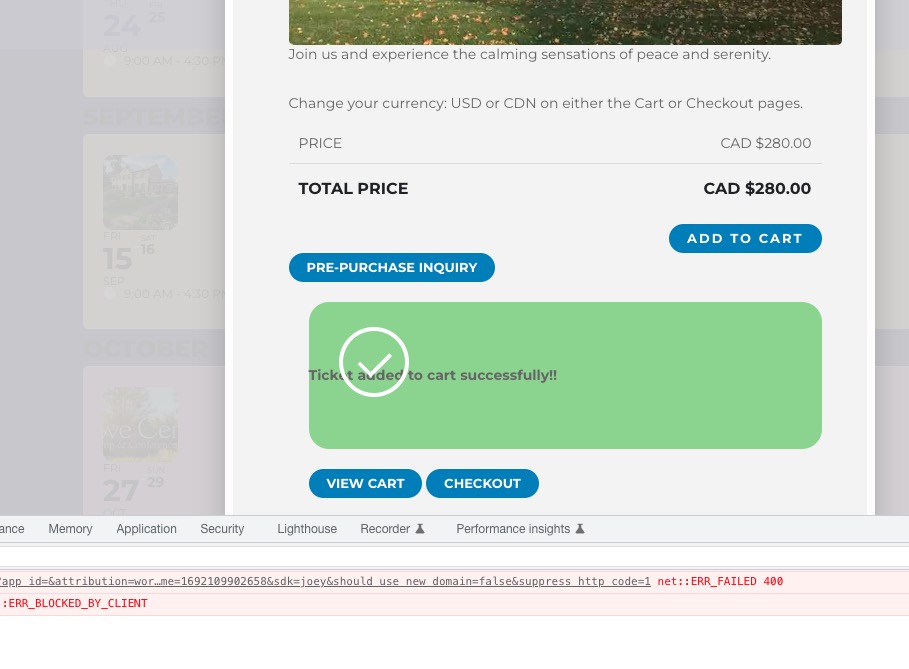
Customer’s website (event on Sep 15-16):
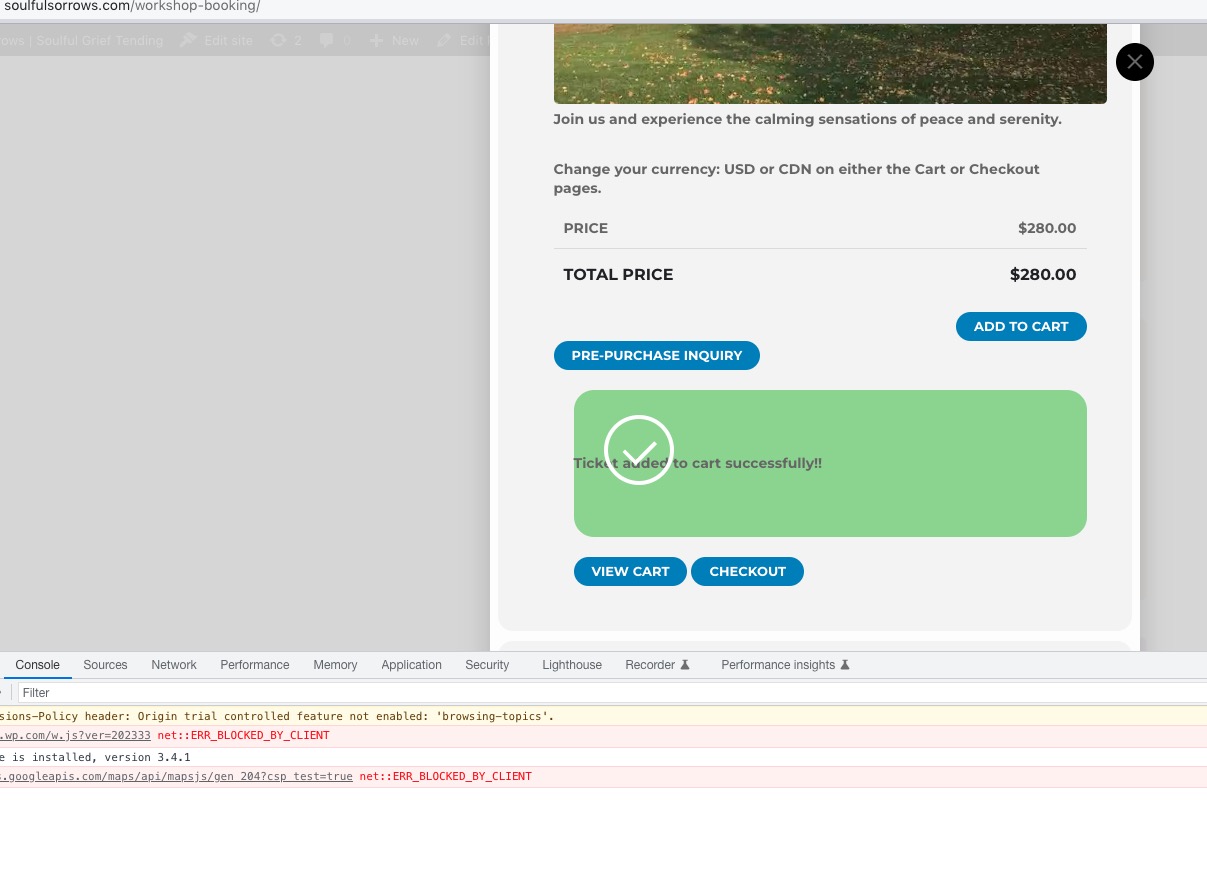
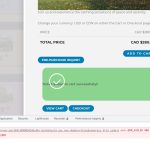 Troubleshooting mode: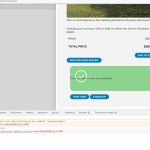
Thank you for your messages, I am going to assign this ticket to Ashan and he will be able to take it from here and find you a solution. Please allow some time for him to get back to you, we greatly appreciate your patience and thank you for being a eventon customer! Also please disable any IP blocking on your site if there are any.
No, it’s not working properly. Progress bar is showing but timing is off – see video https://somup.com/c0joImAXnw
Sorry for your inconvenience.
https://www.soulfulsorrows.com/an1paj/
Username: eventon
Passwd: s0u!f2@we
I have confirmed all the above will get you in.
I tried disabling cache and minimizing plugins without effect. I use 10web. No change.
I just tested on my site and it does work though. What did you do to fix?