The only way of customizing Single Event Page template is by following
https://docs.myeventon.com/documentations/customize-single-events-page/
Replies for tickets on suppota
The only way of customizing Single Event Page template is by following
https://docs.myeventon.com/documentations/customize-single-events-page/
Hello,
Please add this CSS code to EventON > Styles (If you don’t see any change, EventON > Scripts & Styling > turn off Write dynamic styles to header > save settings > turn on Write dynamic styles to header):
@media (max-width:960px) {.eventon_single_event.immersive .evosin_event_title {text-align: center}.evo_page_body .evo_sin_page #evcal_list p.desc_trig_outter{margin:0 10px}}
Thank you for the messages! Ashan will check this ASAP.
I can give you access to the file manager on Siteground by adding you as a collaborator. If you are open to this please provide email address and I will add you
Please use this email:
info@ashanjay.com
I tried to move the tags, as guided by you, But after moving, it is going back to the same location block where it was by default.
Also The event calendar is not displaying properly in the mobile and the tablet view.
I am attaching a video for your reference.
Need guidance.
Regards,
Vijay
Ashan,
Added the code, but still nothing:
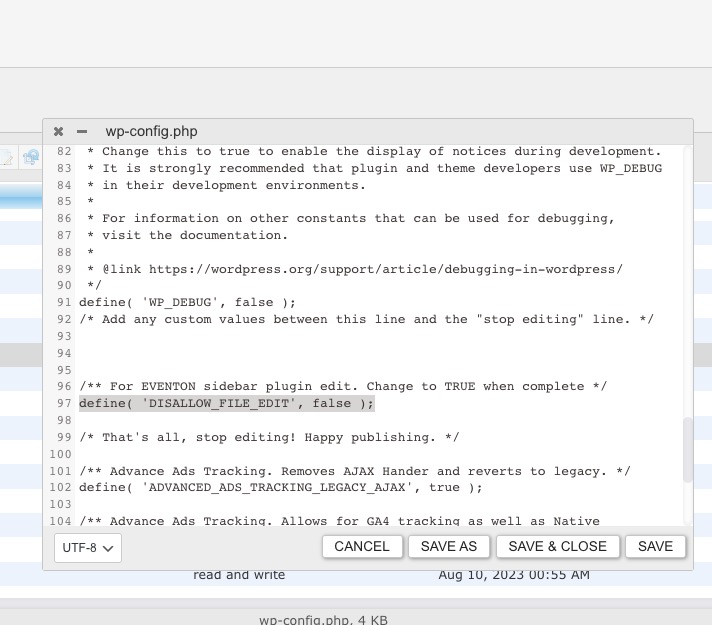
File Manager plugin is available if you want to try it:
https://www.portnow.com.au/wp-admin/admin.php?page=wp_file_manager#elf_l1_Lw
Your checkout page uses custom Divi blocks to recreate Woo’s ones: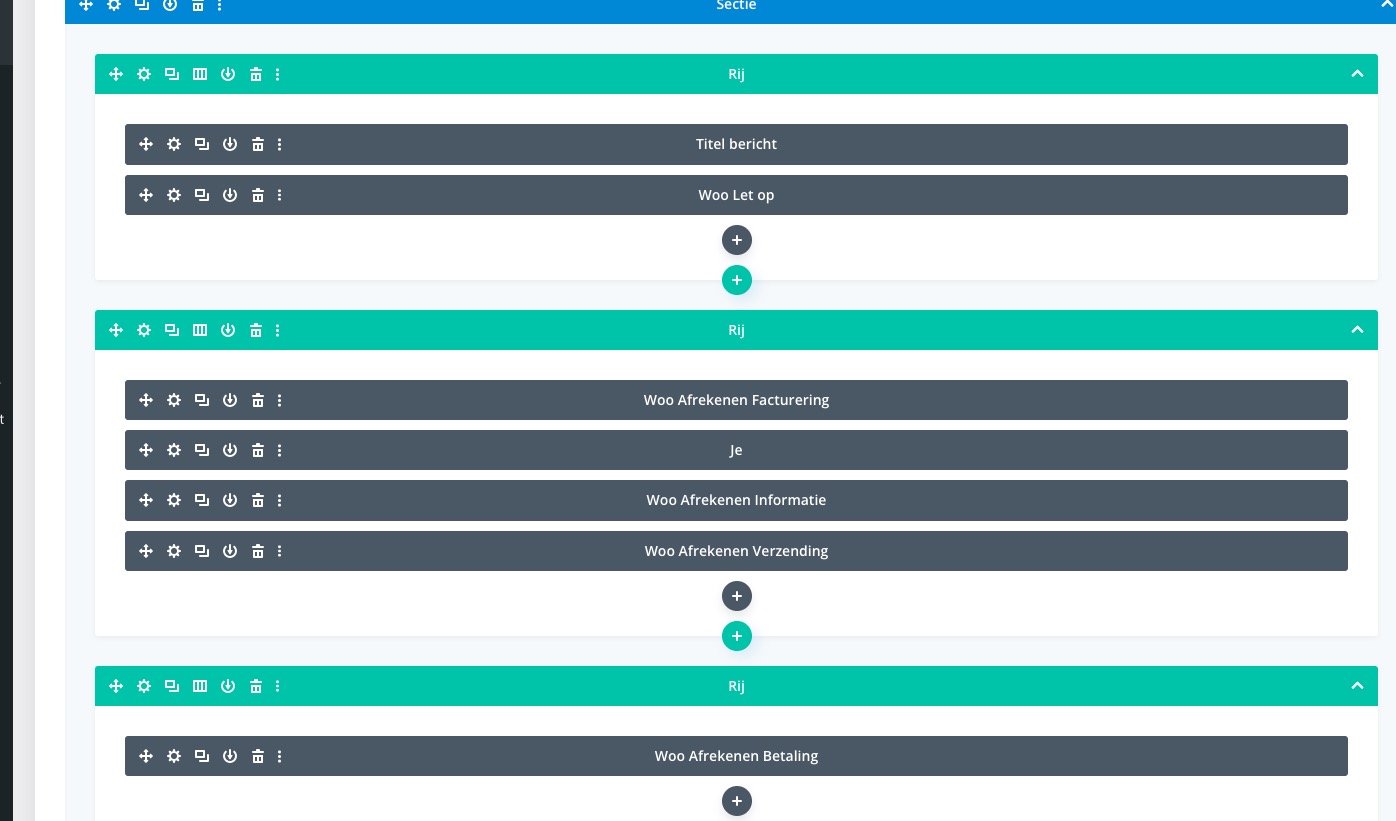
Please try to purchase tickets to events with Woo’s default checkout page.
Hello,
Please check your cache plugin settings. EventON cannot do anything from it’s side to somehow affect it’s behaviour.
you will need to provide more information
where is AD comign up?
what is buddhist era?
they look to be your event types
so in eventon>>>>>settings>>>>>categories
change it to what you want to
also you’ll most likely need to change it in your language file by going to
eventon>>>>>language>>>>>event type categories
and changing it there
I think it still loads fast as sitegrounds cache is working right but the rocket is interfering- but the speed is still good