also is it possible to include event category to custom posts? any workaround for this?
Archives: Replies
Replies for tickets on suppota
Reply to: tickets(323944)
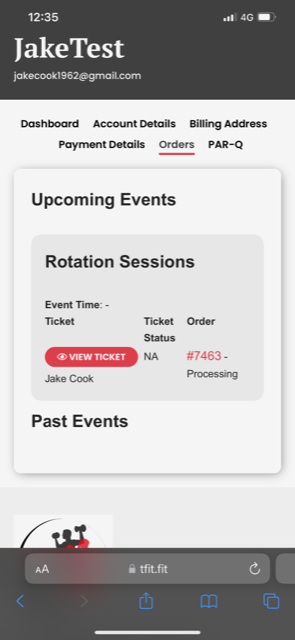
Reply to: tickets(323944)
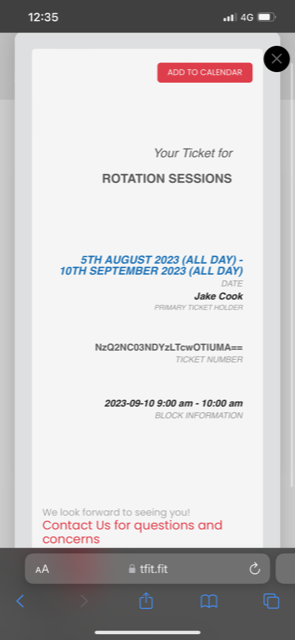
Reply to: tickets(323696)
thank you, that worked!
But I have another problem now : when I click on the event added via include_anything, the whole post content is opened. Please check here : https://amitos54.sg-host.com/past-events-test/ , event :
I would like to only show a link to the full page. Is there a setting to control this?
Best wishes,
Olga
Reply to: tickets(323805)
Thank you for your reply i look forward to hearing from Ashan.
Ashley
Reply to: tickets(323937)
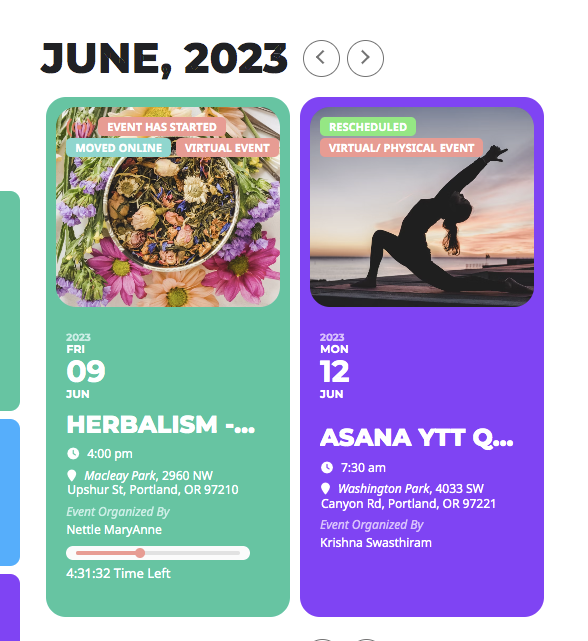
Reply to: tickets(323907)
Ok. Thanks.
Reply to: tickets(323242)
Hi there Artem,
Many thanks for your help! I realized, through replicating your EventTop fields, that the ‘Tags’ EventTop field is the one that displays the ‘Sold out’ badge on the front end. That wasn’t so clear to me before you kindly enlightened me.
Another thing I meant to ask you about; since I updated to the latest version of EventOn the EventTop fields have not been greatly aligned. Before the update, the titles would be top-aligned and this made it all look neater and less chaotic. I’m attaching an example so you can see what I mean.
Is it somehow possible to make them align again?
Hope you can help and many thanks,
Jonas
Reply to: tickets(323751)
I cannot access the health plugin page:
https://happyendingpantomimes.com/wp-admin/site-health.php?tab=troubleshoot
I have also looked at the test site. If you switch this to TILE mode, you should see the error
Please check again:
https://dev2.myeventon.com/test-125/
Reply to: tickets(316786)
Please go to https://skieaglecrest.com/wp-admin/admin.php?page=eventon#evcal_012 > Shortcode Generator > click on FullCal:
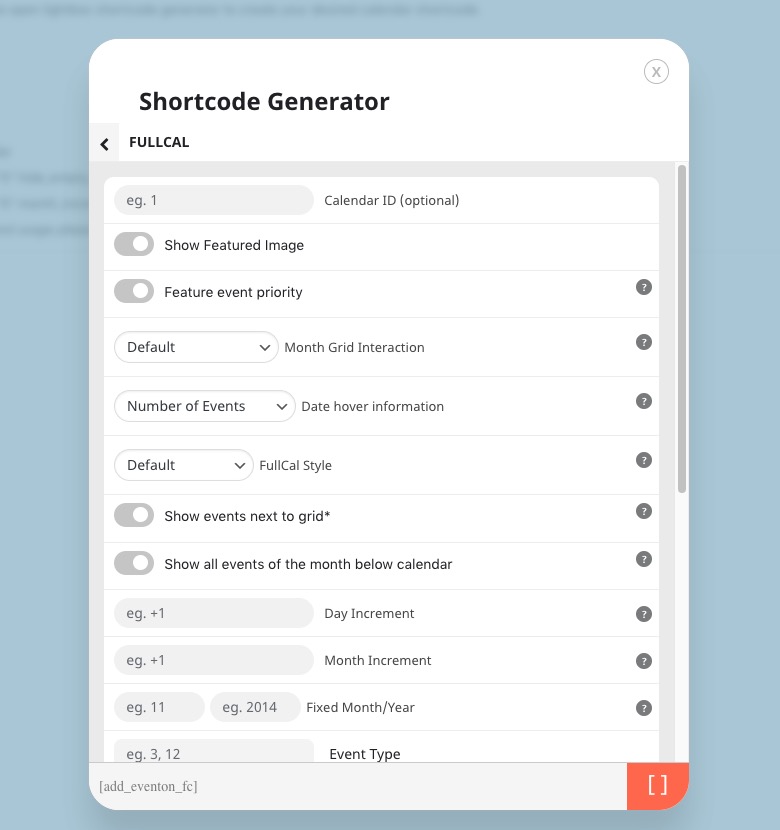
More info on how to use Shortcode Generator:
https://docs.myeventon.com/documentations/shortcode-generator/
Please take a look at this page:
https://skieaglecrest.com/12767-2/