Reply to: tickets(323796)
Replies for tickets on suppota
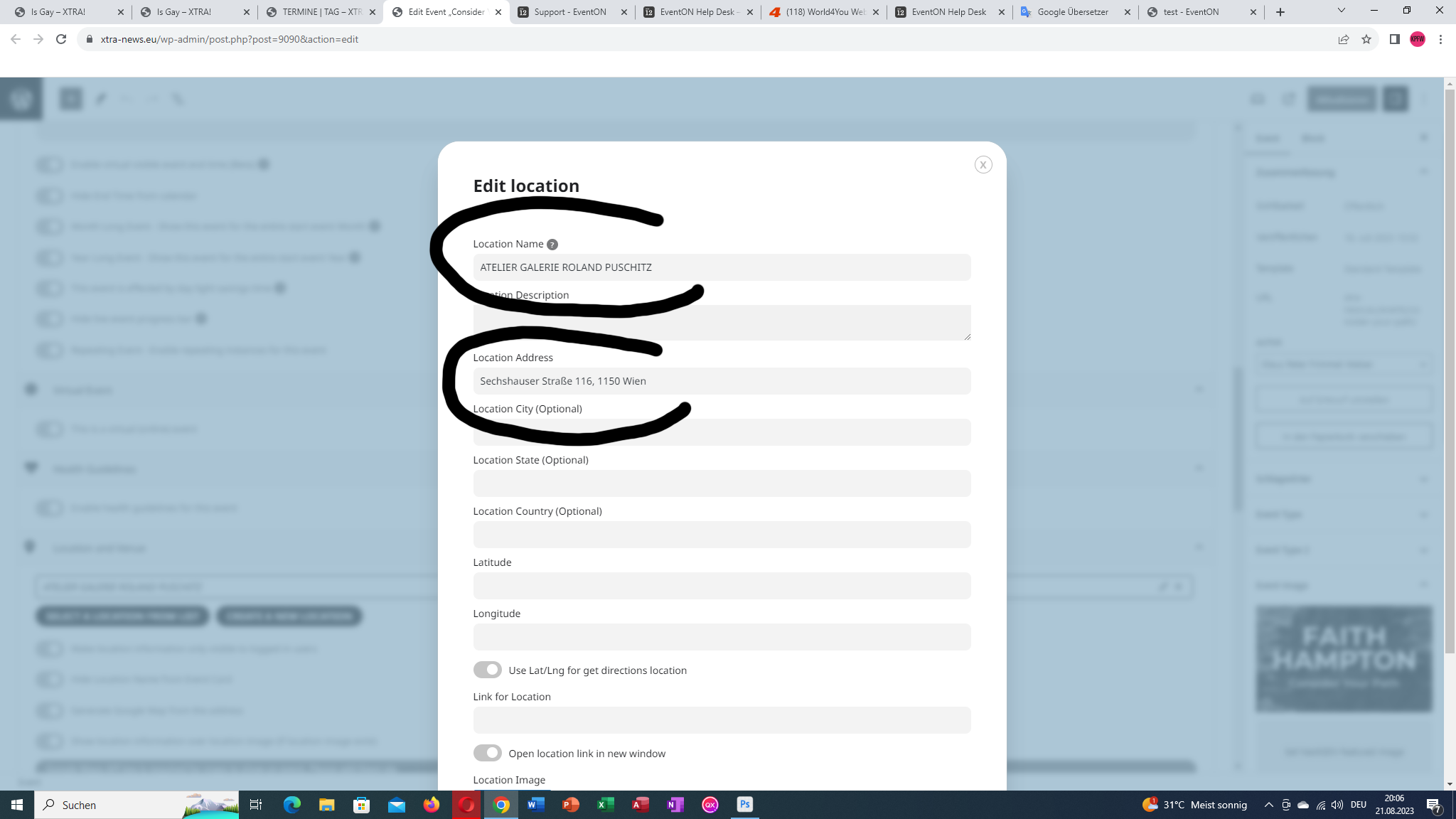
Only the address of the location and address is displayed, the name of the location is missing!
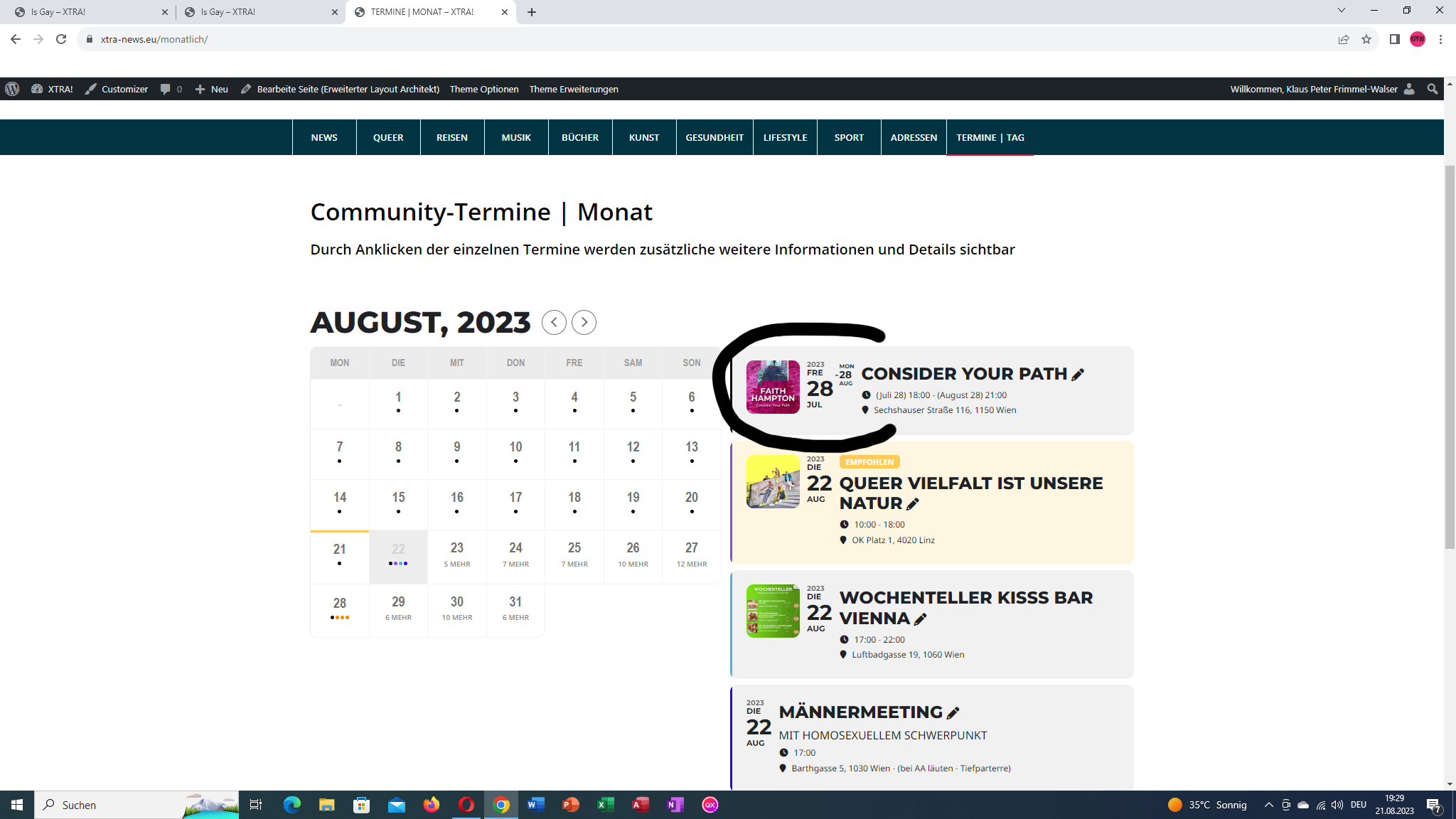
That’s the monthly view, so it’s ok.
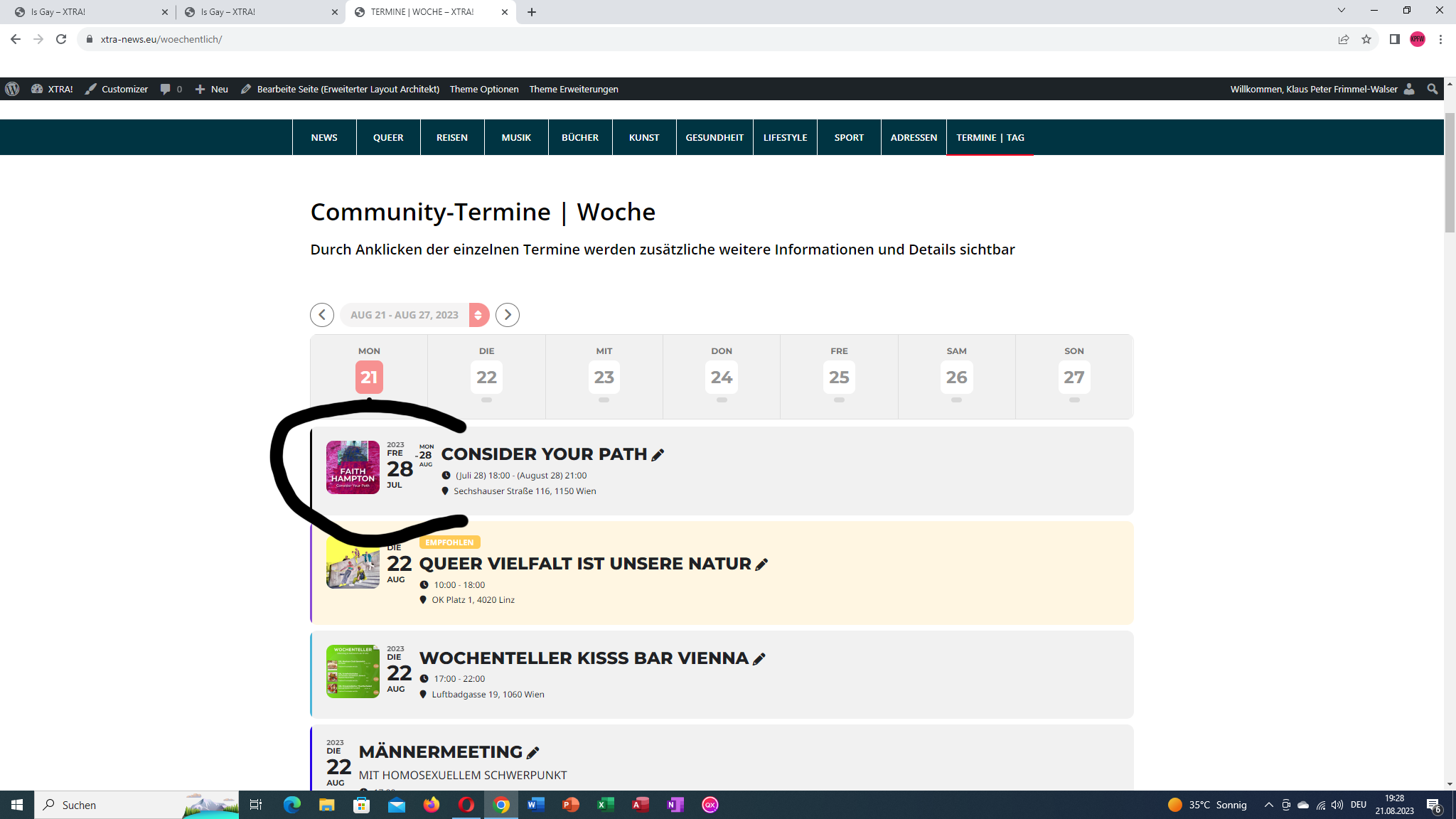
This is the weekly view, so it’s ok.
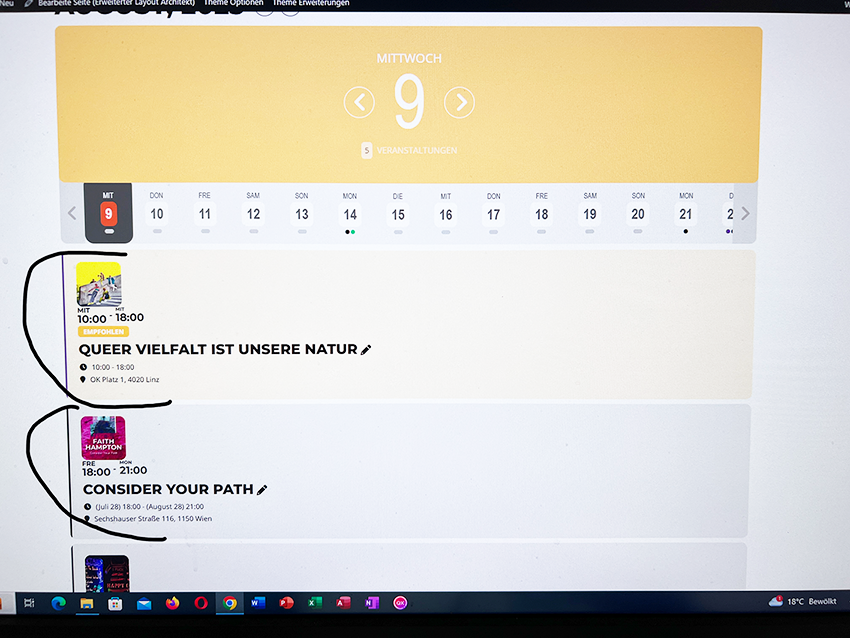
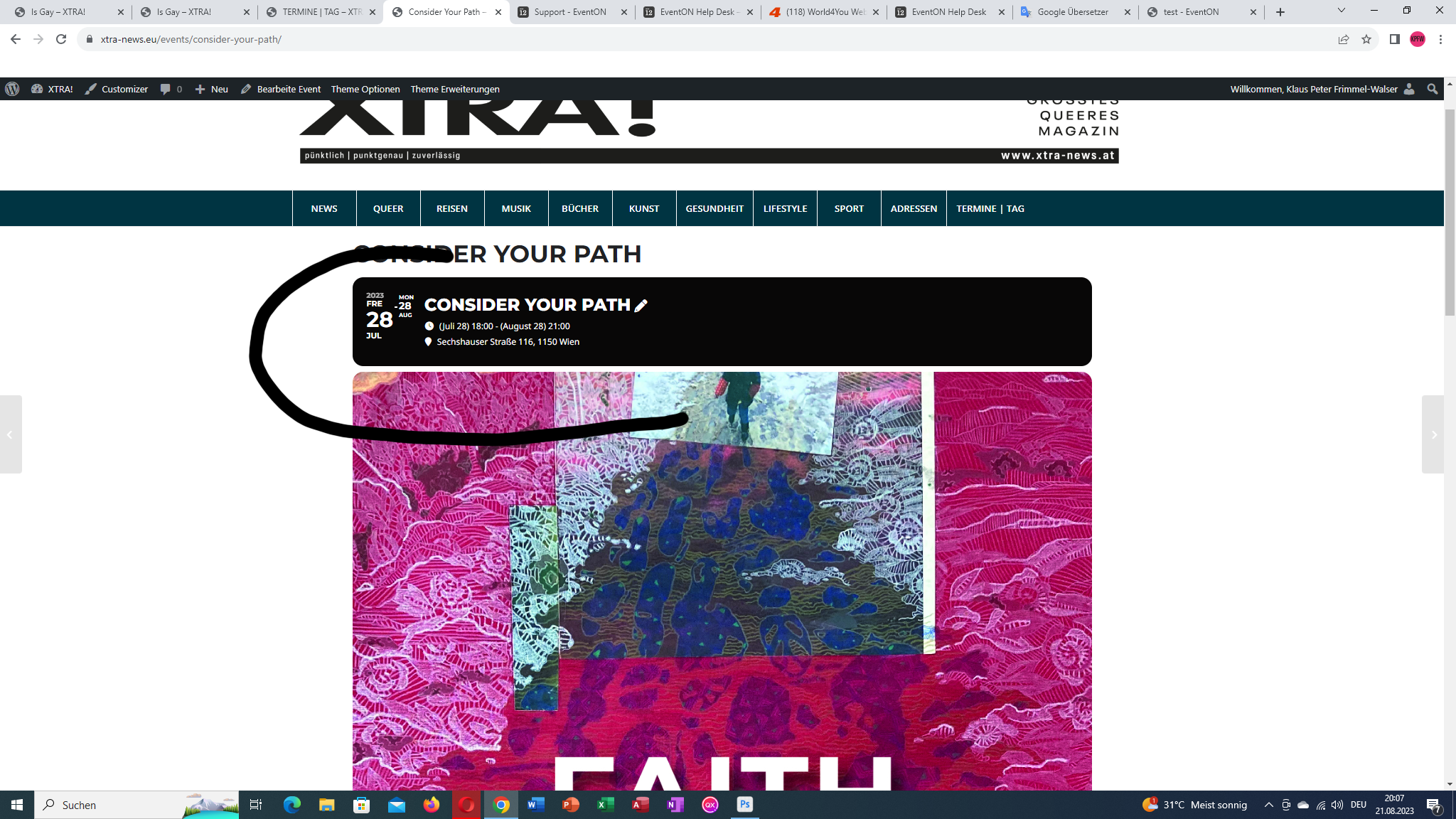
This is the daily view. Here is the picture above. But I would like to have that on the page as well as with the weekly and monthly views.
When I enabled Troubleshooting Mode and then try to purchase a test ticket I don’t see Cart:
https://www.vfb.academy/wp-admin/site-health.php?tab=troubleshoot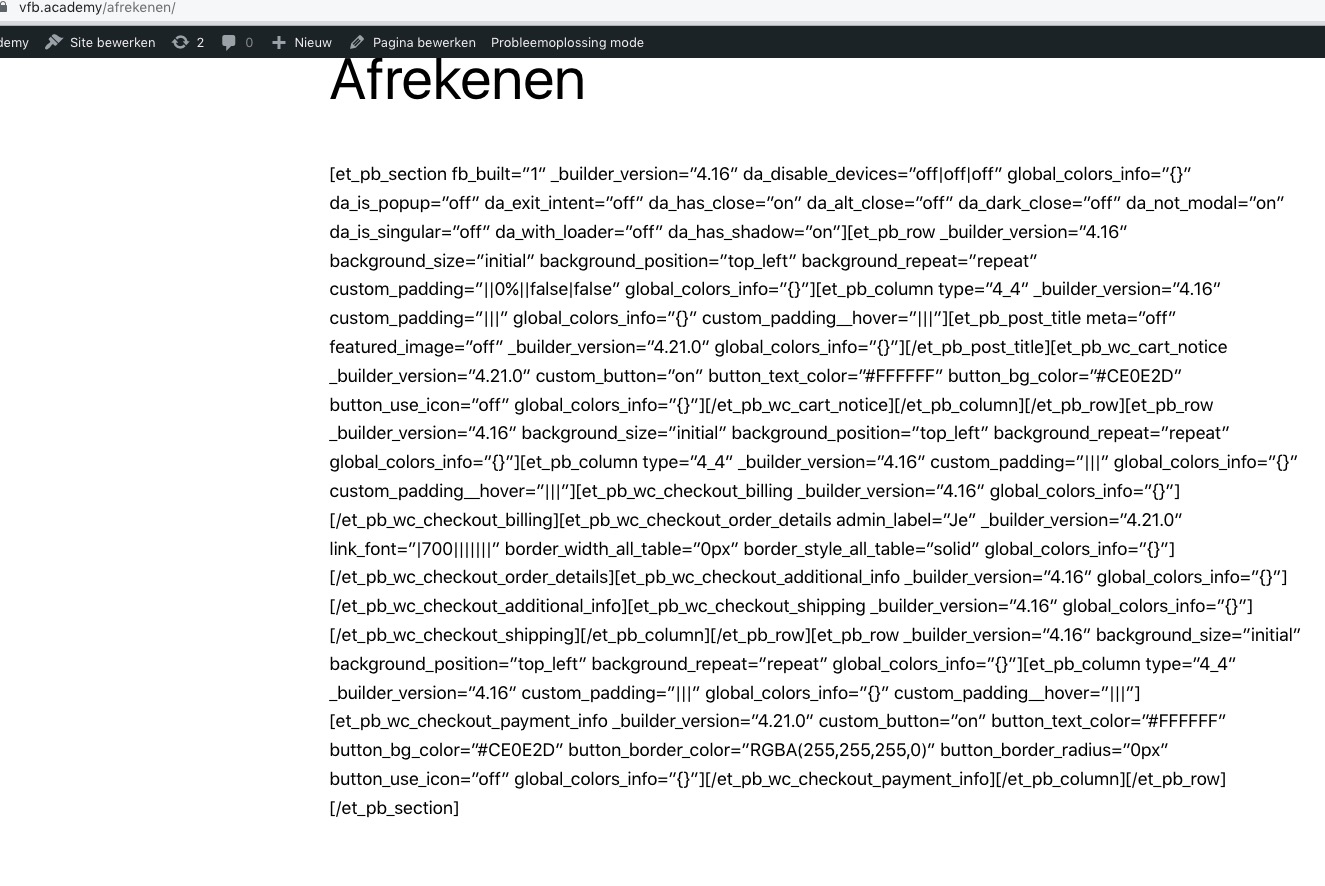
Could you try enabling Troubleshooting Mode and then try to purchase using the default Woo’s cart? I think that you don’t see the additional info because of Cart.
Please go to EventON > Event Top > arrange fields like this: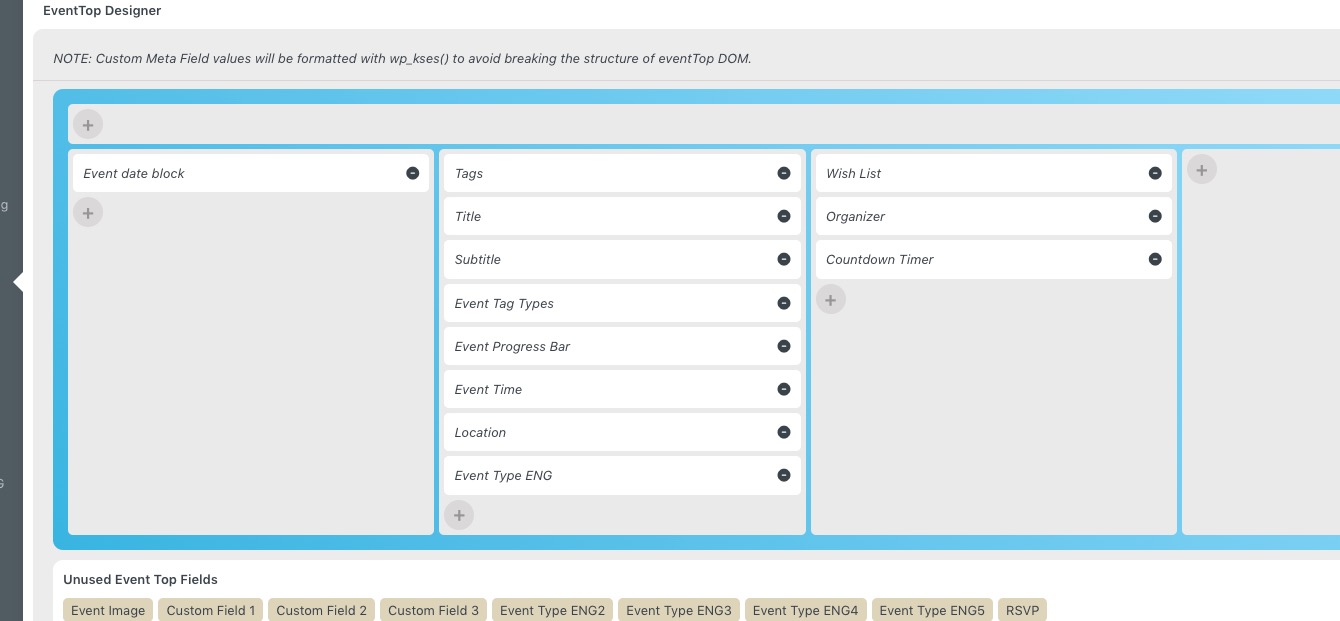
Thx for the reply! Thought about this, but it is give a new obstacle: the featured event should be the closest event in time, but there is no opportunity to add a filter like this, I can only give exact ID to single event query, but it should be dynamic for the nearest event. Is there a solution for it?
Hello,
Single Event shortcode can be used for the featured even on the screenshot (enable Tile Design):
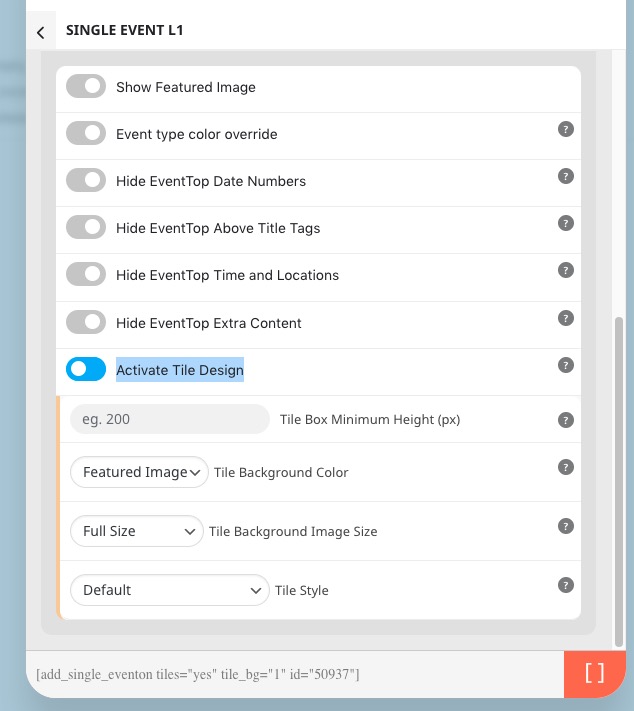
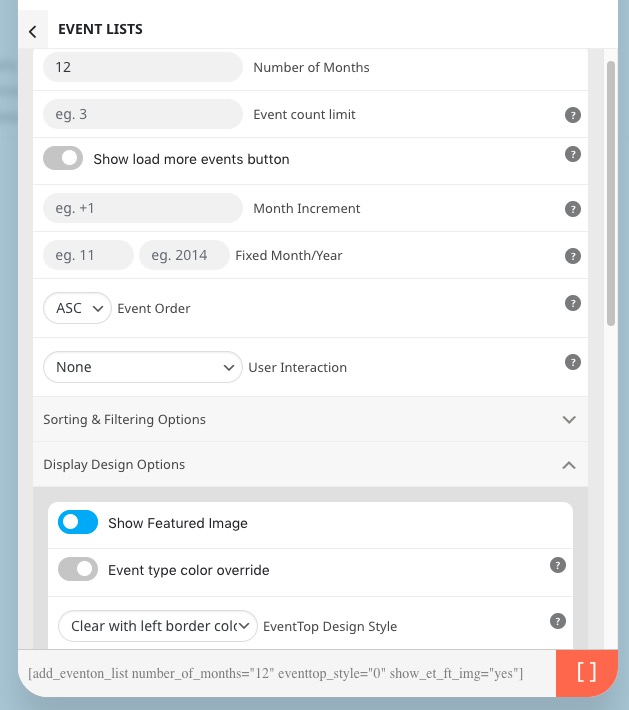
For the rest you can use Event Lists shortcode:
[add_eventon_list number_of_months=”12″ eventtop_style=”0″ show_et_ft_img=”yes”]
Could you try going to EventON > Advanced > switching Select event calendar WP Query method?