Could you try going to EventON > Advanced > switching Select event calendar WP Query method?
Archives: Replies
Replies for tickets on suppota
Reply to: tickets(321954)
The settings on the screenshot for https://owd.oberkircher-winzer.info or your live website?
Reply to: tickets(323750)
Hello,
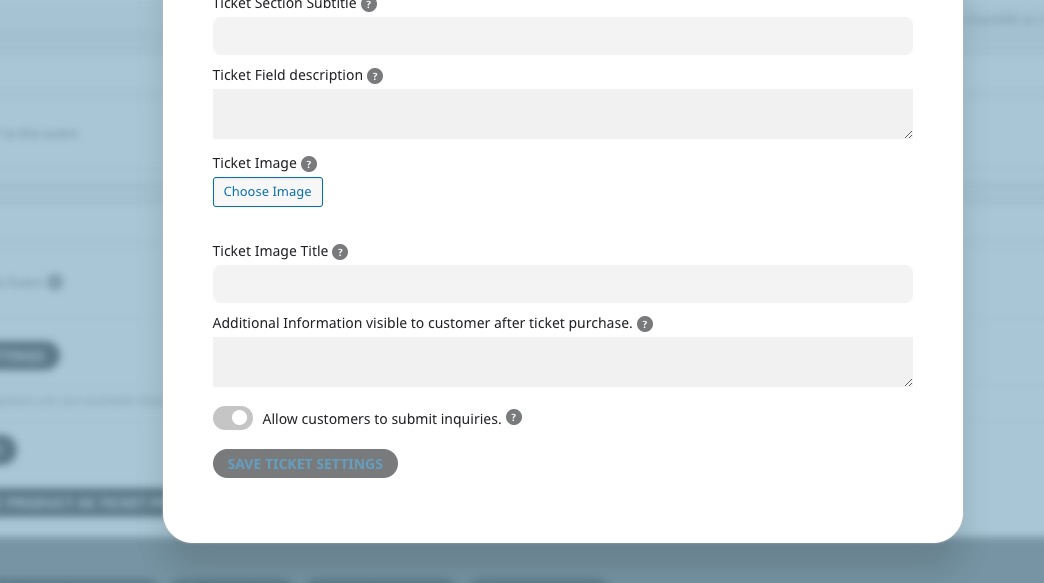
I was able to update The Antigonish Chamber of Commerce Business Awards Gala 2023 by going to https://antigonishchamber.com/wp-admin/post.php?post=2124&action=edit and saving Ticket Settings:
Check here:
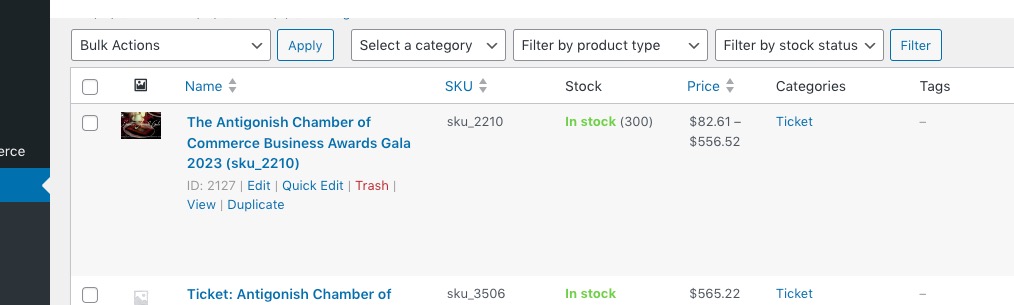
https://antigonishchamber.com/wp-admin/edit.php?post_type=product
Reply to: tickets(323751)
Hello,
I cannot access Plugins page:
https://happyendingpantomimes.com/wp-admin/plugins.php
Could you check?
I want to install https://wordpress.org/plugins/health-check/ to enable Troubleshooting Mode.
Your shortcode on our test site:
https://dev2.myeventon.com/test-125/
Reply to: tickets(323755)
This ticket is private now.
Reply to: tickets(323755)
Hello,
Please go to https://sportflevo-wp.nl.iclicksapp.nl/wp-admin/admin.php?page=eventon#evcal_001a > disable Globally Hide both Sort and Filter Icons and Bar on Calendar and Globally Hide Item Icons from Filter Dropdown Selection Menu.
Reply to: tickets(323753)
Hello,
I cannot find this order among your purchases. Could you also send us associated email?
Can you tell us more about your issues with the product, maybe we can help?
Reply to: tickets(323754)
Hello,
Could you send us Order IDs?
Also, could you tell us more about issues with them, maybe we can help?
Reply to: tickets(322968)
It’s working right now 🙂
waiting to get 4.4.4 before closing ticket.
Reply to: tickets(323641)
Happy to.
- The journey requires 2 clicks, then a cart, then a checkout, then a payment gateway
- The cart could be cut
- We wanted a familiar payment gateway/checkout but EventTickets/WooCommerce force the user to use a different page within our same website, which isn’t suitable for us
- We purchased (and subsequently had refunded on Friday) another app that kept the user on the same page but it was still too difficult to modify the visual of the checkout process
- The integration with stripe appeared far more straightforward but does not work as expected through woo commerce.
- Cutting out EventTickets and WooCommerce was our solution