its also possible that tickets isn’t working right
as you still have tickets 2.1 files in the system as well as the latest
you have 2 eventon tickets plugins, one deactivated however it could be pulling files from the deactivated plugin- this can create a conflict
but we would like to see a direct link to the event in question that has tickets sold- with guests
can you provide a direct link to the event in question
As all the ones I check are single order tickets
Hi, I have removed the restrictions from the server, you will be able to access the same.
Regards,
Vijey
Please use this code:
.ajde_evcal_calendar .calendar_header p, .ajde_evcal_calendar .evo_footer_nav p { font-size: 32px !important; line-height: 38px !important; }
Hello,
Please send us wp-admin access to your site as a private message for us to further assist your situation.
Seems to be working on our test server:
https://dev2.myeventon.com/events/seats-6/
Event Color block isn’t available even in Block Preferences:
https://www.lireo.com/quick-tip-manage-your-wordpress-block-editor-preferences/
Could you please try the instructions mentioned in this documentation to make sure your issue is indeed coming from eventon. It seems there is some kind of plugin or the theme that affect this.
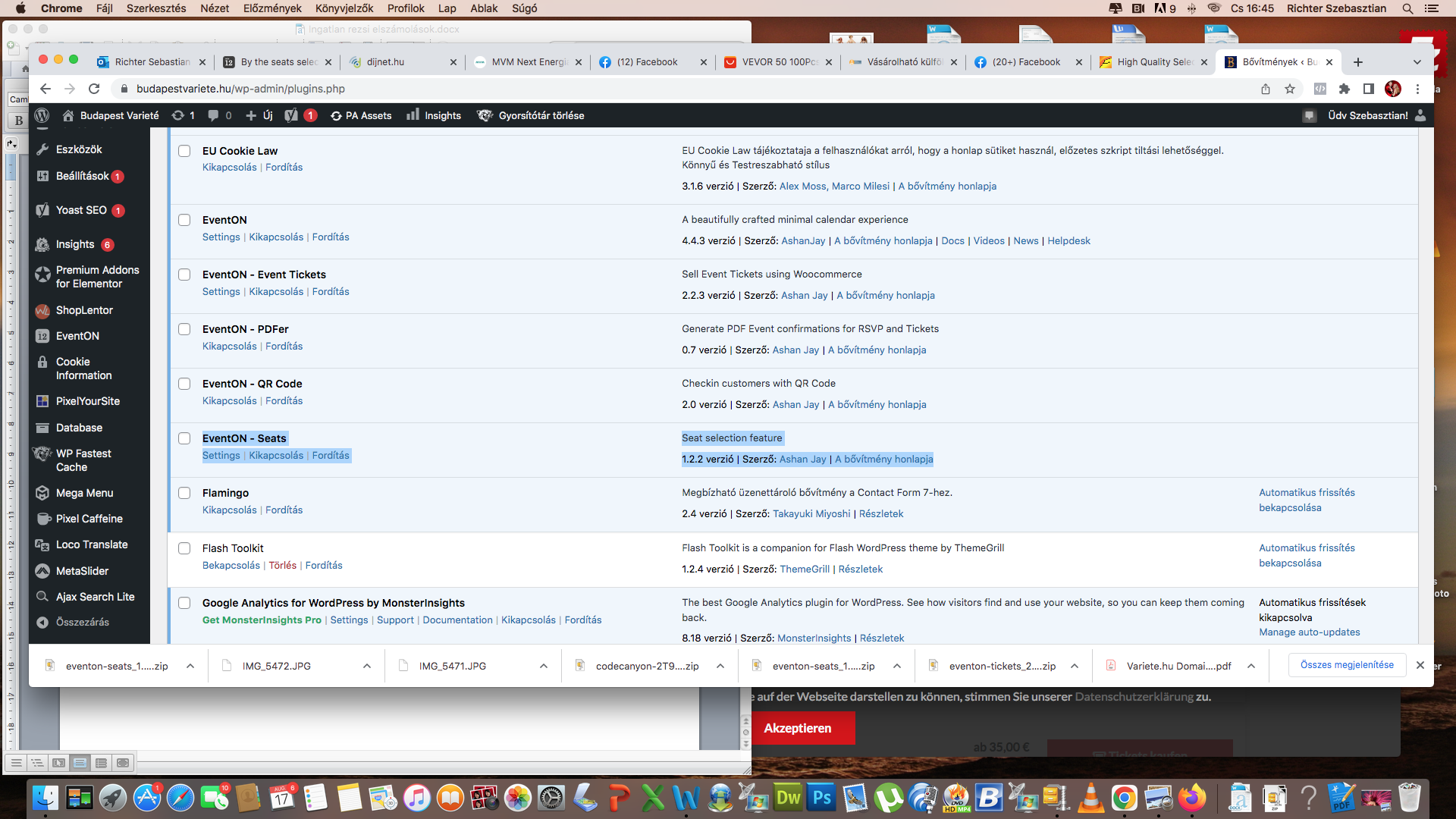
But it is already updated the Seats for the latest version for 1.2.2
Thank you for the access!
Could you update Seats to the newest version?
To update eventon addons: You can download latest eventon addons from myeventon > my account. Then you can go to your website, deactivate old addon and install new one and activate then delete the old addon. This link will further explain the process. Also you can follow us on twitter to get real-time announcements on updates!
Hello,
I fixed this by going to https://holotropicbohemia.eu/wp-admin/admin.php?page=eventon#evcal_004aa and added Tags before Title. Should work now. Please check and let me know.
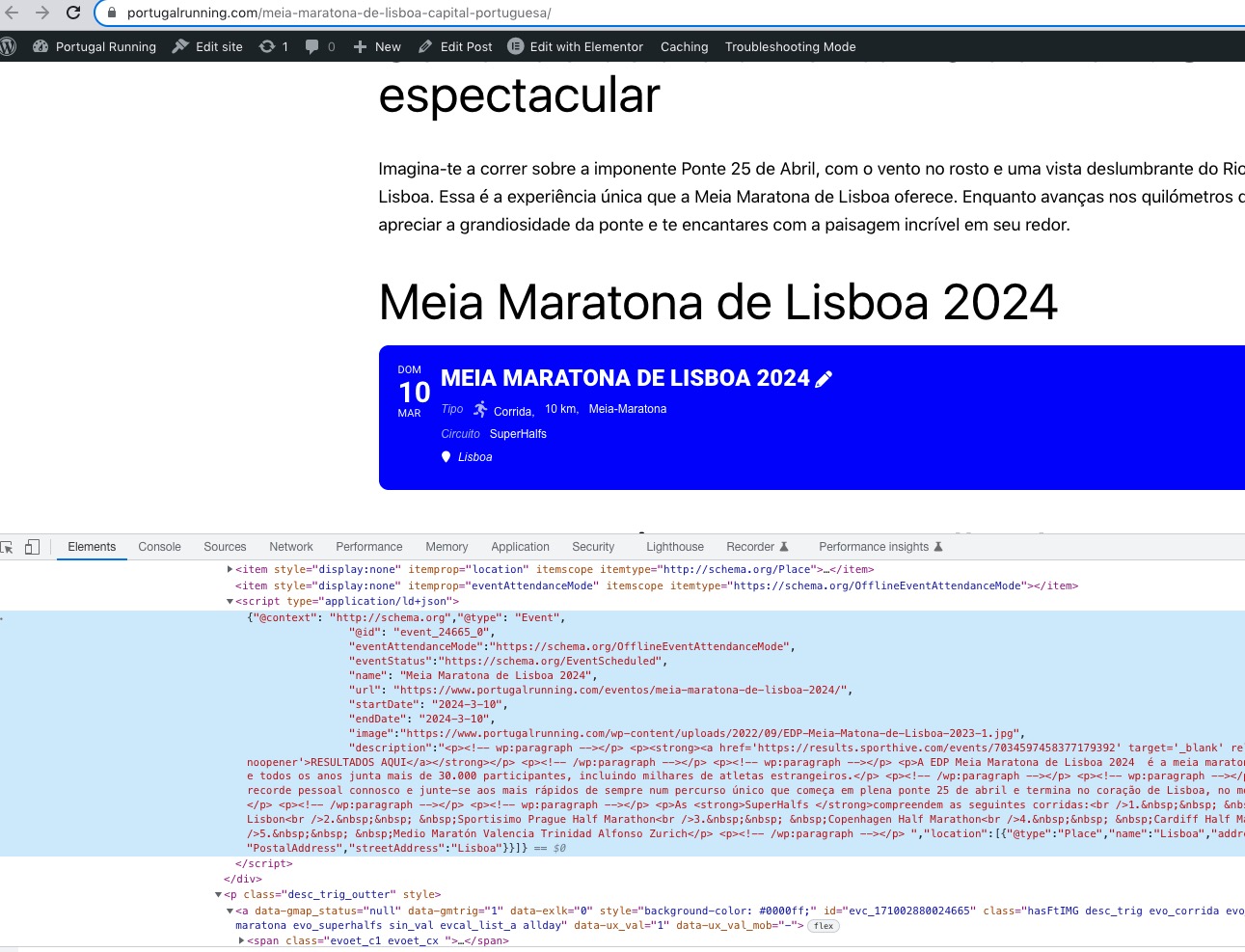
When I check in Troubleshooting Mode:
https://www.portugalrunning.com/wp-admin/site-health.php?tab=troubleshoot
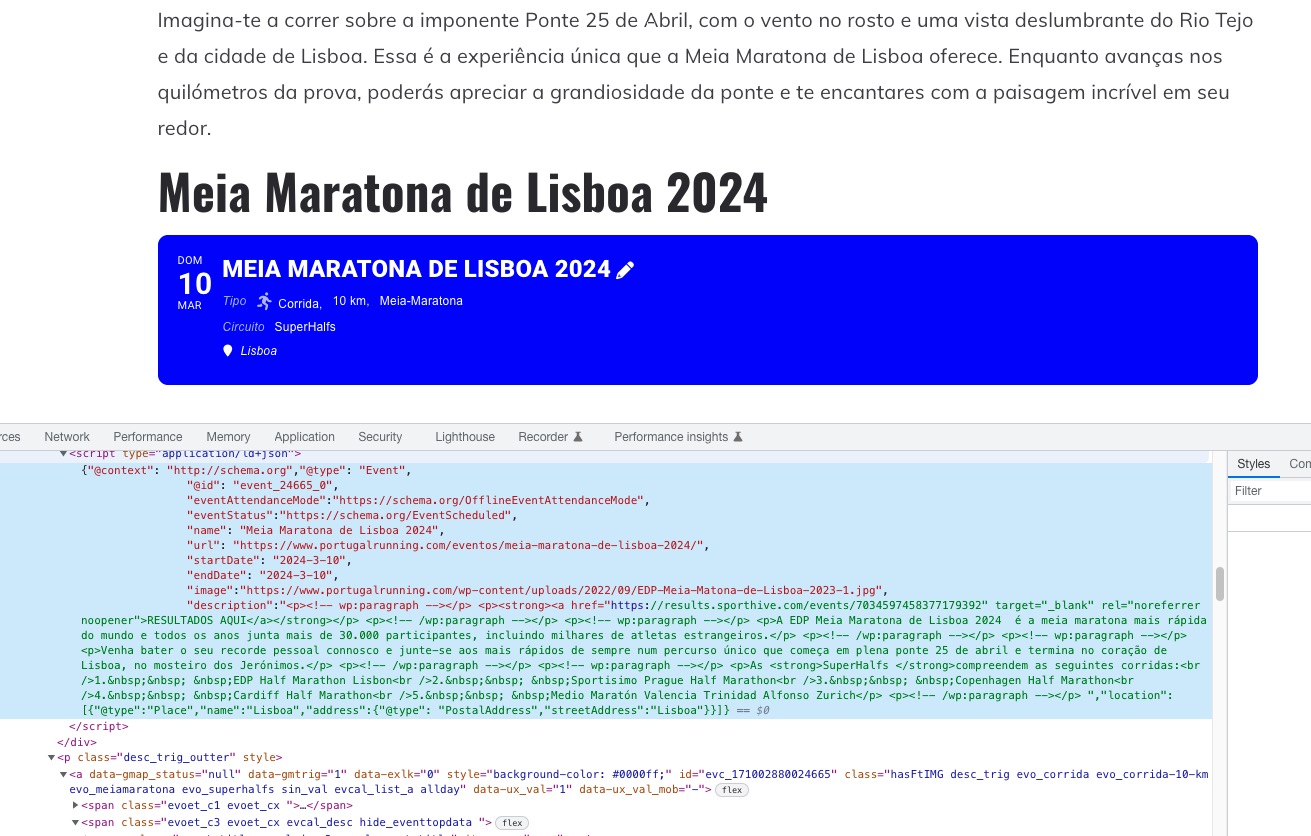
VS Regular mode:
The text on the second screenshot is green because quotes are different for some reason.
Could you please try the instructions mentioned in this documentation to find out which plugin causes this or the theme?