I just tested on my site and it does work though. What did you do to fix?
Archives: Replies
Replies for tickets on suppota
Reply to: tickets(323314)
Can’t get it to show progress https://dev.myeventon.com/events/test-port/
Could be a time issue as I am in Australia?
Reply to: tickets(322553)
It worked but white background isn’t showing. It is transparent so pattern background is visible behind text
Reply to: tickets(323321)
Please try again, this new password: 2oR8YXOq^TmUX8$7^1O9XGCl
Reply to: tickets(323271)
both codes didnt work.
I have 30 events on my slide i want to display 10 and show 5 per time.
Reply to: tickets(323322)
Hello,
Using the provided login info, I can see the Event Color section. Could you let us know which user cannot see it and send us the login info, as a private message, associated with the profile?
Reply to: tickets(323120)
We are glad your issue is resolved, if you have any further questions or concerns please create a new ticket.
If you have a moment, we would greatly appreciate if you could kindly leave us a review at codecanyon! from your account > downloads. Cheers!
Reply to: tickets(323321)
Hello,
I cannot access wp-admin:
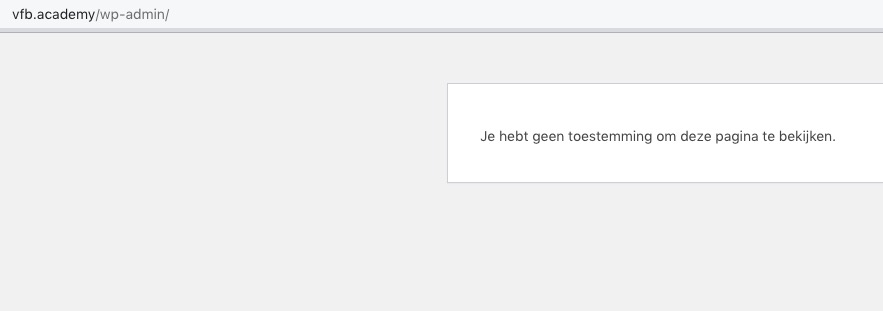
Could you check?
Reply to: tickets(322610)
thank you, My bad, changing the ticket stop selling time fixed that. But I just still need to know if I assign an organiser to 2 events, if an ticket is booked on one of the events will it auto block the time slot in the other event?
Reply to: tickets(323306)
Hello,
I am sorry, the access information you have provided did not work for us. Please check them and post the correct login information as a private message, thank you!
Could you try disabling your cache and CSS files minimizing plugins?