thank you so much, this worked!:)
Archives: Replies
Replies for tickets on suppota
Reply to: tickets(323261)
WP_DEBUG doesn’t show anything, unfortunately.
Reply to: tickets(323261)
In Troubleshooting Mode seems to be working:
https://viborgfolkeuniversitet.dk/wp-admin/site-health.php?tab=troubleshoot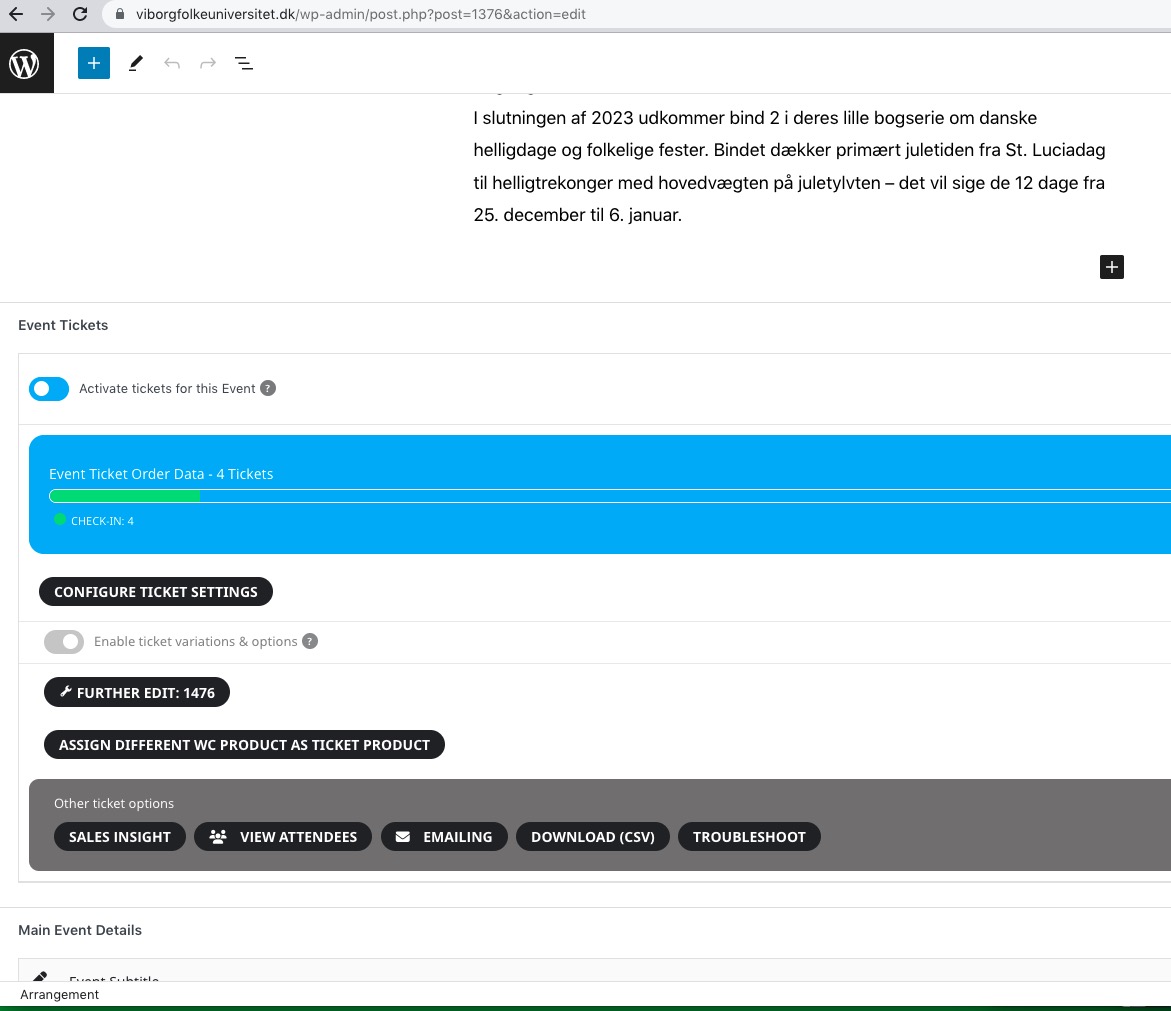
I think that this issue is connected to Avada (the theme or it’s plugins).
Reply to: tickets(322553)
Sorry about that. Please also add this code:
.wrap.evotax_term_card.evotax_term_card { margin: 0 auto; max-width: 1164px; } .archive.tax-event_type_2 .evotax_term_card .td_block_widget, .archive.tax-event_type_2 .evotax_term_card .widget { display: none !important; } .archive.tax-event_type_2 .content-area { width: 100% !important; float: none !important; }
Reply to: tickets(321643)
We are glad your issue is resolved, if you have any further questions or concerns please create a new ticket.
If you have a moment, we would greatly appreciate if you could kindly leave us a review at codecanyon! from your account > downloads. Cheers!
Reply to: tickets(323314)
Test event: https://www.portnow.com.au/wp-admin/post.php?post=8201&action=edit
Reply to: tickets(323314)
Hello,
Seems to be working with a newly created event:
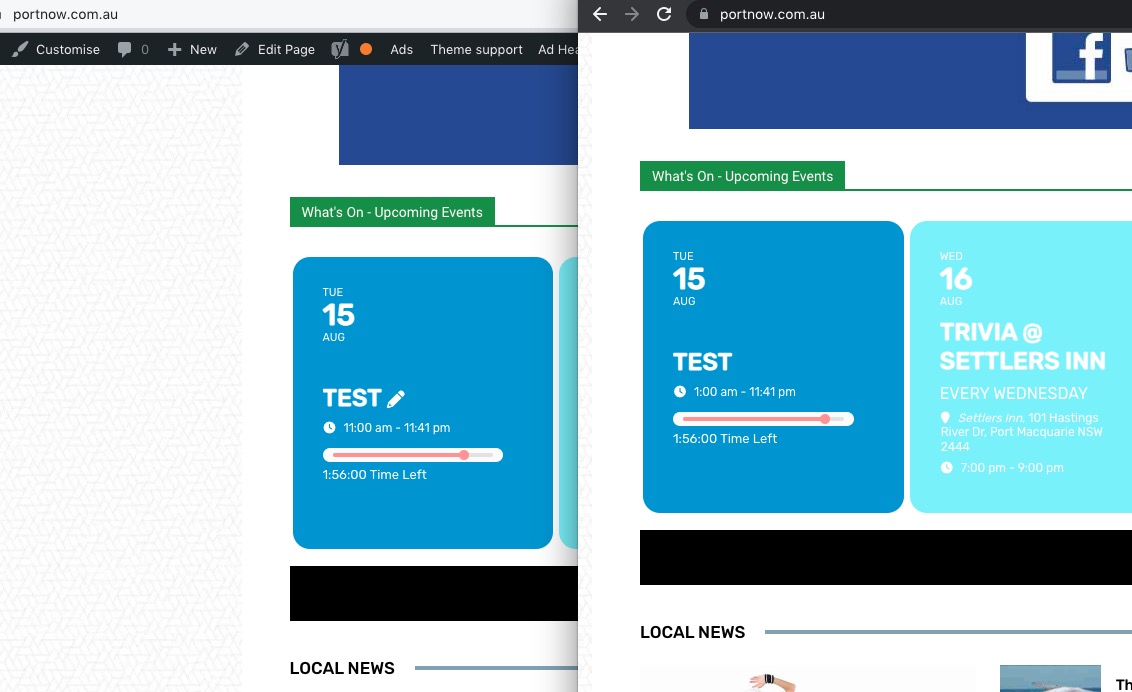
Are you experiencing the same issue on test server:
https://dev.myeventon.com/wp-admin/
Could you try and let us know?
Reply to: tickets(323319)
Hello,
This is WooCommerce’s job. Please take a look at this or similar guide:
https://wpswings.com/blog/make-website-gdpr-compliant/
Reply to: tickets(322770)
I would like to view the email right in the attendee list view
This can only be done through code customization. However please create a new ticket and select Feature Request as category so others can vote on your idea and get it moved into development faster.
There’s no status field (whether the user paid or not yet)
Please take a look at Order Status badge. “Completed” on the picture below:
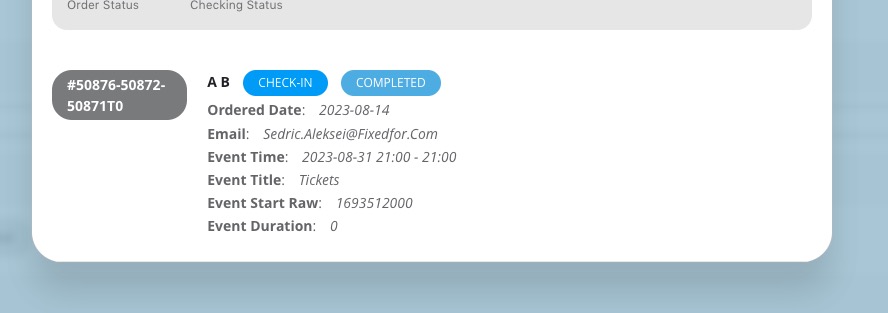
Or customers pay differently for your website?
Reply to: tickets(322770)
Hi, I would like to view the email right in the attendee list view, not in the downloaded csv.
By the way, about the downloaded csv file. There’s no status field (whether the user paid or not yet), could you provide me a step by step instruction. To be honest, I don’t undestand what your link is talking about, where to enter the code, where can I find the field name ? I have no idea of codes.